Audio guestbook for weddings: skip the rental
The audio guestbook has become one of the most requested wedding features of the last few years, and it is easy to see why: instead of a queue of guests writing 'Wishing you every happiness!' into a leather book, you get real voices -- a grandparent telling a story, a best friend halfway through a toast, someone who drove six hours saying the thing they came to say. We have written before about why voice messages are the keepsake couples treasure most; this guide is about the practical side: how to actually set one up.
The standard route is renting a converted retro telephone. A company ships you a vintage handset, guests pick it up and speak after the tone, and the recordings are sent to you afterwards. It works, and the phone looks lovely on a table -- but it is one more vendor to manage, rental packages for a single weekend often cost a few hundred euros, there is exactly one of it (so guests queue or skip it), and if the hardware fails mid-reception there is no plan B.
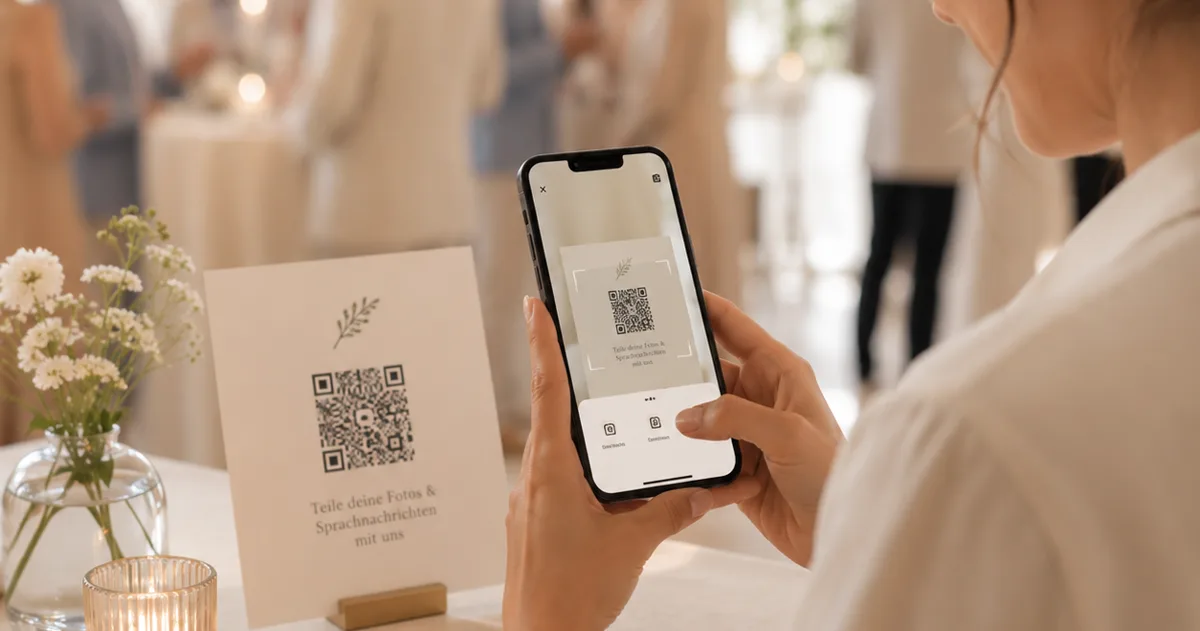
There is a simpler way: let every guest's own phone be the guestbook. With Gathmo, guests scan a QR code on the table, tap the microphone button in their browser, and speak -- no app, no account, no queue, no hardware to rent, return, or worry about. The recordings land in your private album next to the photos and videos, and the whole thing is set up in a few minutes. Here is how.
What you will need
- A free Gathmo account
- A printed QR sign (we generate it for you)
- About 5 minutes
Create your event and turn on voice messages
Create your wedding event in the Gathmo dashboard -- it takes under a minute and needs no credit card. In the sharing settings, make sure voice messages are enabled (most couples turn on photos, video and voice together; they all live in the same album). On the free plan, each voice note can be up to 30 seconds -- the natural length of a wish or a short toast. On paid plans there is no length limit, for the guests who arrive with a whole story to tell.
Set up your audio guestbook station
A rented phone works because it gives the guestbook a place -- so give your QR code one too. A small table near the entrance or the bar, a frame with the sign, a candle, perhaps a photo of the two of you: that is your audio guestbook station, at a fraction of the rental cost. Gathmo generates the print-ready sign for you, as a table card or an A4 poster. And because every guest records on their own phone, ten people can leave messages at the same time -- no queue forms the way it does behind a single handset.
Tell guests what to say (or let them surprise you)
The best audio guestbooks mix the planned and the unplanned. Ask your celebrant or DJ to mention the guestbook once, early in the evening -- one sentence is enough. Some couples add a prompt card next to the sign with three suggestions: a memory of how you met, a piece of marriage advice, a prediction for year ten. Guests who know exactly what they want to say will ignore the prompts; everyone else will be grateful for them.
Listen, moderate, and watch the album grow
Recordings appear in your event dashboard moments after a guest finishes speaking, alongside the photos and videos coming in through the same QR code. Each note arrives in your dashboard for your review before it appears in the shared album -- a sensible default when children or particularly festive friends are in attendance. Many couples save the listening itself for the morning after: coffee, headphones, and an hour of voices is a better debrief than any photo album.
Download every recording and keep it forever
After the wedding, every voice note can be downloaded as a standard audio file -- on paid plans as part of the one-click ZIP export together with all photos and videos, in original quality. Store them with your other irreplaceable things. Photographs tell you what your wedding looked like; these recordings are the only thing that will ever tell you what it sounded like. See what each plan includes for retention windows and export details.
Quick recap
- Create your wedding event and enable voice messages
- Print the QR sign -- table card, A4 poster, or both
- Set up a small guestbook station with a concrete prompt
- Have the DJ or celebrant mention it once, early
- Review incoming notes from your dashboard
- Download every recording after the wedding and back it up
Frequently asked
An audio guestbook collects spoken messages from your wedding guests instead of (or alongside) written ones. Traditionally that meant a converted vintage telephone that records after a beep. With Gathmo, guests scan a QR code and record in their phone's browser instead -- same keepsake, no hardware, and the recordings arrive in your album in real time together with guest photos and videos.
Phone-rental services typically charge a few hundred euros for a wedding weekend, plus shipping and deposit. With Gathmo, the voice guestbook is included on every plan: free for smaller weddings (voice notes up to 30 seconds, up to 100 uploads), and paid plans from EUR 19 remove the caps and add unlimited note length. There is no separate device to rent because guests use their own phones.
No. Guests scan the QR code on your sign and the recording screen opens directly in their browser -- one tap to record, one tap to send. No app, no account, no signup. That is also why participation is so much higher than with a single rented phone: anyone, at any table, can leave a message at any moment of the evening.
On the free plan, up to 30 seconds per note -- the sweet spot for a wish or a short toast. On paid plans there is no length limit, so a parent's full speech or a friend's long story fits comfortably. Most guests naturally land between ten and thirty seconds regardless of the limit.
Of course. Some couples love the look of a vintage phone on the guestbook table and rent one anyway -- the QR code simply runs alongside it, catching everyone who does not want to queue. The recordings from Gathmo land in the same album as your photos and videos, which the rental phone cannot do.
 Guide
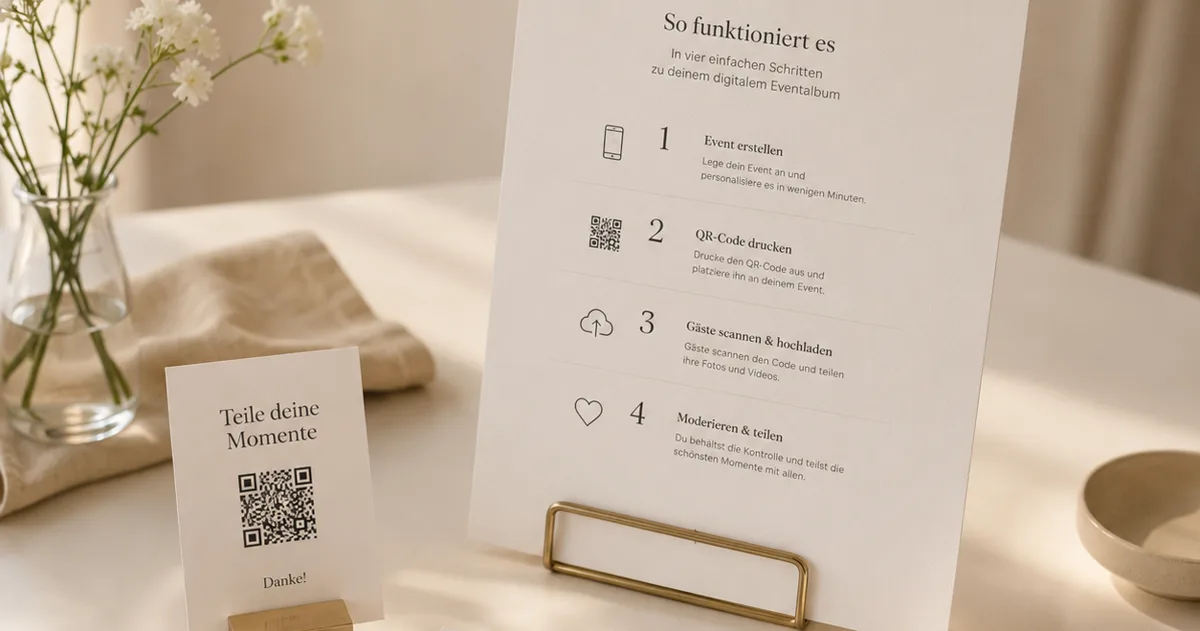
GuideWedding QR codes: invitations, signs and the album
Where a QR code belongs at a wedding -- save-the-dates, invitations, table signs -- and how to set up the photo album behind it.
 Ranking
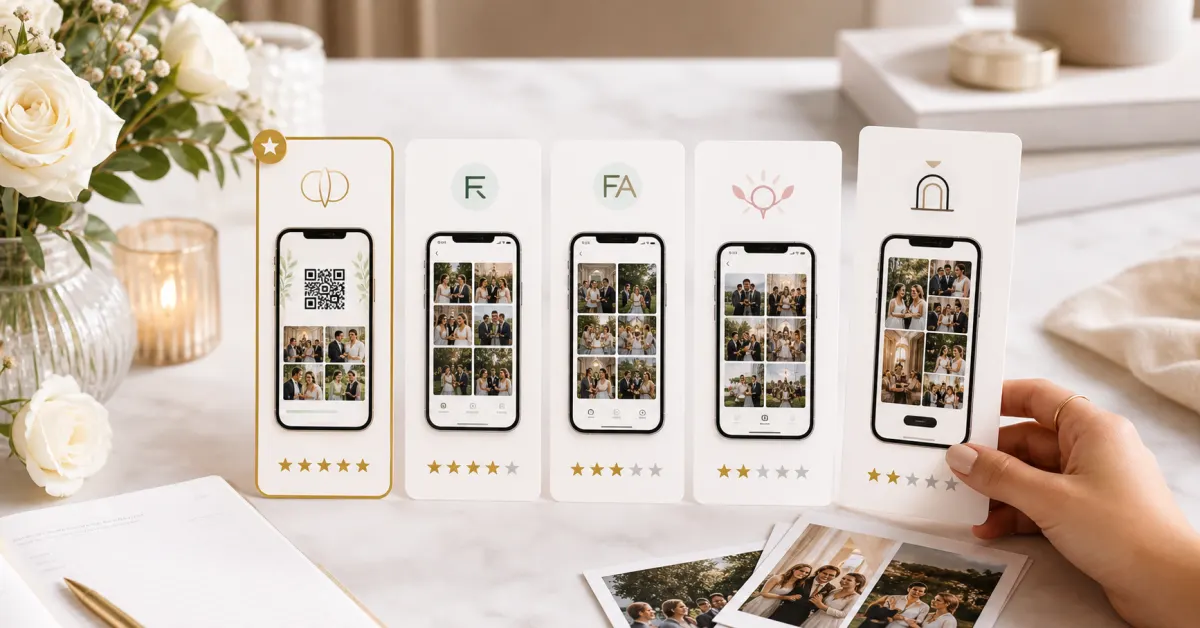
Best wedding guest photo apps of 2026
We compared the wedding guest photo apps couples actually use -- on price, friction, and what you keep afterward. Our ranked best-of for 2026.
 Story
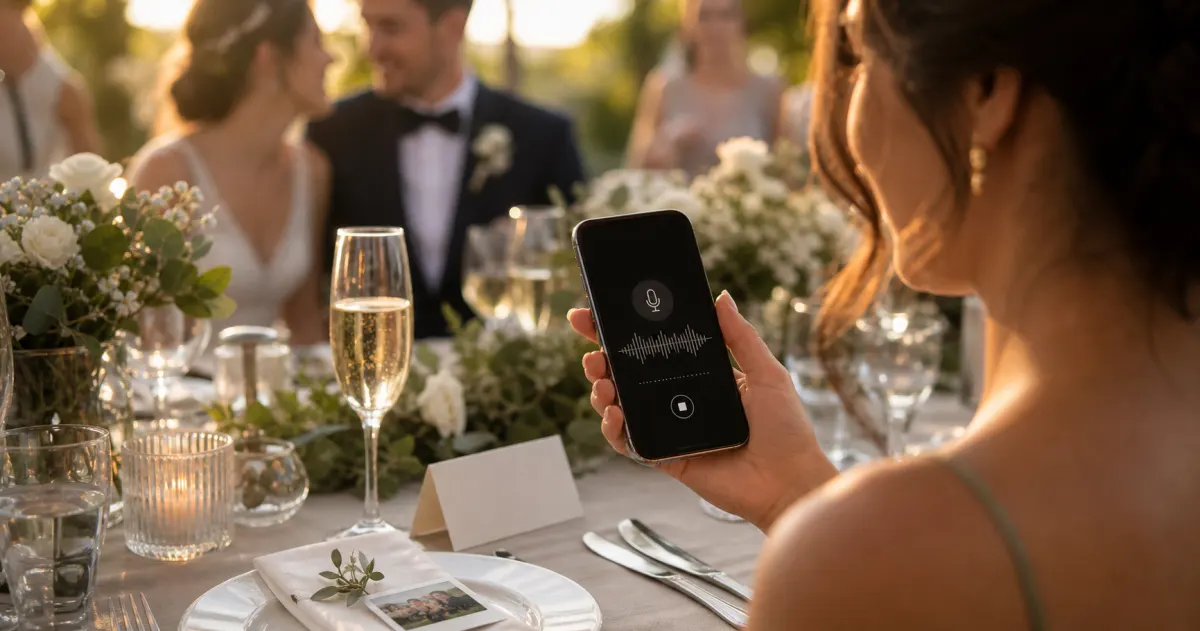
StoryThe most underrated wedding keepsake: guest voice messages
Photos freeze a face; a voice keeps the person. Why recording short voice notes from guests is the memory couples treasure most.