The wedding photo sharing app for everyone who was there.
Print one card and guests scan it — QR code wedding photos, short films, and voice messages, no app, no fuss. Every moment lands in one album that’s yours to keep.
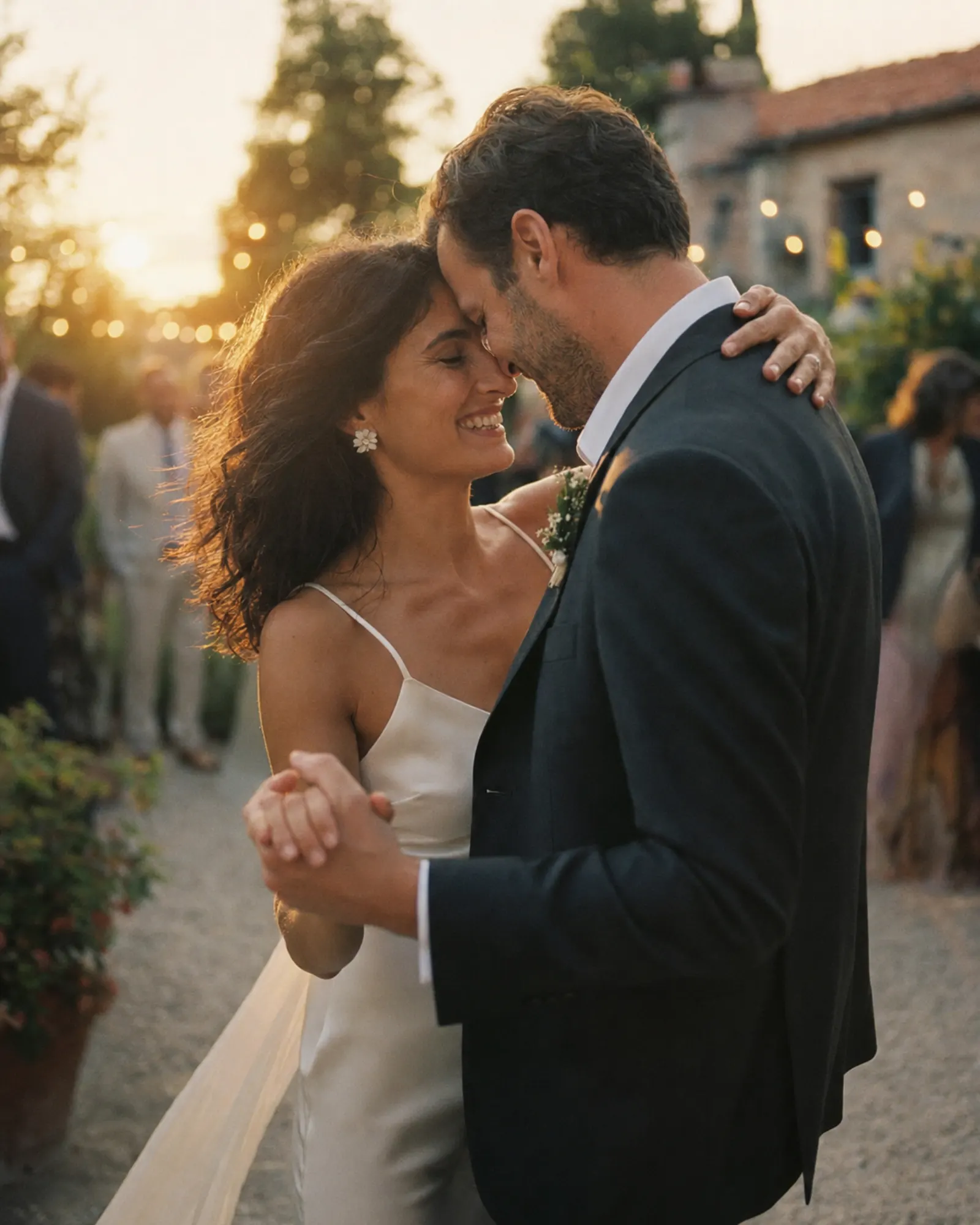


Your wedding is on two hundred phones, and you have seen none of it.
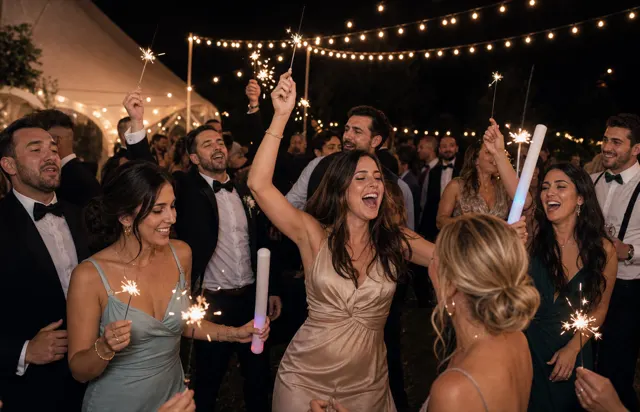
Your photographer catches the day from one angle. Everything else — the toast nobody planned, the dance floor at midnight, your aunt filming with her thumb over the lens — stays on the phone that took it.
Anyone can add to it
It runs in the browser. Grandparents and teenagers alike just tap and go.
You decide what appears
Approve moments before they reach the album or the venue screen.
You keep the originals
Download every file in full quality before the retention window ends.
On every table, a little card.
No printed disposable cameras, no chasing guests for photos weeks later. It happens in the moment.
- 01
They scan
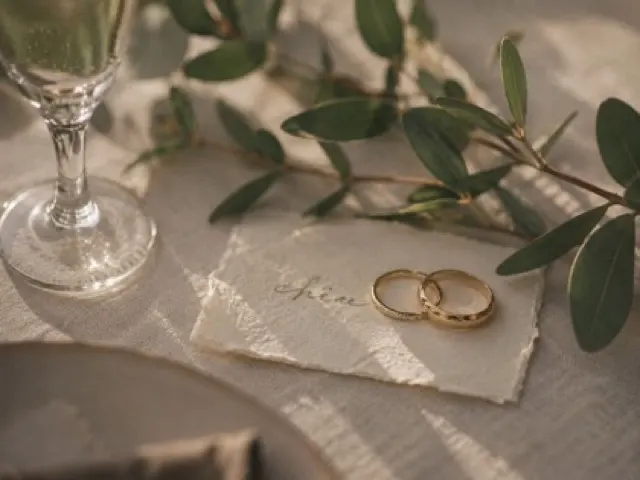
An elegant table card with your names and a QR. Guests tap it and your page opens — nothing to download.
- 02
They share
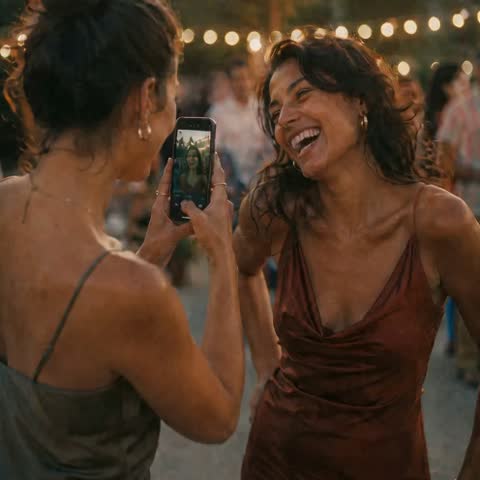
A photo from their seat, a clip of the first dance, or a voice message they’d never have stopped to write down.
- 03
You keep it all
Everything gathers in one private album — hundreds of angles you never saw, and voices you’ll want to hear again.
The speeches end. The voices don’t. A photo shows how the day looked — a voice message keeps how it felt.
Your guests get the whole album — and can download it.
- Photos, videos and voice messages, all on one page.
- Guests open the link and download whatever they want.
- Public, or behind a password — you decide.
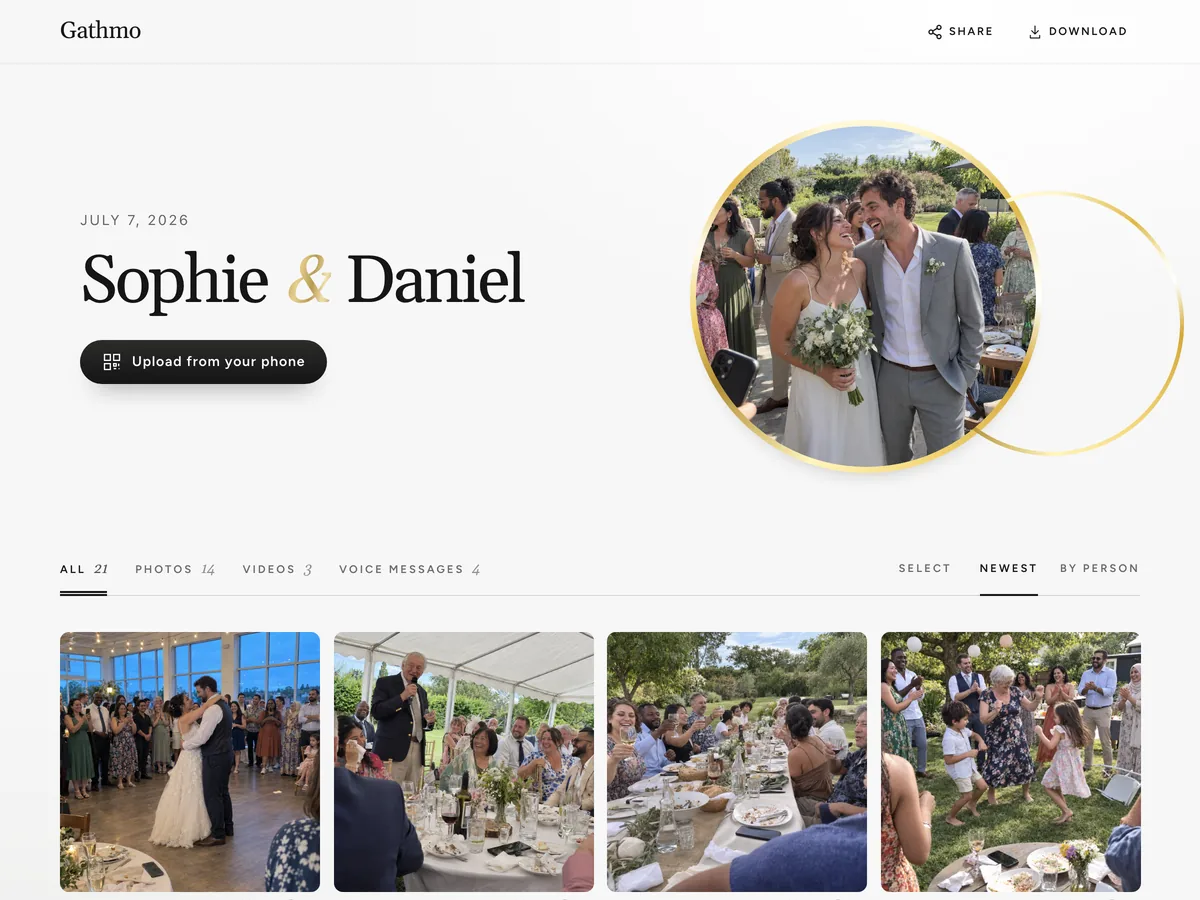
Every guest’s view, in one place.
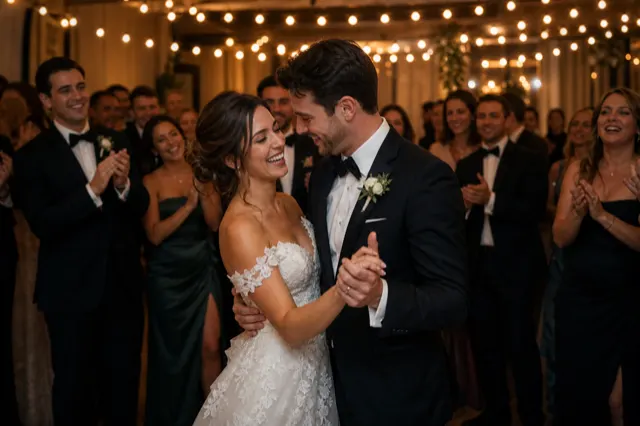
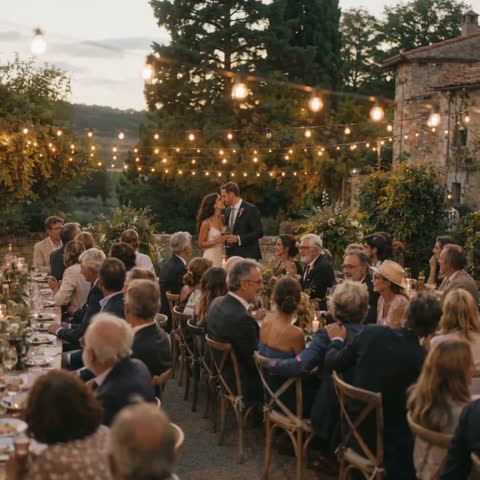
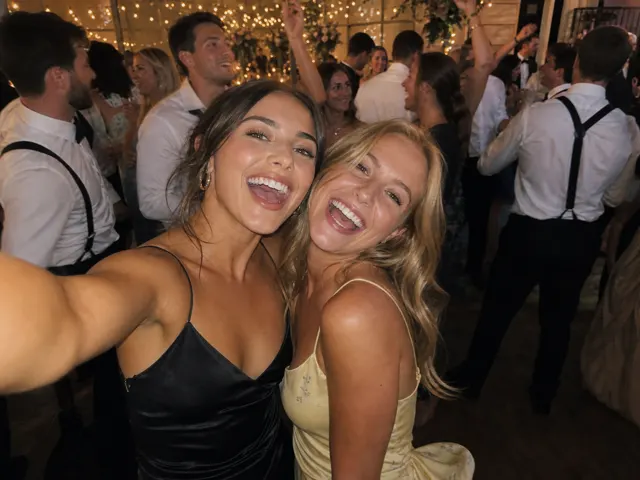
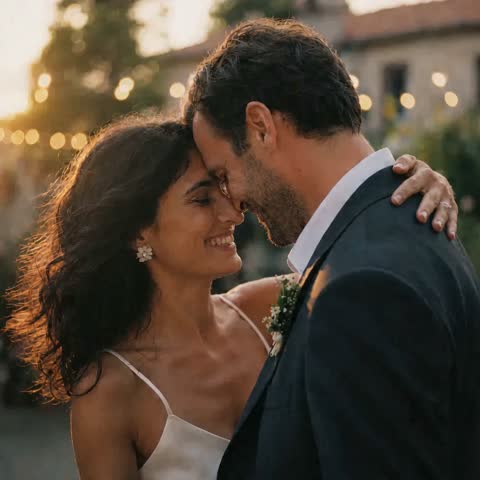
Curate it, play the voice messages back, and download every original. Drop your favourite photos in below.



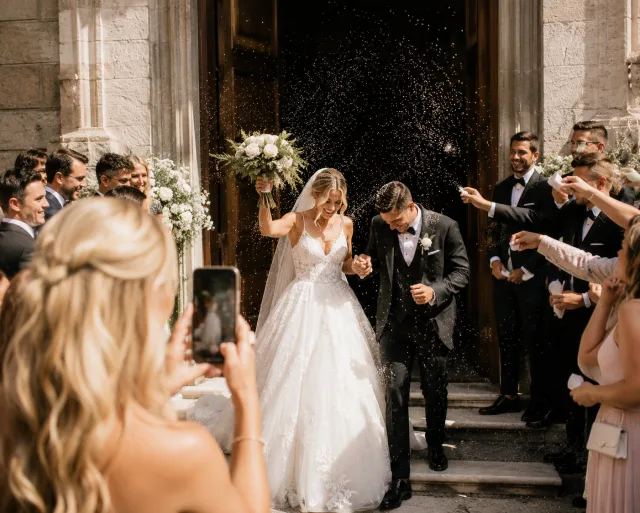
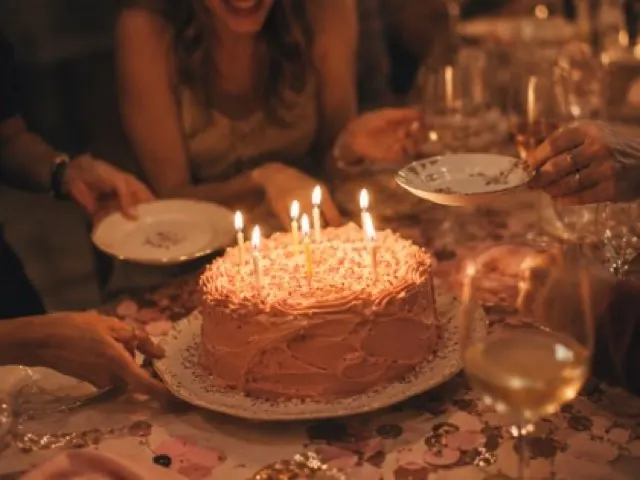

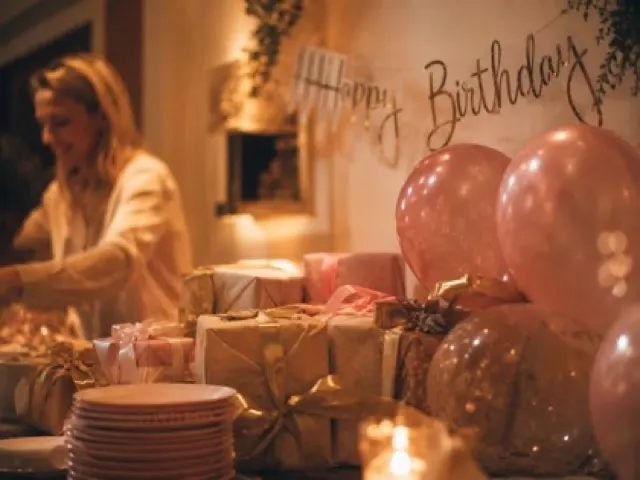
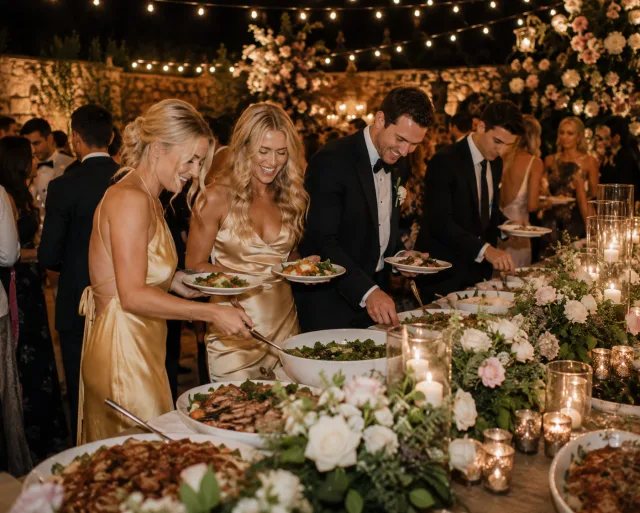
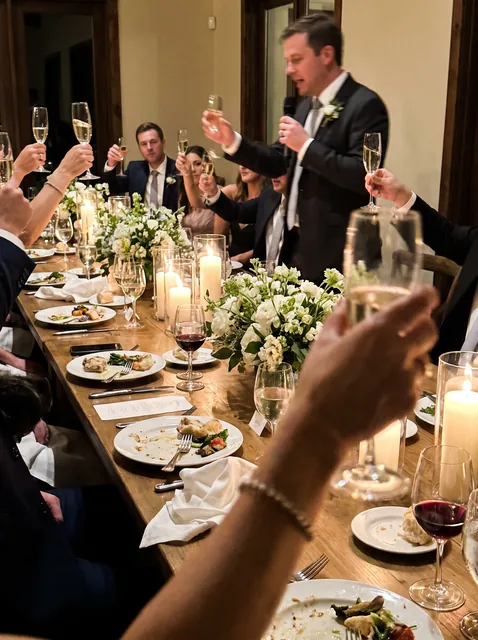
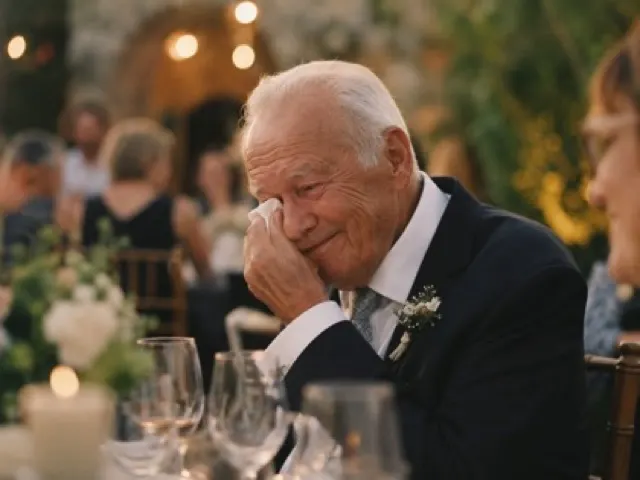

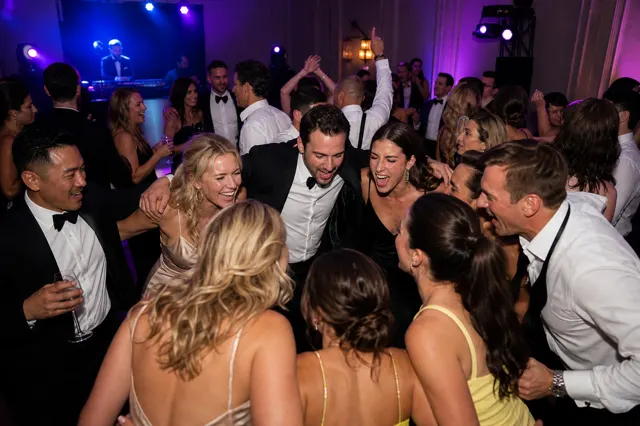
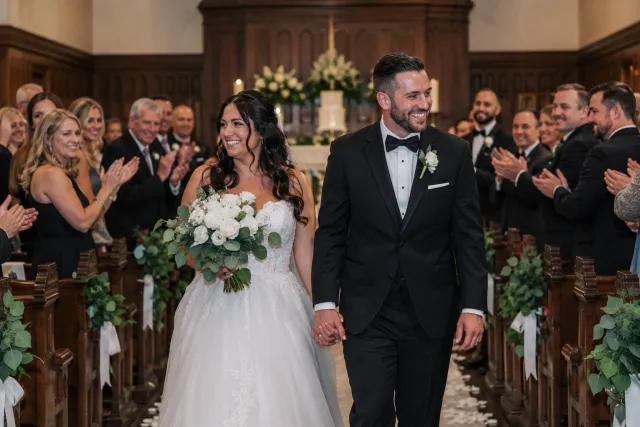



Hosts and guests, in their own words
Hearing my grandmother’s voice saying what she wished for us — that’s the file I’ll never delete.
 Sofia Almeida
My 78-year-old aunt used it without asking me a single question.
 Daniel Okafor
By the end of the night we had hundreds of photos from angles our photographer never could have caught.
 Mareike Vogel
It became part of the entertainment, not just a way to collect files.
 Lena Brandt
From $49. Pay once, per event.
No subscription for hosts. Free to start, upgrade only when you need more.
- 60 photos, videos & voice notes
- 5 GB storage included
- Unlimited guests — no app needed
- 30 days album
- Video up to 30 sec · voice 30 sec
- No Gathmo badge on your media
- No original-quality download
- Unlimited photos, videos & voice
- 50 GB storage included
- Download all originals (ZIP)
- No Gathmo badge on your media
- 90 days album
- Video up to 5 min · voice Unlimited
- Host moderation tools
- Everything in Essential
- 100 GB storage included
- Live photo wall at the venue
- 6 months album
- Video up to 10 min · voice Unlimited
- Priority support
- Everything in Celebrate
- 250 GB storage included
- Live stream for guests who can’t attend
- Voice messages transcribed for you
- Custom link — gathmo.com/c/your-name
- 1 year album
- Video up to 15 min · voice Unlimited
Wedding photo sharing, answered.
You create your album, print the table cards with your QR code, and guests scan it with their phone camera. Your album page opens right away, and every photo, video and voice message lands in one private album — in full resolution.
No. The album opens in the phone's browser after one scan — nothing to download, no account and no sign-up for guests.
Creating your album and preparing the QR code is free. You pay once — no subscription — when you're ready to open the album to your guests.
The Grand album stays available for one year. Download every original before the retention window ends.
Yes — alongside photos and videos, guests can record voice messages from their seat. Together they become an audio guest book you can replay any time; the Grand album adds automatic transcripts.
Yes. Everything your guests add stays in full resolution, and you download the originals — not compressed copies. Do it before your album's retention window ends.
You decide what appears — remove anything and it is gone from the album for everyone. The album is private either way: it opens through your code or your share link, never a public feed.
Setting up the album takes about two minutes, so there is no rush. Print the table cards a week or two ahead, so the QR code is on every table before the first guest sits down.
Your day is coming. Don’t let a single voice slip away.
Set it up in two minutes. Add the cards to your tables. Then simply be in it.