A QR code for photos every guest can use — without an app
One code, one scan, and the pictures from everyone in the room collect in a single shared gallery — no app download, no guest account, and no chasing people for photos a week later.
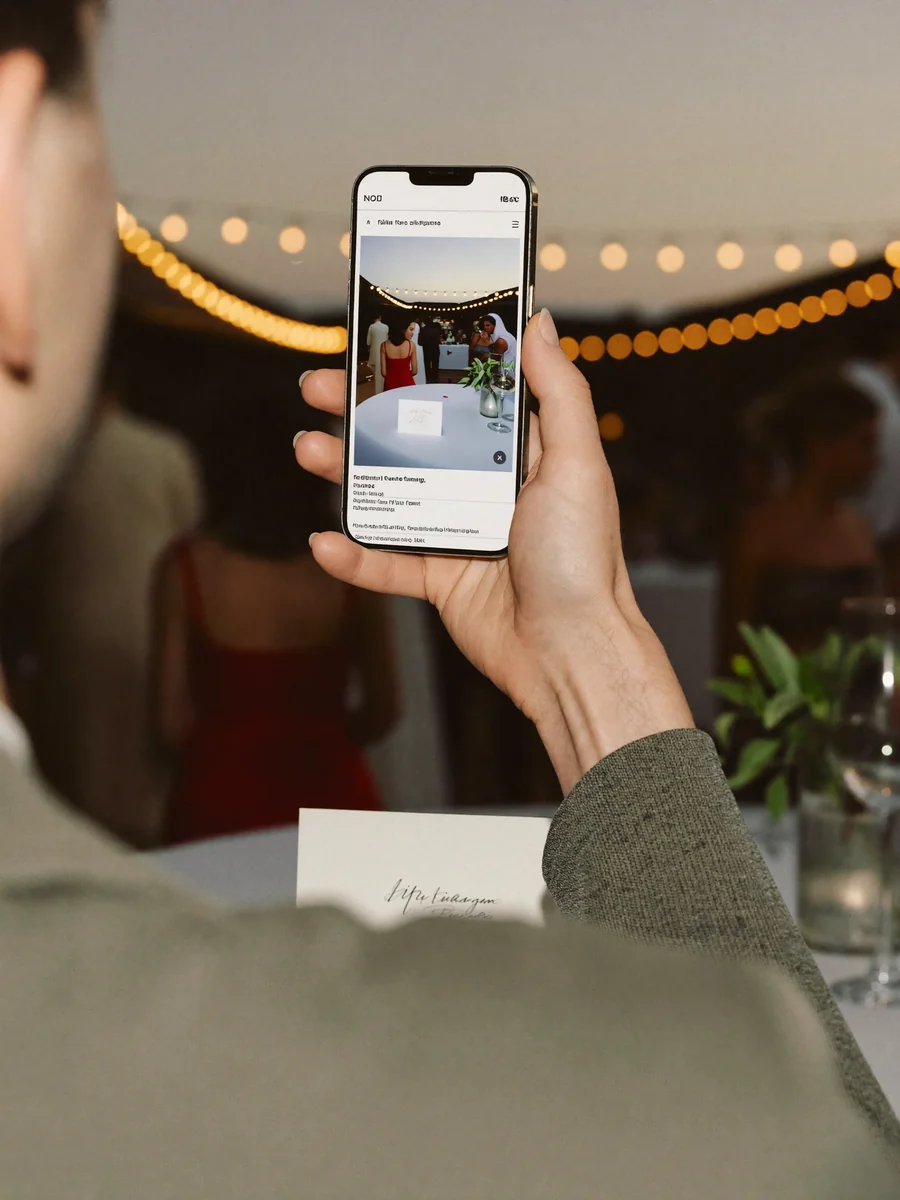


One app too many
Every extra step costs you guests: the download, the sign-up, the permissions. By the time the album is ready, half the room never joined it.
“An app? My phone says storage is full.”
“Which password do I need for this?”
“I’ll install it later, promise.”
Scan the QR code. Done.
The camera is the only app anyone needs — the code opens the album right in the browser.
Scan, shoot, share
Create the event
Choose a name and a look. Your private guest link and QR code are ready in about two minutes.
Print or display the code
Put the QR code on table cards, a welcome sign, name badges, or a screen — anywhere a phone camera can reach it.
Collect, moderate, download
Uploads appear in your album as they arrive. Approve what goes on screen, then download everything afterwards.
How this differs from Google Photos, Dropbox, and photo apps
You can collect pictures with Google Photos or Dropbox too — it is just awkward: accounts, shared folders, confused guests. A QR code turns all of that into a single scan.
| Google Photos / Dropbox | Photo apps | Gathmo | |
|---|---|---|---|
| Guest account | required | required | none |
| App download | — | required | none |
| Setup | fiddly | installation | scan and done |
| Data location | US cloud | varies | EU / GDPR |
With Gathmo your guests scan a code — that is the whole instruction. No account, no app, nothing to explain.
Your guests get the whole album — and can download it.
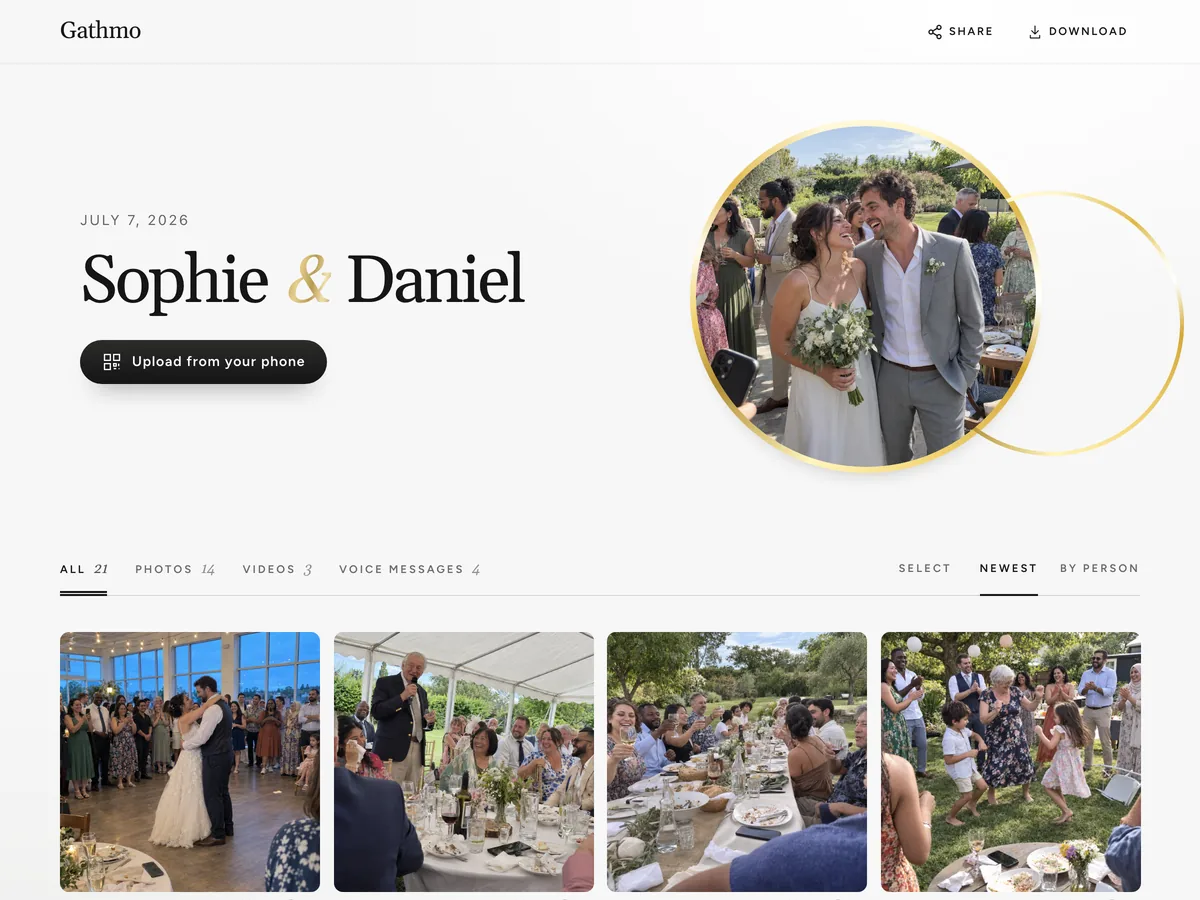
- Photos, videos and voice messages, all on one page.
- Guests open the link and download whatever they want.
- Public, or behind a password — you decide.
Why share pictures with a QR code?
Guests share pictures by QR code, not by app
The code opens an upload page in the phone browser. No download, no sign-up, no password to remember — which is usually what decides whether people contribute at all.
One QR code photo album, not five group chats
Photos, short videos, and voice messages from every guest collect in the same place, at their original resolution rather than compressed by a messaging app.
You decide what appears and how long it stays
Review uploads before they reach a live wall, set the retention period, and download the whole collection when the event is over.
Hosts and guests, in their own words
Hearing my grandmother’s voice saying what she wished for us — that’s the file I’ll never delete.
My 78-year-old aunt used it without asking me a single question.
By the end of the night we had hundreds of photos from angles our photographer never could have caught.
From $49. Pay once, per event.
No subscription for hosts. Free to start, upgrade only when you need more.
- 60 photos, videos & voice notes
- 5 GB storage included
- Unlimited guests — no app needed
- 30 days album
- Video up to 30 sec · voice 30 sec
- No Gathmo badge on your media
- No original-quality download
- Unlimited photos, videos & voice
- 50 GB storage included
- Download all originals (ZIP)
- No Gathmo badge on your media
- 90 days album
- Video up to 5 min · voice Unlimited
- Host moderation tools
- Everything in Essential
- 100 GB storage included
- Live photo wall at the venue
- 6 months album
- Video up to 10 min · voice Unlimited
- Priority support
- Everything in Celebrate
- 250 GB storage included
- Live stream for guests who can’t attend
- Voice messages transcribed for you
- Custom link — gathmo.com/c/your-name
- 1 year album
- Video up to 15 min · voice Unlimited
QR code for photos — frequently asked questions
Create an event, download the QR code or the printable sign, and put it where guests will see it. They scan it and upload — no app involved. Setup takes about two minutes.
You can create an event and test the whole guest flow on the free plan: 60 uploads, 30 days of retention, no card required. Larger events move to a paid plan — current inclusions are on the pricing page.
No. The phone camera recognises the code and opens the upload page in the browser. There is no download and no guest account.
Wherever guests already look: table cards, a welcome sign at the entrance, the back of the menu, name badges, or on a screen between slides. More placements mean more uploads.
Yes. The same code opens one upload page that accepts photos, short videos, and voice messages, and all of them land in the same album.
Only people with your private album link. Nothing is published to a public feed, and you set how long the media is kept before it is deleted.
Yes. It opens an ordinary web page, so it works in any modern phone browser instead of being tied to one device ecosystem.
Yes. You download the code or a ready-made printable sign and print it at home or at any print shop — paper, table cards or stickers all work.
Each event has its own code and its own album, so collections never mix. Pricing is per event, and the free plan lets you test the flow first.

Print one QR code and stop chasing photos
Create a free event, print the code, and walk through the guest flow on your own phone before anyone arrives.