Turn guest uploads into part of the event
Guests scan and upload. You moderate. Approved photos and videos appear on the venue screen — with no guest app required.



From guest phone to venue screen in four steps
The upload flow and display are separate views. Guests use their phones; your venue opens the wall in a browser on a TV, projector, or event screen. Moderation sits between them when you want control.
Watch new moments join the wall
This is a product demonstration using sample media — not footage from a Gathmo customer event.

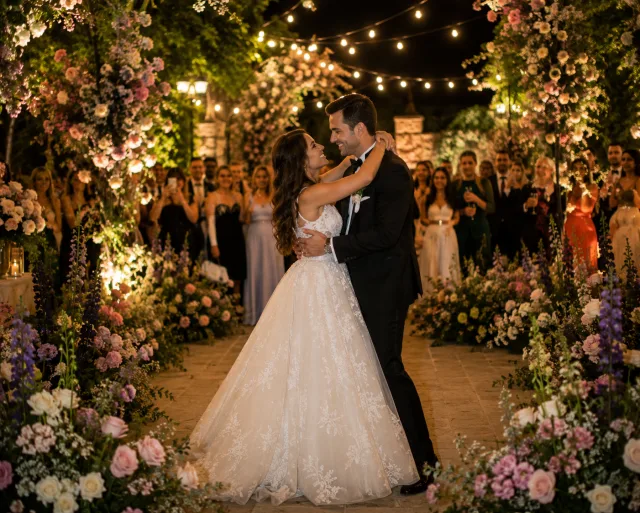



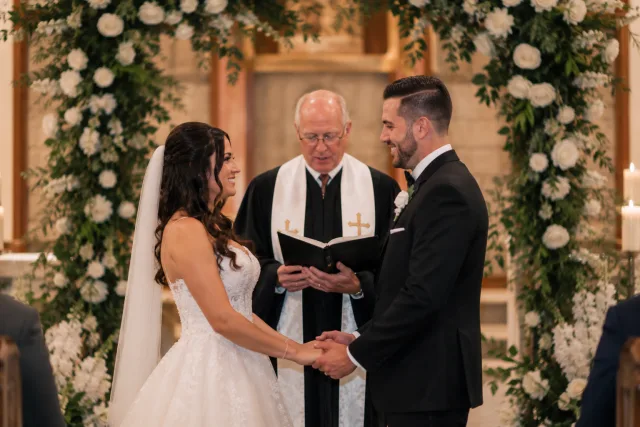



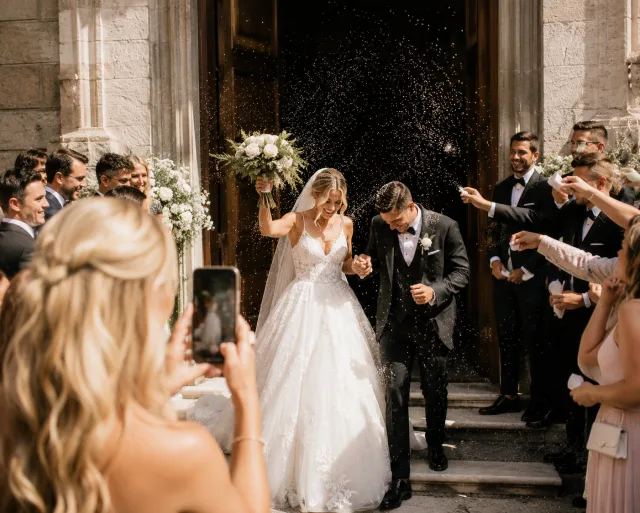








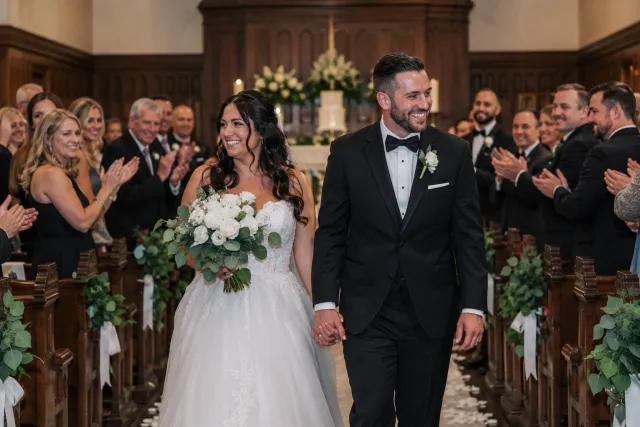

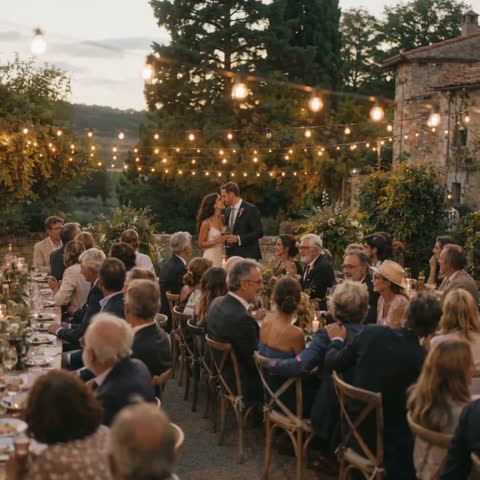






Made for the room
Browser-based display
Open the wall on a laptop or compatible smart TV, then connect to a TV, projector, LED wall, or venue screen.
Moderation before display
Review guest uploads before they enter the live rotation, or adjust the workflow to suit your event.
Photos and video
Keep the wall moving with a visual mix rather than a static slideshow assembled before the event.
The live photo wall flow
- 01
Create your event
Choose a name and look. Your private guest link and QR code are ready in about two minutes.
- 02
Guests scan and share
No app download or guest account. They add photos, short videos, and voice messages in their browser.
- 03
Keep everything together
Review uploads, show approved moments on the live wall, and download the collection.
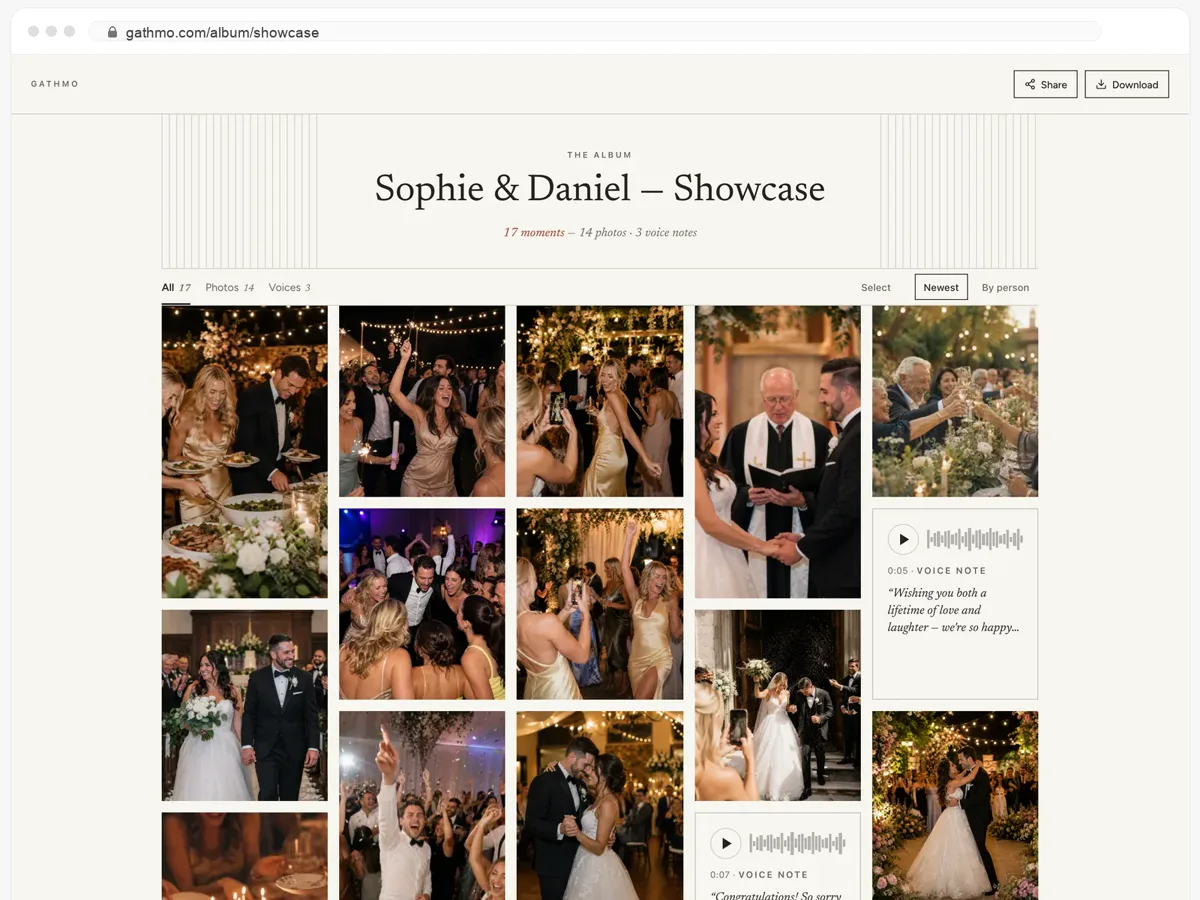
Your guests get the whole album — and can download it.
- Photos, videos and voice messages, all on one page.
- Guests open the link and download whatever they want.
- Public, or behind a password — you decide.
From $49. Pay once, per event.
No subscription for hosts. Free to start, upgrade only when you need more.
- 60 photos, videos & voice notes
- 5 GB storage included
- Unlimited guests — no app needed
- 30 days album
- Video up to 30 sec · voice 30 sec
- No Gathmo badge on your media
- No original-quality download
- Unlimited photos, videos & voice
- 50 GB storage included
- Download all originals (ZIP)
- No Gathmo badge on your media
- 90 days album
- Video up to 5 min · voice Unlimited
- Host moderation tools
- Everything in Essential
- 100 GB storage included
- Live photo wall at the venue
- 6 months album
- Video up to 10 min · voice Unlimited
- Priority support
- Everything in Celebrate
- 250 GB storage included
- Live stream for guests who can’t attend
- Voice messages transcribed for you
- Custom link — gathmo.com/c/your-name
- 1 year album
- Video up to 15 min · voice Unlimited
Live photo wall FAQ
A laptop or compatible browser device plus a TV, projector, LED wall, or venue screen. Confirm the venue’s HDMI, casting, resolution, and internet setup before the event.
Yes. Moderation lets an organizer review uploads before placing them into the live display.
The live photo wall begins with the Celebrate plan. The free plan is useful for testing guest uploads; compare current inclusions on the pricing page before your event.
Put the room inside the story
Create the event, test the wall on your actual screen, and confirm the venue setup before guests arrive.