Give your guests something to photograph
A photo challenge turns the people who would have watched into the people who took the picture. Guests scan one code, get their tasks, and everything they shoot arrives in the same album.
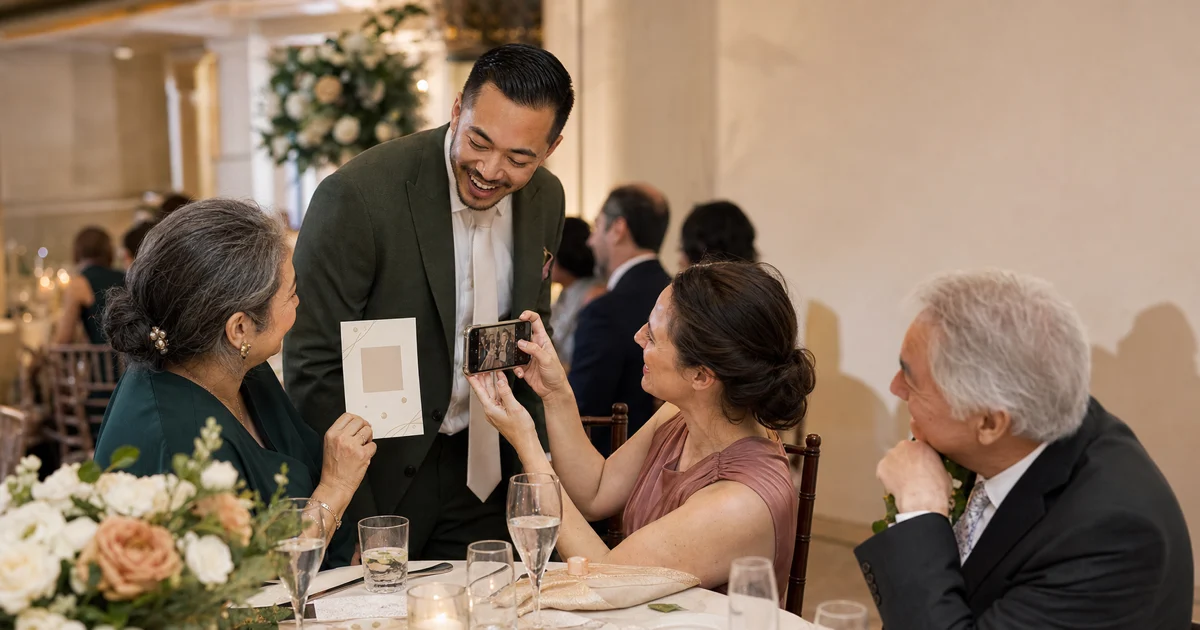


What a wedding photo challenge is
A short list of things for guests to photograph during the day — the two of you from across the room, someone crying, the oldest guest dancing. It works because most guests want to help and do not know how. The list gives them permission. The only hard part is getting the photos back, which is what the QR code below is for.
Why it works
It reaches the angles you paid nobody to cover
Your photographer is where the ceremony is. Your guests are everywhere else — at the tables, in the smoking area, in the kitchen with your aunt. A challenge points them at the moments nobody was booked to capture.
Shy guests get a script
Handing someone a task is easier than asking them to mingle. "Photograph the table next to you" gives a guest a reason to turn around and say hello.
The photos come back
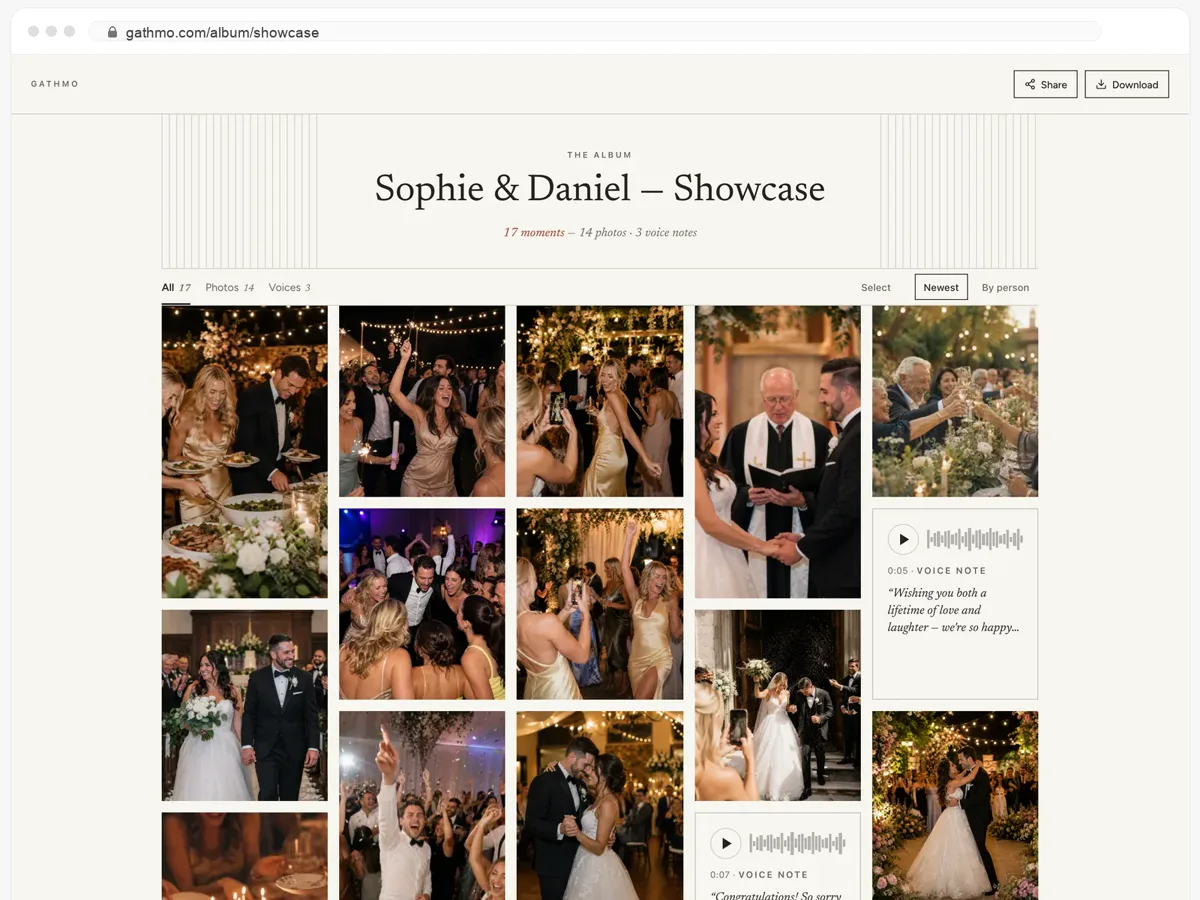
The usual ending is a challenge card on the table and photos that stay on forty phones. One QR code, no app, no sign-up — guests upload straight into your album, photos, videos and voice messages together.
You read it afterwards, not during
Nothing to collect on the night. Everything is in one album when you are back from honeymoon and finally want to look.
Setting one up
- 01
Pick the tasks
Eight to twelve is the sweet spot. Fewer and it is over before dinner; more and nobody finishes. Mix easy ones with one or two that need courage.
- 02
Put them where the guests are
On the table cards, on the back of the menu, on a sign by the door. Next to each list, the QR code that opens your album.
- 03
Let them upload as they go
A guest scans, shoots, and sends. No account, no download. They can add a voice message if they would rather say it than write it.
- 04
Share the album back
One link to everyone afterwards. They see what the other tables were doing all evening.
Your guests get the whole album — and can download it.
- Photos, videos and voice messages, all on one page.
- Guests open the link and download whatever they want.
- Public, or behind a password — you decide.
From $49. Pay once, per event.
No subscription for hosts. Free to start, upgrade only when you need more.
- 60 photos, videos & voice notes
- 5 GB storage included
- Unlimited guests — no app needed
- 30 days album
- Video up to 30 sec · voice 30 sec
- No Gathmo badge on your media
- No original-quality download
- Unlimited photos, videos & voice
- 50 GB storage included
- Download all originals (ZIP)
- No Gathmo badge on your media
- 90 days album
- Video up to 5 min · voice Unlimited
- Host moderation tools
- Everything in Essential
- 100 GB storage included
- Live photo wall at the venue
- 6 months album
- Video up to 10 min · voice Unlimited
- Priority support
- Everything in Celebrate
- 250 GB storage included
- Live stream for guests who can’t attend
- Voice messages transcribed for you
- Custom link — gathmo.com/c/your-name
- 1 year album
- Video up to 15 min · voice Unlimited
Questions people ask
No. The QR code opens a page in the browser they already have. There is no app and no sign-up, which is the whole reason the photos come back.
Eight to twelve. Long enough to last the evening, short enough that a guest reads the whole list rather than skimming it and doing none.
Yes — photos, videos and voice messages all arrive in the same album. Some of the best entries are ten seconds of someone talking rather than a picture.
You can review uploads before they appear, and you can hide anything afterwards. Nothing is public unless you share the link.
No. Uploads are unlimited, and you get the original files rather than a compressed copy.
Set the tasks. Collect the answers.
Create the album, print the QR code next to your list, and let your guests do the rest.