A photo album your guests fill by scanning a code
You end up with one album: every photo and video from everyone who was there, at the quality it was taken, in a place that is yours to keep and download. Guests scan and upload — nobody installs anything.
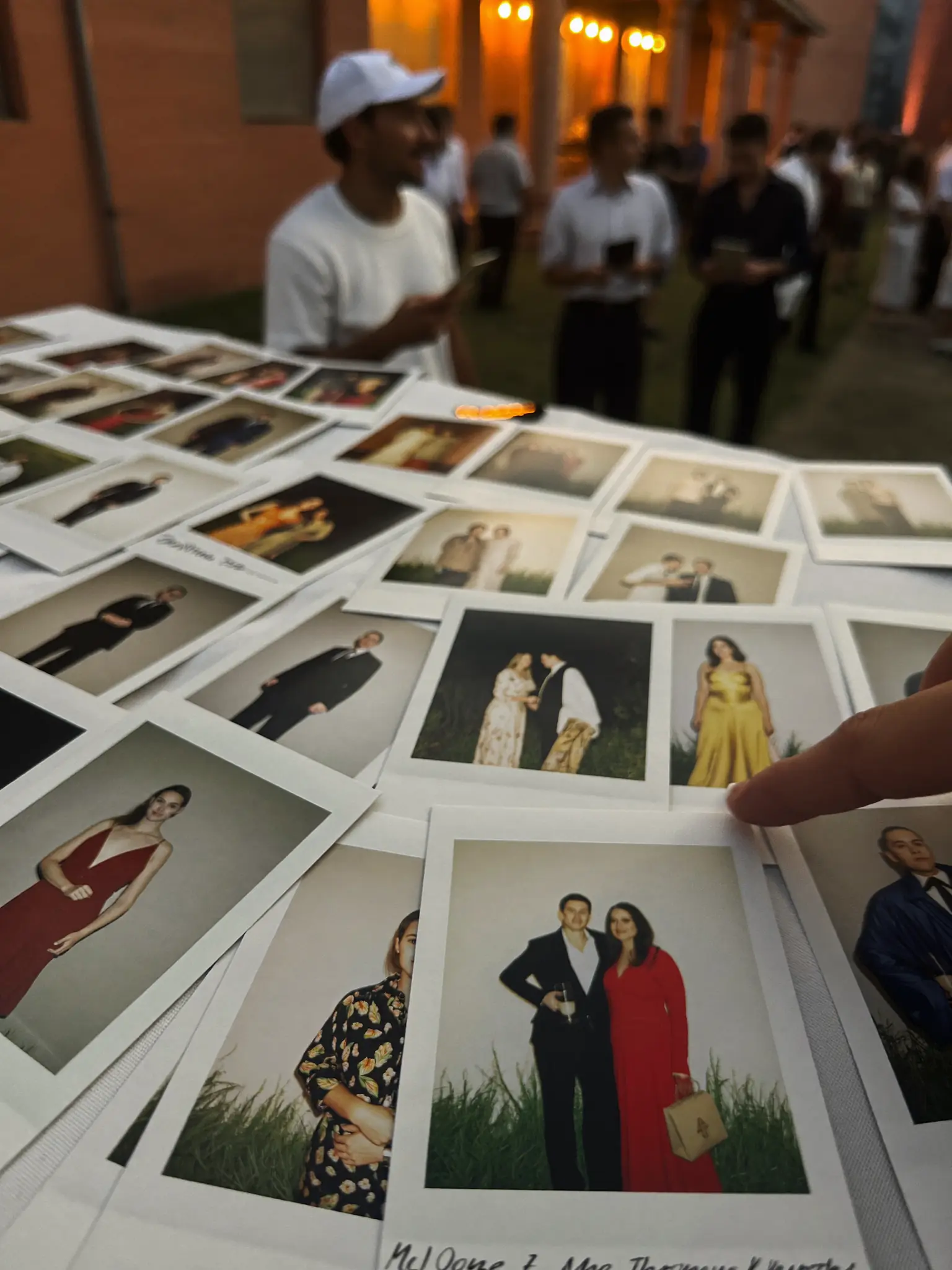


Everyone has a piece of the night. Nobody has the album.
A few photos land in the group chat, a few more stay in camera rolls, one person emails a folder nobody opens. Six months later there is no single place to look.


One album. Every photo in it.
Guests scan one code and their photos land straight in your album — no app, no accounts, nothing to collect afterwards.


Your album
How the album fills up
Create the album
Give it a name and a date. That is the whole setup — the album exists straight away and its code is ready to print.
Show the code
Put it on a sign, a table card or the screen. Guests scan with the phone camera and the upload page opens in their browser.
Keep everything
Photos and videos appear in the album as they arrive, and you can download the lot in full quality whenever you like.
Your guests get the whole album — and can download it.
- Photos, videos and voice messages, all on one page.
- Guests open the link and download whatever they want.
- Public, or behind a password — you decide.
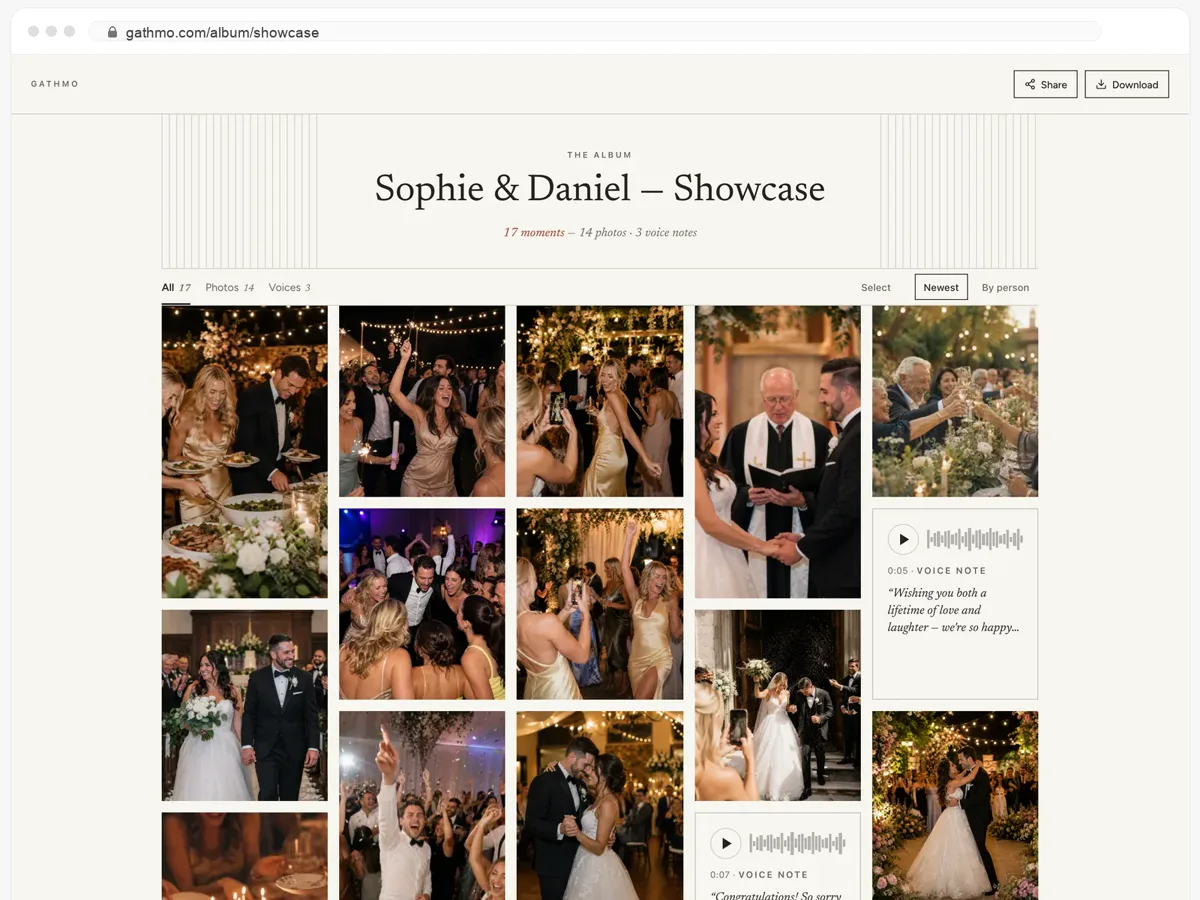
What you actually end up with
One album, not twelve group chats
Pictures from every guest land in the same place instead of scattering across messages, drives and feeds you have to go hunting through a week later.
Originals, not compressed copies
Every photo and video is kept at the quality it was taken, and you can download the whole album — not the shrunken versions a messaging app leaves behind.
Yours to keep, private by default
The album is not a public feed. Only people with your code or link can open it, you decide what stays in it, and it does not vanish when someone clears a chat.
Hosts and guests, in their own words
Hearing my grandmother’s voice saying what she wished for us — that’s the file I’ll never delete.
My 78-year-old aunt used it without asking me a single question.
By the end of the night we had hundreds of photos from angles our photographer never could have caught.
From $49. Pay once, per event.
No subscription for hosts. Free to start, upgrade only when you need more.
- 60 photos, videos & voice notes
- 5 GB storage included
- Unlimited guests — no app needed
- 30 days album
- Video up to 30 sec · voice 30 sec
- No Gathmo badge on your media
- No original-quality download
- Unlimited photos, videos & voice
- 50 GB storage included
- Download all originals (ZIP)
- No Gathmo badge on your media
- 90 days album
- Video up to 5 min · voice Unlimited
- Host moderation tools
- Everything in Essential
- 100 GB storage included
- Live photo wall at the venue
- 6 months album
- Video up to 10 min · voice Unlimited
- Priority support
- Everything in Celebrate
- 250 GB storage included
- Live stream for guests who can’t attend
- Voice messages transcribed for you
- Custom link — gathmo.com/c/your-name
- 1 year album
- Video up to 15 min · voice Unlimited
Questions about QR code photo albums
No. Scanning the code opens an upload page in the phone browser. Nothing to install and no account to create — which is the single biggest reason guests actually upload.
Yes, at any time, at the quality the files were uploaded. You get the originals rather than compressed previews.
Only people who have the code or the link. Nothing is posted to a public feed or picked up by search engines, and you can remove anything you would rather not keep.
Well past the day itself — long enough to collect the stragglers, download everything and share it with people who missed it. The exact window depends on your plan.
Yes. Videos upload the same way as pictures, straight from the phone.
You can remove any item, and you can require your approval before an upload becomes visible to everyone else.
Yes. The same code works for every guest and can be scanned any number of times — print it once and put it where people will see it.
Start the album before the day, not after it
Create it in a couple of minutes, print the code, and let the people who were there fill it.