Team Building Photography Without a Photographer

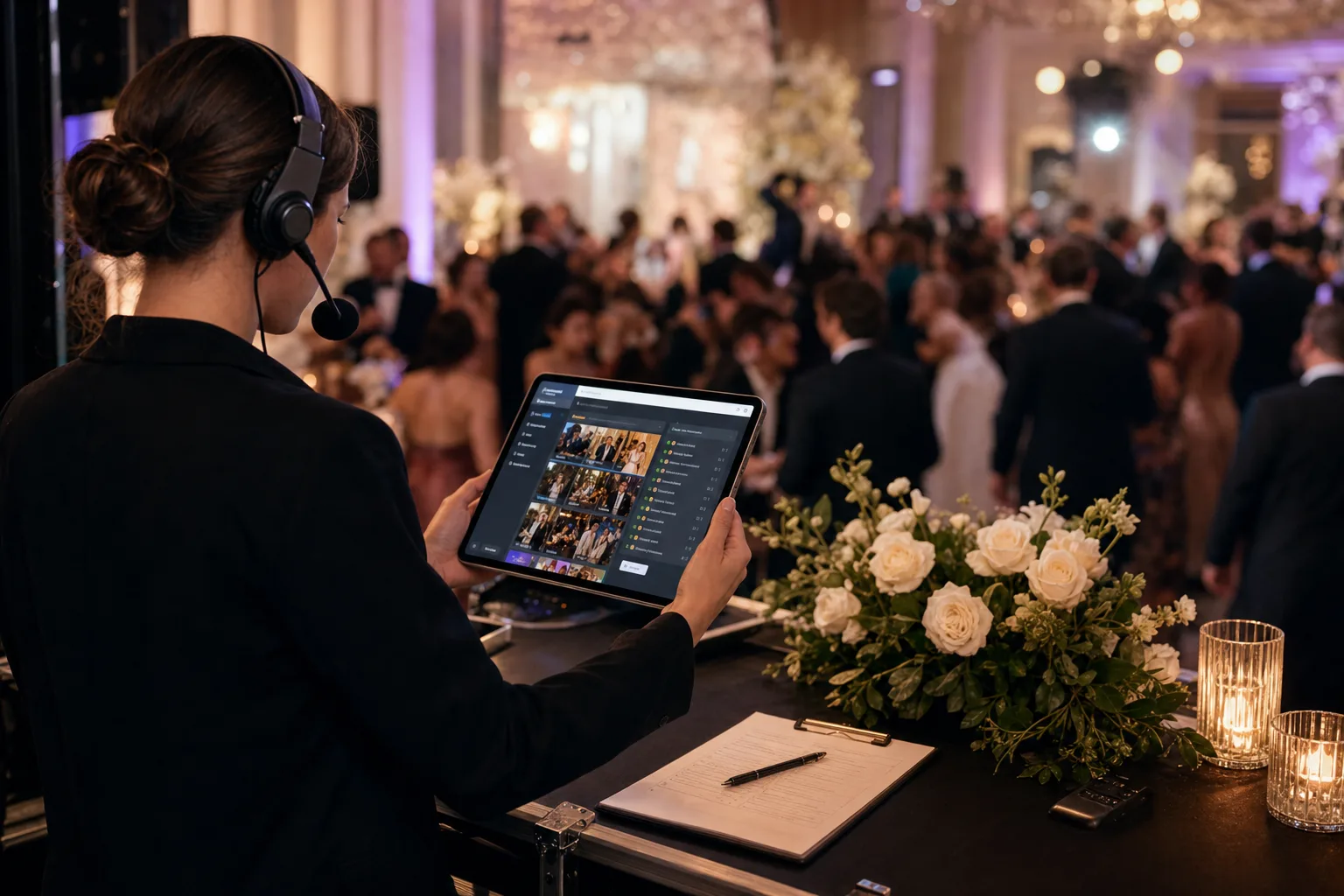
For most team-building events you do not need a photographer — you need a shot list and somewhere for everyone’s photos to land. A hired photographer makes people perform; colleagues with phones catch the parts that actually get shared. Agree the shots in advance, collect to one album on the day, and be plain with the team about what is being collected.
- Agree a short shot list in advance. Without one you get forty photos of the same activity.a shot list
- A photographer changes behaviour: people perform. Colleagues with phones catch what gets shared.who is holding it
- Collect to one album on the day, not by asking for files next week.on the day
- Tell the team plainly what is collected and why — at a work event that matters.say it plainly
You booked the team-building day. You did not book a photographer — and for most internal team events, you do not need one.
Hiring a professional for the away day, the escape room, or the quarterly get-together is hard to justify: it adds cost and a contract, and puts a stranger with a long lens into a day whose whole point is people relaxing. Yet "we should really get some photos" is on every organiser's list, because the photos are the part of the day that survives Monday — the newsletter, the wall by the kitchen, the deck the next new hire sees. The good news: the best team-building photos rarely come from a hired pro anyway. They come from the people in the room — the candid mid-activity shot, the laugh nobody posed for. The only real problem is collecting them, because by default those photos scatter across thirty phones and are never seen again.
This guide covers running team-building photography without a photographer: when to skip the pro, how to plan it, what to shoot, how to gather everything into one usable place, and the short word on photographing employees that every corporate organiser should read. It's written for the HR managers, EAs, and internal-comms people who organise these days and then quietly become responsible for the photos.
- Popsa reports that 7 in 10 photos taken are never looked at again.
- News.com.au reports on group chats as a source of message and notification stress.
- The U.S. International Trade Administration reported Germany smartphone penetration at 90.1% in 2023.
- Uniqode recommends sizing QR codes around scan distance.
- GDPR Article 13, Article 5, and Recital 51 plus BDSG § 26 are the legal source trail for the employee-photo guidance.
- Disclosure: the author builds Gathmo, named in this article as the shared guest album.
Do you actually need a photographer for a team-building event?
Usually not — but be honest about the trade-off.
Hire one when the images have to be campaign-grade: a flagship annual conference where photos become marketing assets, an awards evening with lit portraits, or an event with external press. If the output is a marketing deliverable, pay for it.
Skip one for the everyday team day, because:
- The value is candour, not polish. The shots you actually want — someone mid-laugh, a team frozen in escape-room panic, the kayak obviously about to tip — are candid by nature. A roving professional often produces the opposite: people stiffening as the lens swings their way. And one photographer is in one place at a time; thirty phones are everywhere at once.
- The budget is better spent elsewhere, with fewer outsiders. A half-day photographer is often a meaningful slice of a modest team-day budget — and the day is more relaxed without a stranger documenting it. Fewer people handling employee images is also one less thing to manage on the data-protection side.
The conclusion: for the everyday team event, run guest-sourced photography — everyone shoots, everything lands in one place. A pro really brings just four things — someone whose only job is shooting, a single place the photos end up, an eye for the key moments, and consistent quality — and three of those are organisation, not equipment, while the fourth is handled by the phone cameras everyone already has. What's missing is a system, which you plan before the event, not after.
How to plan team-building photography without a photographer
Set it up once, like a light production plan:
- Decide the "how" before the day. The biggest reason team photos vanish is that nobody decided where they'd go until too late. Pick your collection method (a shared album via QR code, below), and decide what the photos are for — wrap-up email, newsletter, recruiting page — so you pull the best shots straight into their destination instead of letting the album go cold.
- Write a short shot list of five or six prompts, shared in the invite or on a card at the venue — people shoot more, and better, when they know what's worth a photo.
- Nominate rotating shot-takers — two or three people per team keep an eye out during each activity, then rotate so everyone gets to take part. This is the closest thing to "a photographer" you need, and it's free.
Team-building photo ideas worth putting on the shot list
The best team-building photos are specific. A short list gets you far more than the posed group shot at the end (take that too — but it's the least interesting frame of the day):
- The arrival shot, before anyone is tired — fresh faces, new location, the natural opener for any recap.
- Activity-in-progress, not completed — the trust fall mid-fall, the escape-room team mid-panic. Shots taken during an activity carry the feeling of the day far better than the tidy "we did it!" photo after.
- The candid working moment — a group deep in a problem, two people laughing over a whiteboard. These read as authentic culture, exactly what internal comms and recruiting want.
- A casual headshot corner — a rare moment when everyone is relaxed and in good natural light, so people can grab a fresh profile photo for the intranet or LinkedIn.
- Food, shared meals, and "before/after" pairs — the photos people reliably take anyway, plus two-frame stories (the blank flip-chart and the covered-in-ideas one).
- Voices, not just faces — a photo captures a moment, a voice a feeling. Short spoken messages ("best moment of the day") suit a day built around getting to know each other, and collect the same way as photos (more below).
How to collect everything in one place (the part most guides skip)
A great shot list is worthless if the results scatter. The default fix — a group chat — quietly makes it worse: group-chat fatigue is real, and another team photo thread quickly becomes a wall of muted notifications. A "post your pics here!" thread starts strong, becomes a wall of muted notifications, and the photos sink within a week — and most never resurface anyway (Popsa reports that 7 in 10 photos taken are never looked at again).
The bar to clear is low but specific. The method has to be frictionless for every attendee (no app, no login), able to pull from every phone (not just one photographer), and landing somewhere internal comms can use (one place, downloadable, not a chat thread).
The approach that meets all three is a single QR code everyone scans to upload. A scan-and-upload link works on any phone in the browser with nothing to install — the only way you get the whole team rather than only the most eager volunteers. It rides on hardware everyone already carries (the U.S. International Trade Administration reported Germany smartphone penetration at 90.1% in 2023, and QR scanning is now a mainstream habit, not a novelty). Everything lands in one shared gallery instead of stranded on personal devices, and the same screen can take in-browser voice notes, so "best moment of the day" needs no rented phone booth. At the end you download the whole album as a single file, then pull the best shots for the newsletter.
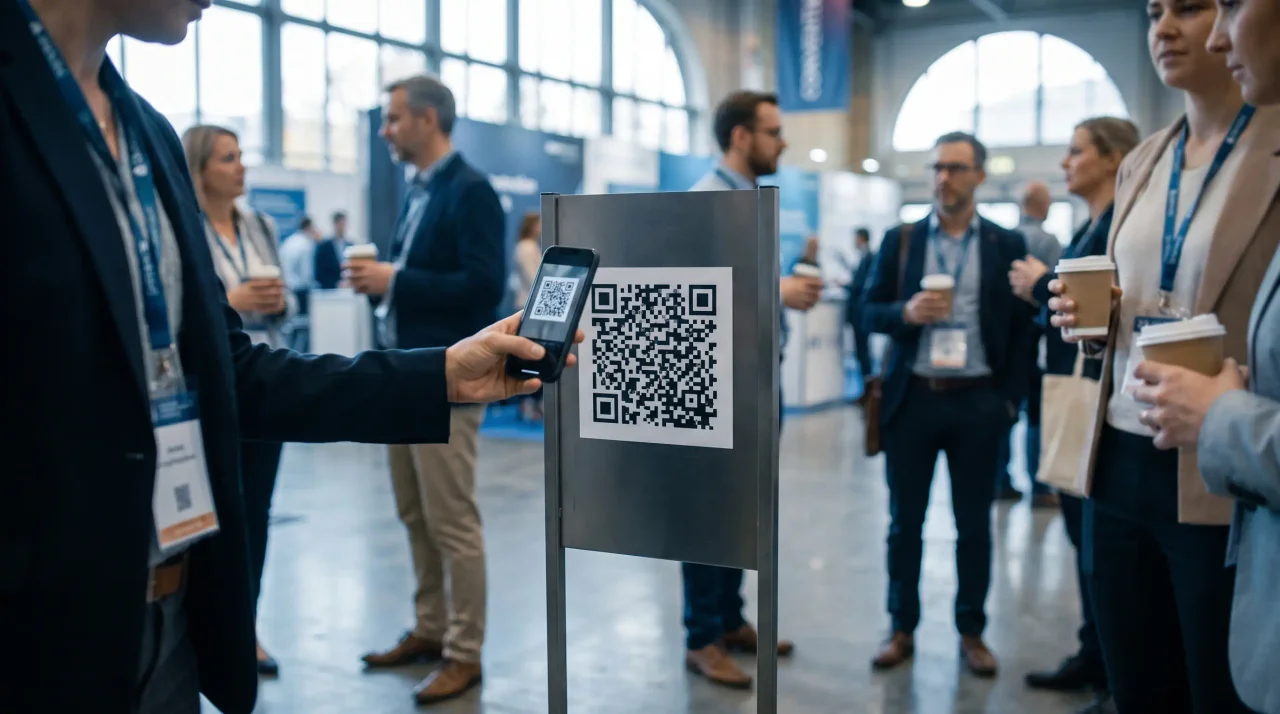
Where to put the code matters, because one nobody scans collects nothing. Size it for the distance — around 10–25 cm on a welcome sign or agenda board, 4–7 cm on a small A5 table stand, at least 2 × 2 cm on lanyards or printed agendas. Leave the required quiet-zone margin, use a dark code on a light background (don't invert it), and test-print and scan a proof at the real size before printing a stack — a code that fails on glossy stock or under venue lighting quietly kills participation. For an event spanning multiple days or locations, a dynamic code (whose destination you can manage after printing) keeps one printed code working throughout.
A quick, non-scary word on photographing employees
This is a corporate event, so one honest paragraph — not to alarm, just so it's handled. The moment a company collects and uses photos of identifiable employees for its own purposes (newsletter, intranet, recruiting), the GDPR applies. The low-effort fix is transparency at the point of collection: tell people what the photos are for, who holds them, and how long they'll be kept. Article 13(1) of the GDPR asks for exactly that when data is collected, and a QR upload page is a natural place to surface a short notice so it travels with the upload.
A few habits make the rest easy: let opting out be genuinely consequence-free (in Germany, employee data has its own rules under BDSG § 26, and freely-given consent matters precisely because of the employer–employee dynamic), keep the photos in one managed place, and set a retention window rather than keeping them forever (the GDPR's storage-limitation principle, Art. 5(1)(e)). None of this needs a lawyer for a normal team day.
One point is specifically reassuring when you go photographer-free: an ordinary photo of a face is not automatically "special category" biometric data. Under the GDPR Recital 51, images only become biometric data when run through a technical process that uniquely identifies a person — i.e. facial-recognition matching. A plain shared gallery of team photos doesn't cross that line, so the simplest setup — guests upload, you display, no face-matching — is also the lightest-touch one.
Not legal advice. This section is general guidance only. For your specific situation, check with your own data protection officer or counsel.
Where the tools stand (a quick, honest landscape)
Go looking for a guest-photo tool and you'll find a crowded market aimed mostly at weddings and parties — and a corporate team event has different requirements (where the data sits, a notice on the upload page, one clean download) than a birthday party. Based on each provider's own public information as of June 2026: many host data in the US — GuestCam states US-based hosting with no EU option, Kululu stores content on Google Cloud in the United States, Fotify is a US (Delaware) company — while only a handful are EU-hosted, with EventPics (Austrian, billed monthly in EUR) and JoinMyMoment (EU/EEA hosting) stating EU residency explicitly. Voice messages are rarer than photos (an in-browser audio guestbook isn't standard; among competitors surveyed, JoinMyMoment is the one that also transcribes them), and "free" usually means a small cap on guests or album lifespan.
How Gathmo fits a team-building event
Gathmo is built for exactly this job. Guests scan one QR code and upload photos, video, and voice messages straight from the browser — no app, no guest accounts — so everyone joins in seconds (the only way you get whole-team participation). Voice messages are available on every tier, with an automatic transcript on the top per-event tier and the business plans, so "best moment of the day" works without rental hardware. The gallery is yours, not ours — your logo and brand accent, so it looks like a company artefact when it lands in the newsletter.
Data stays in the EU (object storage in the EU, primary database in Frankfurt) with a consent notice on the upload screen, defined retention windows, and deletion on request. And you publish what you choose via AI pre-screening plus a host approval queue. It scales to your day, too: a typical team event fits the per-event Celebrate tier (€69, unlimited guests, with a live slideshow for the dinner), and a small internal day can start on the Free tier (up to 60 items).
To be straight: Gathmo does not offer facial-recognition photo search at launch — it's on the roadmap, not a live feature. For a team event full of employees, that's one less data-protection question to answer, not a gap.
Set up a shared photo album and brief the team before the event
Create a Gathmo event, download the QR code, and print cards or a sign for the venue. Brief the team in the opening session about the album so the QR code is visible, understood, and tied to a clear reason to contribute.
Give team members a brief on what to capture
Send a short note before or at the event: capture moments from your group activity, lunch, and the team challenge; scan the QR code to add them to the shared album. A brief creates permission to take photos throughout the day.
Add a designated moment photo
At one point in the programme, pause and take a structured group photo that every team can replicate. These consistent shots supplement the candid uploads and ensure every subgroup has at least one group photo in the final archive.
Share the album with the team after the event
Send the Gathmo album link in the post-event communication. Every team member can download their favourite photos, see what other groups captured, and use the content in their own channels. The album is the deliverable -- no editing pipeline required.
Frequently asked
For most internal team days, no — the candid, mid-activity shots you actually want come better from the people in the room. Hire a pro only when the images must be campaign-grade (a flagship conference, an awards evening, an event with press). Otherwise, have everyone capture the day on their phones into one shared album.
Plan three things in advance: a short shot list, two or three rotating "shot-takers" per team so capture never depends on one person, and a frictionless way to collect everything — a single QR code everyone scans to upload from the browser, no app or login. Then download the whole album and pull the best shots for wherever they're going.
When a company uses photos of identifiable employees for its own purposes, the GDPR applies — so the safe habit is transparency at the point of collection plus a genuinely consequence-free way to opt out. In Germany, employee data has specific rules under BDSG § 26. For anything published outward, treat clear, freely-given consent as the default. An ordinary photo isn't biometric data unless you run facial recognition on it. This is general guidance, not legal advice.
Focus on three categories: activity moments (people mid-task, laughing, collaborating), candid group reactions (the cheer after a team challenge is won), and venue details (the setting or props that make the event distinctive). Avoid posed full-group shots -- those are where amateurs struggle most. Brief two or three volunteered team members before the day with these three shot types, and rotate the role so no one spends the whole event behind a camera instead of participating.
The most reliable method is a shared QR album that team members upload to during the event, not after. Post-event collection relies on memory and goodwill, and most photos stay on phones. Set up a QR link in advance, display it on shared screens or table cards during the event, and give a brief reminder mid-activity. Gathmo's Free tier handles up to 60 items; the Celebrate tier (69 EUR per event) gives unlimited uploads, 183 days of retention, and a live slideshow that can run on a break-room screen during the day.
A usable internal-comms set is less about a fixed number and more about variety: small-group candids, activity shots mid-action, venue context, and one clear group photo. Ask for enough uploads to choose from, then curate for natural expressions, clear faces, and moments that explain the event without a caption.
Activities with visual contrast and physical variation produce the most useful photos: cooking challenges (props, action, faces), escape rooms or puzzle activities (concentrated expressions, partner dynamics), outdoor orienteering or team challenges (movement, natural light), and collaborative build challenges (progress visible across the activity). Pure conference-room activities produce the worst photos because all shots look identical -- seated people at a table. The best team-building photography day has at least one active outdoor moment, one small-group collaboration moment, and one shared celebration moment (a reveal, a win, a finish line). Each produces a visually distinct set of content.
 Guide
GuideHow to Use QR Codes at a Conference: Beyond the Name Badge
For most of the last decade, the QR code on a conference badge did exactly one job: a sponsor or exhibitor scanned it to capture a lead. Useful, but narrow — and it put the...
 Comparison
EventPics Free Photo Sharing Alternatives: What Hosts Should Compare
If you're comparing EventPics with other event photo-sharing tools, the useful question is not simply "which one is cheapest?" It is whether the tool matches the event you are...
 Guide
GuideCorporate Christmas party ideas: the three questions that pick one for you
Most Christmas party ideas for work are written for a ballroom. Here is how to choose one for the room you actually have, without making anyone buy a costume.