Festival Photo Sharing: How Organizers Are Running Branded Live Galleries

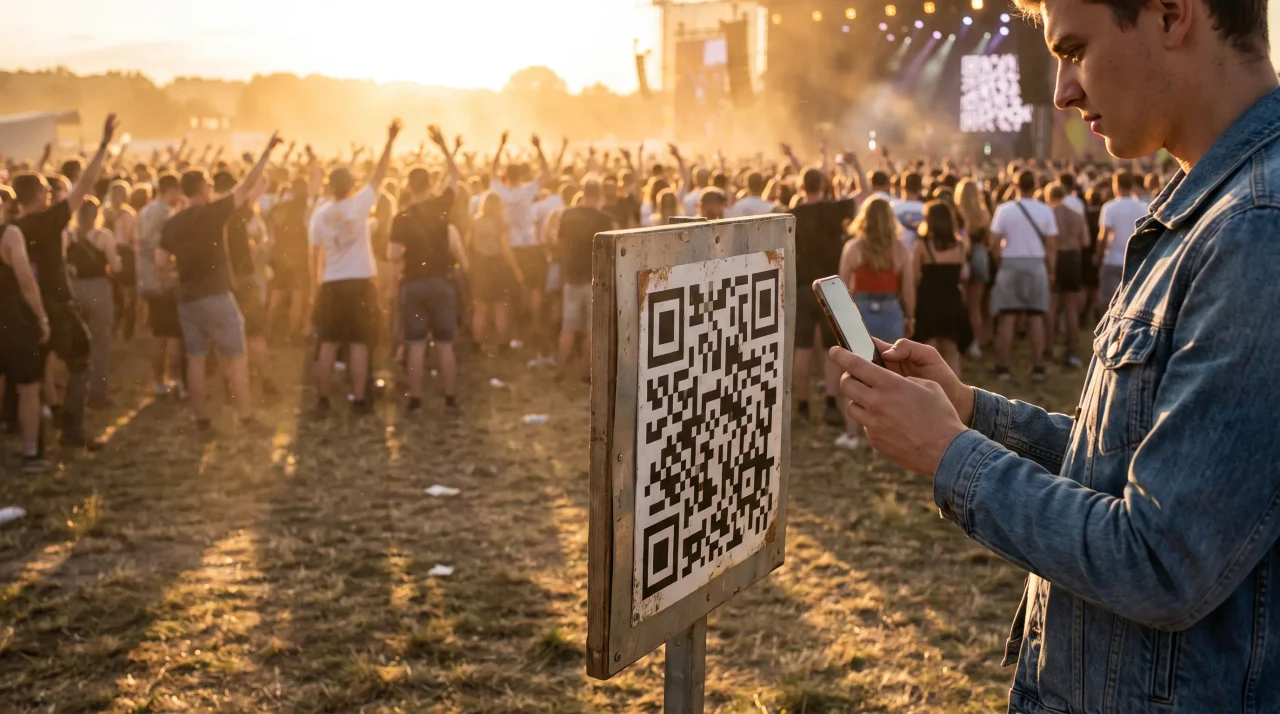
The crowd is already shooting. Every set, every drop, every sunset over the main stage — thousands of phones up, recording the whole thing in real time. The question for you, the organizer, isn't whether the photos exist. They do, by the thousand. It's whether any of that energy lands somewhere you control — on your screen, in your brand, feeding your channels — or scatters across ten thousand camera rolls and a hashtag you don't own.
That's the gap a branded live gallery closes. One scannable link, printed big on the stage banners and the bar runners, and the crowd uploads straight into a wall that's yours: your logo, your colours, your moment on the screen behind the DJ. This is how a growing number of festival and club-night promoters run photo sharing now — not as a post-event chore, but as a live feature of the night. Here's how it works, what to look for in a tool, and how to set it up so it actually fills.
Why festival photo sharing is different from a wedding album
Most "event photo sharing" advice is written for a wedding: one host, a hundred guests, a single album to download on Monday. A festival is a different animal, and the differences shape every decision.
The scale is brutal. A single stage can pull a five-figure crowd. For a sense of how much media a festival generates: across Instagram and TikTok, Coachella 2026 produced almost 40,000 posts and more than 157 million engagements (Visibrain, Inside Coachella 2026) — and that's the public layer alone. The volume your own gallery could attract means guest caps and storage limits aren't fine print, they're the whole decision.
It's a brand surface, not a keepsake. A couple wants their memories. A promoter wants reach, a sponsor wall that looks intentional, and footage to clip for next year's lineup announcement. The gallery has to carry your identity, not a generic vendor's.
Nobody is downloading an app at the gate. Queue's moving, signal's patchy, and your crowd is there to dance, not wait on an App Store install. If sharing isn't a single scan-and-go, it doesn't happen.
The display is the point. At a wedding the album is the deliverable. At a festival the live wall — photos hitting the big screen seconds after they're shot — is part of the show, and it pulls more uploads, because people shoot harder when they might see themselves projected over the crowd.
So when you evaluate festival photo sharing, you're really asking four things: does it scale, is it branded, is it genuinely no-app for the crowd, and can it run live on the screen? Hold every tool to those.
How organizers run a branded live gallery, step by step
The mechanics are simpler than the production schedule you're already juggling.
1. Create the event and claim a short link. Set up one event for the festival, or one per stage if you want separate galleries. With Gathmo every event gets a short link in the form gathmo.com/c/CODE, and that short, memorable code is what goes on signage. A clean gathmo.com/c/yourfest reads far better on a 4-metre stage banner than a tangle of characters — and people can thumb it in manually if a scan misfires in the dark.
2. Brand the gallery. Upload your logo, set your accent colours, name the event. Now every guest who scans lands on your page, and the wall on the screen wears your identity, not a stock template. (How deep the branding goes depends on your tier — more below, including a full white-label option for agencies running this for clients.)
3. Get the QR onto signage that scans. This is where most festival rollouts quietly fail, so it gets its own section below. Short version: big code, high up, dark-on-light, tested before it's printed at scale.
4. Put the wall on the screen. On the right tier, uploads appear on a live display — a slideshow that refreshes as the night unfolds, or on the top tier a genuine live stream pushed to the main screens. Connect a laptop or display device to the projector or LED wall via the browser-based display, and the wall fills itself.
5. Moderate before it hits the big screen. A public crowd means the occasional upload you don't want forty feet tall behind the headliner. Gathmo runs AI moderation (Hive for visual content, plus a human review queue). For a festival, run the wall on a manual approval queue rather than auto-publish — it adds a beat of latency, but it's the difference between a curated wall and a liability.
6. Download everything after. When the lights come up, batch-download the full gallery in original quality — a single ZIP of every photo and clip the crowd captured. That's your content library for the recap reel, the sponsor report, and next year's promo, in one place instead of begging for tags.
Getting the QR code right on festival signage
A live gallery is only as good as the scans it gets, and festival environments are hostile to QR codes: long viewing distances, low light, glossy vinyl, motion. These specs come straight from print best practice — get them right and the wall fills.
Size it to the distance. The working rule is 10:1 — minimum code size is the maximum scan distance divided by ten (Uniqode). A large stage banner viewed from around 8–10 feet wants a code roughly 8–12 inches across; scale up for a bigger banner read from further back. Undersize it and nobody at the back gets in.
Keep it dark-on-light. It's tempting to invert the code to match a moody dark banner — light modules on black. Don't. Many scanners struggle with inverted codes, and a failed scan in a crowd is a lost upload (QR Designer).
Protect the quiet zone. The code needs a clear blank margin of at least four modules on all four sides (DENSO WAVE). On a busy banner crammed with sponsor logos and lineup text, that breathing room is the first thing a designer eats — and the thing that makes the code unreadable.
Use a dynamic code. For signage you'll reprint and reuse, a dynamic QR lets you edit the destination after printing, so one banner design points at this year's gallery and next year's without a redesign (Scanova).
Test-print before the run. Print one proof at the real size and scan it from where the crowd will stand, under the lighting they'll have (Uniqode). A code that scans clean on your monitor can die on glossy vinyl under stage light. Catch it on one banner, not fifty.
Print the code on more than the stage: bar runners, entry arches, lanyard backs, smoking-area signage. Every surface the crowd looks at can feed the wall.
What to look for in a festival photo sharing tool
Plenty of apps collect photos at a small party. Far fewer survive contact with a festival crowd. Weigh these — and note that the pricing and features below are pulled from each provider's own pages as of June 2026, in native currency, because today's exchange rate isn't tomorrow's.
Headroom on guests and storage. A free or entry tier built for a house party hits its cap before the first headliner. You want the room a crowd demands — Gathmo's top Grand tier (€89 per event) runs unlimited guests with 50 GB of storage, the order of magnitude a festival actually needs.
A real live display, not just a slideshow. Most tools that mention a "live wall" mean a slideshow that cycles uploads — perfectly good, and Gathmo includes one from the Celebrate tier (€69) up. A true broadcast-grade live stream is rare across the competitor set we checked — at most a partial offering here and there. Gathmo's Grand tier does it properly, via Cloudflare Stream — and if you're pushing to big main-stage screens, that distinction matters.
No app for the crowd, no signup. Non-negotiable at festival scale, and most modern tools clear the bar — Gathmo guests scan straight into the browser on any phone, no download, no account. What varies is everything around that scan, which is where the rest of this list lives.
Branding that's actually yours. "White-label" gets used loosely. Among the tools we reviewed, most offer only cosmetic branding — a logo swap or a "remove our branding" toggle (GuestPix and LiveWall, for instance). Genuine end-to-end white-label, with the gallery on your own custom domain and your brand on everything, is rare: in our competitor set only Eventiere and memoryKPR offer full reseller white-label, and neither is EU-hosted. Gathmo offers it through its B2B reseller tiers (below), hosted in the EU.
Voice, not just photos. A genuine gap: none of the party-focused competitors we checked offer an in-browser audio booth at the event. Gathmo's voicemail booth is on every tier — guests tap a voice tab and record from their phone (30 seconds on Free, up to 180 on Grand), and you get a gallery of voice drops with waveform playback. For a festival, it's a "shout into the void at 2am" feature the crowd genuinely engages with. (Automatic transcripts of those drops are a Grand-and-B2B feature, if you want the words too.)
EU data residency, if it matters to you. You're collecting media of identifiable people in a public space — squarely inside data-protection territory (more below) — and where the data physically lives can be part of that picture. Gathmo hosts in the EU, with storage in EU jurisdiction and the database in Frankfurt, under processor agreements. Several competitors are US-based or don't confirm where data sits; check the residency claim against the provider's own wording, not a badge.
Running this as an agency: the promoter and reseller path
If you're not the festival itself but the agency, promoter network, or production company running galleries for events, the economics change. You're not buying one event — you're running many, under your own brand, for clients who never need to know which vendor sits underneath.
That's what Gathmo's B2B reseller tiers are built for. Studio (€79/month equivalent) covers one seat with logo-and-accent branding for up to 10 events a year. Agency (€199/month equivalent, the higher-volume option) gives five seats, up to 50 events a year, unlimited custom domains, end-to-end white-label, and API access. Enterprise (from €699/month equivalent) goes to unlimited seats and events with full white-label, SSO, and branded SMS. 12-month prepayment runs at ten months' price (two free) across the board.
The pitch to your clients writes itself: a branded live gallery on the main screen, no app for their crowd, every photo and clip delivered the next day — all under your name, not a tool's. The full reseller economics live on Gathmo for agencies and organizers →
A quick word on data protection
Not legal advice — but worth knowing before you point a QR code at ten thousand people.
When you collect and display photos of identifiable people at a public event, you're processing personal data, and as the organizer you're the controller. Under the GDPR you need a lawful basis: typically consent or legitimate interest, the latter assessed through a balancing test (Art. 6(1)(a) and 6(1)(f)). You also have to give people a clear information notice at the point of collection — who's behind the gallery, why, on what basis, how long you keep it, and their rights — surfaced right where they scan and upload (Art. 13(1)).
Two more matter at festival scale. People can ask for their image to be erased, and you have to action it without undue delay — within one month, extendable (Art. 17(1) and 12(3)). And you shouldn't keep the gallery indefinitely: the law expects defined retention periods and deletion once the purpose is served (Art. 5(1)(e)). Gathmo bakes retention windows in, from 30 days on Free to 365 on Grand — a built-in deletion clock rather than an open-ended archive.
One thing Gathmo deliberately does not do: there's no face-recognition photo search at launch (it's on the roadmap). That's a feature with real GDPR weight — face-matching to identify people generally pulls you into special-category biometric data and needs separate explicit consent (Art. 9(1)). For a public festival crowd, not having it is arguably a feature, not a gap.
Plan the QR placement strategy for the festival site
A festival has multiple zones, stages, and crowds. Print zone-specific QR codes on wristbands, signage at each stage entrance, and on branded props in photo-opportunity areas. Each placement should be at least 10-15 cm for scanning from standing distance.
Set up the live gallery display at the central hub
Use the Gathmo live photo wall URL (Celebrate or Grand tier) on a large outdoor screen at the festival hub. High-brightness screens (1000 nits or above) are needed for outdoor daylight readability; confirm specifications with the AV supplier in advance.
Enable fast moderation for high-volume uploads
At a festival, upload volume can be high. Enable AI auto-approval to let clearly appropriate photos go live immediately, with flagged items held for human review. Assign a dedicated team member to the moderation dashboard during peak hours.
Deliver the archive to the organiser post-event
After the festival, download the full ZIP archive and deliver it to the organising team alongside an upload count and participation report from the dashboard. The archive is the post-event content asset for press, social media, and sponsor reporting.
Frequently asked
They scan the QR code on your signage (or tap the short link), which opens a page in their browser. No download, no account — they pick photos or clips from the camera roll or shoot on the spot. With Gathmo the guest session is anonymous and event-scoped; nobody signs up for anything.
Yes — a live display is the core of a festival gallery. Gathmo includes a live slideshow from the Celebrate tier (€69) and a true live stream on Grand (€89), pushed to the screen via a connected display. Run it on a manual moderation queue so only approved uploads hit the wall.
Depends on the tier. Gathmo's Grand tier runs unlimited guests with 50 GB of storage — the headroom a festival crowd needs. Entry tiers built for small parties hit their cap fast, so size the plan to the crowd.
Big. Using the 10:1 rule, a banner read from around 8–10 feet wants a code roughly 8–12 inches across; scale up for greater distances. Keep it dark-on-light, leave a clear margin, and test-print one before the full run.
Yes — that's what Gathmo's B2B reseller tiers are for, from Studio (€79/mo) through Agency (€199/mo) to Enterprise (from €699/mo). You run galleries under your own brand and custom domain across many events. See Gathmo for agencies and organizers.
No — face-find is on the roadmap, not in the launch product. For a public festival that's often preferable, since face-matching to identify people carries significant data-protection obligations under the GDPR.
A branded live gallery displays guest photos on a large screen in real time as they upload, under the event's branding. Setup: create a Gathmo event on Celebrate tier (69 EUR, live wall) or Grand tier (89 EUR, near-real-time live stream), apply brand elements (logo, colours), and open the live wall URL on the venue display. Attendees scan QR codes at high-traffic points (signage, wristbands, printed collateral) and upload from their phone browsers. The gallery shows each new photo within seconds. The brand applied to the Gathmo album — logo and colour scheme — means the wall appears as the organiser's own product rather than a third-party tool. For festivals with very large audiences, Grand-tier live stream reduces display latency significantly.
 Guide
GuideHow to Share Party Photos Without a WhatsApp Thread That Everyone Mutes
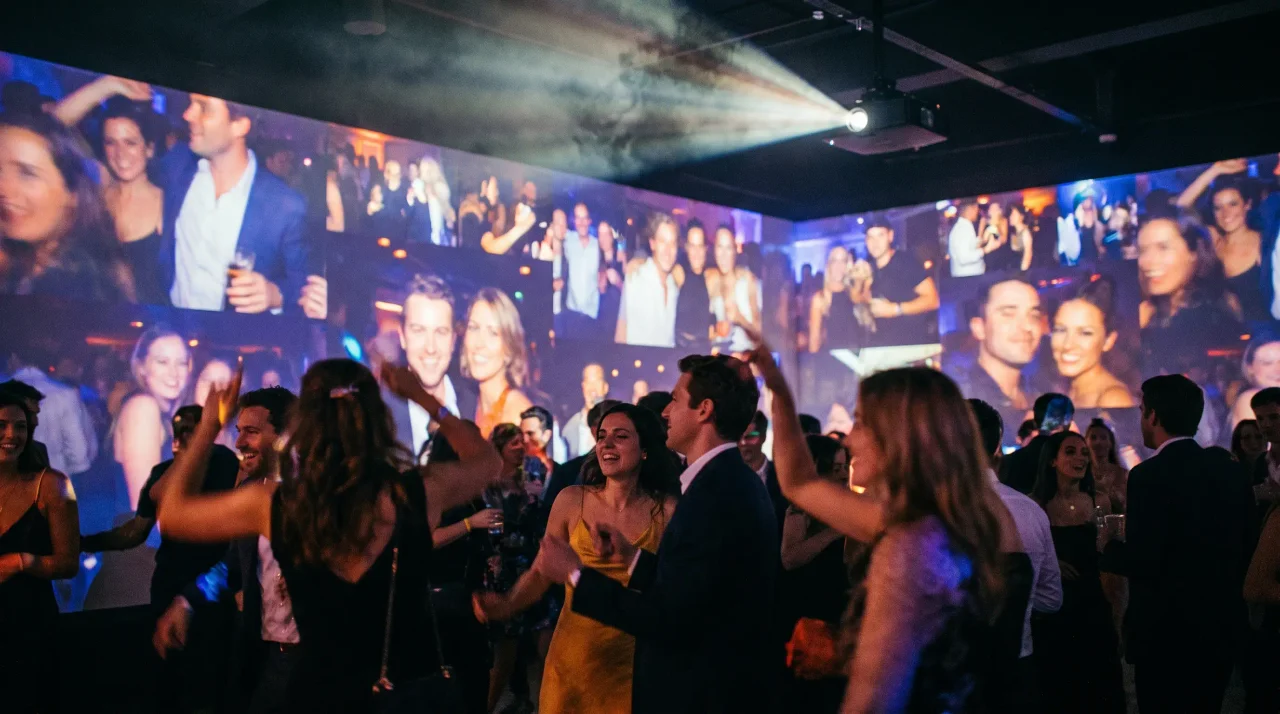
Skip the WhatsApp thread nobody opens after the party. A Gathmo QR code on the table collects every guest's photos instantly into a shared album — accessible to everyone, no app required.
 Comparison
Guestlense Alternative: What You Get When You Switch to a Live-Wall Party App
You found Guestlense while hunting for a way to collect everyone's shots from the night. It's a polished pick — clean galleries, QR cards in the box, a digital guestbook your...
 Guide
GuideHow to Run a Photo Mosaic Wall at a Party: The No-Hardware Version
You've seen the photo mosaic wall. A huge image — the host's face, a logo, a number — slowly fills in as guests' photos drop into place, each shot becoming one tiny tile in a...