What is an audio guestbook -- and how does it work?
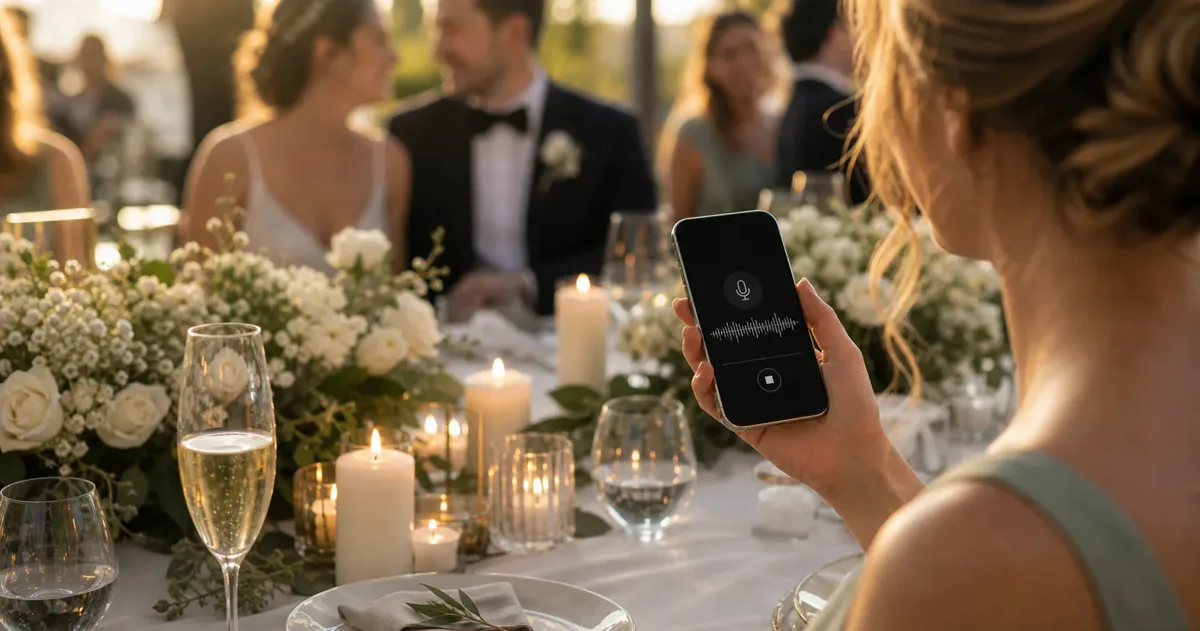
An audio guestbook collects spoken messages from your event guests instead of written entries: guests pick up a device (or, in the modern version, their own phone), say a few words to the hosts, and the recording is saved as a keepsake. At a wedding, that means real voices -- a grandparent telling a story, a friend mid-toast -- instead of a page of hurried congratulations.
The idea became popular through converted vintage telephones: a rental company ships you a retro handset, guests speak after the beep, and the recordings arrive by download link after the weekend. The charm is real, and so are the practical limits -- one device for the whole room, rental fees of several hundred euros for a single weekend, and hardware that can fail mid-party. We compare the real costs of renting versus the QR alternative in a separate article.
The newer version skips the hardware entirely: a QR code on the table opens a recording screen in each guest's browser. Same keepsake, no rental, no queue -- and because it runs on the guests' own phones, the voice notes land in the same album as their photos and videos. Here is how that works, step by step.
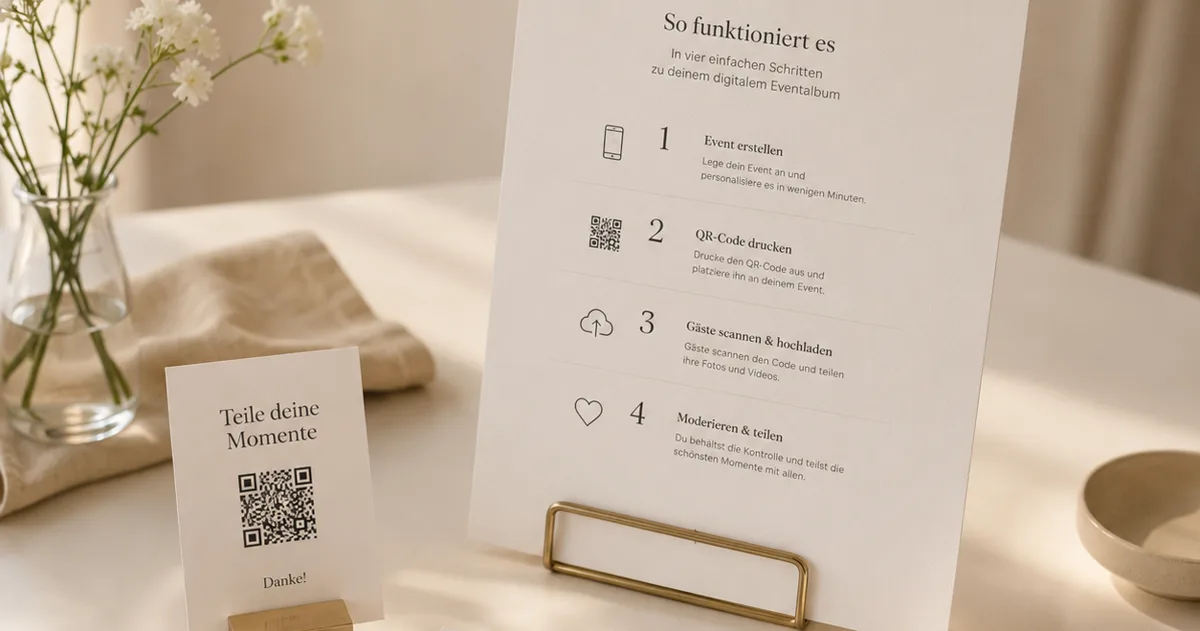
The host creates an event and enables voice
The host sets up a private event in a few minutes and switches on voice messages alongside photo and video uploads. On Gathmo's free plan each note can be up to 30 seconds long; paid plans remove the length limit entirely. There is no hardware to book and no delivery window to coordinate -- the guestbook exists the moment the event does.
A QR code goes where the guestbook would stand
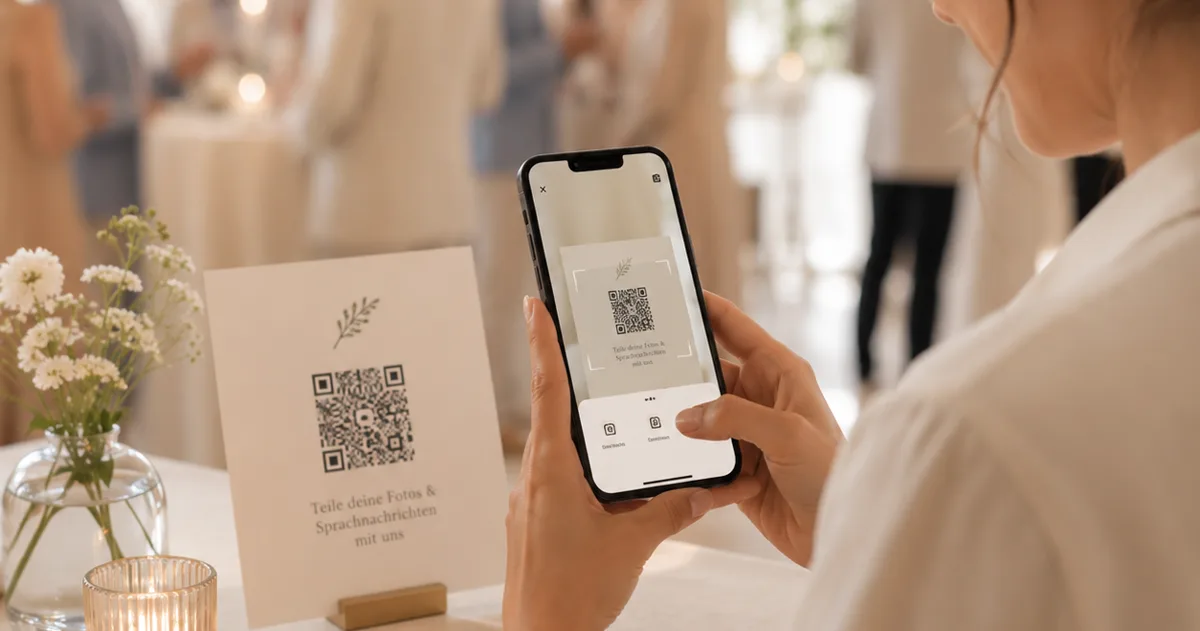
Instead of a vintage phone on a side table, a printed QR sign does the inviting -- as a table card on every table, or a framed sign at a small guestbook station. The code is generated automatically with the event and never changes, so it can be printed weeks in advance. Our setup guide for the wedding audio guestbook covers placement and prompts in detail.
Guests scan, tap, and speak
A guest points their phone camera at the code, the recording screen opens in the browser -- no app, no account -- and one tap starts the recording. Fifteen to thirty seconds is the natural length. Because every guest records on their own phone, there is no queue, and the quiet guests who would never line up behind a microphone often leave the most moving messages.
The recordings arrive in the album, ready to keep
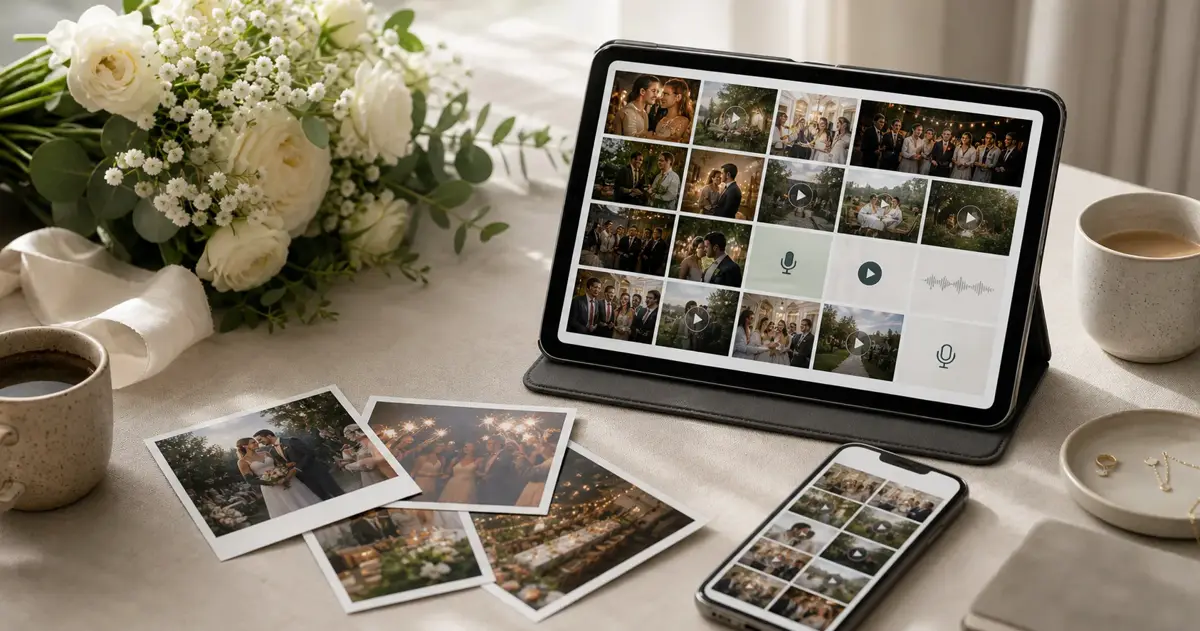
Each voice note lands in the hosts' private dashboard moments later, next to the photos and videos coming in through the same code, and the hosts decide what appears in the shared album. Afterwards, every recording can be downloaded as a standard audio file. See what each plan includes for retention windows and the one-click ZIP export.
Preguntas frecuentes
A guestbook made of voices instead of handwriting: guests record short spoken messages for the hosts during the event. The classic form is a converted vintage telephone that records after a beep; the modern form is a QR code that opens a recording screen in each guest's phone browser. Both produce the same keepsake -- audio files of the people you love, saying what they came to say.
A sign tells guests where to leave their message. With a rental phone, they pick up the handset and speak after the tone. With the QR version, they scan the code on their table, tap once, and record in the browser -- the message is saved to the couple's album within seconds, alongside guest photos and videos. No app or account is needed.
Renting a converted phone typically costs a few hundred euros for a wedding weekend, plus shipping and deposit. The QR version is included in Gathmo on every plan: free for smaller events (voice notes up to 30 seconds, up to 100 uploads), with paid plans from EUR 19 removing the caps and the length limit.
No. The QR code opens the recording screen directly in the phone's browser -- one tap to record, one tap to send. That is the main reason participation is higher than with a single rented handset: anyone, at any table, can leave a message at any moment of the evening, and several guests can record at the same time.
Yes -- that is exactly what the QR version is. You print a sign instead of booking a device: no rental fee, no deposit, no hardware that can fail mid-reception. And if you love the look of a vintage phone, the two work happily side by side; the QR code simply catches everyone who does not want to queue.
 Guide
GuideLibro de visitas de audio para bodas, sin alquiler
Un libro de visitas de audio sin alquilar un teléfono retro: recoge los mensajes de voz de tus invitados con un código QR, gratis.
 Guide
GuideCódigo QR en tu boda: invitaciones, carteles, álbum
Dónde colocar un código QR en tu boda – save the date, invitaciones, carteles de mesa – y cómo crear el álbum de fotos detrás.
 Comparison
Audio guestbook rental: prices & the QR alternative
What renting an audio guestbook phone really costs for a wedding weekend -- and what the QR-code alternative does for a fraction of it.