The Wedding Audio Guestbook Guide: How to Collect Voice Messages from Every Guest

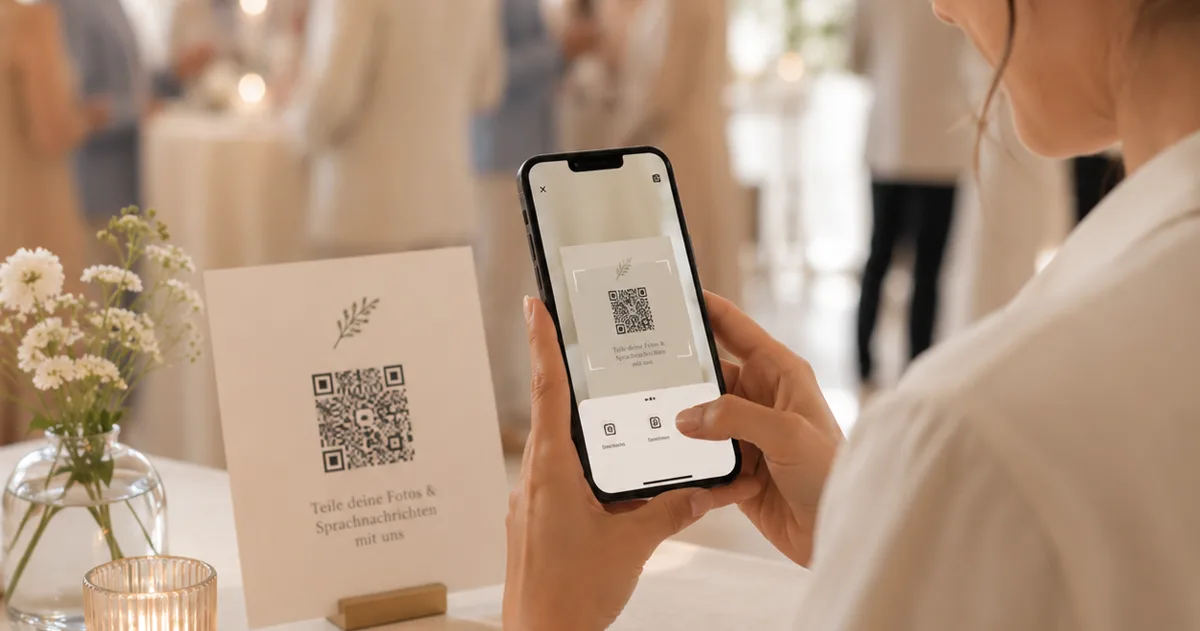
There is a sound you will want back one day. Your grandmother saying your married name out loud for the first time. Your father's voice, a little unsteady, wishing you a life as happy as his. The photographer captured how the day looked — but the way it sounded, the toasts no one wrote down and the voices of the people who travelled to be there, usually disappears the moment the music starts.
An audio guestbook fixes that. Instead of a book where guests scribble "Congrats! xx", they leave you a voice message — a recorded note, in their own voice, kept for you to listen back to whenever you want. This guide covers how to set one up, what to ask your guests to say, and how to make sure every single person leaves a message. No hardware to hire, no app for anyone to download.
What is a wedding audio guestbook?
A wedding audio guestbook lets your guests record short spoken messages for the two of you, instead of (or alongside) signing a paper guestbook. Each guest leaves a voice note — a wish, a memory, a piece of advice, a song — and you collect them all in one place to keep.
The classic version is a vintage telephone handset rented for the day: guests pick it up and speak after the tone. It's charming, but it's an expensive single-day rental, it's one device for a hundred-plus people, and if the SD card or the line fails you can lose everything without knowing until afterward. The modern version skips the hardware entirely.
How does a wedding audio guestbook work?
The flow is simple. You set up your wedding album online, enable the audio guestbook, and get a QR code and short link for the event. You print that code on signs around the venue. A guest's phone camera opens the page — with Gathmo there's nothing to install and no account to create, so they land straight on the recording screen. They tap record, speak, listen back, and submit, using the phone's built-in browser recorder so it works on essentially any modern phone. Each message arrives in your album's dedicated Voice Messages section with a waveform player you can scrub through, to listen to the morning after or years later.
Because every guest uses their own phone, there's no bottleneck. At a vintage-telephone booth, guests queue one at a time; with scan-to-record, the whole room can take part at once.
How long should each voice message be?
Long enough to be heartfelt, short enough that people actually do it — roughly 30 seconds to a couple of minutes is the sweet spot. Your recording length is usually capped by your plan, so check before the day. With Gathmo, voicemail is 30 seconds on Free and unlimited on all paid tiers — Essential, Celebrate, and Grand, all in EUR, per event. Even on the entry paid plan, guests can record as long as they like.
What do guests say in an audio guestbook? (Prompts that work)
The biggest reason a guest skips the guestbook — paper or audio — is not knowing what to say. The fix is to tell them: a short prompt on the table card turns blank-page panic into an easy answer. Borrow any of these:
- "Tell us your favourite memory of the two of us."
- "Give us one piece of marriage advice."
- "Sing the first ten seconds of a song that reminds you of us."
- "Leave a message for us to open on our tenth anniversary."
- "Tell us a story about the couple we might not know."
The last two especially unlock the messages couples treasure most — not just "congratulations" but an actual memory you'd otherwise have lost. Vary the prompt by table and you'll get a range of answers rather than fifty versions of the same wish.
How to set up your wedding audio guestbook, step by step
1. Choose your approach. A rented telephone is a lovely centrepiece but a single-day expense, with one device for everyone and no easy way to confirm it's still recording. Scan-to-record costs less, never queues, and lets you watch messages arrive in real time. If the keepsake object matters, have both — a decorative phone and a QR sign beside it.
2. Create your album and turn on the audio guestbook. With Gathmo you set up the wedding album, enable voice messages, and get your QR code and short link. The audio guestbook is included on every Gathmo tier, including Free, so you can test the whole flow before you commit.
3. Write your prompts. Pick two or three from the list above — short enough to fit on a card, warm enough to feel like you.
4. Design and print your signs. This is where audio guestbooks quietly fail — a code no one notices, or one that won't scan. A few print rules: size the code for the reading distance (a 3–5 cm code for a table card scanned at 30–50 cm; 10–25 cm for an A-frame read from a metre or two — roughly, minimum size = scan distance ÷ 10); keep a blank "quiet zone" of at least four modules on all four sides, so florals and text don't crowd the edge; use a dark code on a light background, because inverted light-on-dark codes fail on many phone cameras; and if you add a monogram in the middle, raise the error correction to the highest level (H, ~30% recovery) so it still scans.
Above all, test-print one card at the real size, on the real stock, and scan it under the light you'll have — a code that scans on your laptop can fail on glossy card in candlelight.
5. Place signs where guests have a quiet moment. One per table is ideal; an A-frame catches arrivals; a line in the order of service reaches people before the ceremony. The seated reception meal is prime audio-guestbook time. And prime your guests out loud — a single sentence from the MC or a note on the menu lifts participation sharply, because people do what they're invited to do.
6. Collect, and keep. After the wedding, your messages wait in the album. With Gathmo you can download everything in original quality as a batch, so your guestbook isn't trapped in one app — it's yours to back up alongside your photos. On the Grand tier, each voice message also comes with an automatic transcript, so you keep the words as well as the voices.
How to get every guest to leave a message
Getting most of the room — not just a keen handful — comes down to removing friction. Remove the app: anything to download loses the people you most want to hear from, the grandparents and godparents and the friend with a five-year-old phone, so use a browser-based setup with nothing to install. QR codes are now mainstream — in one US survey, 68% of consumers had used one in the past year, and across the UK and Europe 84% of respondents had scanned a QR code before, with 32% most recently scanning one in the previous week. Remove the blank page with a printed prompt. Remove the queue by letting everyone record on their own phone. And ask more than once — a sign, a word from the MC, and a line on the menu together reach far more people than any one alone.
Why capture this now? Most of what we record never resurfaces — by one analysis, around 70% of camera-phone photos are never looked at again in any meaningful way. Voices are even more fragile: nobody routinely records the people they love simply talking. The few minutes of audio you gather on your wedding day may be the only recording you ever have of some of these voices, saying exactly what they felt about you — your grandmother's voice, preserved as she said it, to keep forever. That's worth a sign on every table. The longer case for it: why every wedding needs an audio guestbook.
Set up the audio guestbook on your wedding event
Create a Gathmo wedding event from the host dashboard. The voice recording feature is included on all tiers. On Celebrate (69 EUR) and Grand (89 EUR), guests can record up to 10 and 15 minutes respectively; Grand also adds automatic transcription of every message.
Design a table card with a specific recording prompt
The prompt determines message quality. Prompts that produce strong responses: 'Tell us how you met the couple,' 'What advice would you give for a long marriage?' or 'Record a song line you want them to remember.' Print the prompt alongside the QR code on every table card.
Have the MC mention the audio guestbook
A 15-second mention during the reception is the highest-leverage driver of voice message participation: 'Scan the QR code on your table -- you can record a voice message for the couple in seconds, right from your phone.' Aim for this after the main course, when guests are relaxed.
Download and listen to the messages as a couple
After the wedding, download the audio files from the Gathmo dashboard. Play them back during the honeymoon or in the weeks after. On the Grand tier, the written transcripts let you find your favourite messages quickly and share specific quotes in thank-you cards.
Frequently asked
Guests scan a QR code on their table, their phone's browser opens a recording screen, and they record a short spoken message for you. The messages collect in one online album you can listen to anytime. With Gathmo there's no app to download and no account to create.
Whatever you'd want to hear back: a favourite memory, a marriage wish, a piece of advice, a story about the couple, or a message to open on a future anniversary. Printing a specific prompt on each table card gets far better messages than leaving guests to think of something cold.
Not with a browser-based audio guestbook. On Gathmo, guests scan and record straight in their phone's browser — no app, no signup — which is exactly what keeps older guests from giving up.
Usually a minute or two, depending on your plan. On Gathmo the per-message limit ranges 30 seconds on Free; unlimited on paid tiers (three minutes) on Grand — long enough for a story or a song.
On some tools, yes — but transcripts are still rare in this market; among the wedding tools we tracked, only one competitor offers them at all. Gathmo includes an automatic transcript of every voice message on the Grand tier, so you keep both the recording and the words.
With Gathmo, every photo, video, and voice message is stored on EU servers in Frankfurt under GDPR, and your album is private to you unless you choose to share it. Guests' voices aren't used for advertising, and when the album reaches the end of its retention period it's deleted rather than quietly archived.
A specific question produces significantly warmer recordings than an open invitation, because a question removes the blank-page anxiety of not knowing what to say. Three prompts that consistently work: (1) How did you meet [Bride] and [Groom]? — produces story-based answers; (2) What is your best advice for a happy marriage? — produces reflective, personal answers; (3) Describe the couple in three words — and explain your first choice — produces playful but heartfelt answers. The prompt should appear directly on the QR card next to the code. An MC mentioning the specific question during the welcome speech drives significantly more and longer recordings than a generic leave a message instruction.
 Guide
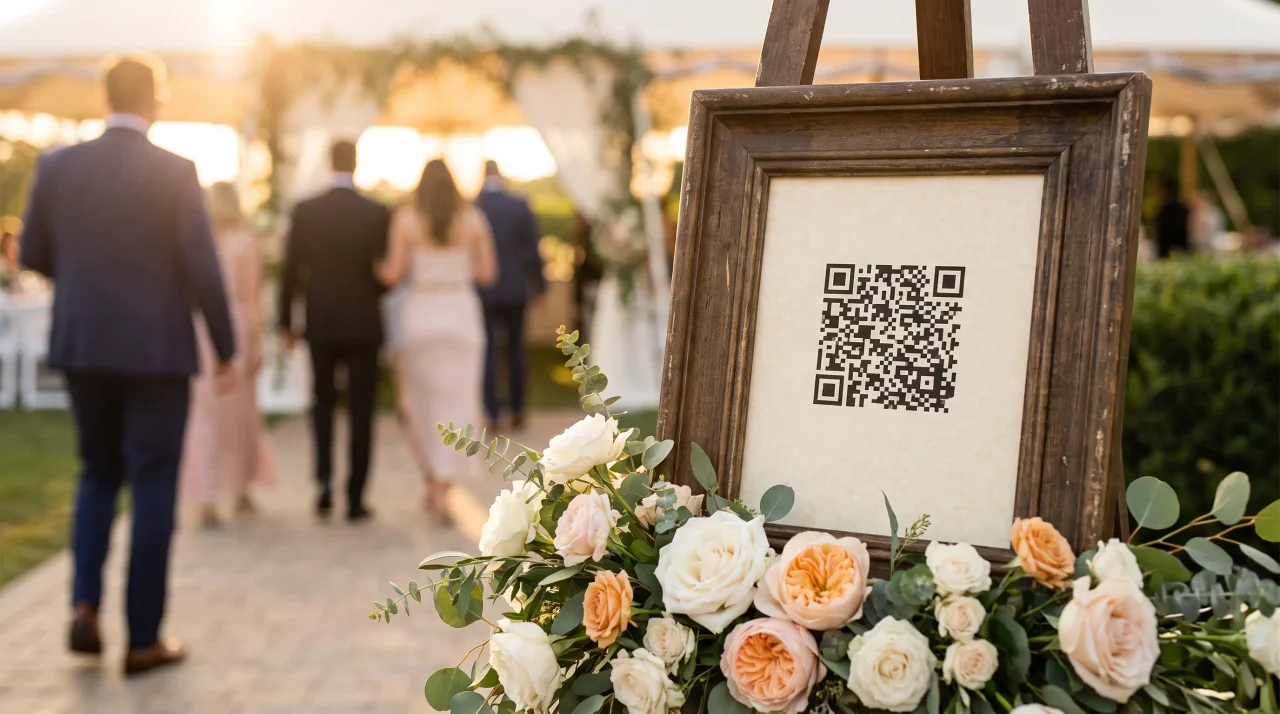
GuideWedding QR Code for Photos: The Complete Setup Guide (With Free Sign Templates)
Your photographer captures the vows, the first dance, the speeches. What they won't capture is the photo your cousin took of your dad wiping his eyes from three tables back, or...
 Story
StoryWhy Every Wedding Needs an Audio Guestbook (Not Just a Photo Wall)
You will not remember what your wedding looked like as clearly as you think. You will remember how it sounded — your dad's voice cracking halfway through the toast, your oldest...
 Story
StoryWedding Guest Photo Sharing: Get Every Guest Upload
Your photographer was extraordinary. The album, when it arrives, will be everything you hoped for. But it won't have the photo your cousin took from the back of the ceremony,...