Guestlense vs Gathmo for Weddings: Album Beauty, Head-to-Head


A wedding album is not a folder of files. It is the one place your whole day comes back to you — your father's face during the vows, the table you never got to sit at, the second cousin who flew in from Lisbon and danced until the lights came up. So when you are choosing the tool that will hold all of it, "which one looks nicer" is a fair first question. It is just not the last one.
Guestlense is one of the prettier names in this category, and couples drawn to its polished galleries are right to want something beautiful. Gathmo is built around the same instinct — a clean, branded album in your wedding's own colours — but it adds the one thing most photo tools quietly skip: your guests' voices. Below is an honest, side-by-side look, with every price and feature verified from each company's own pages on 2026-06-08, in native currency, so you can decide what actually matters for your day.
How we compared. Guestlense figures come from its own live pricing and product pages, checked on 2026-06-08 (USD, as of June 2026 — exchange rates and prices change, so re-verify before you buy). Gathmo figures are EUR and come from our own product spec. Where a price is quote-only we say "pricing on request" rather than guess a number.
Quick comparison
| Gathmo (weddings) | Guestlense | |
|---|---|---|
| Entry price | Free, then €29 / €69 / €89 per event | $49–$199 one-time (USD, as of June 2026) |
| Free tier | ●(60 items) | –none |
| No app / no signup for guests | ●yes | ●yes |
| Branded album | ●Aurum wedding theme, your names & colours | ●7+ customisable site styles |
| Audio guestbook (in-browser voice messages) | ●on every tier | –none |
| Voice-message transcripts | ●(Grand tier) | –none |
| Video upload | ●(15 s Free → 600 s Grand) | ●yes |
| Live slideshow at the reception | ●(Celebrate €69 and up) | ●yes |
| Download every file (batch ZIP) | ●(all paid tiers, original quality) | ●yes |
| EU data residency | ●EU (Frankfurt), with processor DPAs | ○not stated on the site |
| Custom domain | ●(Grand / B2B) | –none |
| Guest interface languages | EN + DE at launch | English only |
Guestlense also sells a vendor subscription — Pro Starter $79/mo, Professional $129/mo, Unlimited $299/mo (as of June 2026) — aimed at planners and photographers reselling it, not at couples running one wedding.
Where Guestlense is genuinely strong
Let us be fair, because this is a real choice and not a hit piece.
Guestlense makes a handsome gallery. Hosts get several customisable site styles, so your album does not look like a generic upload bucket — and for a category where many tools still feel like a file dump, that matters. It includes video uploads, a live slideshow you can put on a screen at the reception, AI content moderation to keep the gallery clean, and a batch download so you walk away with every file. It also offers face-find — guests can surface photos of themselves — and the higher one-time bundles ship physical QR cards and Polaroid-style prints to your door, which is a genuinely nice touch if you want printed signage handled for you.
If your entire requirement is "a beautiful photo-and-video gallery with printed cards in the box," Guestlense does that well. The questions worth asking before you commit are the two below.
The first question: does it hold your guests' voices?
Here is the difference that does not show up in a screenshot of a gallery.
Guestlense has no audio guestbook. Its album holds photos and videos — and that is the ceiling. Gathmo's audio guestbook is the hero of the wedding album, and it is included on every tier, including Free. Guests open your link, tap record, and leave a spoken message straight from the browser — no app, no booth, no rented telephone handset, no hardware to return on Monday. You receive them in a dedicated Voice Messages section of your album, each with a waveform player, and on the Grand tier a full written transcript of every message.
This is the part of the day that almost never survives. The photographer captures how it looked; the voice messages capture how it sounded — your grandmother's laugh, the exact phrasing of a toast, the way your best friend's voice cracked. Recorded the way they said it, kept for as long as your album lives. That is a different kind of keepsake than a photo, and it is the one thing a gallery-only tool structurally cannot give you.
Worth noting honestly: in-browser voice messages are rare, not unique, in this market. A small number of competitors offer something similar. But among the album-beauty tools couples actually compare Guestlense against, the voice guestbook — and especially the transcript — is where Gathmo pulls clearly ahead.
The second question: where do your wedding photos actually live?
Wedding photos are intimate. They show children, elderly relatives, people mid-emotion who never expected to be online. For many couples — and especially in Germany, Austria and France — where the files are stored is not a technicality. It is respect.
Guestlense does not state on its site where it hosts data — there is no EU-residency claim we could verify (we have marked this unknown; the company's location is also not disclosed, so we will not assert "US-hosted" as a fact). Gathmo stores every photo, video and voice message on EU servers in Frankfurt, with data-processing agreements in place with its processors.
Why this is more than a badge: under the GDPR, personal data may be kept in identifiable form "for no longer than is necessary for the purposes for which the personal data are processed" (Art. 5(1)(e), the storage-limitation principle). Gathmo builds that in — each album has a defined retention window and is deleted when it expires, rather than sitting in a silent archive forever. And if a guest ever asks to have their images removed, the GDPR right to erasure (Art. 17) requires the controller to act "without undue delay," within one month (Art. 12(3)). Keeping the data in the EU from the start avoids the third-country transfer questions (SCCs, adequacy decisions) that arise the moment files leave for a US server. (This is general information, not legal advice.)
One honest clarification, because trust runs both ways: a wedding you host for family and friends often falls under the GDPR's "purely personal or household activity" exemption (Art. 2(2)(c)) — the rules bite hardest on the platform as processor, and on any photos you publish publicly beyond a private circle. The point is not to alarm you. It is that the tool you choose either takes that weight off your shoulders or quietly leaves it there.
What about face-find?
Guestlense offers face-find — handy for guests who want to pull their own photos out of a large gallery. If selfie-based photo search is a must-have for you today, that is a real point in its column, and we will say so plainly.
Gathmo does not offer face recognition at launch — it is a Phase 2 feature, not a current one, and we would rather tell you that than imply otherwise. There is also a privacy reason it is handled carefully: under the GDPR, an ordinary photo of a face is not automatically special-category data, but running facial-recognition feature-extraction to uniquely identify people is biometric processing under Art. 9 and generally needs separate, explicit consent (Recital 51 confirms photos count as biometric data "only when processed through a specific technical means allowing the unique identification" of a person). So if face-find is your single deciding feature, Guestlense has it now; if EU-resident data and your guests' voices matter more, Gathmo is the stronger fit.
How this feels on the wedding day
The difference is easiest to picture at the reception. With Guestlense, the couple gets a polished gallery and guests see their uploads appear in a slideshow. That is useful and attractive. With Gathmo, the same QR code also gives guests a place to leave a spoken wish without finding a paper card, a rented phone, or the couple themselves. The photo table, the bar, and the speeches all point back to one album.
That matters because wedding guests do not behave like software users. They act in tiny windows: while waiting for dinner, after a toast, between dances, or on the ride home. The tool that wins is the one that catches those moments with the least explanation. Beauty matters, but the capture flow matters more.
Pricing, plainly
Guestlense is one-time for couples: roughly $49 for the digital guestbook, $99 with 30 QR cards, $199 with cards plus prints (USD, as of June 2026). There is no free tier, so you cannot try the real product before paying. The separate Pro subscription ($79/$129/$299 per month) is built for vendors reselling it, not for one wedding.
Gathmo is per event and EUR: start on Free (60 items, the audio guestbook included) to see your actual album before you spend anything, then choose the tier that fits your day:
- Essential — €29: unlimited guests, 6-month album, AI moderation, unlimited voice messages.
- Celebrate — €69: unlimited guests, unlimited photos, a 1-year album, the live slideshow for your reception, and unlimited voice messages. This is the tier most couples land on.
- Grand — €89: unlimited guests, a 183-day album, voice-message transcripts, a custom domain, and a live stream for relatives who could not travel.
A note of context on size: a single wedding can generate a lot of media — one competitor's data puts a typical range at hundreds of guest photos within the first 24 hours (illustrative figure) — which is exactly why "download everything in original quality" and a generous storage tier are worth checking, not assuming.
So which should you choose?
- You want a beautiful gallery and printed QR cards in the box, and face-find matters most today → Guestlense is a reasonable pick, and the bundled prints are a nice convenience.
- You want all of that and your guests' recorded voices, EU-resident data, a free tier to try first, and an album in your own colours and language → Gathmo is the more complete wedding tool, and the only one of the two with a voice guestbook on every plan.
A photo shows you the day. A voice message lets you hear it again. For a once-in-a-lifetime day, that is worth more than a slightly different gallery skin.
→ Create your free Gathmo wedding album — the audio guestbook is included, no app for your guests, and nothing to pay to see how your album looks.
Keep reading: Why every wedding needs an audio guestbook · How to set up your wedding photo QR code · GDPR for wedding hosts: what happens to your guests' photos. For a cross-vertical, all-events comparison, see our hub guide to event photo-sharing apps.
The small details couples notice later
On the wedding day, couples notice whether the gallery looks nice. Months later, they notice whether the archive is complete. Can they download everything easily? Are voice messages kept next to the photos? Does the album still feel private? Can relatives who missed the trip hear the speeches, wishes, and greetings? Those are the details that turn a tool from a display feature into a keepsake.
That is why the best choice is not only about the first impression of the gallery. It is about the memory package you still want after the flowers are gone, the dress is packed away, and the WhatsApp thread has drifted out of view.
Before deciding, create a tiny test album and ask one family member to upload a photo and leave a voice message from their own phone. That tells you more than a feature table: whether the upload page feels obvious, whether older guests can manage it, and whether the finished album feels like something you would actually keep.
Frequently asked
Guestlense is a reasonable choice if face-find and printed QR cards are the main priorities. Gathmo is stronger if you want a free trial tier, EU-resident data, voice messages on every plan, transcripts on the top tier, and one album for photos, video, and audio.
Gathmo is the better fit for voice messages because the audio guestbook is included on every tier. Guestlense focuses on photo collection, gallery presentation, face-find, and printed QR cards rather than preserving spoken wedding wishes.
Yes. Create a small test album, ask one relative to upload a photo and leave a voice message, and check whether the process feels obvious on a real phone. A short test reveals more than a pricing table or gallery screenshot.
Guestlense focuses on photo aesthetics and face-find tools rather than voice recording. If a wedding audio guestbook -- where guests record spoken wishes in their phone browser with no hardware -- is a priority, Gathmo is the better fit: it includes in-browser voice recording on every tier including the free plan, with automatic transcripts on the Grand tier. Voice messages are consistently the feature couples say they are most glad they turned on after the wedding.
Both use QR-based no-app uploads. The main factors affecting participation are QR code placement (every table card versus a single station), the specificity of the prompt on the sign, and whether the MC mentions it -- neither tool controls these. Where Gathmo has an edge is media types: guests who do not feel like photographers can still leave a voice message, giving more of the room a reason to engage. For face-find specifically, check whether Guestlense currently supports it before deciding.
Guestlense is specifically designed for album aesthetics -- its gallery presentation and face-find features are the primary product differentiators. The album experience for the couple is more curated and visually polished out of the box. Gathmo's album is functional and clean, with branding customisation (logo, colour scheme) but less emphasis on presentation aesthetics relative to feature depth. If gallery beauty and photo presentation quality are the top criteria, Guestlense warrants a close look. If EU data residency, audio guestbook, voice transcripts, or a live photo wall matter more, Gathmo is the stronger fit. Many couples care more about having voice messages from their guests than about the gallery grid layout.
Guestlense focuses on photo aesthetics and face-find tools rather than audio features. If a wedding audio guestbook -- where guests record spoken wishes directly in their phone browser with no hardware -- is a priority, Gathmo is the better fit: it includes in-browser voice recording on every tier including the free plan, with automatic transcripts on the Grand tier (89 EUR). Voice messages are consistently the feature couples report being most glad they had after the wedding -- more than any visual gallery feature. For face-find specifically, verify whether Guestlense currently supports it before making the decision, as availability has changed in past product cycles.
 Guide
GuideHow to Share Your Wedding Album with Family Abroad (Without a Facebook Group)
Some of the people who love you most weren't in the room. The aunt in Toronto who raised your mother. The cousins in Manila who watched you grow up over video calls. The...
 Story
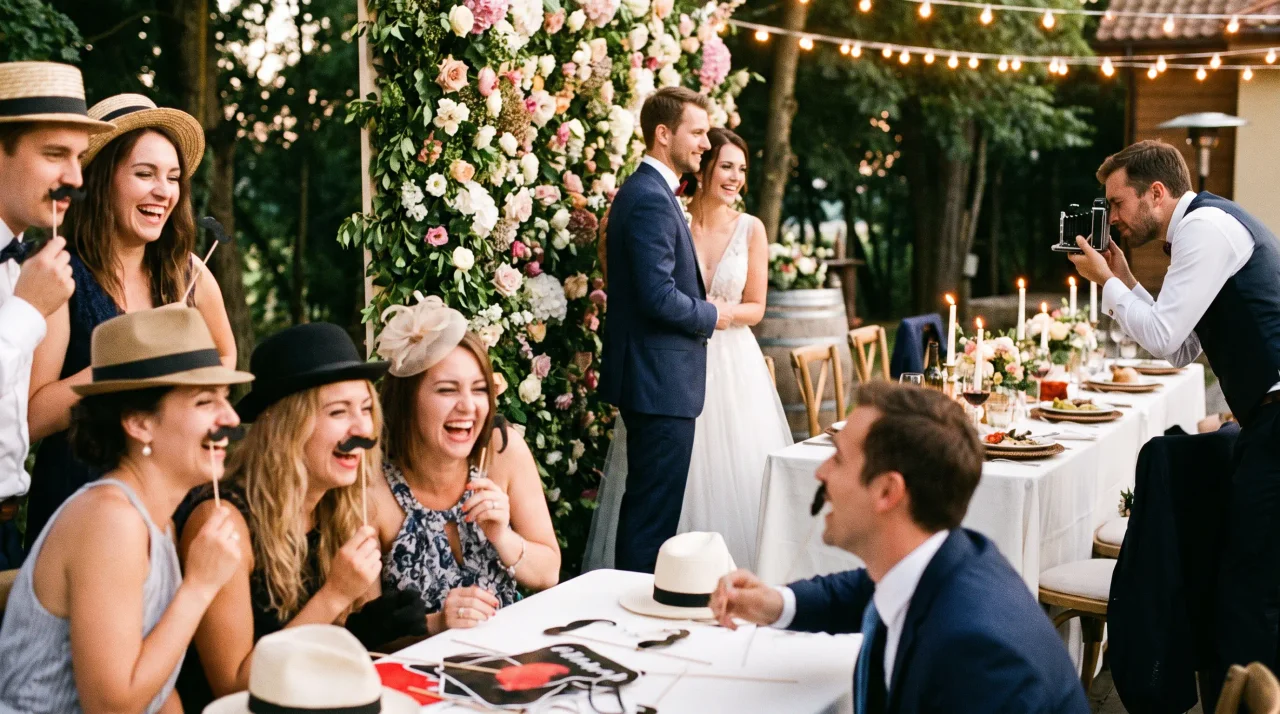
Story10 Wedding Reception Photo Ideas That Go Beyond the Photobooth
The photobooth has done its job for a decade now. A backdrop, a basket of feather boas, a strip of four pictures your guests pocket and you never see again. It's fun. It's...
 Ranking
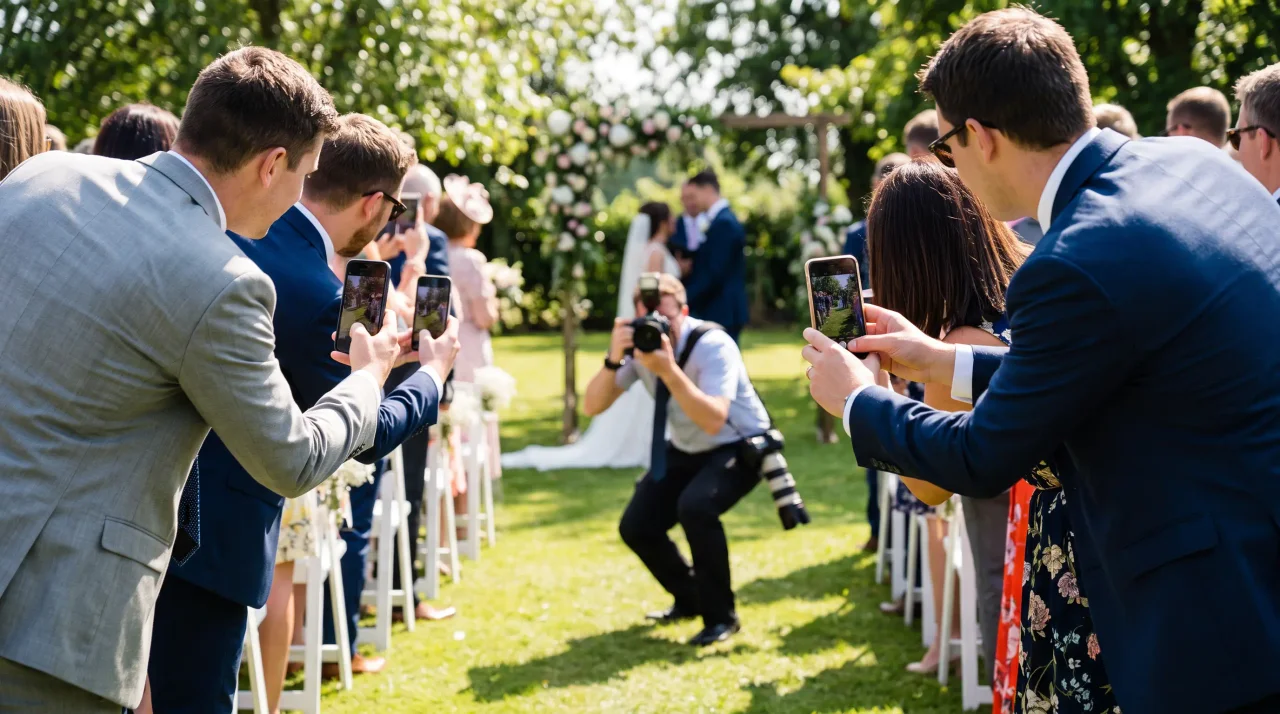
Wedding Photography Tips for Couples: Getting the Best Out of Guest Cameras
Your photographer will give you the wedding you planned: the formal portraits, the first kiss in perfect light, the wide shot of the room as you walked in. But a whole second...