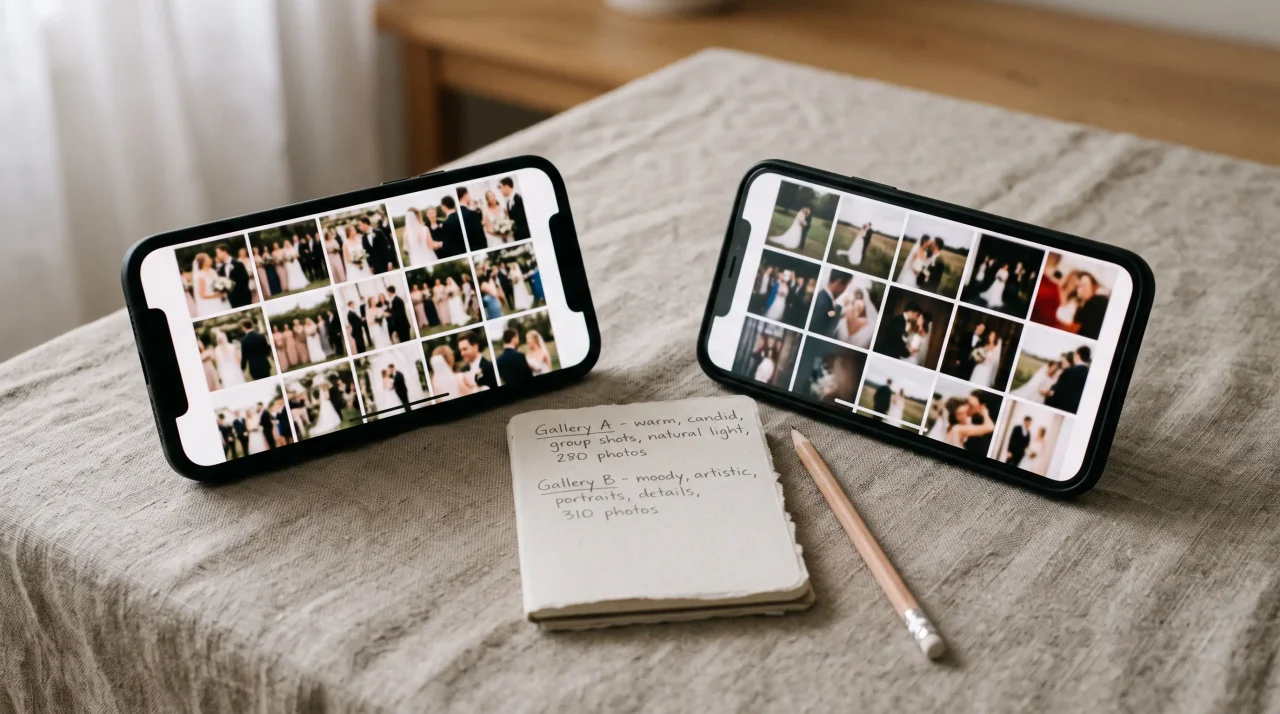

Your photographer was extraordinary. The album, when it arrives, will be everything you hoped for. But it won't have the photo your cousin took from the back of the ceremony, the one where your dad is wiping his eyes before you've even reached the top of the aisle. It won't have the blurry, joyful chaos of the dance floor at midnight, shot by your maid of honour. It won't have your nephew's view of the cake from exactly thirty centimetres away.
Wedding guest photo sharing works when guests can contribute in the moment, not days later. Around 70% of camera-phone photos are never revisited in any meaningful way (Popsa, 2025). That means the winning workflow is simple: QR code, browser upload, no app, clear signage, and one album the couple can download.
This guide is about closing that gap: how to collect wedding guest photos from every guest, easily, so that nothing from your day is left behind on someone else's camera roll. We'll cover the methods that actually work in 2026, the one that works best, and the small details that decide whether you get 30 photos or 800.
- Ubersuggest shows wedding guest photo sharing and photo sharing for wedding guests as practical search intents, not just product-comparison searches.
- The best workflow is QR upload during the event, backed by table cards, an MC reminder, and a post-wedding upload window.
- Older relatives and low-tech guests participate more when there is no app install, no login, and a visible sign at the table.
The simplest wedding guest photo sharing workflow
The simplest wedding guest photo sharing workflow has six parts: create one private album, print the QR code, place signs where guests pause, announce it once, keep uploads open after the wedding, and download the full archive. QR behavior is mainstream enough for this to work: TEAM LEWIS reported 68% consumer QR use in the previous year.
| Step | What to do | Why it works |
|---|---|---|
| Create one album | Set up the wedding album before print deadlines | Guests need one destination, not five sharing methods. |
| Print one QR system | Use the same code on table cards, bar signs, and a larger welcome sign | Repetition makes the action obvious. |
| Keep upload in browser | Avoid app downloads and account creation | Every extra step loses guests. |
| Announce it once | Ask the MC or celebrant to mention the QR code | Guests notice the sign when a person names it. |
| Leave uploads open | Give guests a few days after the wedding | Some people upload from the hotel or train home. |
| Download everything | Export originals as one archive | The couple should own the final collection. |
If you want to compare tools before setting this up, use the wedding photo sharing app hub. If you want photos plus voice and video memories, compare wedding photo app for guests options before printing.
Why the "send me your photos" group chat never works
The instinct is to make a group chat and ask everyone to post their pictures. It feels free and easy. It is neither.
Group chats fail at this for a reason that's been measured: News.com.au reports on group-chat anxiety and notification fatigue. Your wedding chat competes with that fatigue. A handful of keen guests post the morning after; everyone else mutes it, means to come back, and never does. And the photos that do arrive are crushed to a fraction of their quality by the messaging app, stripped of the resolution you'd want to print.
There's a wider context worth sitting with. The world took an estimated 1.9 trillion photos in 2024 (PetaPixel photo-volume estimate summary, 2025, 2024-2025). Your guests are not short of images - they are short of a reason and a frictionless way to hand them over. Give them that, and they will.
So the real question isn't whether your guests took photos. They did. It's how you get them off their phones and into one place, in full quality, without turning yourself into the wedding's IT department.
The four ways to collect wedding guest photos (honestly compared)
Group chat, shared folders, app downloads, and QR upload pages all collect photos, but they create very different guest behavior. The table below is the practical difference couples feel after the wedding.
| Method | Guest effort | Photo quality | Best use | Main risk |
|---|---|---|---|---|
| Text, WhatsApp, or AirDrop | Medium to high after the event | Often compressed | Very small groups | Guests forget or send only a few files. |
| Shared cloud folder | Medium | Usually good | Tech-comfortable guest lists | Sign-in walls stop older guests. |
| Dedicated app download | High | Usually good | Guests willing to install software | App-store friction kills participation. |
| QR upload page | Low | Strong when original export is supported | Most weddings | Needs visible signs and a tested QR code. |
1. Ask people to text or AirDrop them
How it works: You ask. People send.
Why it falls short: It relies entirely on memory and goodwill, arrives in a dozen formats across a dozen apps, and compresses your photos. You'll spend weeks chasing stragglers and still end up with a fraction of what was captured. Fine for a small gathering; hopeless for a full wedding.
2. A shared cloud folder (Google Photos, Dropbox, iCloud)
How it works: You create a shared album and send everyone a link.
Why it falls short: It assumes every guest has - and is signed into - the same ecosystem. Your 78-year-old great-aunt does not have a Dropbox account, and asking her to make one at the reception is the opposite of the effortless day you planned. Sign-in walls are exactly where guest participation quietly dies.
3. A dedicated wedding photo app guests must download
How it works: Guests install an app, create an account, and upload.
Why it falls short: Every download and signup is a step where guests drop out. On a wedding day, asking 150 people to install software is an embarrassing friction point in an otherwise carefully curated celebration. The guests most likely to have the most touching photos - older relatives - are the least likely to make it through an app-store install.
4. A QR code that opens straight to an upload page - no app, no signup
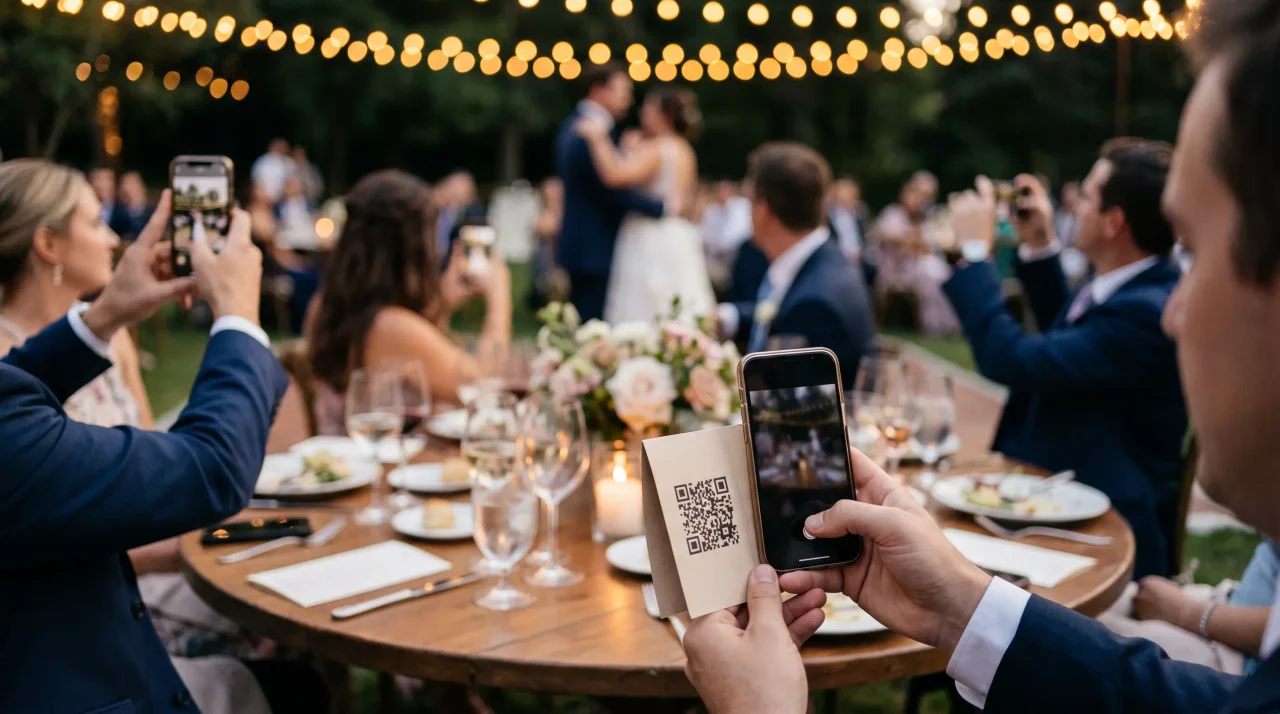
How it works: You place a small sign with a QR code on each table (and one larger one near the entrance or the bar). Guests point their phone camera at it, tap the link, and they're on the upload screen - in their phone's normal browser, no install, no account.
Why it wins: It removes every barrier at once. QR codes are now genuinely mainstream: 84% of respondents had scanned a QR code before, with 32% most recently scanning one in the previous week.40% scan one at least weekly (NFCW QR survey summary, 2020); in the US, 68% of consumers used a QR code in the past year (QRKit summary of TEAM LEWIS consumer QR research, 2024). And nearly everyone in your room is holding the only tool they need - the U.S. International Trade Administration reported Germany smartphone penetration at 90.1% in 2023. Scan, upload, done. Nan included.
This is how Gathmo works. Guests scan your wedding QR code or open your short link and go straight to the upload screen - no app, no signup. Photos arrive in full quality in one private album, and you can download the entire collection as a single ZIP when the day is over.
How to set it up: a simple before-the-wedding checklist
You don't need a tech team. Here's the whole process.
1. Create your album and get your code. Sign up, name your wedding album, and you'll get a QR code and a short link (something like gathmo.com/c/yourcode). With Gathmo you can start free and decide on a paid tier closer to the day.
2. Put the code on signs guests will actually see. Size matters more than people expect. Print specs worth following:
- Table cards / table tents: around 3-5 cm for the code, scanned by a seated guest from 30-50 cm away (QR Insights).
- A5 stands and flyers (welcome table, bar, guestbook station): around 4-7 cm (Uniqode).
- A-frame or larger standing signs (entrance, dance floor): around 10-25 cm, for scanning at 1-2.5 m (Uniqode).
Keep a clear blank margin of at least four "modules" (the little squares) around the code so phones can read it cleanly (DENSO WAVE / ISO/IEC 18004), and use a dark code on a light background - avoid printing it pale-on-dark, which many scanners struggle with (QR Designer).
3. Test-print one before you print fifty. Print a single proof at the actual size and scan it from where guests will stand, under real venue-style lighting - glossy card under warm reception lighting behaves differently from a screen (Uniqode). This one step prevents the nightmare of a table full of codes that won't scan.
4. Tell guests in three places. A line on the order of service, a word from your celebrant or MC ("there's a QR code on every table - please share your photos"), and the signs themselves. A code no one is told about is a code no one scans.
5. Decide who can see the album. With Gathmo the album is private to you unless you choose to share it, so you control whether guests see each other's uploads live or whether the collection stays just for you.
Guest participation checklist
Wedding guest photo sharing is mostly a communication problem. The tool can be good, but guests still need to see it, understand it, and remember it at the right moment.
- Put one QR card on every dining table, not only near the entrance.
- Add one larger sign at the bar, welcome table, or guestbook station.
- Use direct wording: "Scan to upload your wedding photos and voice messages."
- Ask the MC to mention it once before dinner and once before the dance floor opens.
- Keep the upload window open for several days after the wedding.
- Send the link once in the post-wedding thank-you message.
- Download the full archive before the retention window ends.
For older relatives and low-tech guests, make the sign do the explaining. Avoid tiny instructions, pale QR codes, or wording that sounds like account setup. A guest should be able to point the camera, tap once, and see the upload page. If someone still needs help, a bridesmaid, usher, or table host can scan the same code and show the flow in ten seconds.
For more print-specific help, use wedding QR code photo templates and the guide on where to place your wedding QR code.
Don't forget their voices
Here is the part almost every guide skips, and the part you'll be most grateful for in ten years.
Photos capture how the day looked. They don't capture how it sounded - your grandfather's toast trailing into a laugh, your best friend's voice cracking halfway through a blessing, the message someone leaves you at 1 a.m. that they'd never say to your face sober.
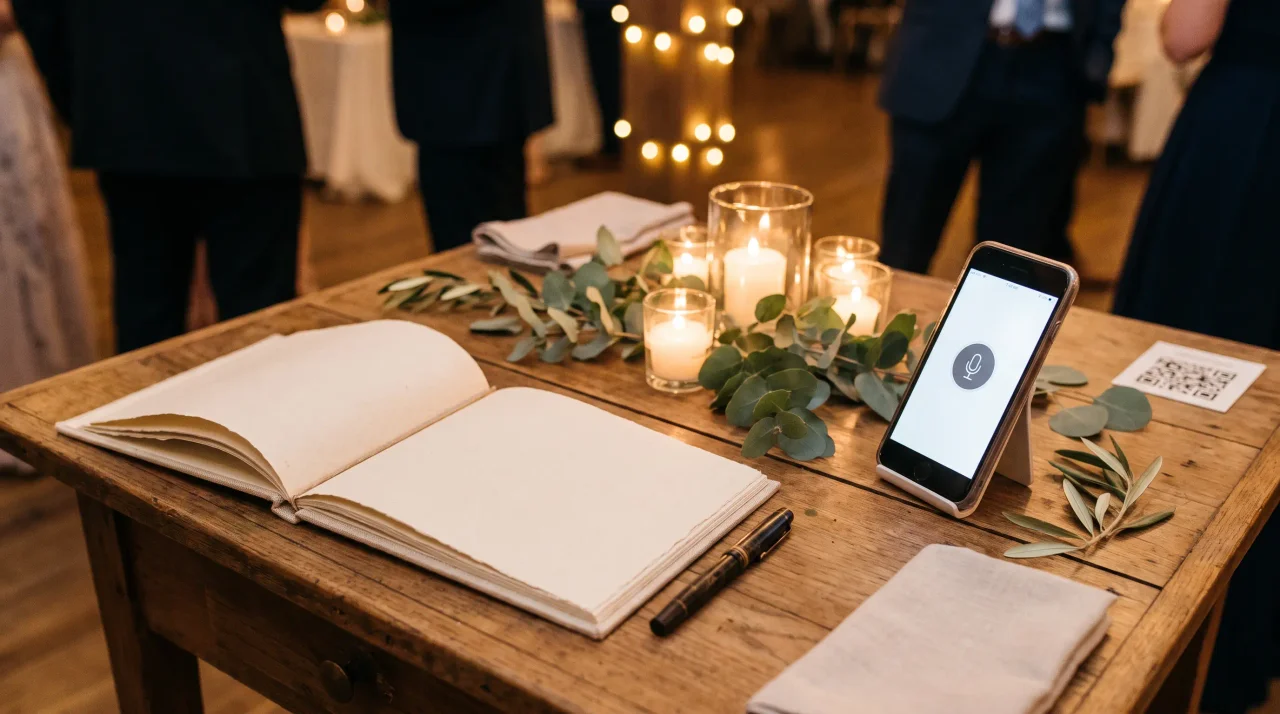
Gathmo's audio guestbook lets guests record a voice message straight from the same upload screen - no telephone handset to rent, no booth, no hardware. They tap record, speak, and it lands in a dedicated Voice Messages section of your album with a waveform player. Voice messages are included on every Gathmo tier (recording lengths run 30 seconds on Free; unlimited on paid tiers on the Grand tier); on the Grand tier, each message also comes with a full written transcript, so the words are preserved alongside the voice.
This is rarer than you'd think. Among wedding and event tools, a recorded audio guestbook exists at a handful of services, but transcription of those messages is genuinely uncommon. It's the kind of thing you don't know you wanted until you're listening, on an anniversary, to a voice you can no longer hear any other way. Photos are the day. Voices are the people.
Getting every photo out again - the download nobody talks about
Collecting photos is only half the job. The half couples discover too late is getting them all back out in full quality.
With Gathmo, every paid tier includes batch ZIP download of the entire album at original quality - one click, everything, no per-photo saving. That matters because guest photos add up fast. One wedding-photo vendor estimates a typical wedding generates somewhere in the range of 500-1,200 guest photos in the first 24 hours (illustrative figure from Snapeen; not an independently verified benchmark). Whatever your real number, you don't want to be right-clicking and saving them one at a time.
A practical tip: storage and retention are part of this. Gathmo keeps your album available for a set window depending on your tier - for example, 183 days / 6 months on the Celebrate tier (€69) and 1 year on Grand (€89) - which gives you a generous, unhurried period to download everything and share the album with family before it's deleted. Download the ZIP, back it up somewhere permanent, and your wedding is yours forever, in your own hands. If some of that family is overseas, how to share your wedding album with family abroad covers the handover.
A quiet word on privacy - because these are intimate photos
Wedding photos are personal. They include children, elderly relatives, and emotional moments your guests may not want floating around the public internet. Treating that with care isn't a compliance checkbox; it's respect for the people in the frame.
Two things are worth knowing. First, where the photos live. Gathmo stores every photo, video, and voice message on EU servers in Frankfurt, under GDPR. For European couples - and the German and French families in the room - that's a meaningful difference from tools hosted in the US. Several popular wedding-photo apps are US-based, with EU data residency not confirmed; if that matters to you, ask the question before you choose.
Second, how long they're kept. GDPR's storage-limitation principle holds that personal data should be kept "for no longer than is necessary" (GDPR Art. 5(1)(e)), and guests retain the right to ask for their own images to be erased (GDPR Art. 17). A platform with defined retention - where the album is deleted when its window ends, rather than sitting in a silent archive forever - is doing the right thing by your guests. (One useful note on what Gathmo does not do: it doesn't run facial-recognition photo-search, which under GDPR can turn ordinary photos into specially protected biometric data - Recital 51. For a wedding, simply collecting and displaying photos avoids that complication entirely.)
This section is general information, not legal advice.