Wedding QR Code for Photos: The Complete Setup Guide (With Free Sign Templates)

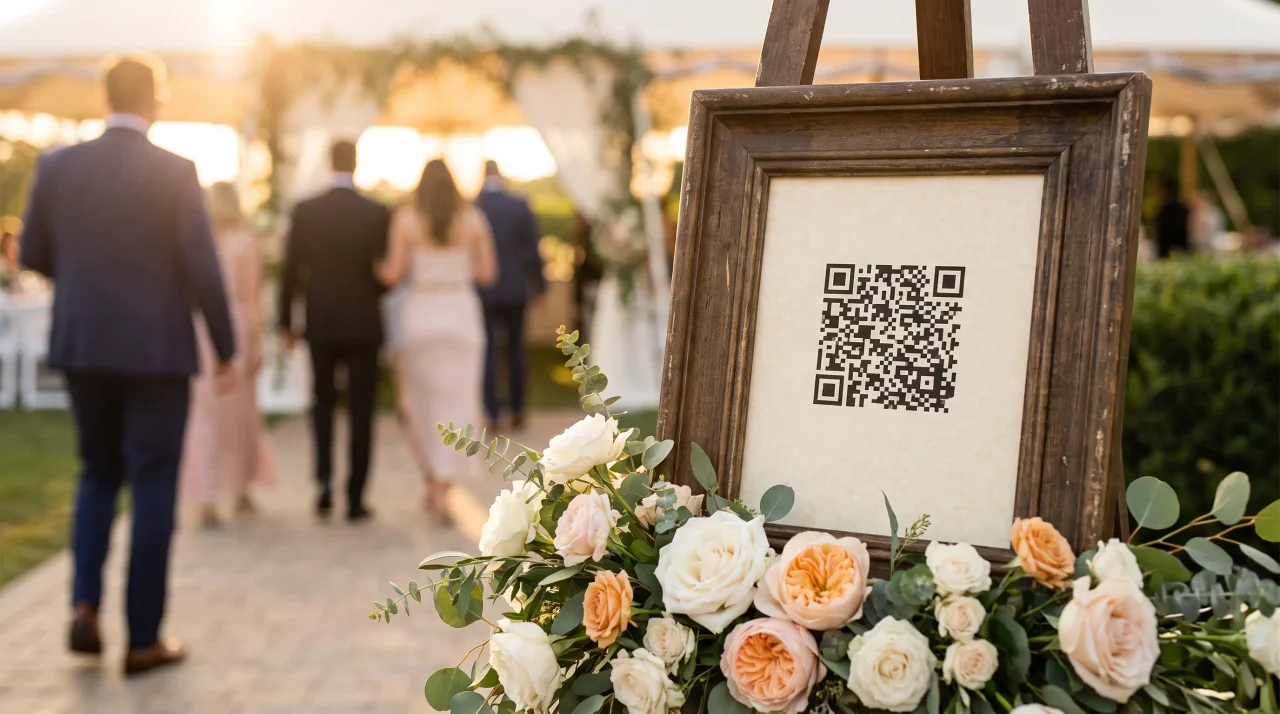
Your photographer captures the vows, the first dance, the speeches. What they won't capture is the photo your cousin took of your dad wiping his eyes from three tables back, or the ten-second video of your nan laughing that someone filmed and then quietly forgot about. Those moments live on your guests' phones — and most of them never make it to you.
A wedding QR code fixes exactly that. Guests scan one code and they're straight into an upload screen on their own phone: photos, videos, and — with Gathmo — voice messages, all flowing into one private album that's yours to keep. No app to download. No account to create. No group chat to chase.
This is the complete setup guide: how a wedding QR code works, how to size and place your signs so every guest can scan on the first try, the privacy question most couples never think to ask, and — at the bottom — free, editable sign templates in a soft Aurum-and-blush palette.
What is a QR code for wedding photos, and how does it work?
A QR code is just a printed link. When a guest points their phone camera at it, the phone opens a web page — your wedding's private upload page — where they tap to add photos and videos already on their phone, or shoot something new.
With Gathmo the flow is deliberately frictionless: guests scan, the upload page opens in their phone's browser, and they share — no app, no signup, no password. That matters at a wedding more than anywhere else, because an app download is the moment Great-Aunt Margaret gives up and puts her phone away. A web page is the moment she doesn't. Everything lands in one branded album, with a one-click ZIP download in original quality when the day is done — plus, on Gathmo, a dedicated Voice Messages section with a waveform player.
How to set up your wedding photo QR code, step by step
You don't need a design background or a tech team.
- Create your album. Name your event and choose your settings — retention length, PIN protection, what guests can upload. Gathmo is free to start, so you can build and test everything before paying.
- Get your QR code. Your album generates a QR code and short link automatically. Use a dynamic QR code — one whose destination can be edited after printing — so the printed code still works even if your link ever changes. Static codes can't be edited once printed, a risk for signage you commit to weeks in advance.
- Choose error correction. Level M (roughly 15% data recovery) is the standard default for clean indoor signage. If you're overlaying a monogram or floral motif on the code, switch to Level H (about 30%) so the logo doesn't break the scan.
- Drop it into a sign. Add the code to a table card, A5 ceremony stand, or welcome poster (our free templates do this for you), with one clear line: "Scan to share your photos with us."
- Test-print and scan it. The step couples skip and regret. Print one proof at the exact final size and scan from where a guest will actually stand — a code that scans on your laptop can fail on glossy card stock under warm reception lighting.
- Place your signs, and let the day happen.
How big should a wedding QR code be?
The most common reason a code won't scan is that it's printed too small for the distance people scan it from. The rule is simple: the minimum code size is the maximum scan distance divided by ten. A code scanned from one metre away needs to be at least 10 cm, and never go below 2 × 2 cm for anything. Here's what that works out to for the signs you'll actually print:
| Sign type | Recommended QR size | Scanned from |
|---|---|---|
| Table card / table tent | ~3–5 cm | A seated guest, ~30–50 cm |
| A5 ceremony stand / flyer | ~4–7 cm | ~40–70 cm |
| Welcome-table poster / A-frame | ~10–25 cm | Standing, ~1–2.5 m |
A few print details make the difference between "everyone scanned it" and "half the table gave up":
- Leave a clear margin. The QR standard (ISO/IEC 18004) requires a blank "quiet zone" of at least four modules' width on all four sides. Give it a generous white border — don't let your floral border or text crowd the edge.
- Keep it dark-on-light. A dark code on a light background scans most reliably. Avoid inverting it (light-on-dark); many phone scanners struggle with inverted codes — a real temptation on a moody dark-themed sign.
- Export at 300 DPI or higher for crisp close-range print, and save it large: you can scale a high-resolution code down, but you can't scale a small one up without it turning fuzzy.
- Test on the real material. Glossy stock and reflective foils can defeat a code that scanned fine on matte paper. Always proof on the actual card.
Where to place your wedding QR code signs
One sign at the entrance isn't enough — guests forget by the time they sit down. Spread the prompt across the day:
- The welcome table or entrance — a larger A-frame or easel poster (10–25 cm code) is the first impression and the place to explain what's happening.
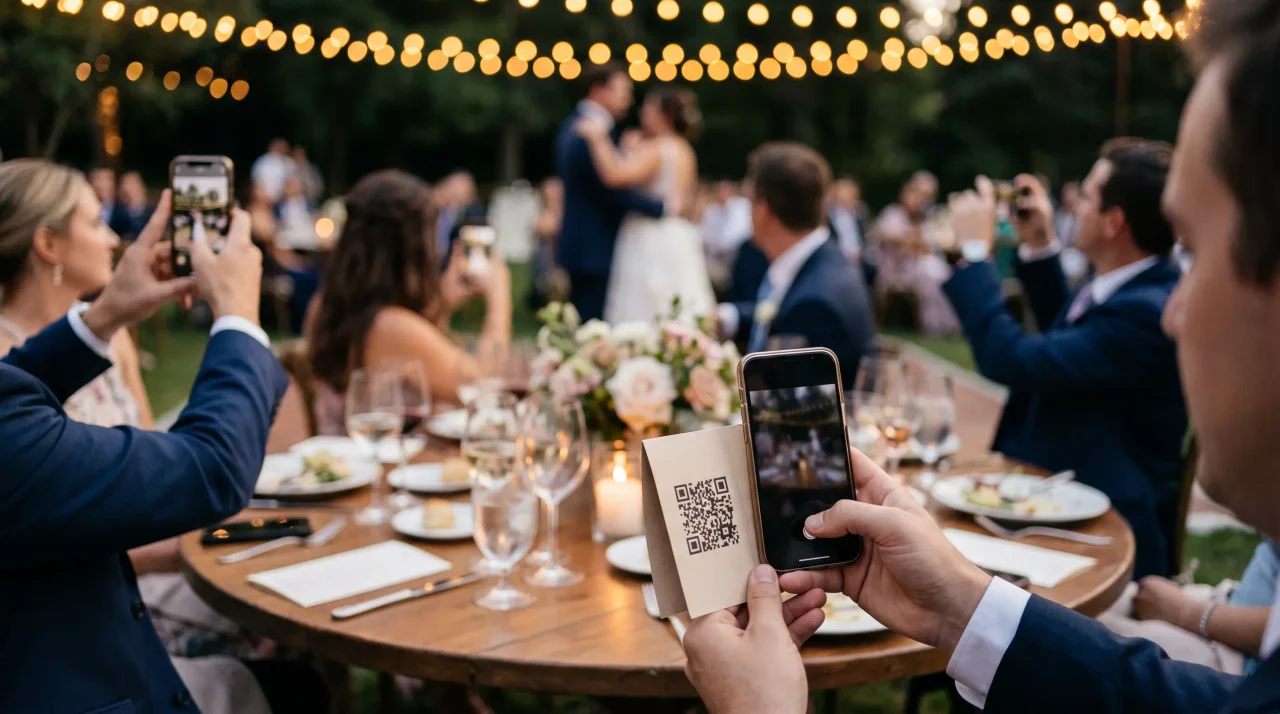
- Every reception table — small table cards (3–5 cm code) are the workhorses, because that's where most photos get uploaded: guests seated, relaxed, and already on their phones between courses.
- The bar, the photo corner, and (if it suits your style) an A5 stand near the order of service — wherever people gather and naturally take photos.
Aim for gentle ubiquity: a guest should never have to go looking for the code, but should be reminded of it two or three times without it feeling like a billboard.
Don't forget the voice messages
Alongside photos and videos, Gathmo's audio guestbook lets guests record a spoken message right in their phone browser — no separate hardware, no rented retro telephone, no awkward booth in the corner. They scan, tap record, and leave you their voice. You receive these in a dedicated Voice Messages section, each with its own waveform player. Voice messages are included on every Gathmo tier (30 seconds on Free; unlimited on paid tiers on the higher tiers); on the Grand tier and Gathmo's business plans, each message also comes with an automatic written transcript.
A photo shows you a face; a voice message gives you the actual sound of someone telling you what the day meant — your grandmother's voice, preserved exactly as she said it. Years from now, that's the recording you'll come back to. An in-browser audio guestbook is rare among wedding photo tools: of the competitors we track, only JoinMyMoment also offers transcripts (as of June 2026), and most don't record voice at all.
The privacy question most couples skip
Wedding photos are intimate — children, elderly relatives, emotional moments that nobody wants surfacing on a stranger's server or in someone's advertising. A few things genuinely matter:
- Where your photos are stored. Gathmo stores every photo, video, and voice message on EU servers (Postgres in Frankfurt; media in an EU jurisdiction), under GDPR. Some popular alternatives host in the United States — Wedibox and GuestCam, for two (as of June 2026). Several German and EU-based tools also host in the EU; what Gathmo adds is EU-resident storage combined with the audio-guestbook-and-transcript feature set.
- Who can see the album. It's private to you unless you choose to share it, and you can set a PIN. Guests upload to your album; they don't browse a public gallery.
- What happens when it's over. Under the GDPR's storage-limitation principle (Article 5(1)(e)), personal data shouldn't be kept longer than necessary. Gathmo applies defined retention windows per tier — when the window ends, the album is deleted, not left in a silent archive. For a longer keepsake, choose a tier with longer retention or download the full album as a ZIP before it expires.
- Telling guests what's happening. A clear, friendly line on your sign — "Photos you share will be saved to our private wedding album" — is both courteous and aligned with the GDPR transparency principle (Article 13), which expects people to be told who's collecting their data, and why, at the point of collection.
One feature you may see advertised elsewhere is face recognition, so guests can find photos of themselves by selfie. Gathmo does not offer face-find at launch — it's on the roadmap, not in the product today. Face-matching also processes biometric data under GDPR Article 9 and generally needs separate, explicit consent; ordinary photo galleries don't trigger that rule, but facial-recognition tagging does.
This section is general information, not legal advice. For your specific situation, consult a qualified data-protection professional.
Free wedding QR code sign templates
To save you a to-do, we've put together a free Wedding QR Sign Template Pack in Gathmo's soft Aurum-gold and blush palette, designed to sit beautifully on a table without shouting:
- An A4 table card (for table-tent folding)
- An A5 ceremony stand sign
- A postcard-size sign for the bar or photo corner
Each one follows the print rules in this guide: a generous quiet zone, dark-on-light contrast, and sizing matched to where it'll be scanned. Drop in your own QR code, print, and you're done. Create your free Gathmo album to generate your code and download the templates.
Create the wedding event on Gathmo and get the QR code
From the host dashboard, create an event with the wedding name and date. Download the QR code as SVG for large-format prints and PNG at 300 DPI for card-size prints. Test-scan both on an iPhone and Android before sending to the printer.
Integrate the QR code into wedding stationery
Place the QR code on table cards (3-5 cm at seated scan distance), the order of service, and a display sign at the reception entrance. Give the file to your stationer or drop it into a Canva template for DIY printing.
Brief guests on how to use it
A clear table card instruction removes hesitation: 'Scan to add your wedding photos and messages -- no app needed.' Add a specific prompt such as 'Upload your favourite shot of the evening' or 'Record a voice message for the couple.' This consistently increases participation.
Download the complete archive after the honeymoon
Log back into the Gathmo dashboard after the honeymoon. Download the full ZIP archive, which includes all guest photos, video clips, and voice messages. The archive complements the professional photos as a complete record of the day.
Frequently asked
Create a wedding album with a photo-sharing tool like Gathmo — it generates a QR code and short link automatically — then place that code on your signage. With Gathmo you can do this free to start and test the whole flow before the day.
The code is part of the photo-sharing service, not a separate purchase. Gathmo is free to start (60 items), with paid event tiers at €29, €69, and €89 depending on guest count, storage, and album lifespan. Many competitors charge a one-time fee per event instead; prices and currencies vary by provider (as of June 2026).
It depends what you want. If guests' voices matter as much as their photos, and you want your data stored in the EU, Gathmo's combination of an in-browser audio guestbook, EU hosting, and a no-app guest experience is built for exactly that. For a quick photo dump alone, several cheaper one-time tools do the basic job.
No. With Gathmo, guests scan and upload straight from their phone's browser — no download, no account, no password. That's the whole point: it works for every guest, in every age group, on the first try.
Four steps: (1) Create a Gathmo event — free takes under two minutes; fill in the event name, date, and any branding. (2) Choose your tier — Celebrate (69 EUR) for a 6-month album and live photo wall, Grand (89 EUR) for a 1-year album, live stream, and voice transcripts. (3) Generate the QR code from the host dashboard — download as SVG or PNG in the size you need. (4) Place the QR code on table cards, the welcome sign, and ceremony programmes. Print one test copy and scan it from the expected distance before printing the full batch. From sign-up to printed QR code, the whole setup takes under 30 minutes.
Use the QR code Gathmo generates. Gathmo's QR code links directly to the branded upload page — it handles the event token, mobile formatting, and browser camera access automatically. A third-party QR code pointing to the Gathmo album URL works too, but you lose the branded landing page and need to ensure the URL stays active. The risk with any custom QR code is link drift: if the URL changes, all printed codes become dead links. Gathmo's native QR code is tied to the event and will not break unless you delete the event. For wedding printing where reprinting after the fact is not possible, use the native code.
Six steps: (1) Create a Gathmo event — log in, click New Event, add the wedding date and couple names (under 5 minutes); (2) Choose a plan — Celebrate (69 EUR) for live wall and 6-month retention, Grand (89 EUR) for voice transcripts and 1-year retention; (3) Download the QR code from the host dashboard; (4) Test the QR on both an iPhone and an Android phone before printing; (5) Add the QR to table cards, signage, or favour tags with a one-line instruction such as Scan to add your photos; (6) On the wedding day, open the live wall URL on the venue screen before the reception starts. The QR code itself is permanent and does not change — the live wall URL is separate and opens in the host dashboard.
 Story
StoryWhy Every Wedding Needs an Audio Guestbook (Not Just a Photo Wall)
You will not remember what your wedding looked like as clearly as you think. You will remember how it sounded — your dad's voice cracking halfway through the toast, your oldest...
 Story
StoryWedding Guest Photo Sharing: Get Every Guest Upload
Your photographer was extraordinary. The album, when it arrives, will be everything you hoped for. But it won't have the photo your cousin took from the back of the ceremony,...
 Comparison
GuestCam vs Gathmo for Weddings: Which Is Better for European Couples?
If you've been comparing wedding photo apps, GuestCam has probably come up. It's a capable tool with a loyal following, a real audio guestbook, and a clever feature that lets...