Best wedding guest photo apps of 2026
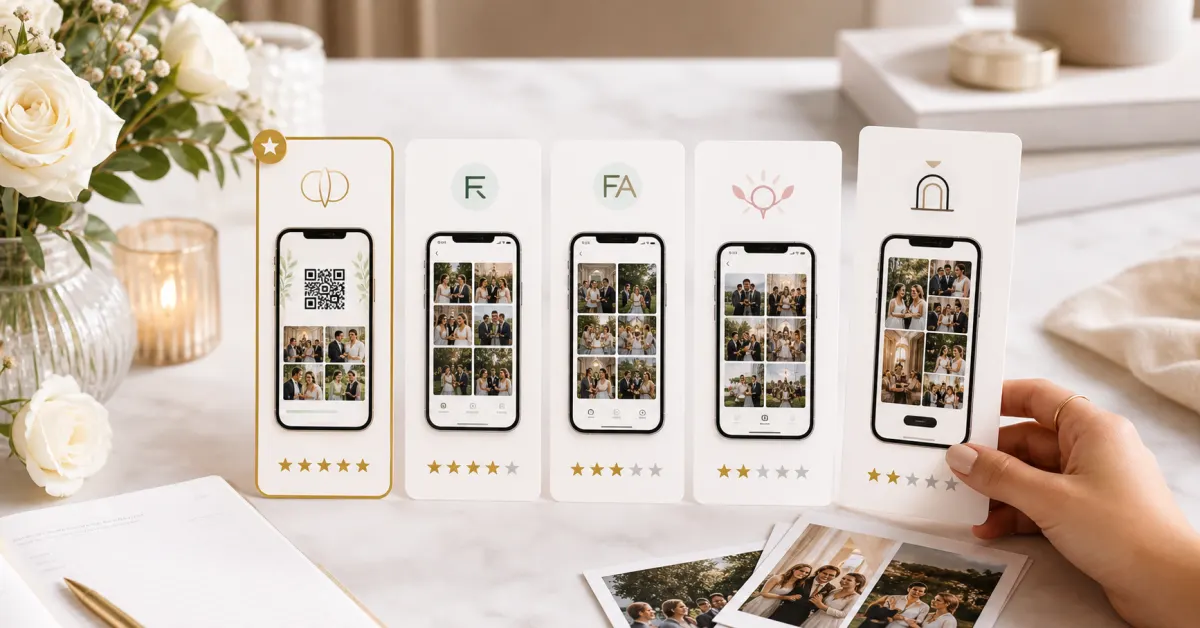

There are now more than a dozen tools that promise to collect every photo your wedding guests take. Most of them collect far fewer than they should, for one consistent reason: they ask too much of the guest. A link shared in a group chat requires people to open it later, when the event is over and the motivation has evaporated. An app download requires guests to install something they will use once and never again. The tools with the highest participation rates are the ones that remove every barrier between the guest and the moment they want to share -- the case we make in detail in our guide to QR photo collection.
We compared six of the most widely used platforms, scoring each equally on four things: how much friction it puts in front of guests before they can upload, what types of media it collects (not all tools capture video or voice), what you actually keep after the wedding (originals, resolution, retention, export), and what the whole thing costs. We were looking for the tool a couple could configure in five minutes and never have to chase guests about.
A note on methodology -- and a disclosure: the comparison is based on each tool's publicly available features, pricing pages and trial experience as of June 2026, and the scores are our editorial judgement against the four criteria above. Gathmo is our product, so read the criteria, check the details yourself, and weigh our verdicts accordingly. This edition was last updated 8 June 2026.
| App | Best for | Price | Rating |
|---|---|---|---|
| Gathmo | Everything in one album | Free -- EUR 79 | ★★★★★ |
| Snapfete | Simple photo walls | EUR 39 / event | ★★★★★ |
| WedShoots | Wedding-only feel | EUR 49 / event | ★★★★★ |
| Guestpix | Big guest counts | EUR 60 / event | ★★★★★ |
| EventShare | Corporate crossover | EUR 25 / event | ★★★★★ |
| GuestCam | Disposable-camera vibe | EUR 19 / event | ★★★★★ |
- No app or signup required for guests
- Photos, video and voice notes in one album
- Live wall display during the event
- Original-quality ZIP export and up to two years of retention
- GDPR-native with EU data storage
- Live streaming to external screens is top-tier only
- Voice guestbook so good guests neglect the actual guestbook

- Very fast setup
- Clean live slideshow display
- Reliable photo uploads
- Photos only -- no video or voice
- Album expires after 30 days
- No moderation tools

- Beautiful wedding-focused templates
- Timeline view organises by event schedule
- Good album management tools
- Requires guests to download an app
- App requirement significantly reduces participation
- Higher price for features that are standard elsewhere

- Handles 500+ guests without issues
- Reliable uploads even under high load
- Reasonable price for the scale it supports
- Dated, confusing interface
- No meaningful moderation tools
- Clunky export and download process

- Lowest price of tested tools
- Strong analytics and reporting
- Reliable and well-documented
- Corporate tone inappropriate for most weddings
- No voice notes or live wall
- Minimal customisation

- Unique retro film aesthetic
- Lowest price point tested
- Fun as a secondary novelty
- Intentionally low image quality
- Film-timer gimmick frustrates guests who want immediate sharing
- No video, no voice, minimal features
How we ranked these
Scores out of 10 are composites of four equally weighted categories: guest friction (does it require an app, signup, or any pre-event action?), capture scope (photos only, or photos plus video and voice?), what you keep (originals vs compressed, retention period, export quality), and price (per-event cost for a typical 80-guest wedding). The comparison draws on each tool's publicly available feature lists, pricing pages and trial experience as of June 2026, and the scores are our editorial judgement against those criteria. Full disclosure: Gathmo is our product -- check the details yourself before you choose. This edition was last updated 8 June 2026.
Preguntas frecuentes
Correct -- guests scan the QR code and the capture screen opens in their phone's browser. No app download, no account creation, no email address required. This is the single biggest factor in participation: guests who would never bother installing an app for a one-off event will scan a code without hesitation. Tools that require an app install tend to see far lower participation, particularly among older guests.
It varies significantly between tools. Gathmo lets you download every original in a single ZIP archive on paid plans and keeps the album for up to two years on the top tier. Snapfete deletes the album after 30 days unless you manually download first -- a real risk if you forget. Several others apply compression that degrades image quality on export. Whatever tool you choose, download your archive within the first week after the wedding, before you get distracted by the honeymoon and life generally.
For a small wedding, Gathmo's free plan goes a long way -- photos, video and voice, up to 100 uploads, with a 30-day window to save everything. If you want the live wall and an uncapped album, the EUR 39 plan covers it. And if you only want a basic photo wall and genuinely do not care about video or voice, Snapfete at EUR 39 is a fair choice -- just note the 30-day album expiry and download before it closes.
Only Gathmo offers a proper voice guestbook among the tools we compared -- guests tap once, speak directly to the couple, and the recording lands in the album in seconds. It is consistently the feature that couples tell us they are most glad they turned on. None of the other tools in this comparison had shipped voice capture as of this update.
 Guide
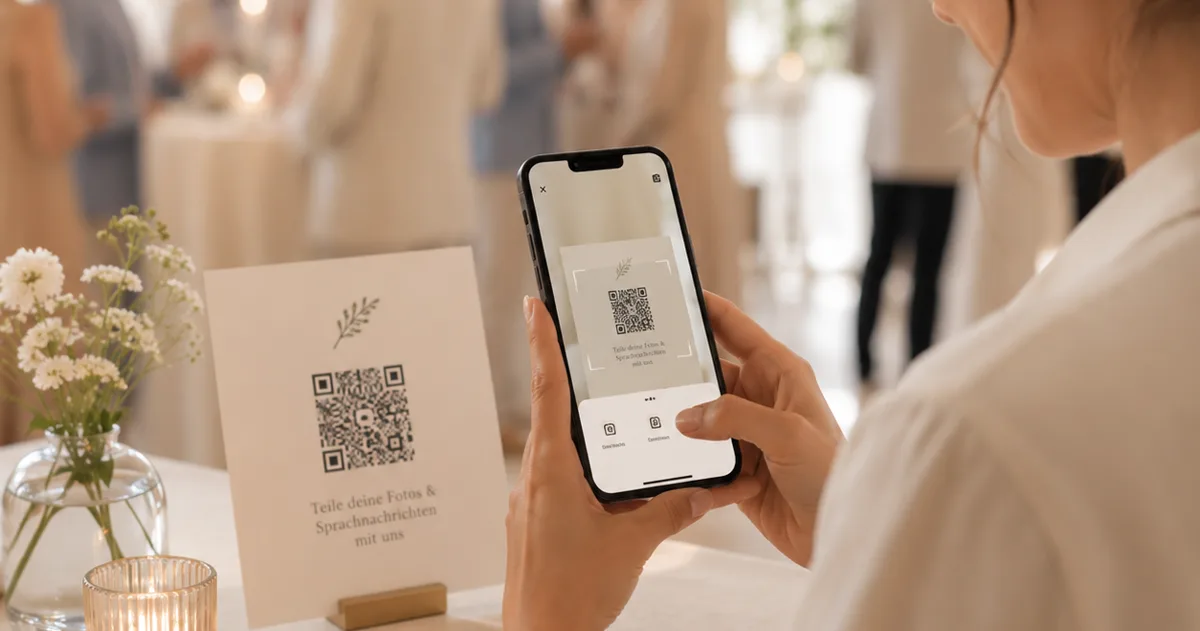
GuideLibro de visitas de audio para bodas, sin alquiler
Un libro de visitas de audio sin alquilar un teléfono retro: recoge los mensajes de voz de tus invitados con un código QR, gratis.
 Guide
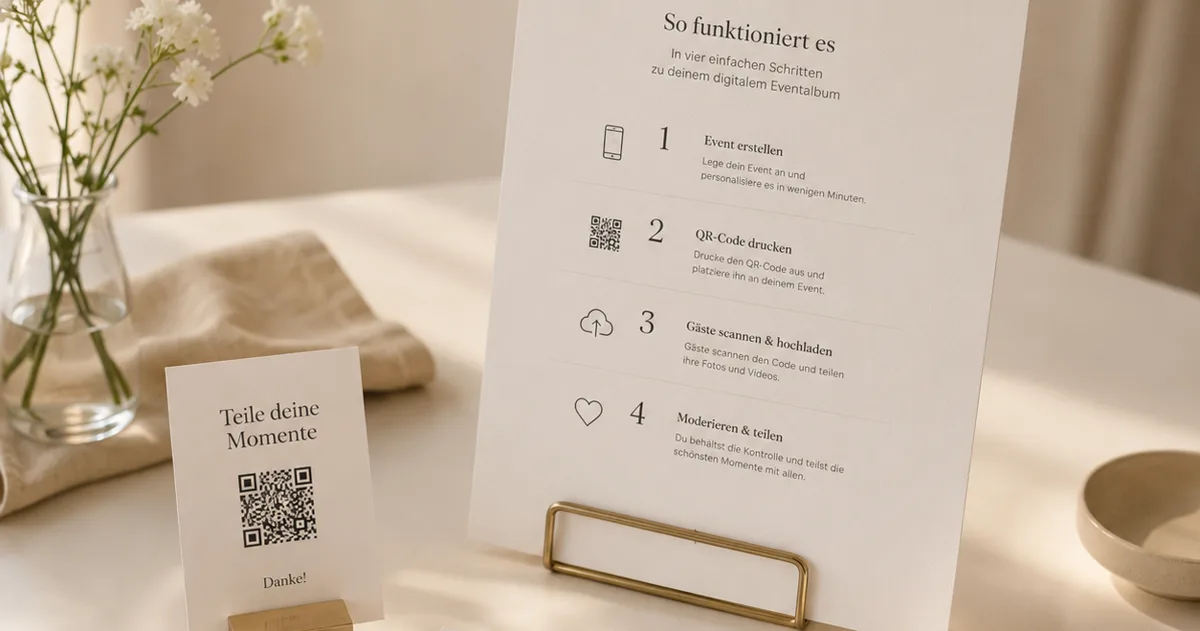
GuideCódigo QR en tu boda: invitaciones, carteles, álbum
Dónde colocar un código QR en tu boda – save the date, invitaciones, carteles de mesa – y cómo crear el álbum de fotos detrás.
 Guide
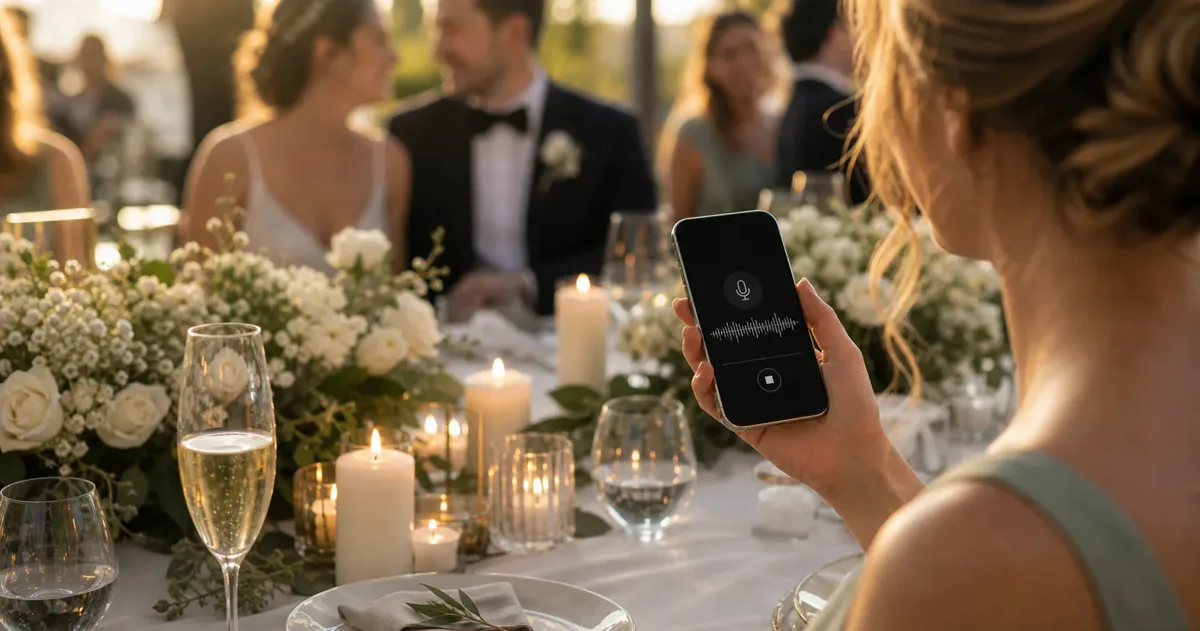
GuideWhat is an audio guestbook -- and how does it work?
An audio guestbook records spoken messages from your event guests. What it is, how the QR version works, and what it really costs.