Setting brand colors, logo, and fonts that match your studio

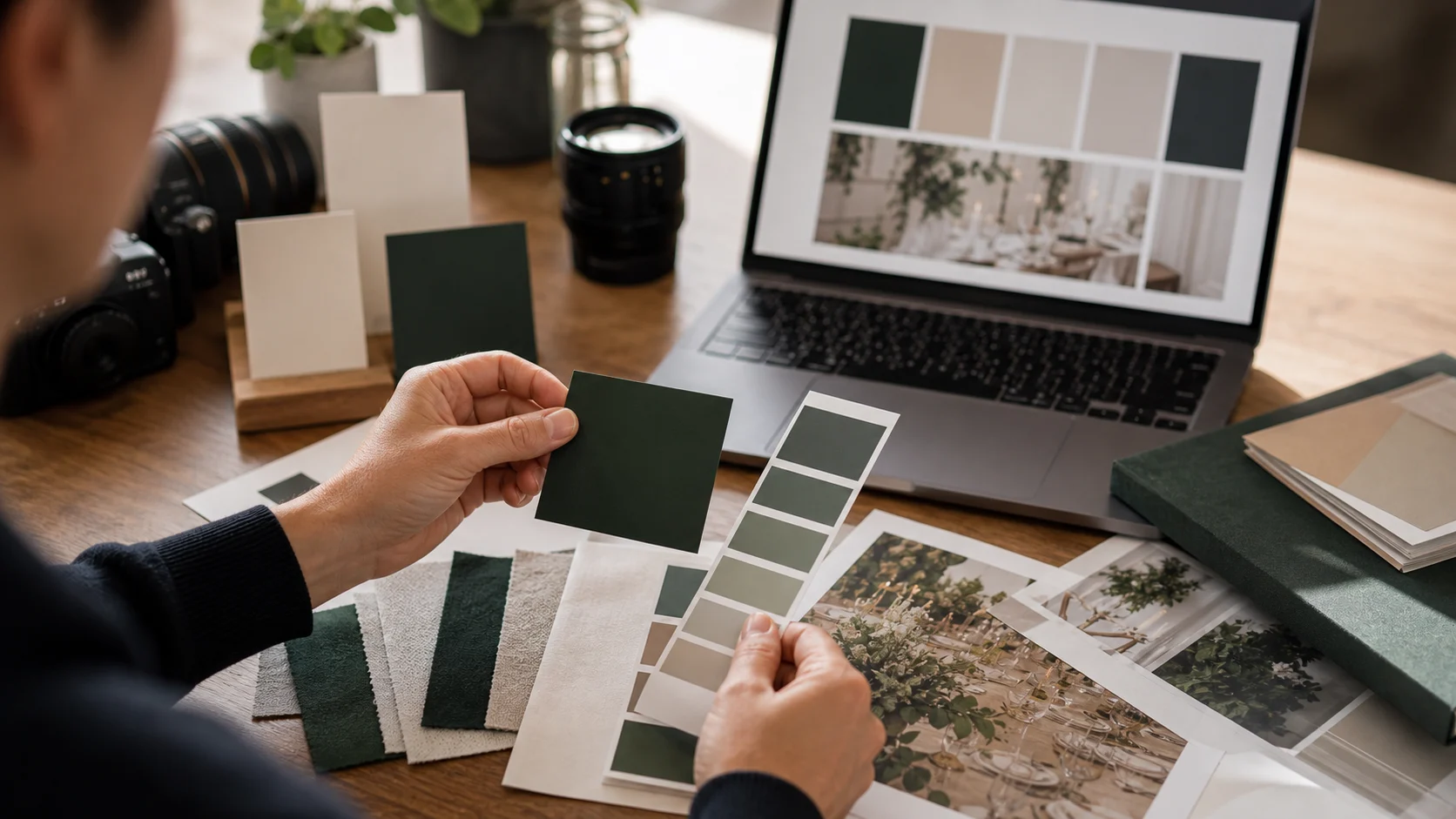
A custom domain makes the gallery load on your address; branding makes it look like your studio once a guest arrives. The two together are what turn a generic upload page into something that reads as your own product. The good news is that the branding controls are quick to set and apply across every event you run, so you do it once and every client benefits.
On Gathmo you control the logo, the accent colour and the fonts, and the result carries through the whole guest experience -- the upload screen, the live wall and the album. On the Agency plan this sits on top of full end-to-end de-branding, so nothing competes with your identity; on Studio you get the same branding controls with a light residual vendor mark. Pair branding with a custom domain for the complete effect.
The walkthrough below takes about ten minutes and is a one-time setup per brand. If you run multiple client brands on Agency or Enterprise, repeat it per brand -- each can have its own logo, colours and domain. For the bigger picture on why this matters commercially, see what white-label actually means.
What you will need
- A Gathmo plan (Studio or Agency)
- Your logo file (SVG or high-resolution PNG with transparency)
- Your brand's accent colour (hex code) and font preference
Upload your logo
In your brand settings, upload your logo -- ideally an SVG or a high-resolution PNG with a transparent background so it stays crisp on any screen and sits cleanly on light and dark surfaces. This logo appears across the guest experience: the upload screen, the live wall and the album header. A transparent, vector logo is worth getting right because it is the most visible piece of your identity throughout the event.
Set your accent colour
Enter your brand's accent colour (as a hex code) to drive the buttons, highlights and interactive elements in the guest interface. Use the exact colour from your brand guidelines rather than an approximation, so the gallery matches your website and printed materials. A consistent accent colour is a small detail that does a lot of the work in making the experience feel like a deliberate part of your studio rather than a third-party tool.
Choose your fonts
Select fonts that match your studio's typography so the gallery reads in your voice. Typography is one of the strongest signals of a brand, and matching it to your website ties the guest experience back to your identity. Keep it legible on small screens -- guests are reading on phones -- and consistent with how your brand presents elsewhere, rather than reaching for something decorative that fights readability.
Preview on a sample event
Before you put it in front of clients, create a sample event and open the guest flow on your own phone. Check the logo placement, the colour on buttons, the fonts, and how it all looks on the upload screen, the live wall and the album. Viewing it as a guest would -- on a real phone, not just the desktop preview -- catches anything that needs adjusting and confirms the experience is genuinely yours end to end.
Pair it with your custom domain
Branding and a custom domain together complete the effect: the gallery loads on your address and carries your identity throughout. If you have not set the domain yet, follow the custom-domain walkthrough -- it is a quick DNS step. On Agency and Enterprise you can repeat this whole setup per client brand, each with its own logo, colours and domain, so every client gets a gallery that looks unmistakably like theirs (delivered by you).
Quick recap
- Upload a transparent SVG/PNG logo
- Set the exact brand accent colour (hex)
- Choose on-brand, legible fonts
- Preview the guest flow on a real phone
- Pair with your custom domain (repeat per brand on Agency+)
Frequently asked
You control the logo, the accent colour and the fonts, and they apply across the whole guest experience -- the upload screen, the live wall and the album. On the Agency plan this sits on top of full end-to-end de-branding, so the result is entirely your brand; on Studio you get the same controls with a light residual vendor mark. Paired with a custom domain, the gallery reads as your own product rather than a generic tool.
An SVG or a high-resolution PNG with a transparent background is best. A vector (SVG) stays crisp at any size, and transparency lets the logo sit cleanly on both light and dark surfaces in the guest interface. Avoid a low-resolution or background-filled image, since the logo is the most visible part of your branding across the upload screen, live wall and album.
Yes. The logo, accent colour and fonts carry through the upload screen, the live photo wall and the album, so the experience is consistent from the moment a guest scans the QR code. On Agency there is no competing vendor branding anywhere; on Studio a light residual mark remains alongside your branding. Previewing the guest flow on a phone is the best way to confirm it looks right end to end.
Yes, on the Agency and Enterprise plans, which include unlimited custom domains. You can configure a separate logo, accent colour, fonts and domain for each client brand, all managed from one account. This is what lets an agency run guest media as a productized service across many clients, each getting a gallery that looks unmistakably like their own. The Studio plan supports one brand and one domain.
No. The setup is uploading a logo, entering a hex colour code and choosing fonts -- no design work required, just your existing brand assets. The main thing is to use your actual brand values (the same logo, colour and typography you use elsewhere) rather than approximations, so the gallery matches your website and materials. The whole setup takes about ten minutes per brand.
Branding (logo, colour, fonts) applies regardless, but pairing it with a custom domain is what completes the white-label effect -- the gallery both loads on your address and carries your identity. Without a custom domain the branding still makes the experience look like yours, but the URL would not. For the strongest result, set both; the custom domain is a quick DNS step covered in our dedicated guide.
Both Studio (€79/month equivalent) and Agency (€199/month equivalent) include the logo, colour and font controls. The difference is the residual vendor mark: Agency provides full end-to-end de-branding (nothing but your brand), while Studio keeps a light mark. If you want the gallery to be completely your own with no trace of the platform, choose Agency; if light branding is acceptable, Studio gives you the same customization at a lower price.
 Story
StoryBundling vs charging separately for guest media
Should guest media be baked into your packages or sold as a line item? It shapes both your margin and your close rate. Here is the packaging psychology, with a simple rule for when to bundle and when to itemize.
 Guide
GuideA simple sales script for selling a branded gallery to clients
Selling a branded guest gallery is easier with a script. Here is a simple, five-beat conversation -- lead, value, objection handling, and a demo-link close -- that turns guest media into an easy yes on your next booking.
 Guide
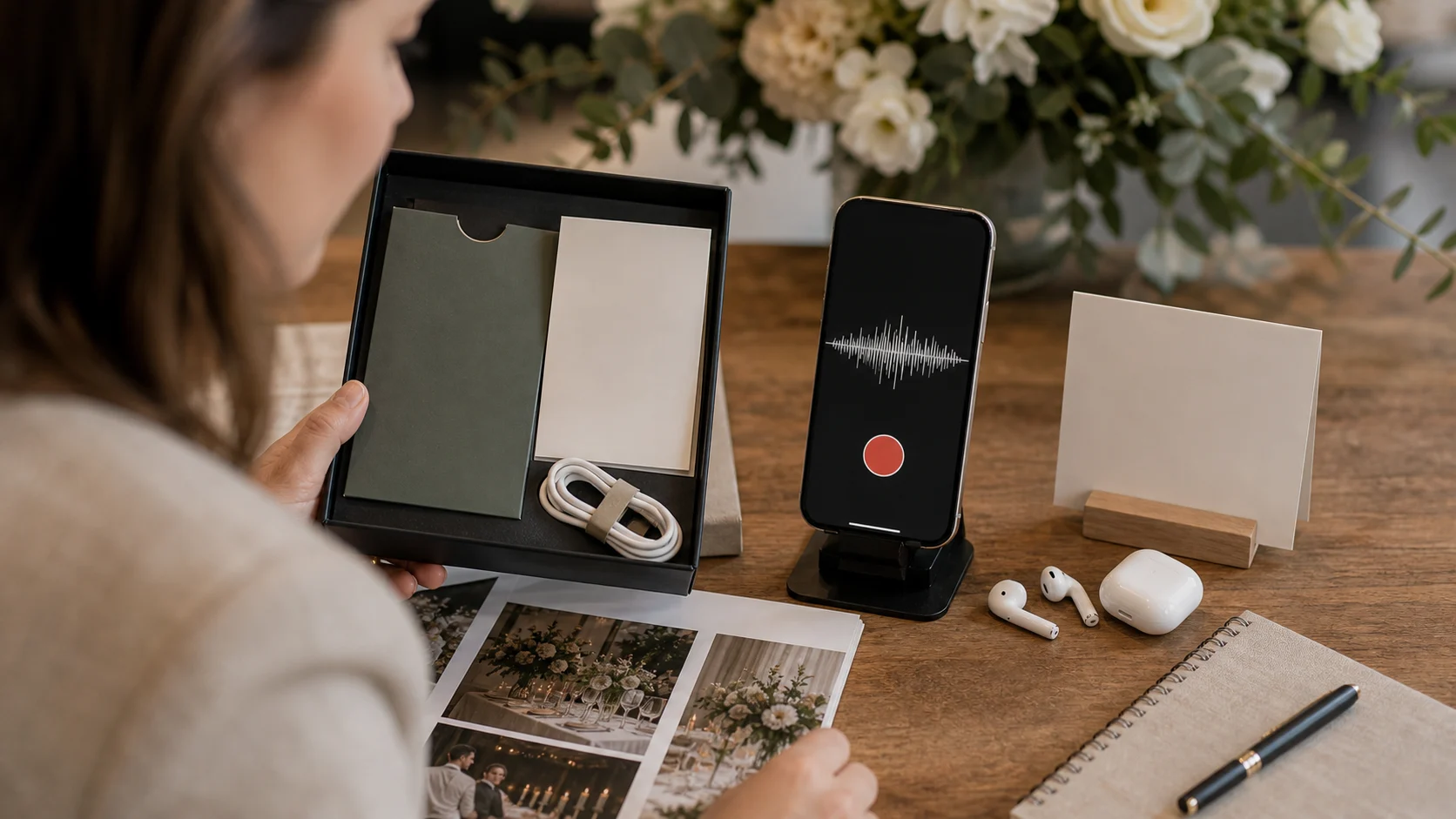
GuideAdd a voice guestbook to your packages (no hardware)
A voice guestbook is a high-value upsell with no hardware to rent or ship -- guests record in their browser from the same QR code as photos. Here is how to add branded voice capture to your packages and price it.