Your wedding photo app shut down? How to recover your photos -- and what to use in 2026

If your wedding photo app shut down, log in to whatever is left of it and download everything at full resolution before you do anything else -- the five triage steps below come first. For The Guest, formerly Veri, the window has most likely closed: it was retired in October 2022 and access ended around mid-2024. For the next event, pick a no-app QR tool you can export from yourself.
If you landed here, I can probably guess your week: you opened the app you used to collect everyone's wedding photos and it was gone -- retired, acquired, no longer available -- and somewhere inside were hundreds of pictures you cannot get from anyone else. Take a breath. In a lot of cases your photos are recoverable if you act quickly, and the category that replaced these apps is genuinely better than what died.
Whatever your old app, run the same triage I would talk a friend through, in order -- the five steps below come first, before you even think about a replacement.
The big one is The Guest, formerly Veri. Veri was a popular guest photo-sharing app that The Knot acquired in 2017 and rebranded as The Guest; in October 2022 The Knot retired it -- new events were disabled, and the ability to download existing galleries was wound down afterward, with access ending around mid-2024. If your event predates the shutdown and you never pulled your photos, the honest truth is that the download window has most likely closed. It is still worth searching your email for The Knot or The Guest export links, asking any co-host who might have exported the full gallery, and crowdsourcing a partial rebuild from guests' own phones.
Eversnap, one of the early live-event photo apps, was acquired by Snappr in 2020 and is effectively abandoned -- much of its public content dates back to around 2013. If you can still log in, export everything today. Capsule (also known as CapsuleCam) had its moment around 2012 to 2014 and has been dormant since; treat it the same way -- recover old media if you can, but do not build anything new on it.
It is worth naming the pattern, because it points straight at what to pick next. All three required an app download -- and every install you ask a guest to do costs you participation, especially among less tech-comfortable guests. They were US-centric, with little to say about where guests' data actually lived. And each depended on one company's willingness to keep running it, so when an acquisition or a strategy change came, the app -- and sometimes the photos -- went with it.
The category that replaced them fixes the first problem directly: no-app, QR-code photo sharing. Guests scan a code, their browser opens, they upload -- nothing to install, usually nothing to sign up for. A few names worth comparing on the merits: Guestpix (mature, with a big template library and video plus a written guestbook), Kululu (a generous free tier and a nice live photo wall), GuestCam (a fuller kit, including audio messages), and Fotify (broader all-in-one event tooling). Whichever you weigh, check the three things in the list below -- they are what separated the survivors from the apps you are now trying to recover photos from.
Full disclosure: I co-build Gathmo, one of the no-app QR options in that list, so read this as a disclosed bias rather than a neutral verdict. We built it around exactly these failure modes -- guests scan one QR code, with no app and no signup, to upload full-resolution photos and video and to leave a spoken or recorded audio or video guestbook message; it is EU-hosted and GDPR-native; there is no cap on guests; and the galleries are yours to download in full resolution, so you are never again at the mercy of a service shutting down. The alternatives above are real and several are excellent -- pick the trade-offs that fit you. See how Gathmo works and what each plan includes.
The short version: your app did not take your memories, it just made them harder to reach. Log in to whatever is left of the old service and download everything at full resolution to two places; if the window has already closed -- as it largely has for The Guest -- rebuild what you can from co-hosts and guests' own phones. For the next event, switch to a no-app QR tool, confirm you can download the originals yourself from day one, and you will never have to write this particular search query again.
Download everything now, at full resolution
Discontinued services do not keep the lights on out of sentiment. When a shutdown is announced there is usually a window -- sometimes a year, sometimes weeks -- before the files are deleted for good. Do not wait for a better time; export your whole gallery today.
Grab the originals, not the thumbnails
Many apps show a compressed preview gallery. Look for an export, download-all, or album-download option that gives you the full-size files. If you only see small images, that is a red flag -- check the help docs for a bulk export.
Save to two places
Put a copy on your computer and a copy in a cloud drive or on an external disk. One copy is not a backup; two locations is the minimum if these photos are irreplaceable.
Check email, including spam
Shutdowns are often announced by email months before the public notice. Search your inbox for the app's name -- there may be a download or export link you missed.
Only then choose what is next
Once your old photos are safe, pick a replacement -- and this time choose one where the files are yours to download from day one.
Quick recap
- No app and no guest signup, so participation does not collapse
- Full-resolution downloads that are yours from the start -- never beg a defunct service for your own pictures
- Where your data is hosted -- especially if your guests are in Europe and GDPR matters to you
Frequently asked
No. The Knot retired The Guest (formerly Veri) in October 2022, disabling new events, and wound down gallery downloads afterward, with access ending around mid-2024. There is no way to create a new event. For old galleries, search your email for export links and ask any co-host who may have exported the gallery; otherwise rebuild what you can from guests' own phones.
The modern equivalent is no-app, QR-code photo sharing: guests scan a code and upload from their browser, with no install and usually no signup. Options worth comparing include Guestpix, Kululu, GuestCam, Fotify and Gathmo. Choose one that lets you download full-resolution originals yourself from the start, so you are never dependent on the service staying online.
Log in immediately and look for an export or download-all option that gives full-size originals rather than thumbnails. Save the files to two places (computer plus cloud or an external disk). Check your email and spam for shutdown notices that include export links, and ask co-hosts or guests who may still have their own copies.
Pick a no-app tool where the originals are yours to download from day one, download your full-resolution archive within the first week after the event, and keep two backups. Never rely on a single service to hold your only copy of the photos.
 Guide
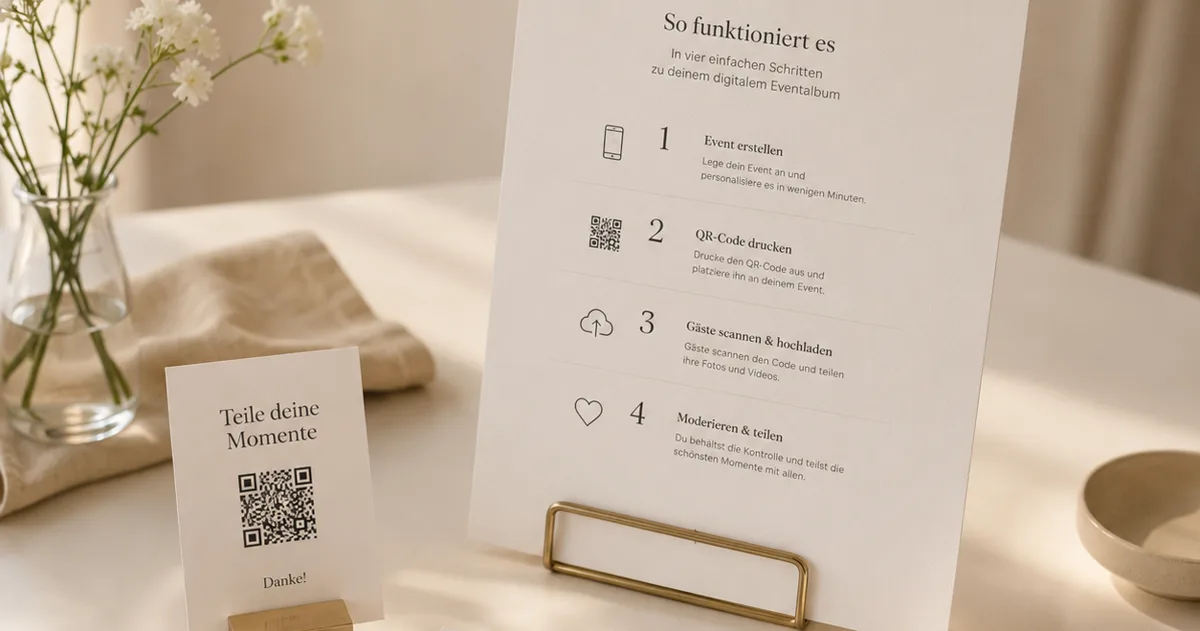
GuideWedding QR codes: invitations, signs and the album
Where a QR code belongs at a wedding -- save-the-dates, invitations, table signs -- and how to set up the photo album behind it.
 Guide
GuideWhat is an audio guestbook -- and how does it work?
Learn what an audio guestbook is, how phone and QR versions work, and when voice messages fit weddings, birthdays, and events.
 Ranking
Best wedding photo sharing apps for guests (2026)
Seven wedding photo sharing apps compared on guest access, media, downloads, retention and price, including WeddingPhoto App from $39 USD.