Putting your brand on UGC without the moderation risk

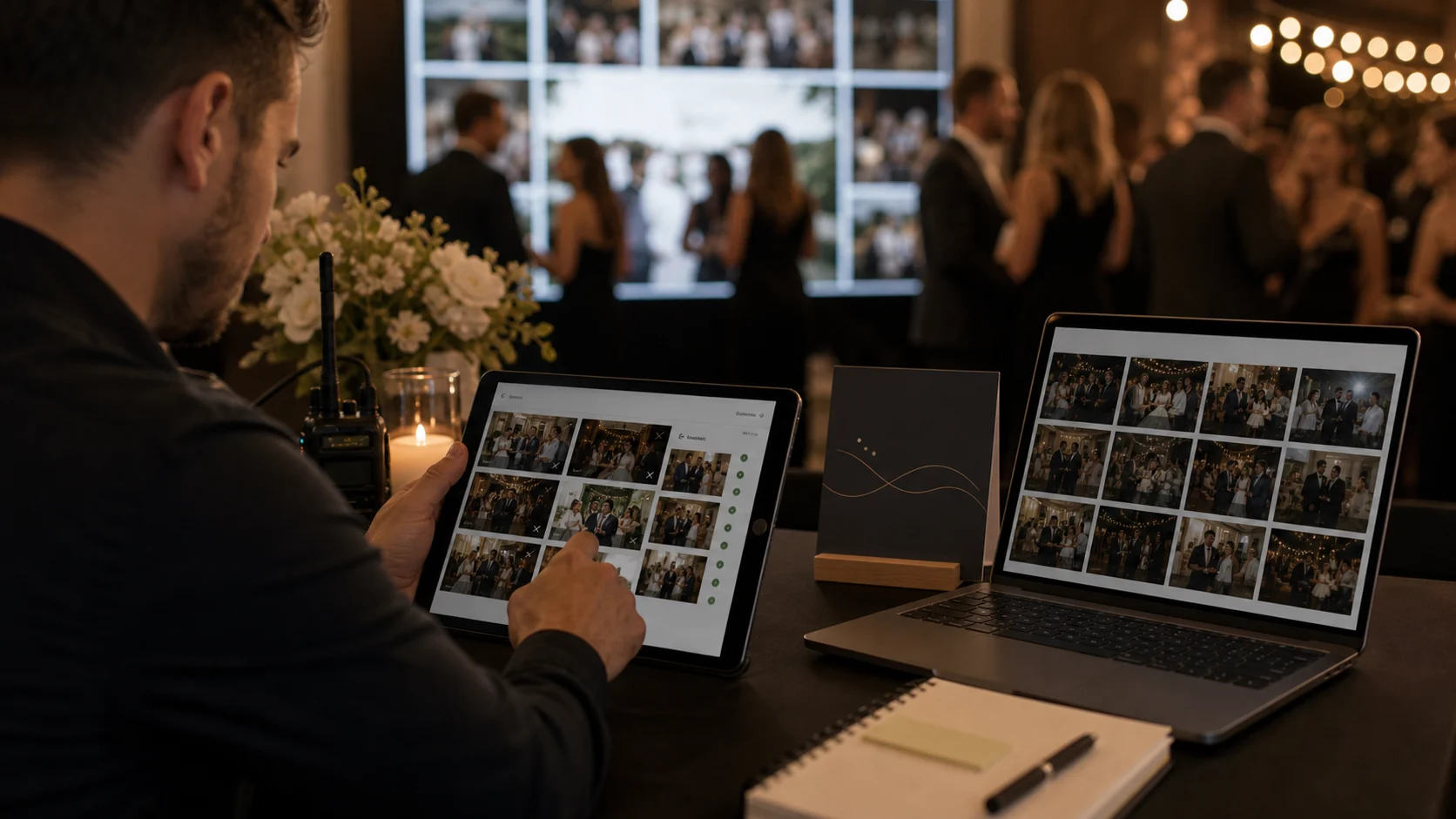
Guest uploads are safe to offer under your brand once you run two layers of moderation. Host moderation holds every upload for approval before it reaches a shared wall or album: one tap approves, another removes. Automatic moderation, available on paid plans, flags or blocks likely-inappropriate content before it even reaches that queue. For corporate events, public live walls or anything involving children, moderated mode is the sensible default.
User-generated content is the whole point of guest media -- and the whole risk. When guests upload to a gallery or a live wall that carries your brand (or your client's), anything inappropriate that slips through reflects on you, not on the platform. For a reseller, that is the quiet worry behind putting your name on UGC. The good news is that it is a solved problem: a combination of host approval and automatic moderation lets you offer guest uploads confidently under your brand.
There are two layers. Host moderation lets you (or your client) review uploads before they appear on the shared wall or public album -- a single tap approves, another removes -- so nothing reaches a screen or a shared view without a human okay. Automatic moderation, available on paid plans, adds a filter that flags or blocks likely-inappropriate content before it even reaches the queue, reducing what a human has to look at. Together they give you both a safety net and a first line of defence.
The right configuration depends on the event. For a private wedding among friends, light-touch moderation may be plenty. For a corporate event, a public-facing live wall, or anything involving children, moderated mode (nothing appears until approved) is the sensible default. The steps below walk through setting it up so that your brand is on the experience but never exposed to unvetted content. This pairs with the live wall guidance in live photo wall as a branded on-site moment.
Moderation also intersects with compliance and trust, which is why it sits alongside EU hosting and a DPA in a professional setup -- see how Gathmo handles security and GDPR for event photographers. For a reseller, being able to tell a client 'your guests can upload freely, and nothing goes live without approval, on an EU-hosted platform' is a genuinely reassuring pitch. To see the controls, book a demo.
What you will need
- A Gathmo event with guest uploads enabled
- A decision on the event's risk profile (private vs public/corporate)
- A paid plan if you want automatic moderation in addition to host approval
Decide the event's moderation posture
Start by judging the risk. A private celebration among known guests is low-risk and can run with light moderation; a corporate event, a public live wall, or any event involving children is higher-risk and should default to moderated mode, where nothing appears until approved. Matching the posture to the event is the key decision -- it sets how much sits between a guest's upload and what others see.
Enable host approval
Turn on moderation so uploads queue for review before they appear on the shared wall or public album. You approve with a single tap and can remove anything at any time, from your phone, during the event. This human checkpoint is what guarantees nothing unwanted reaches a screen or a shared view -- the core control for putting your brand on UGC safely. For a live photo wall especially, this should always be on.
Add automatic moderation on paid plans
On paid plans, enable automatic moderation to flag or block likely-inappropriate uploads before they reach your approval queue. This reduces the volume a human has to review and adds a first line of defence, which matters at large events with high upload volumes. It complements rather than replaces host approval: the automatic filter catches the obvious cases, and you make the final call on anything borderline.
Brief your client (or yourself) on the workflow
Decide who holds the moderation device on the night and make sure they know the flow: approvals appear in the dashboard, a tap clears them to the wall or album, and removal is instant. For client events, agree in advance whether you moderate or they do. A clear owner means the queue does not back up during the busy parts of the event, keeping the live experience flowing.
Reassure the client in your pitch
Turn the capability into a selling point. Tell clients plainly: guests can upload freely, nothing goes live without approval, and the whole thing runs on an EU-hosted platform with a DPA available. For corporate buyers in particular, that combination of moderation plus compliance is reassuring and often decisive. Being able to speak to it confidently is part of what makes you a trustworthy supplier to put their event -- and their guests' content -- in your hands.
Quick recap
- Match moderation posture to the event's risk profile
- Enable host approval (essential for any public screen)
- Add automatic moderation on paid plans for high-volume events
- Assign a clear owner for the moderation queue on the night
- Pitch moderation + EU hosting + DPA as a reassurance to clients
Frequently asked
Use two layers of moderation. Host approval lets you review uploads before they appear on a shared wall or public album -- one tap approves, another removes -- so nothing goes live without a human okay. Automatic moderation (on paid plans) adds a filter that flags or blocks likely-inappropriate content before it reaches the queue. Together they let you offer branded guest uploads confidently, because anything unwanted is caught before it can reflect on your brand.
Host moderation is the human checkpoint: uploads queue for your approval before appearing, and you decide what goes live. Automatic moderation, available on paid plans, is a software filter that flags or blocks likely-inappropriate content before it reaches your queue, reducing what you have to review. They work together -- the automatic filter handles the obvious cases and you make the final call on anything borderline. For public screens, host approval should always be on.
Not always at the same strength. A private celebration among known guests is low-risk and can run with light moderation. A corporate event, a public-facing live wall, or any event involving children should default to moderated mode, where nothing appears until approved. The key is matching the moderation posture to the event's risk profile -- which sets how much human review sits between an upload and what others see.
No -- guests upload exactly as normal; moderation only affects what appears on the shared wall or public album, not the upload itself. The uploads queue for your approval in the background, and a single tap clears them. The main thing is to assign a clear owner for the queue during busy moments so approvals keep flowing. Guests never experience friction; the control is entirely on your side.
Automatic moderation is a paid-plan feature; host approval (manual review) is the core control available to keep a wall or album clean. For high-volume events, the automatic filter is worth having because it reduces the manual review load, but host approval alone is sufficient for many events. Choose a plan that includes automatic moderation if you regularly run large or public-facing events where upload volumes are high.
Corporate buyers care about brand safety and compliance, so being able to say 'guests can upload freely, nothing goes live without approval, and it's EU-hosted with a DPA available' is reassuring and often decisive. Moderation plus data compliance together address the two things a corporate client worries about with UGC: inappropriate content reaching a screen, and where guest data is handled. Presenting both confidently makes you a trustworthy supplier.
They are separate but complementary parts of a professional setup. Moderation manages content risk (what appears); GDPR compliance manages data risk (how personal data is handled). Both matter when you put your brand on guest media. Gathmo combines moderation with EU hosting, a DPA and erasure tools, so you can speak to both. For the data side specifically, see our guides on GDPR for event photographers and EU-hosted guest media.
 Guide
GuideDPA, retention, consent: a procurement checklist for agencies
When an agency sells guest media to a corporate client, procurement asks for specifics: a DPA, retention terms, consent handling, data location. Here is the checklist to have answered before the questions arrive.
 Guide
GuideHow long should you keep guest photos? Retention by plan
Guest photo retention ranges from 30 days on the free plan to one year on the top tier, plus a 14-day grace period. Here is the retention ladder by plan, and the one habit that means you never lose an album.
 Guide
GuideSelling to corporate event teams: the security questions you'll get
Corporate event teams ask security questions a private host never would -- data location, SSO, retention, moderation. Here are the ones you'll get and how to answer them so the deal keeps moving.