Live photo wall + slideshow as a branded on-site moment

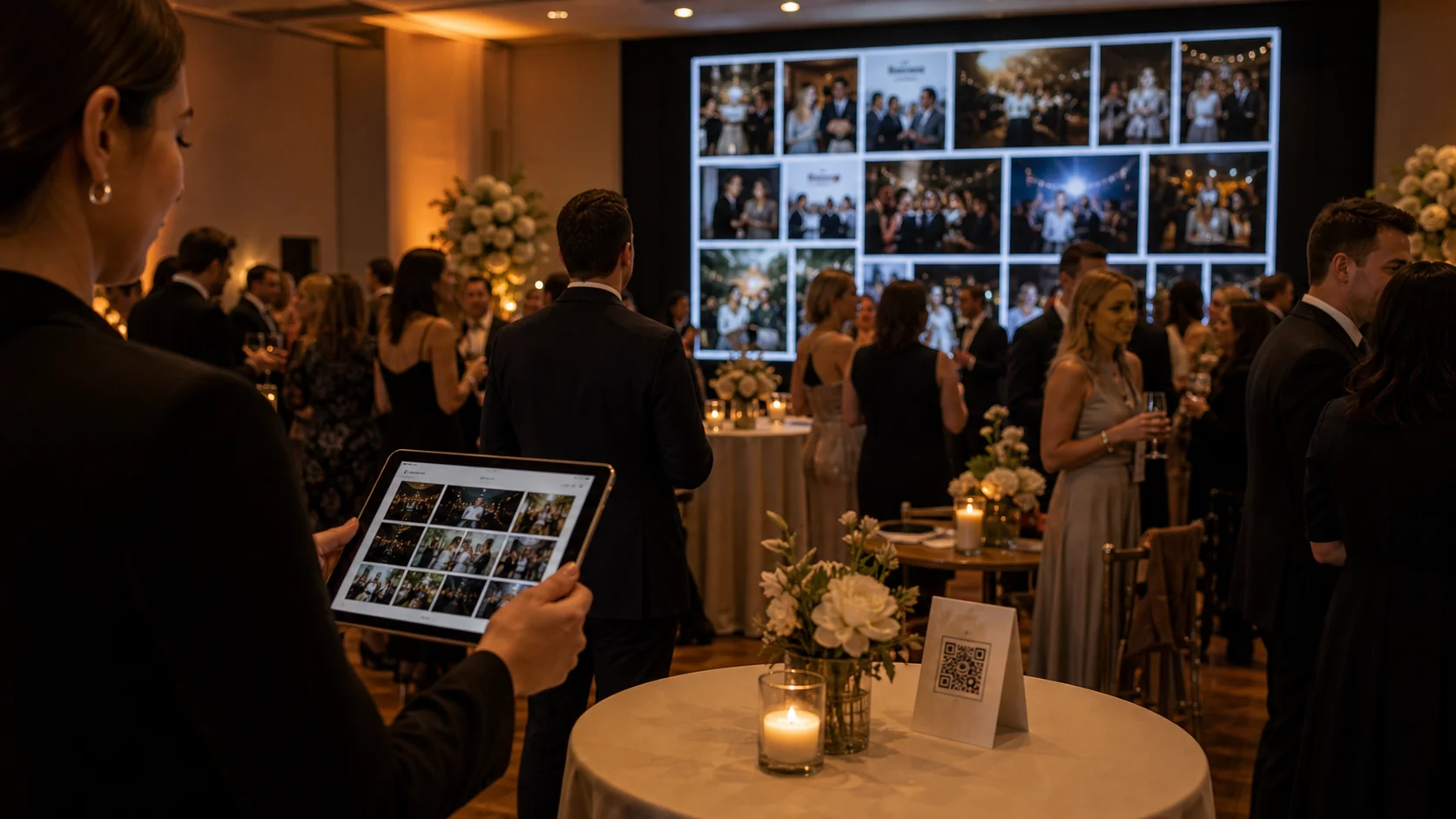
A live photo wall shows guest uploads on a big screen as they arrive, and it reliably pulls more guests into uploading. It runs from the same event as the photo, video and voice capture, on any screen you can point a browser at -- a TV, a projector, a venue LED wall -- branded with your logo and colours, and fully white-labelled on the Agency plan.
Most guest-media features pay off after the event; the live photo wall pays off during it. Guest uploads appear on a big screen in real time -- a slideshow of the night as it happens -- and it reliably becomes a talking point that pulls more guests into uploading. For DJs, planners and venues, that on-screen moment is a premium add-on with real presence: it is visible, it is social, and it is unmistakably part of the production you delivered.
On Gathmo the live wall displays the photos guests upload through the QR flow, on any screen you can point a browser at -- a TV, a projector, a venue LED wall. Branded with your logo and colours (fully white-labelled on the Agency plan), it reads as your moment, not a generic slideshow. Because it runs from the same event as the photo, video and voice capture, there is nothing extra for guests to do: they upload as normal and watch their photo appear on the wall.
The steps below cover setting it up, branding it, and running it cleanly on the night (including moderation, so nothing unwanted hits the screen). It pairs naturally with a DJ or planner package -- see /for-business/djs-planners — and with the rest of the gallery, as covered in photo + video + voice in one branded gallery.
What you will need
- A Gathmo plan and an event set up with photo uploads on
- A screen at the venue (TV, projector or LED wall) with a browser
- Moderation enabled if you want to approve photos before they appear
Set up the event and QR signage
Create the event and place the QR signs as usual -- the live wall shows the same uploads guests are already making, so there is no separate guest action. Make sure photo uploads are enabled, and put the QR code where guests will see it (tables, bar, entrance). The more guests upload, the better the wall looks, so signage placement directly drives how lively the screen is.
Open the live wall on the venue screen
Point a browser on the venue's screen (a smart TV, a laptop driving a projector, or an LED-wall controller) at the live wall view for your event. It displays guest uploads as a real-time slideshow. Test it before doors open: check the screen resolution, that the wall fills it cleanly, and that new uploads appear within a few seconds. Have a backup device handy in case the venue's hardware is fussy.
Brand the wall as your moment
Apply your logo, accent colour and fonts so the wall is unmistakably part of your production. On the Agency plan the live wall is fully white-labelled with no vendor mark; on Studio it carries your branding with a light residual mark. A branded wall turns 'photos on a screen' into a signature on-site moment associated with your name -- which is what justifies charging a premium for it.
Keep it clean with moderation
For any event with a public screen, enable moderation so uploads queue for your approval before they appear on the wall -- a single tap approves, another removes. This protects the moment (and your reputation) from anything unwanted reaching the big screen. For work events, events with children, or large public gatherings, moderated mode is the sensible default; we cover the approach in putting your brand on UGC without the moderation risk.
Price it as a premium on-site add-on
The live wall is a visible, high-impact feature, which makes it an easy premium upsell for DJ, planner and venue packages. Offer it as part of a top-tier package or a named add-on. Because it runs from the same event you are already capturing, your marginal cost is effectively zero and you keep 100% of what you charge, so the premium flows almost entirely to margin. Frame it as the on-screen centrepiece of the night.
Quick recap
- Enable photo uploads and place QR signage
- Open the live wall on the venue screen; test before doors
- Brand the wall (full white-label on Agency)
- Enable moderation so only approved photos hit the screen
- Sell it as a premium on-site add-on for DJ/planner packages
Frequently asked
A live photo wall displays guests' uploads on a big screen in real time during the event -- a slideshow of the night as it happens. Guests upload through the usual QR flow and watch their photos appear on a TV, projector or LED wall. It is a branded on-site moment that drives more uploads (people love seeing their photo on screen) and works as a premium add-on for DJs, planners and venues because it is so visible and social.
A screen at the venue with a browser -- a smart TV, a laptop driving a projector, or an LED-wall controller. You point the browser at the live wall view for your event and it displays guest uploads as a real-time slideshow. There is no special hardware beyond a screen; test it before doors open to confirm resolution and that new uploads appear promptly, and keep a backup device in case the venue's hardware is uncooperative.
Yes. Apply your logo, accent colour and fonts so the wall is part of your production. On the Agency plan (€199/month equivalent) it is fully white-labelled with no vendor mark; on the Studio plan (€79/month equivalent) it carries your branding with a light residual mark. A branded wall turns a generic slideshow into a signature on-site moment associated with your name, which is what lets you charge a premium for it as a DJ, planner or venue.
Enable moderation, so every upload queues for your approval before it appears on the wall -- one tap approves, another removes. For any event with a public screen, this is the sensible default, and it is essential for work events, events with children, or large public gatherings. Moderation protects both the moment and your reputation by ensuring only approved photos reach the big screen.
No. The wall shows the same uploads guests are already making through the QR flow, so there is nothing separate for them to do -- they upload a photo as normal and it appears on the screen. In fact the wall increases participation, because seeing photos appear live encourages more guests to join in. For you, setup is opening the wall view on the venue screen; for guests, it is invisible.
Because it is highly visible and creates a shared moment that elevates the whole event -- exactly the kind of production value DJs, planners and venues sell. It runs from the same event you are already capturing, so your marginal cost is effectively zero and, on Gathmo's subscription model, you keep 100% of what you charge. That makes it a high-margin premium add-on with real on-site impact. See our /for-business/djs-planners page for how it fits a package.
Yes. The live wall displays photo uploads on screen while the same event also collects video and voice messages through the QR flow, all into one branded album. So the wall is the on-site, in-the-moment expression of a gallery that is also capturing everything else for the after-event deliverable. You get both the live spectacle and the complete keepsake from a single setup.
 Guide
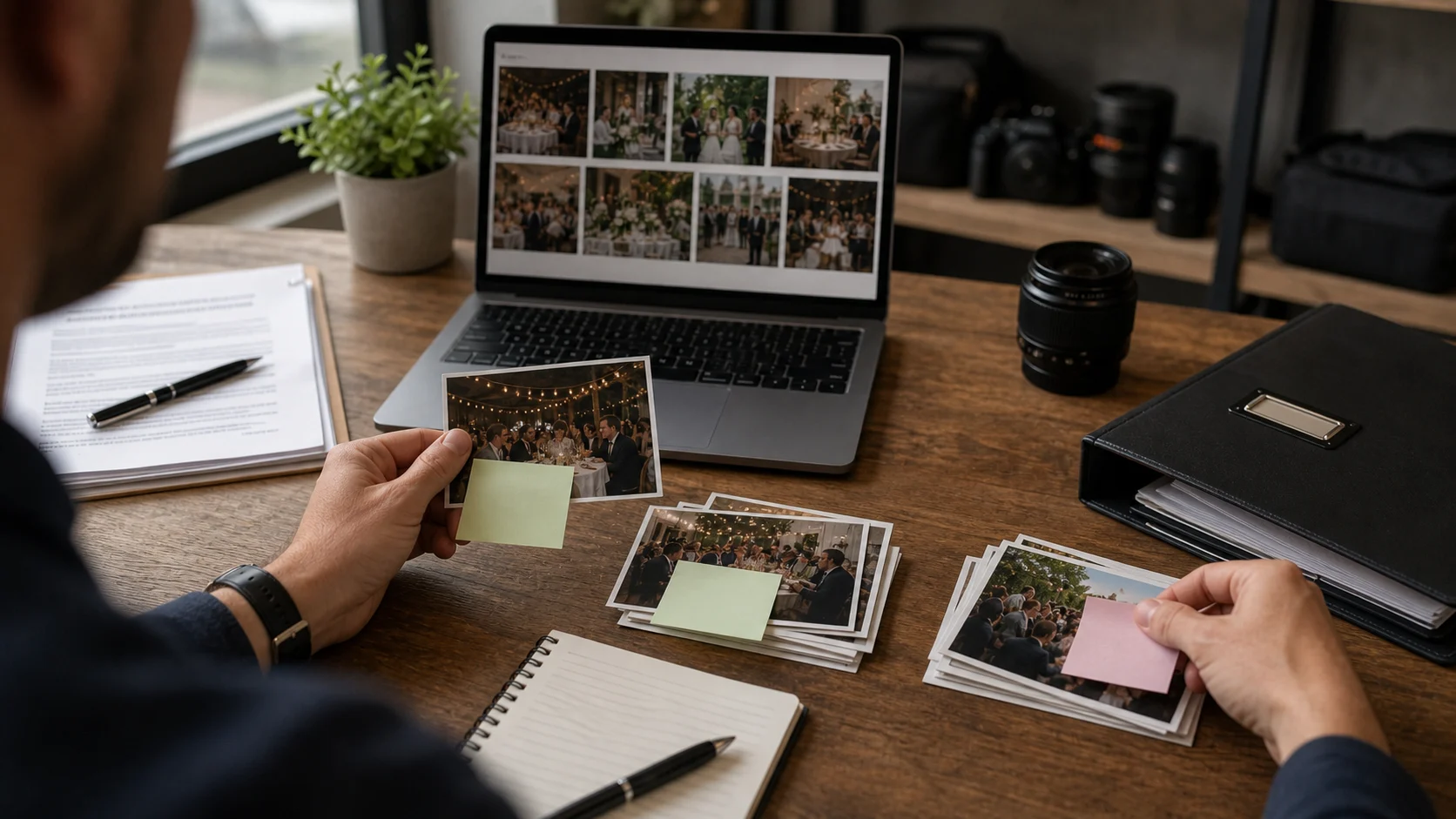
GuideGDPR for event photographers: what you're liable for
If you collect guests' photos at EU events, GDPR applies to you -- as a controller or processor, with duties around consent, retention and erasure. Here is a plain-English overview of what you're liable for (not legal advice).
 Guide
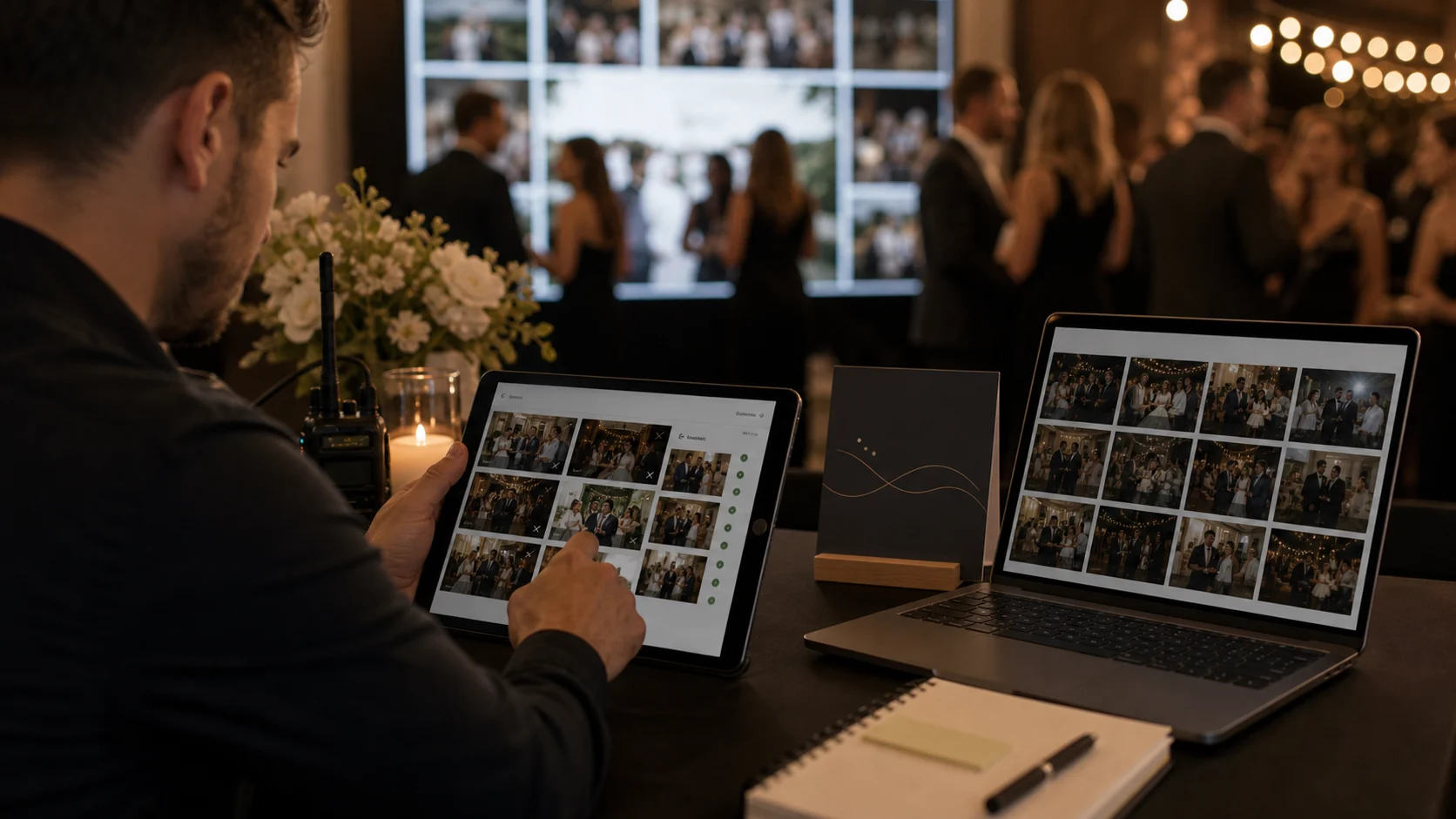
GuidePutting your brand on UGC without the moderation risk
When guests upload to a gallery carrying your brand, anything they post reflects on you. Here is how host approval and automatic moderation let you put your name on user-generated content without the risk.
 Guide
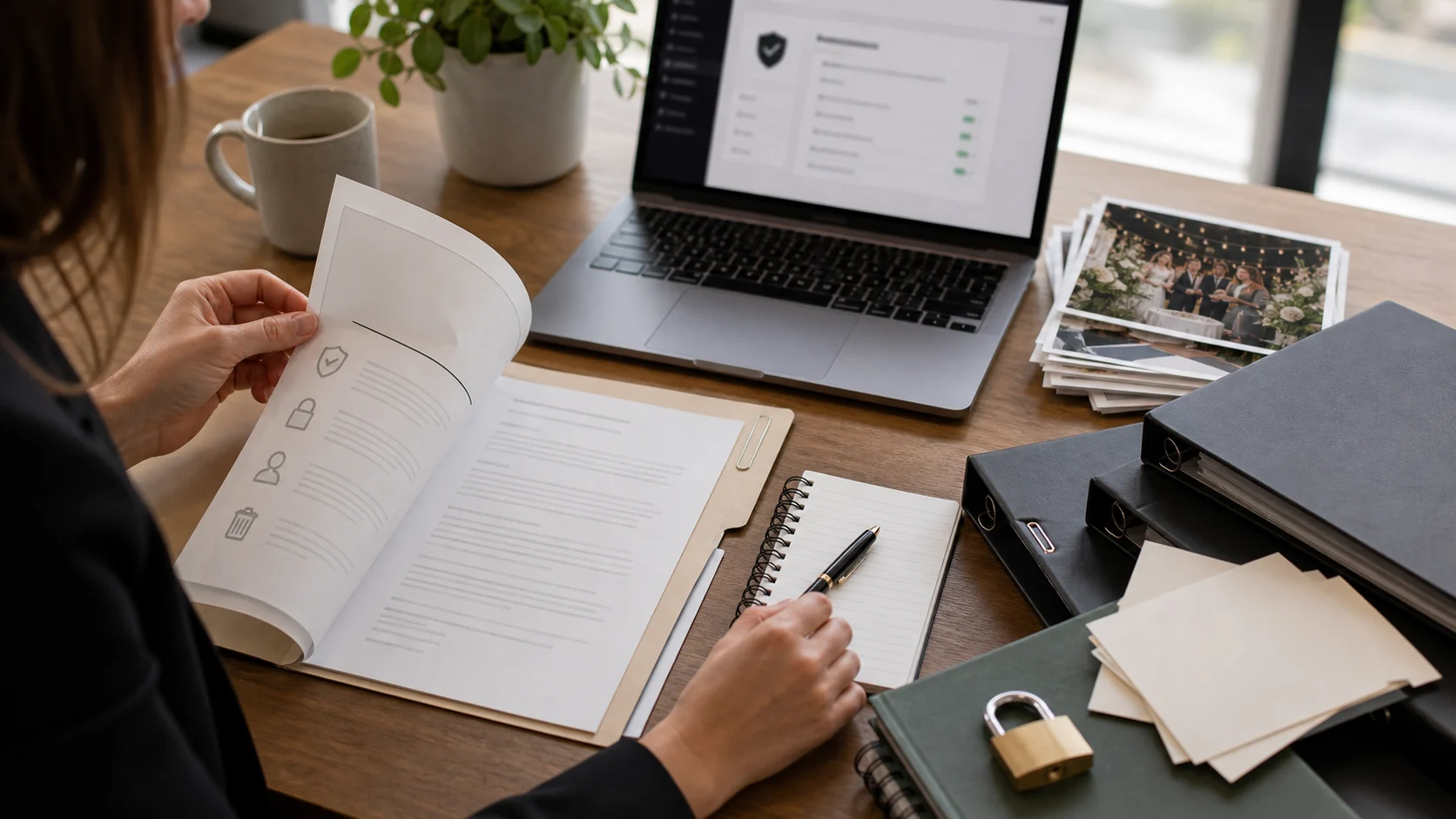
GuideDPA, retention, consent: a procurement checklist for agencies
When an agency sells guest media to a corporate client, procurement asks for specifics: a DPA, retention terms, consent handling, data location. Here is the checklist to have answered before the questions arrive.