Spin up a branded event in 5 minutes (operator playbook)

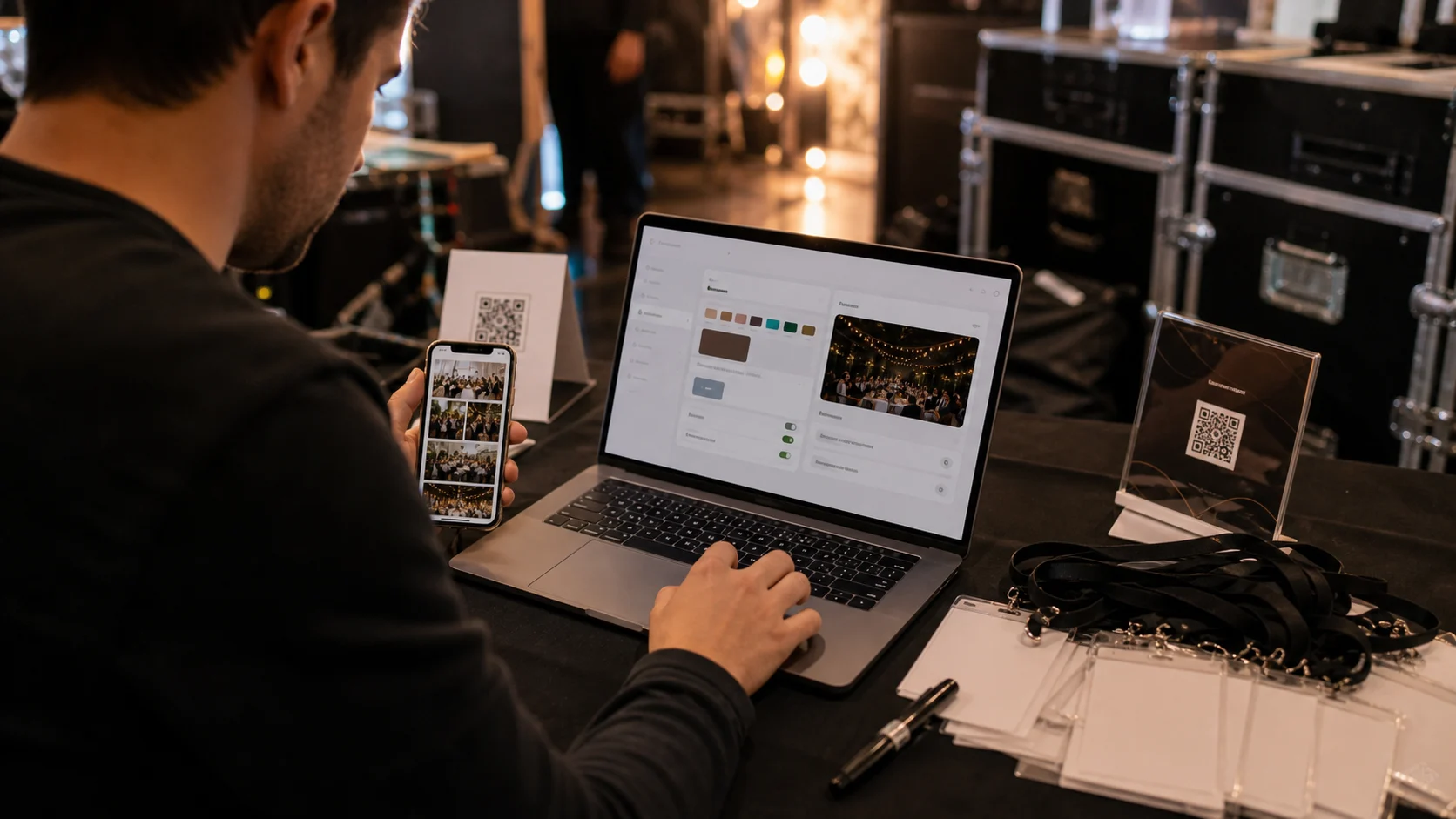
Once your branding and custom domain are configured, spinning up a new client event is mostly naming it and printing the sign -- about five minutes. The one-time work is the logo, colours, fonts and domain; every event after that reuses them. Speed is itself a selling point: setting up a branded event during a client call lets you say yes to last-minute requests.
When guest media is a service you deliver repeatedly, setup speed matters -- a process that takes an afternoon does not scale, but one that takes five minutes does. The good news is that once your brand is configured, spinning up a new client event is mostly a matter of naming it and printing the sign. This is the operator playbook for doing it fast and consistently, every time. For the product overview, see how it works.
The one-time work is your branding (logo, colours, fonts) and, ideally, a custom domain -- both covered in brand customization and putting guest collection on your own domain. After that, each event reuses them, so the per-event setup is quick. The five-step flow below is the repeatable version; with practice it really is about five minutes.
Speed is also a selling point. Being able to set up a branded event on the spot -- during a client call, or the morning of the event -- makes you look effortless and lets you say yes to last-minute requests. The steps below assume you are on a Gathmo plan (Studio €79/month equivalent or Agency €199/month equivalent) with your brand already set.
Two ways to take the five minutes further. On site, the signage decides how many guests actually upload -- the on-site QR setup that gets most of the room participating is the layout to copy. And if you run enough events that even five minutes each adds up, the API creates events straight from your own stack.
What you will need
- A Gathmo plan with your branding (and custom domain) already configured
- The event's basic details (name, date, type)
- A printer or a copy shop for the QR sign
Create the event (about 1 minute)
Create a new event, give it a name, set the date, and pick the event type (wedding, party, corporate, birthday or general). Gathmo creates a private dashboard immediately -- no waiting. Because your brand is already configured, the event inherits your logo, colours and fonts automatically, so there is nothing to re-set. This is the bulk of the 'creation' work, and it is genuinely under a minute once you have done it a couple of times.
Confirm the branding and domain
Check that the event is using the right brand (and, on Agency with multiple clients, the right client's brand and custom domain). For a single-brand operator this is automatic; for an agency running several client brands, it is a quick selection. The point is to confirm the guest experience will carry the correct identity before you generate the sign -- a five-second check that prevents handing a client the wrong branding.
Set what guests can share
Toggle the media types: photos, video and voice are independent switches. Most operators turn on all three. Decide whether to enable moderation (sensible for corporate events, events with children, or any public screen) so uploads queue for approval. These settings take a few clicks and define the guest experience, so set them deliberately per event type rather than leaving defaults.
Generate and print the QR sign
Gathmo produces a print-ready QR sign -- a compact table card and an A4 poster. Download whichever you need and print at home or a copy shop. The code links to a fixed URL for the event's lifetime, so you can print extras anytime. This is the physical artefact that drives participation, so generate it as part of setup rather than scrambling on the day.
Share the album link and you're live
Grab the album link to share with the client (and, after the event, with guests). That is it -- the event is live and ready to collect uploads the moment guests scan. The whole flow, with branding pre-configured, takes about five minutes. For multi-event operators, this repeatability is what turns guest media from a fiddly extra into a clean, scalable service line.
Quick recap
- Create the event (name, date, type) — ~1 min
- Confirm the correct brand/domain is applied
- Toggle photos/video/voice and moderation
- Generate and print the QR sign (card + poster)
- Share the album link — you're live
Frequently asked
About five minutes, once your branding (and custom domain) are configured one time. After that, each event is mostly naming it, confirming the brand, toggling the media types, and printing the QR sign. Gathmo creates the private dashboard instantly and the event inherits your branding automatically, so there is no per-event design work. The speed is what makes guest media scalable as a repeatable service rather than a fiddly extra.
The one-time work is configuring your brand (logo, colours, fonts) and ideally a custom domain. The per-event work -- which is what takes about five minutes -- is creating the event, confirming the right brand applies, choosing which media types and moderation to enable, generating the QR sign, and grabbing the album link. Because the branding is reused, the per-event flow stays quick no matter how many events you run.
Yes, and it is a good way to look effortless. With your branding already configured, you can create a branded event in about a minute and have the sign ready shortly after, so you can demonstrate it live or say yes to a last-minute booking. The instant dashboard and inherited branding are what make on-the-spot setup practical.
No. Once your brand is set, every new event inherits your logo, colours and fonts automatically. On the Agency plan, if you run multiple client brands, you select the right client's brand (and custom domain) when creating the event -- a quick choice rather than a re-setup. Single-brand operators get the correct branding with no action at all.
Which media types to enable (photos, video, voice -- usually all three) and whether to turn on moderation. Moderation is sensible for corporate events, events with children, or anything with a public screen, where you want uploads to queue for approval. These few toggles define the guest experience, so set them deliberately for the event type rather than leaving defaults.
They scan the QR sign you printed, which opens the upload screen in their browser -- no app or account. You place the signs (tables, bar, entrance) and optionally share the album link. The event is live and collecting uploads the moment you generate it, so there is no activation delay; setup and go-live are effectively the same step.
No -- the speed comes from reusing branding you configured carefully once, not from cutting corners. The guest experience still carries your full logo, colours, fonts and (on Agency) custom domain with full de-branding. Fast setup simply means you are not redoing that design work for every event; the quality is baked into your one-time brand configuration and applied automatically.
 Guide
GuideDelivering galleries clients rave about: a pro workflow
Collecting the photos is half the job; delivering them well is what gets you referrals. Here is a pro workflow for curating, exporting and handing over a guest gallery clients rave about -- and remember you for.
 Guide
GuideManaging 50 events a year without losing your mind
Running guest media across dozens of events a year only works if it's systematised. Here is how to manage 50 events with seats, workspaces and templates -- so volume scales without the chaos scaling with it.
 Guide
GuideAPI access: automate event creation into your stack
If you run high volumes or integrate with a booking system, creating events by hand is the bottleneck. API access on the Agency plan lets you automate event creation and wire guest media into your own stack.