The on-site QR setup that gets most guests uploading

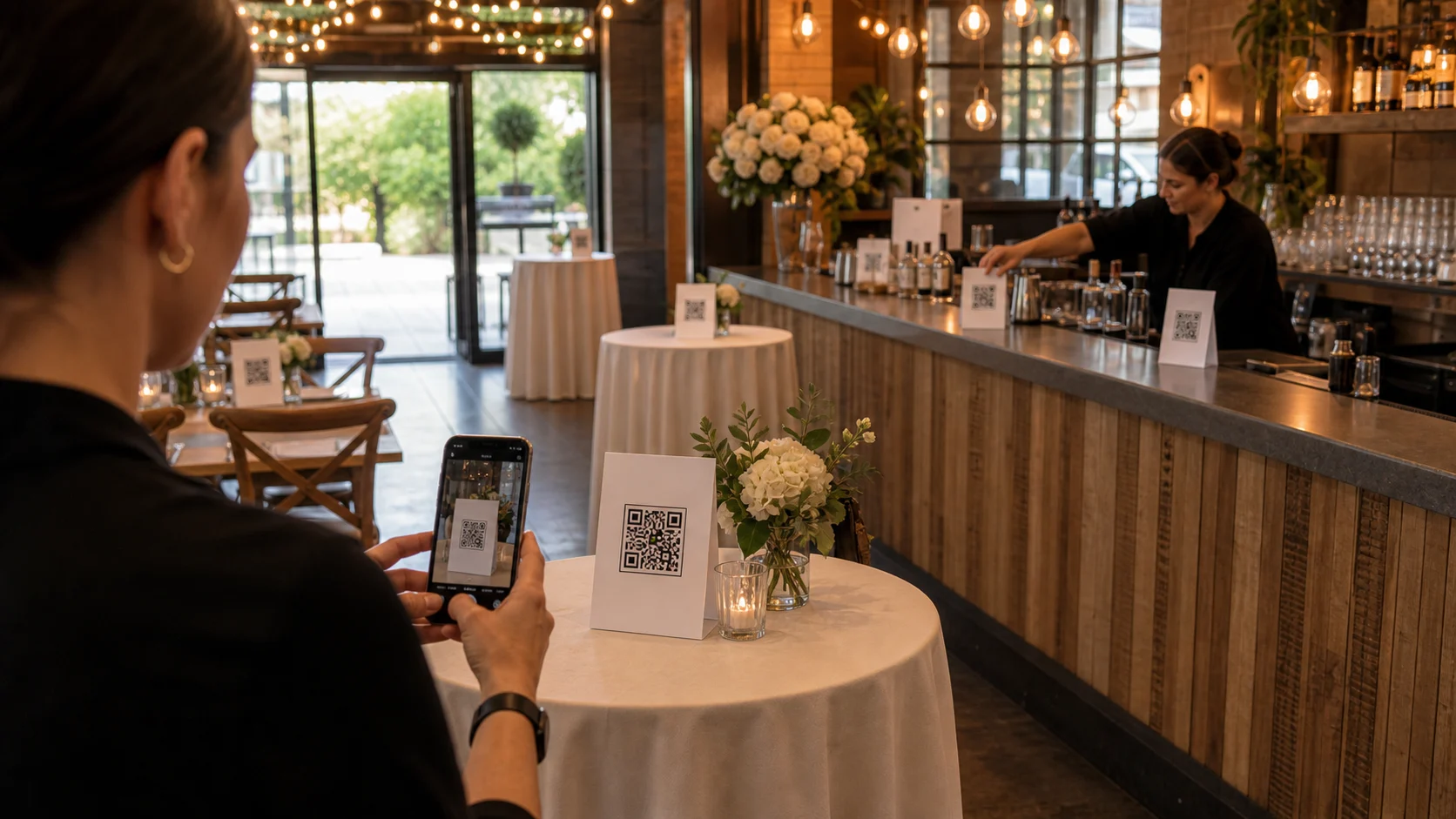
Placement decides upload rates more than the platform does. Put one QR card per table, one at the bar and a larger poster near the entrance or exit -- the three natural pauses at any event. Add a clear prompt and a one-line reassurance that no app is needed. A word from the MC or DJ and a live photo wall both lift participation further.
The difference between an album with a handful of photos and one bursting with them is rarely the platform -- it is the signage and how you place it. Guests upload when the prompt is right in front of them at a natural pause; they forget when it is not. As the professional running the event, getting the on-site QR setup right is the single biggest lever you have on participation, and it costs nothing but a little thought about placement. Our consumer guide on QR codes for event signage covers the print side; this is the operator's playbook.
Start with placement. One QR card per table, one at the bar, and a larger poster near the entrance or exit catches the three natural pauses in any event: guests waiting for a drink, glancing around between conversations, and arriving or leaving. Those are the moments people reach for their phones anyway. For larger events, add a sign near the restrooms and at any photo wall. The easier the code is to spot, the higher the upload rate -- it is that direct.
Then the framing. A clear, friendly prompt -- 'Scan to add your photos' -- and a one-line reassurance ('no app, just your camera') removes the hesitation. Guests who have scanned a restaurant menu know exactly what to do; the sign just has to invite them. Because uploads happen in the browser with no app or account, there is no barrier once they scan, which is why a good sign converts so well.
Finally, a nudge or two. A quick word from the MC, DJ or host -- 'there's a QR code on every table, get your photos in' -- lifts participation noticeably, as does a live photo wall showing uploads in real time (people add more when they see their photo on screen). Set it up well and the large majority of guests will contribute. The checklist below is the repeatable version. To set up the event itself, see spin up a branded event in 5 minutes.
What you will need
- A Gathmo event with photo (and voice/video) uploads enabled
- Printed QR signage — table cards plus a larger poster
- A friendly host, MC or DJ willing to give one verbal nudge
Print the right mix of signs
Generate your event's QR code and print both formats: compact table cards and at least one A4-size poster. You want a card within arm's reach at every table and a poster that is visible from across the room near the entrance. The code links to a fixed URL for the lifetime of the event, so you can print extras or hand cards out without anything changing. More visible codes mean more uploads.
Place signs at the natural pauses
Put one card per table, one at the bar, and the poster near the entrance or exit. These positions catch guests when they are already idle and likely to reach for a phone. For larger events, add signs near the restrooms and at any dedicated photo spot. You do not need to brief venue staff -- the sign explains itself -- but you do need it to be where eyes naturally fall.
Write a prompt that removes hesitation
Use a clear instruction and a reassurance: 'Scan to add your photos -- no app, just your camera.' The 'no app' line matters because it pre-empts the main reason guests hesitate. Keep it short and warm. Guests already understand QR codes from restaurants and menus, so the sign's only job is to invite them and confirm there is no catch.
Get one verbal nudge from the host
A single mention from the MC, DJ or host -- 'there's a QR code on every table, please add your photos and a voice message' -- lifts participation more than any sign alone. Time it for a moment when people are seated and attentive. One genuine nudge is enough; you do not need to nag. If there is a live photo wall, point to it, because seeing photos appear encourages more uploads.
Show a live wall to create momentum
If your package includes a live photo wall, run it. Guests who see their photo appear on a screen upload more, and others join in when they notice the wall filling up. It turns participation into a shared, slightly competitive activity. Even without a wall, the combination of good signage, a clear prompt and one host nudge reliably gets the large majority of guests contributing.
Quick recap
- Print table cards + at least one large poster
- Place at tables, bar, entrance/exit (and restrooms for big events)
- Prompt: 'Scan to add your photos — no app, just your camera'
- Get one verbal nudge from the MC/DJ/host
- Run a live photo wall to build momentum
Frequently asked
It is mostly about signage and placement, not the platform. Put a QR card on every table, one at the bar and a poster near the entrance, use a clear prompt with a 'no app' reassurance, and get one verbal nudge from the host or MC. A live photo wall adds momentum. Because uploads happen in the browser with no app or account, the only real barrier is whether guests notice and are invited -- good signage and a nudge solve both, getting the large majority contributing.
At the natural pauses: one card per table, one at the bar, and a larger poster near the entrance or exit, since those catch guests when they are idle and likely to reach for a phone. For larger events, add signs near the restrooms and at any photo wall. The more visible and convenient the code, the higher the upload rate -- placement is the single biggest lever on participation.
A clear instruction plus a reassurance: 'Scan to add your photos -- no app, just your camera.' The 'no app' line is important because it pre-empts the main hesitation. Keep it short and friendly. Guests already know how to scan QR codes from restaurants, so the sign just needs to invite them and confirm there is no download or signup involved.
Yes, noticeably. A single mention from the MC, DJ or host -- 'there's a QR code on every table, please add your photos' -- lifts participation more than signage alone, because it gives guests explicit permission and a prompt at an attentive moment. One genuine nudge is enough; you do not need to repeat it. Pointing to a live photo wall at the same time reinforces it.
It increases it. When guests see their photo appear on a screen in real time, they upload more, and others join in when they notice the wall filling up -- it turns contributing into a shared, slightly playful activity. The live wall is both an on-site moment and a participation driver, which is part of why it works well as a premium add-on for DJs, planners and venues.
No. Guests scan the QR code and the upload screen opens directly in their phone's browser -- no app, no account, no email. This is the main reason participation is high: there is no barrier between scanning and uploading. It is also why the 'no app' reassurance on the sign converts so well, because it removes the assumption that they will have to install something.
Yes. A single QR code opens a capture screen where guests can add photos, video clips or voice messages, depending on what you have enabled for the event. One code, one scan, and guests choose what to contribute -- everything lands in the same album. This keeps the signage simple (one code everywhere) and the guest experience frictionless, which supports higher participation across all three media types.
 Guide
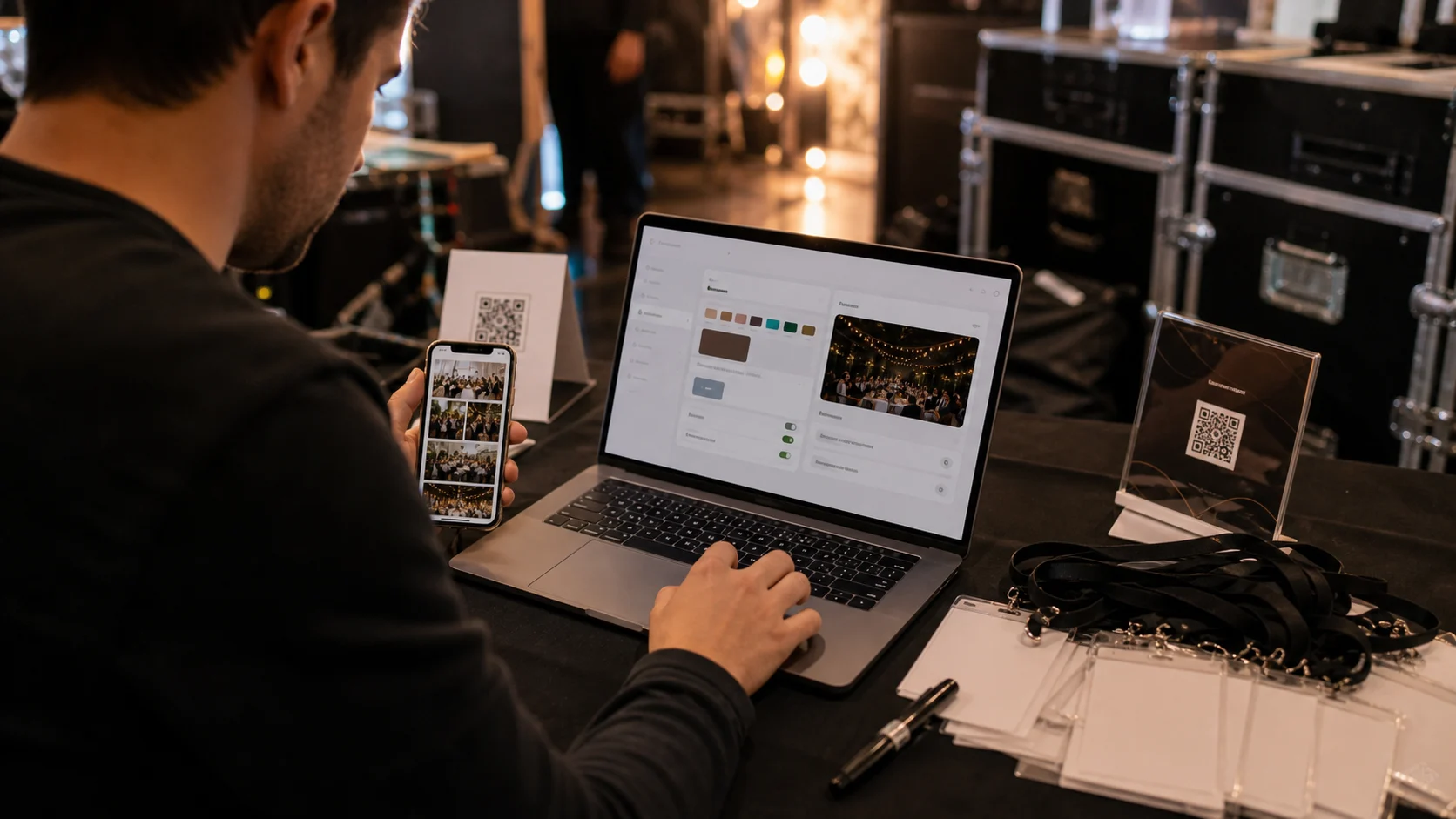
GuideSpin up a branded event in 5 minutes (operator playbook)
Setting up a branded guest-media event should take minutes, not an afternoon. Here is the operator playbook -- create, brand, configure, sign, share -- to spin up a client-ready event in about five minutes.
 Guide
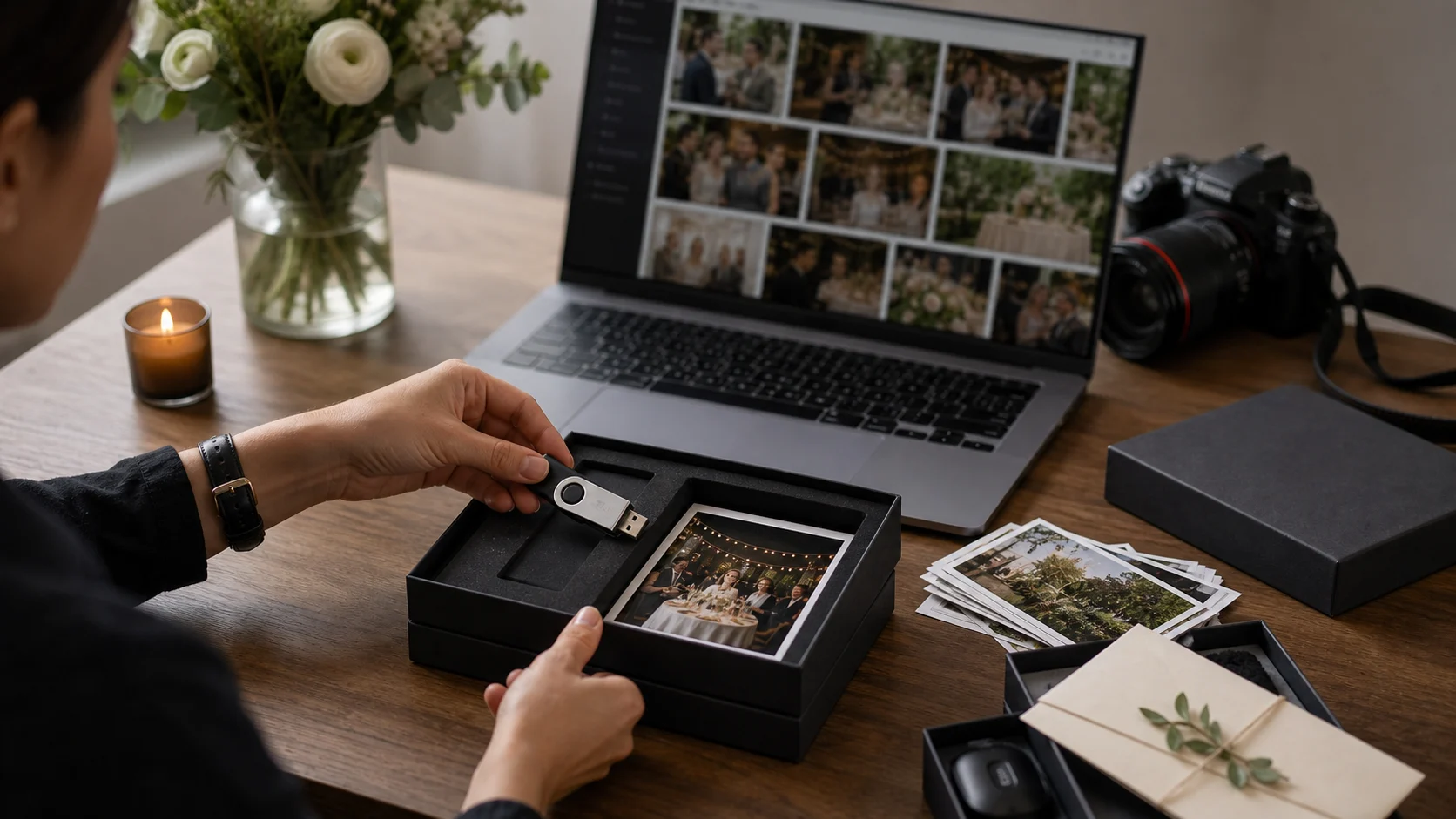
GuideDelivering galleries clients rave about: a pro workflow
Collecting the photos is half the job; delivering them well is what gets you referrals. Here is a pro workflow for curating, exporting and handing over a guest gallery clients rave about -- and remember you for.
 Guide
GuideManaging 50 events a year without losing your mind
Running guest media across dozens of events a year only works if it's systematised. Here is how to manage 50 events with seats, workspaces and templates -- so volume scales without the chaos scaling with it.