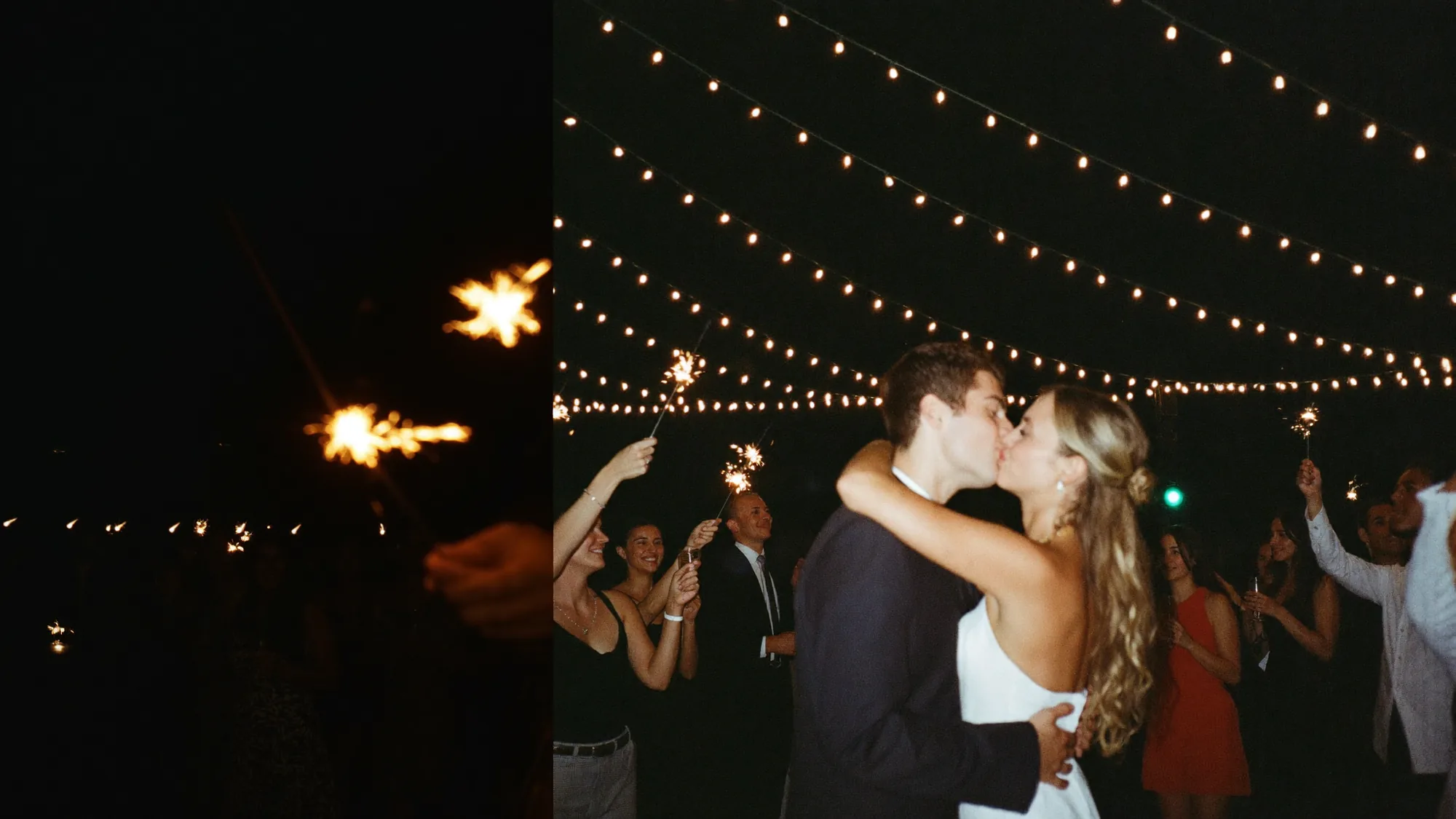
En QR-kode for bryllupsbilder gjestene faktisk bruker
Sett én kode på bordkortene og velkomstskiltet. Gjestene skanner, laster opp, og hvert bilde fra dagen havner i deres private album i stedet for spredt utover alles kamerarull.
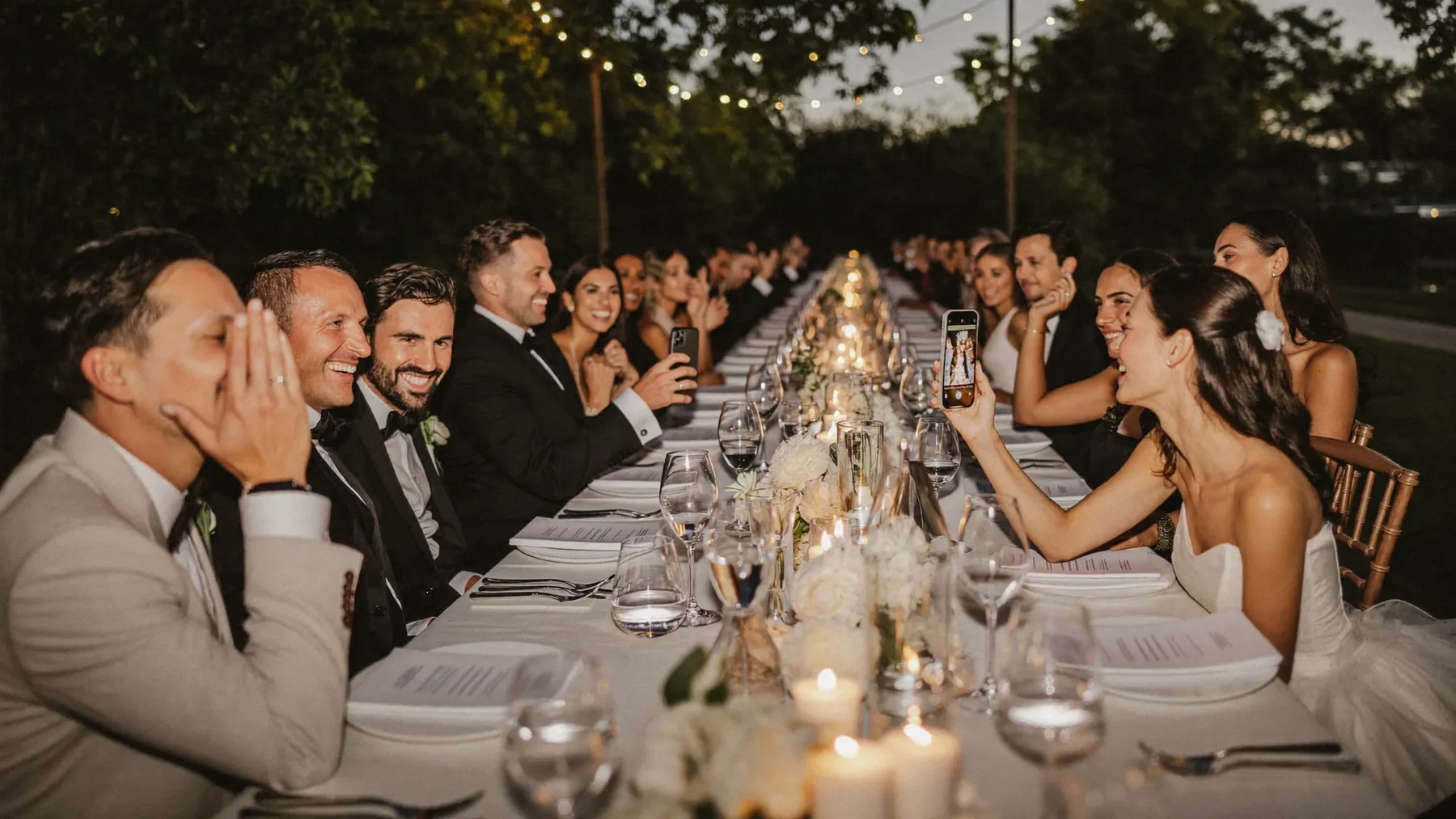


De beste bildene fra bryllupet ligger på telefoner dere aldri ser
Gjestene fanger dagen fra førti vinkler — og nesten alt blir liggende i kamerarullen, eller kommer sammenpresset i gruppechatten uker senere.


Én QR-kode, alle bryllupsbildene
Gjestene skanner, knipser — og hvert bilde lander i albumet deres samme kveld, i full oppløsning.

Fra kode til minne
Opprett albumet
Velg navn, dato og uttrykk. Den private lenken og QR-koden er klare på rundt to minutter.
Skriv ut QR-kodene til bryllupet
Bordkort, et velkomstskilt ved inngangen, baksiden av programmet, eller baren. To eller tre plasseringer slår ett perfekt skilt.
Samle inn alt fra dagen
Bildene dukker opp etter hvert som gjestene laster opp. Vis de godkjente på en direktevegg under festen, og last ned hele albumet etterpå.
Gjestene deres får hele albumet — og kan laste det ned.
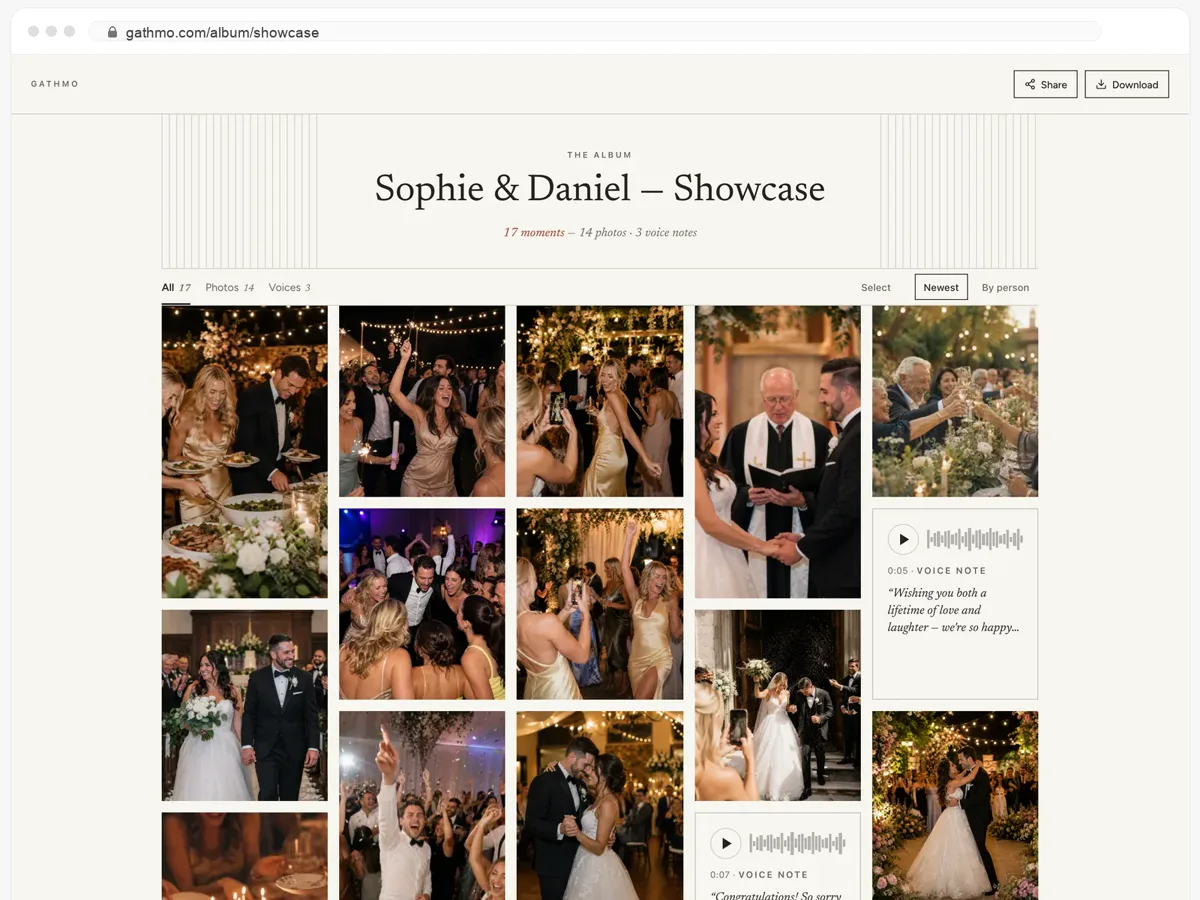
- Bilder, videoer og talemeldinger, alt på én side.
- Gjestene åpner lenken og laster ned det de vil ha.
- Åpent, eller bak et passord — dere bestemmer.
Hva som kjennetegner en god QR-kode til bryllupsbilder

Den virker uten app
Gjester fra 8 til 80 skanner en kode. Langt færre installerer en app midt i festen. Koden åpner en helt vanlig nettside, så deltakelsen avhenger ikke av noens tålmodighet.

Den samler mer enn bilder
Den samme koden tar imot korte videoer og talemeldinger, så dere beholder talen, rådet fra bestemor og lyden fra dansegulvet — ikke bare stillbilder.

Den holder bildene private og i full størrelse
Opplastingene kommer inn i opprinnelig oppløsning, i et album bare lenken deres åpner, i stedet for komprimert i en gruppechat som tømmes en måned senere.
Dette sier arrangører og gjester
Å høre stemmen til bestemoren min fortelle hva hun ønsket for oss – den filen kommer jeg aldri til å slette.
Tanten min på 78 år brukte det uten å stille meg et eneste spørsmål.
På slutten av kvelden hadde vi hundrevis av bilder fra vinkler fotografen vår aldri kunne ha fanget.
Det ble en del av underholdningen, ikke bare en måte å samle filer på.
Fra 49 USD. Betal én gang, per arrangement.
Ingen abonnement for arrangører. Gratis å starte, oppgrader bare når du trenger mer.
- 60 bilder, videoer og talemeldinger
- 5 GB lagring inkludert
- Ubegrenset antall gjester — ingen app nødvendig
- Album i 30 dager
- Video inntil 30 sek · tale 30 sek
- Ingen Gathmo-merking på mediene dine
- Ingen nedlasting i originalkvalitet
- Ubegrenset med bilder, video og lyd
- 50 GB lagring inkludert
- Last ned alle originaler (ZIP)
- Ingen Gathmo-merking på mediene dine
- Album i 90 dager
- Video inntil 5 min · tale Ubegrenset
- Modereringsverktøy for arrangøren
- Alt i Essential
- 100 GB lagring inkludert
- Live fotovegg i lokalet
- Album i 6 måneder
- Video inntil 10 min · tale Ubegrenset
- Prioritert support
- Alt i Celebrate
- 250 GB lagring inkludert
- Direktesending for dem som ikke kan komme
- Talemeldingene skrives ut som tekst for deg
- Egen lenke — gathmo.com/c/ditt-navn
- Album i 1 år
- Video inntil 15 min · tale Ubegrenset
QR-koder for bryllupsbilder: vanlige spørsmål
Opprett bryllupsalbumet, så lages QR-koden sammen med det — det er ingenting å stille inn. Last ned utskriftsversjonen til bordkort og skilt, eller bruk den gratis QR-kodegeneratoren til bryllup hvis du bare trenger selve koden.
Den gjestene klarer uten å tenke: den åpner i mobilnettleseren, krever ingen konto, og tar imot bilder, video og tale på én og samme opplastingsside. En kode som fører til en nedlasting i en appbutikk, mister mesteparten av rommet.
Bordkortene når alle under middagen, et velkomstskilt fanger gjestene i døra, og ett i baren tar resten. Fordel to eller tre plasseringer rundt i lokalet i stedet for å satse på ett enkelt skilt.
Nei. Telefonkameraet kjenner igjen koden og åpner opplastingssiden i nettleseren. Det finnes ingen app og ingen registrering for gjestene.
Ja. Den samme bryllups-QR-koden tar imot korte videoer og talemeldinger ved siden av bildene, og alt havner i det samme albumet.
Gratisplanen beholder materialet i 30 dager, så dere kan teste flyten før dagen; betalte planer gir lengre lagring og mer plass. Last ned hele albumet når som helst for å ha deres egen kopi — gjeldende grenser står på prissiden.
Ja. Albumet kan kjøre som en direkte fotovegg på en skjerm eller prosjektor — opplastinger vises for hele salen mens festen pågår.
Bare de som har lenken deres. Ingenting publiseres noe sted, og dere kan i tillegg sette passord på albumet.