Hjelpesenter
Gjør Gathmo-arrangementet ditt klart før gjestene kommer.
Finn tydelige oppsettsveiledninger, instruksjoner for QR-koder, hjelp til gjesteopplastinger og personvernnotater om innsamling av arrangementsmedier.
Steg-for-steg-hjelp til oppsett, QR-koder, gjesteopplastinger, moderering og nedlastinger.
82 resultater
Prøv: , , , ,
Kom i gangOpprett ditt første arrangementOpprett et Gathmo-arrangement på omtrent 5 minutter: Velg opplastingsalternativer for gjestene, test QR-flyten og sjekk abonnementet og personverninnstillingene før du deler lenken med gjestene.QR-koder og delingLast ned QR-koden til arrangementet dittFinn og last ned QR-koden gjestene bruker til å laste opp bilder, videoer og talemeldinger, og test den før du trykker den.QR-koder og delingHva du gjør hvis en gjest ikke får skannet QR-kodenLøs problemer med skanning av QR-koder under et arrangement, sjekk trykkvalitet og lysforhold, og gi gjestene en reservelenke for opplasting.GjesteopplastingerSlik laster gjestene opp bilderVis gjestene hvordan de skanner en Gathmo QR-kode, åpner opplastingssiden og legger til arrangementsbilder fra telefonen uten å installere en app.GjesteopplastingerTrenger gjestene en konto?Forklar at Gathmo-gjester kan laste opp bilder, videoer og talemeldinger fra en nettleser uten å opprette en konto.Konto, fakturering og planerForstå planer, priser og arrangementsgrenserSammenlign Gathmos arrangementsplaner, gjeldende priser i EUR, opplastingsgrenser, videogrenser og oppbevaring før du velger plan.
Start her
Anbefalte artikler
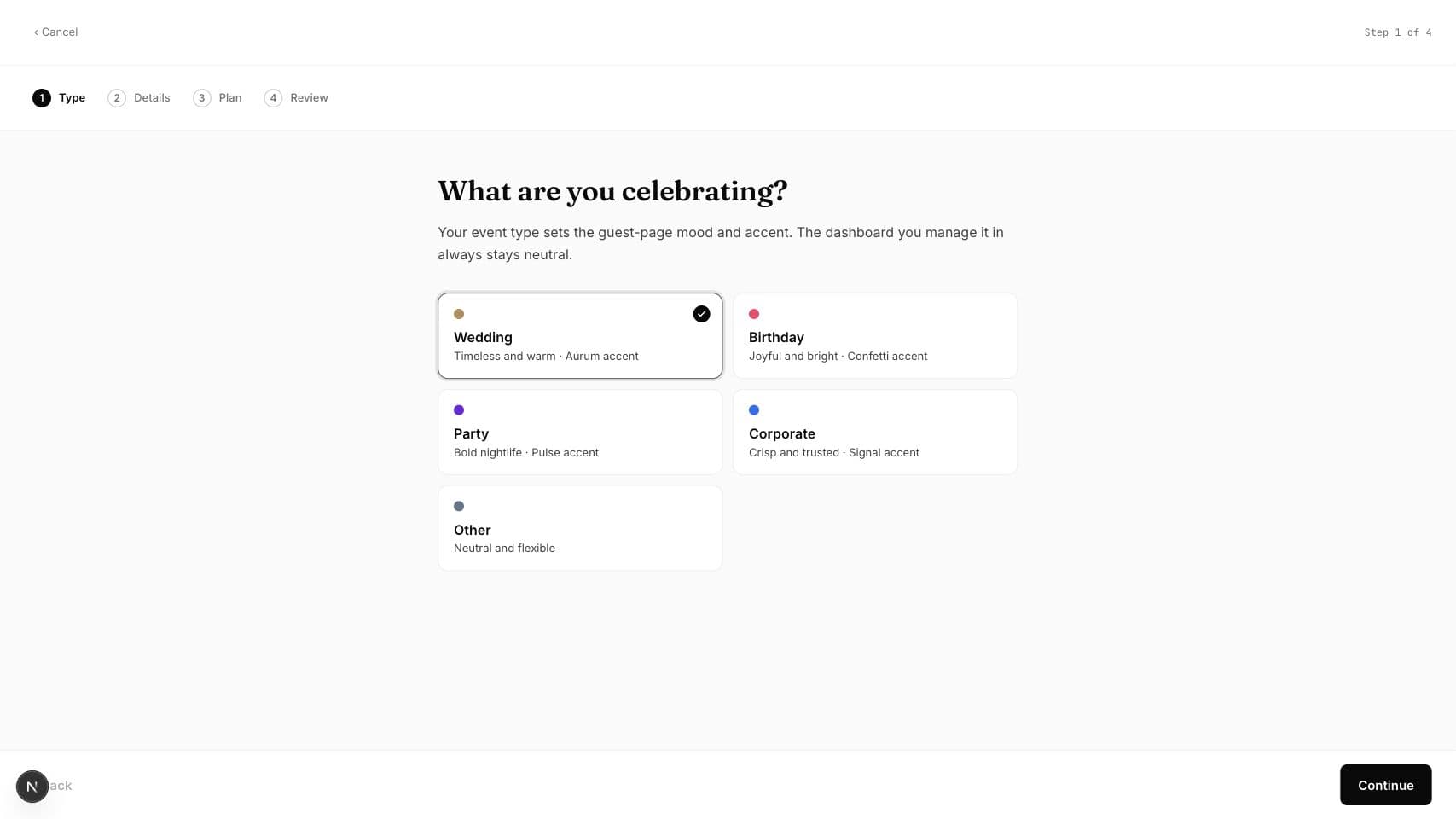 5 min lesetidOpprett ditt første arrangementOpprett et Gathmo-arrangement på omtrent 5 minutter: Velg opplastingsalternativer for gjestene, test QR-flyten og sjekk abonnementet og personverninnstillingene før du deler lenken med gjestene.
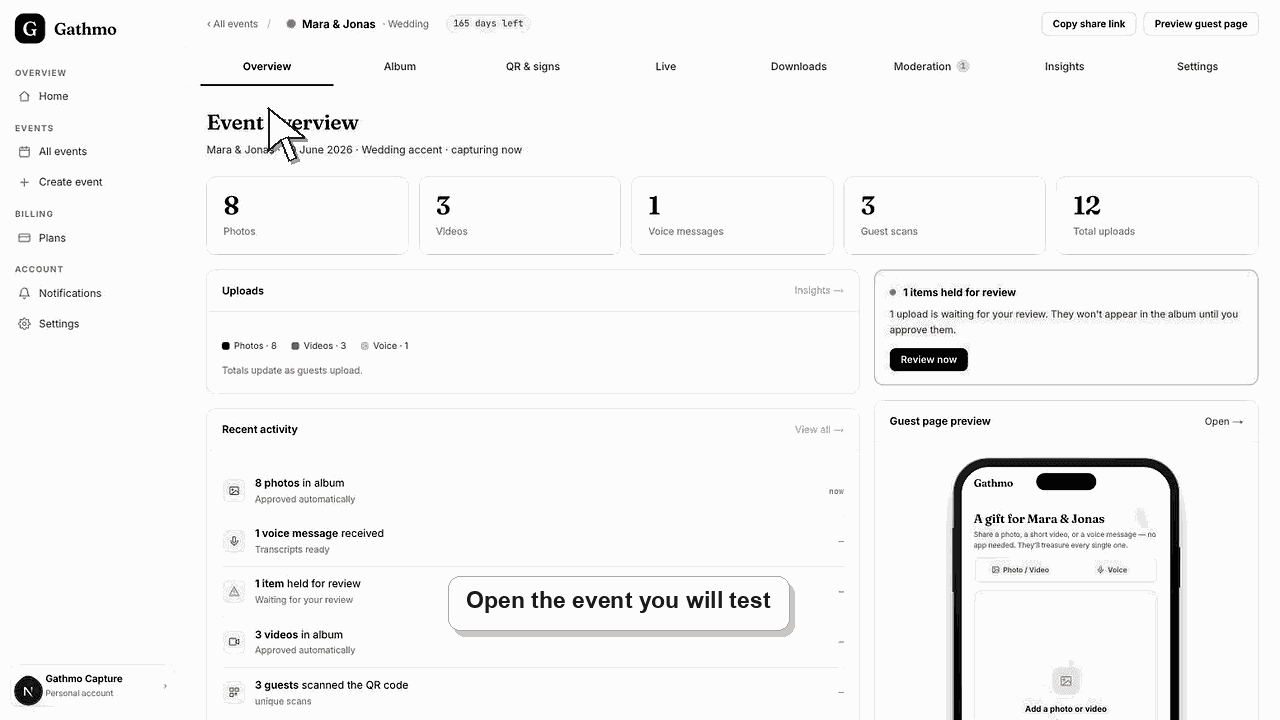 4 min lesetidTest opplastingsflyten for gjestene før arrangementetTest Gathmo QR-koden, opplastingssiden, modereringen og dashbordet før du trykker skilt eller inviterer gjester.
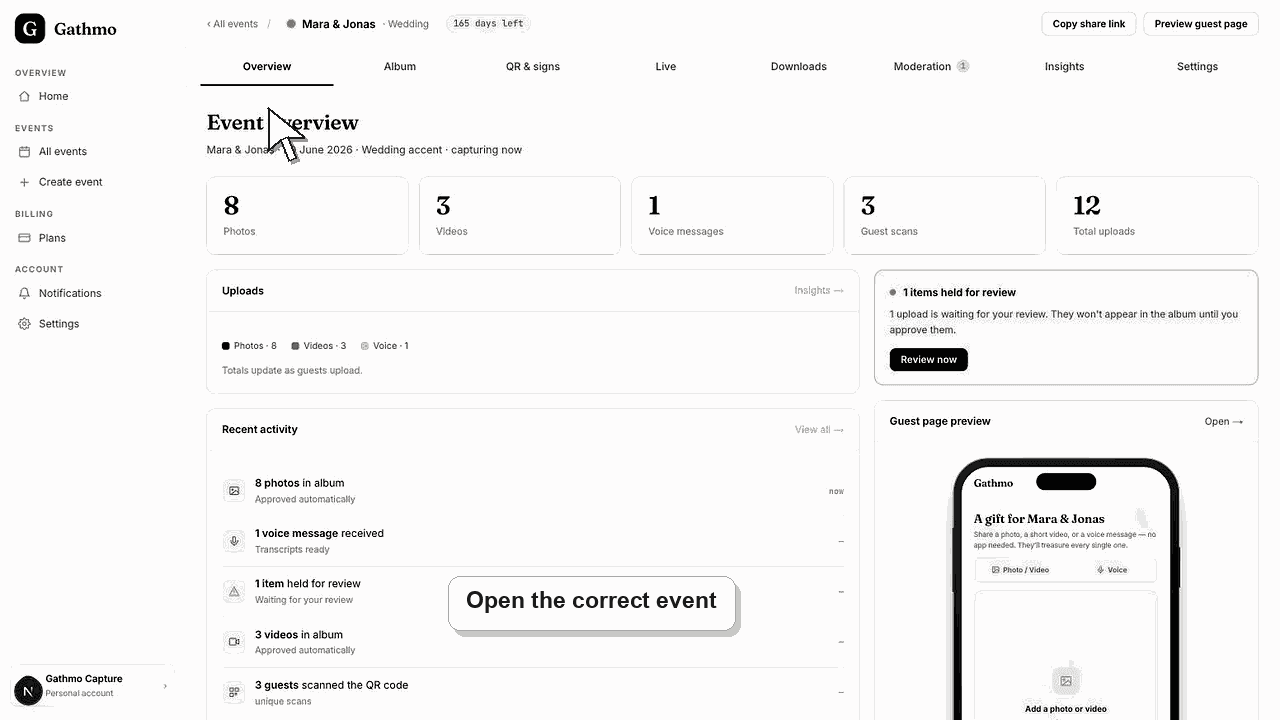 4 min lesetidLast ned QR-koden til arrangementet dittFinn og last ned QR-koden gjestene bruker til å laste opp bilder, videoer og talemeldinger, og test den før du trykker den.
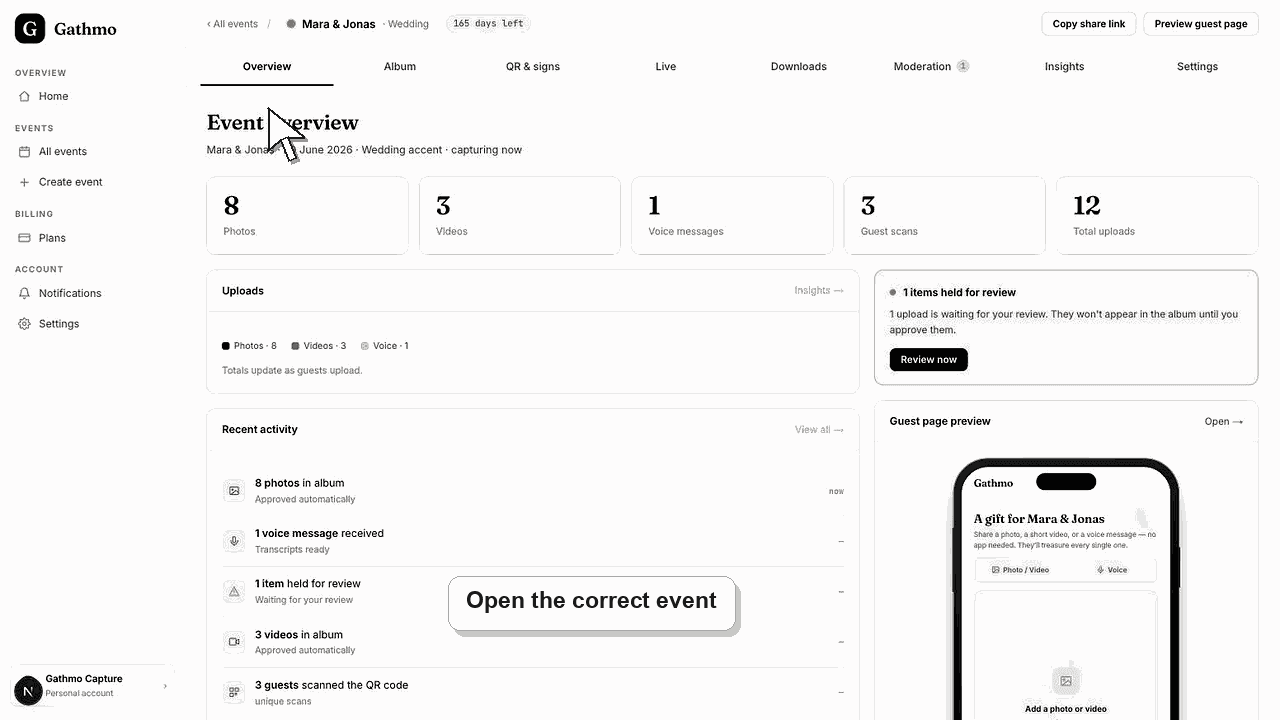 4 min lesetidDel arrangementslenken uten å trykke noeKopier og del arrangementslenken når gjestene skal laste opp medier fra en melding, en e-post eller en arrangementsside i stedet for en trykt QR-kode.
Bla etter oppgave
Hjelpekategorier
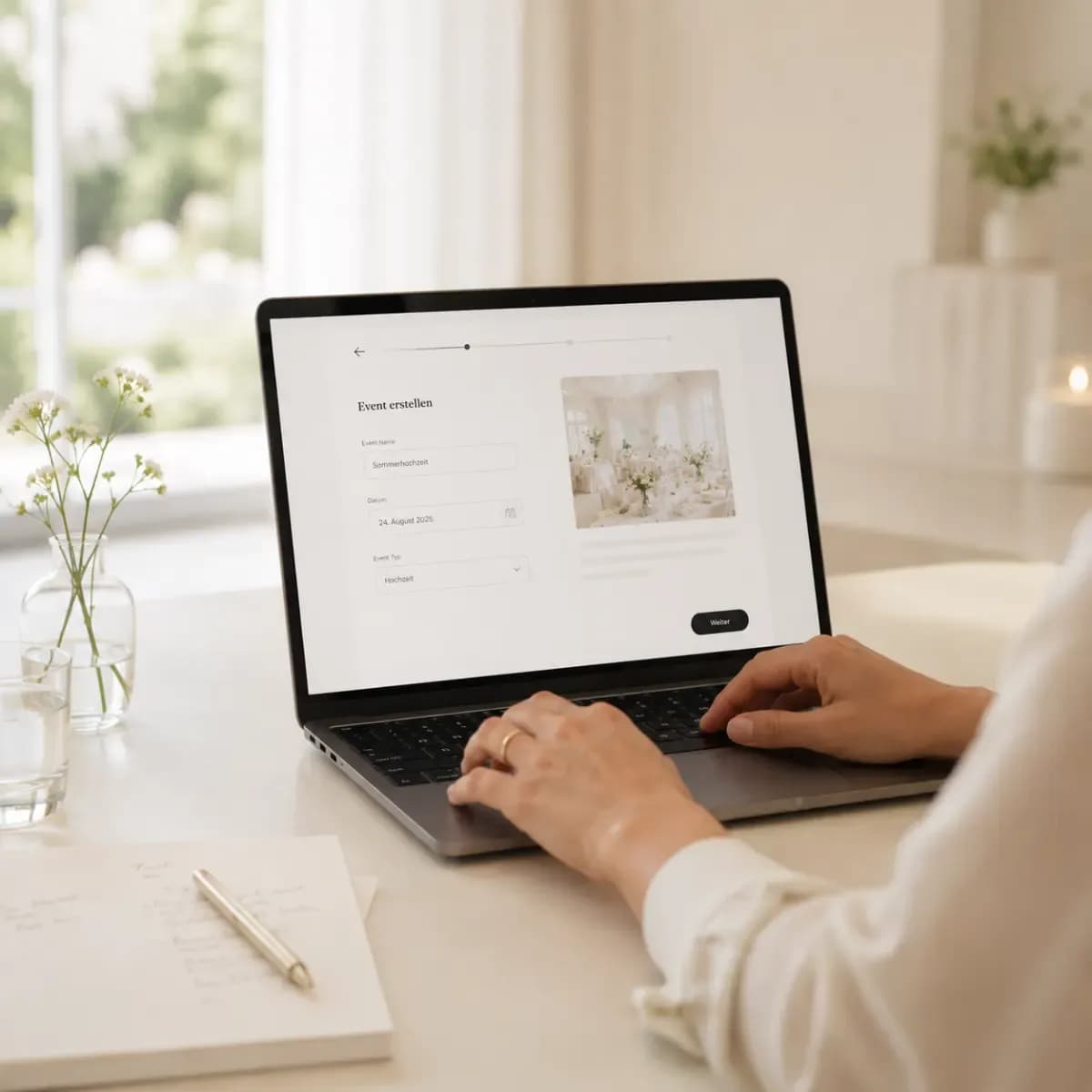 Start herKom i gangOpprett arrangementet, test gjesteflyten, og få grunnprinsippene på plass.6 artikler
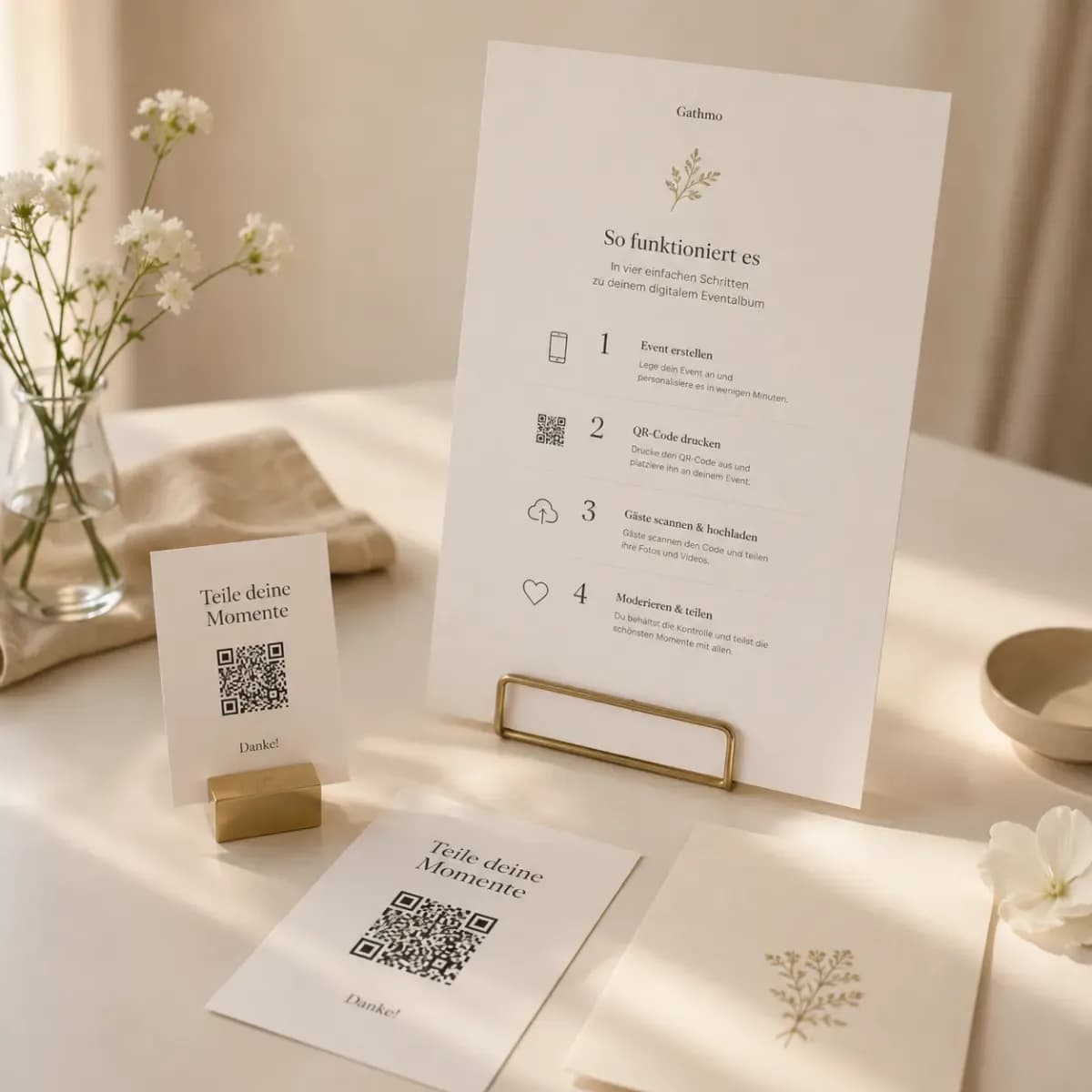 DelQR-koder og delingLast ned, trykk, plasser og feilsøk QR-koder for arrangementer.6 artikler
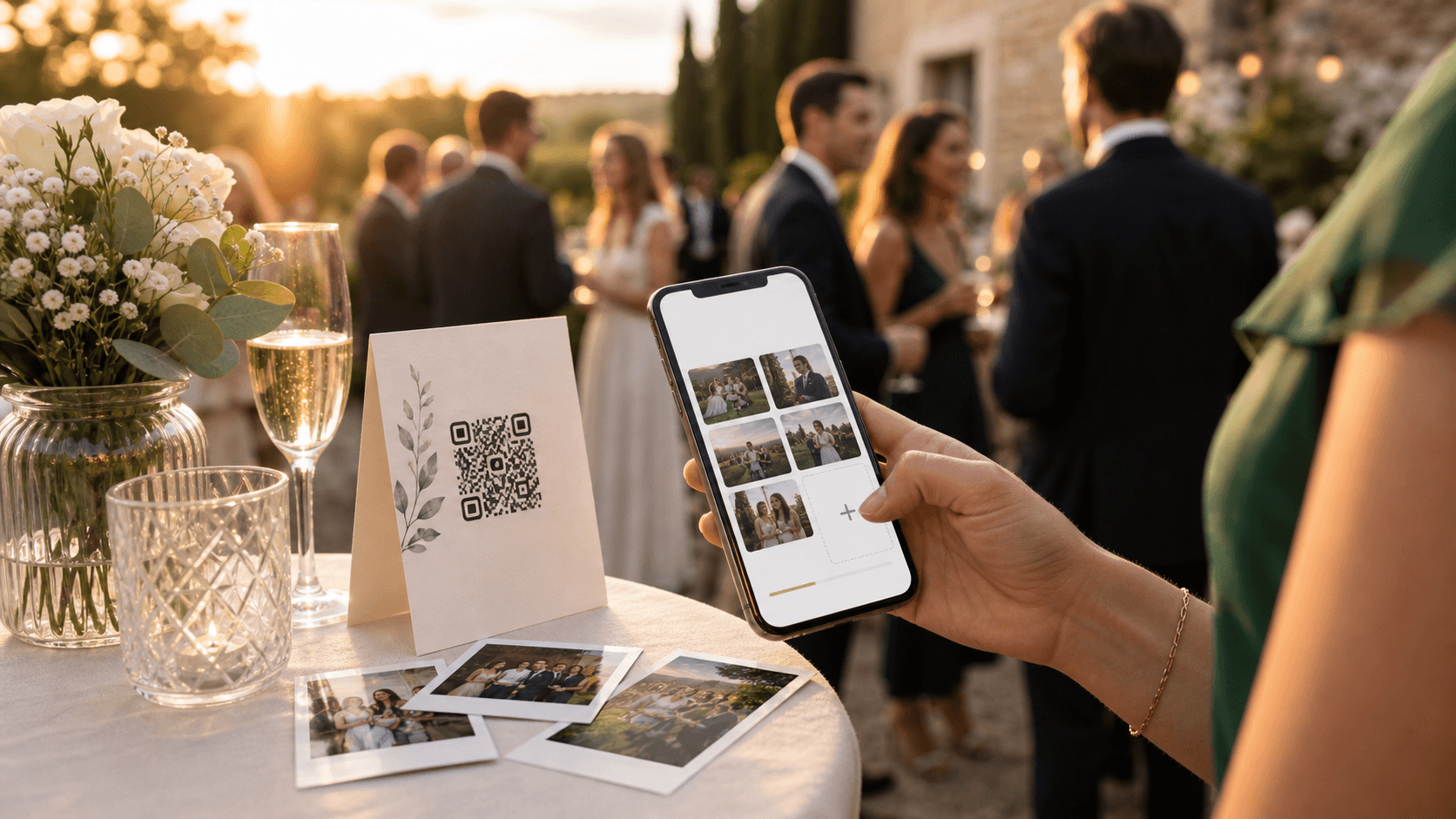 GjesterGjesteopplastingerHjelp gjestene med å legge til bilder, videoer og talemeldinger uten konto.9 artikler
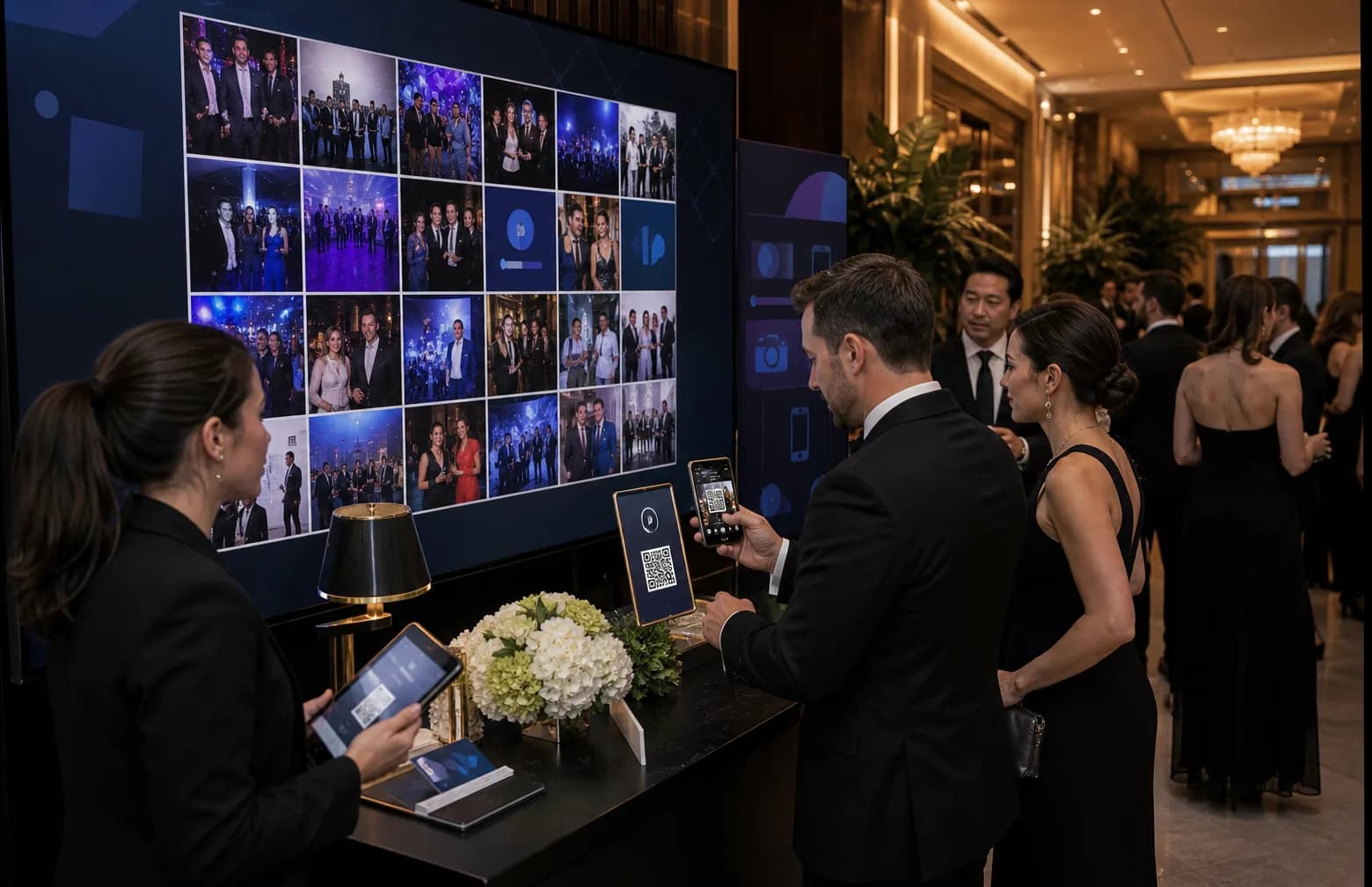 GjennomgangGalleri og modereringHåndter opplastinger, gå gjennom innhold, og vis et livegalleri under arrangementet.5 artikler
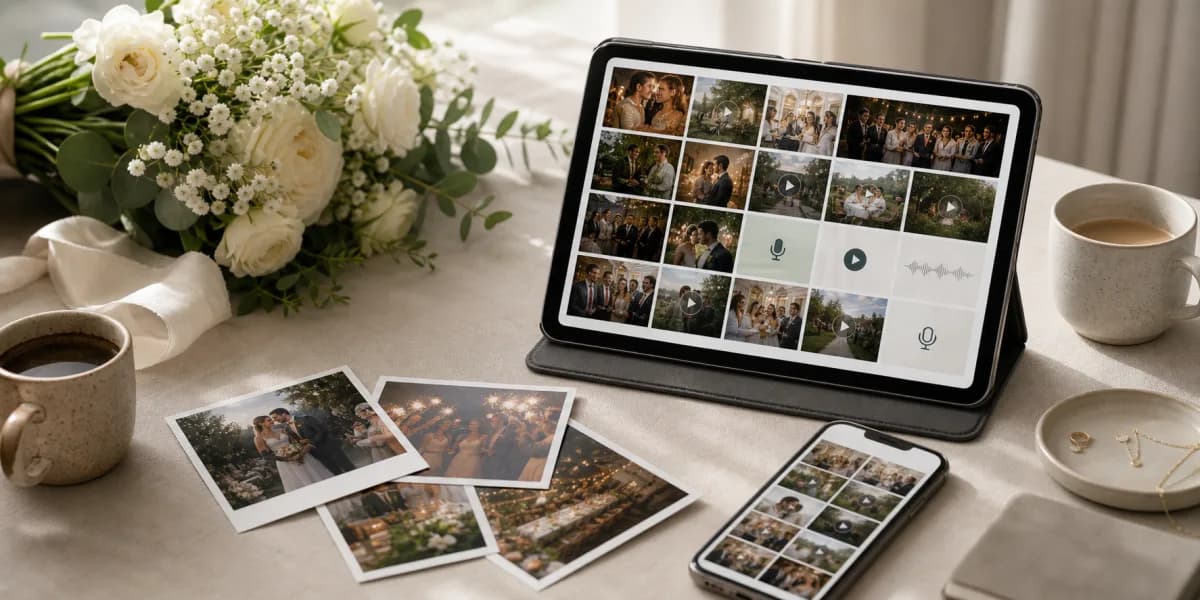 Etter arrangementetNedlasting og delingEksporter arrangementsmediene og del det ferdige galleriet privat.4 artikler
 KontoKonto, fakturering og planerForstå grensene i planen, fakturaer, oppsigelse og tilgang til kontoen.12 artikler
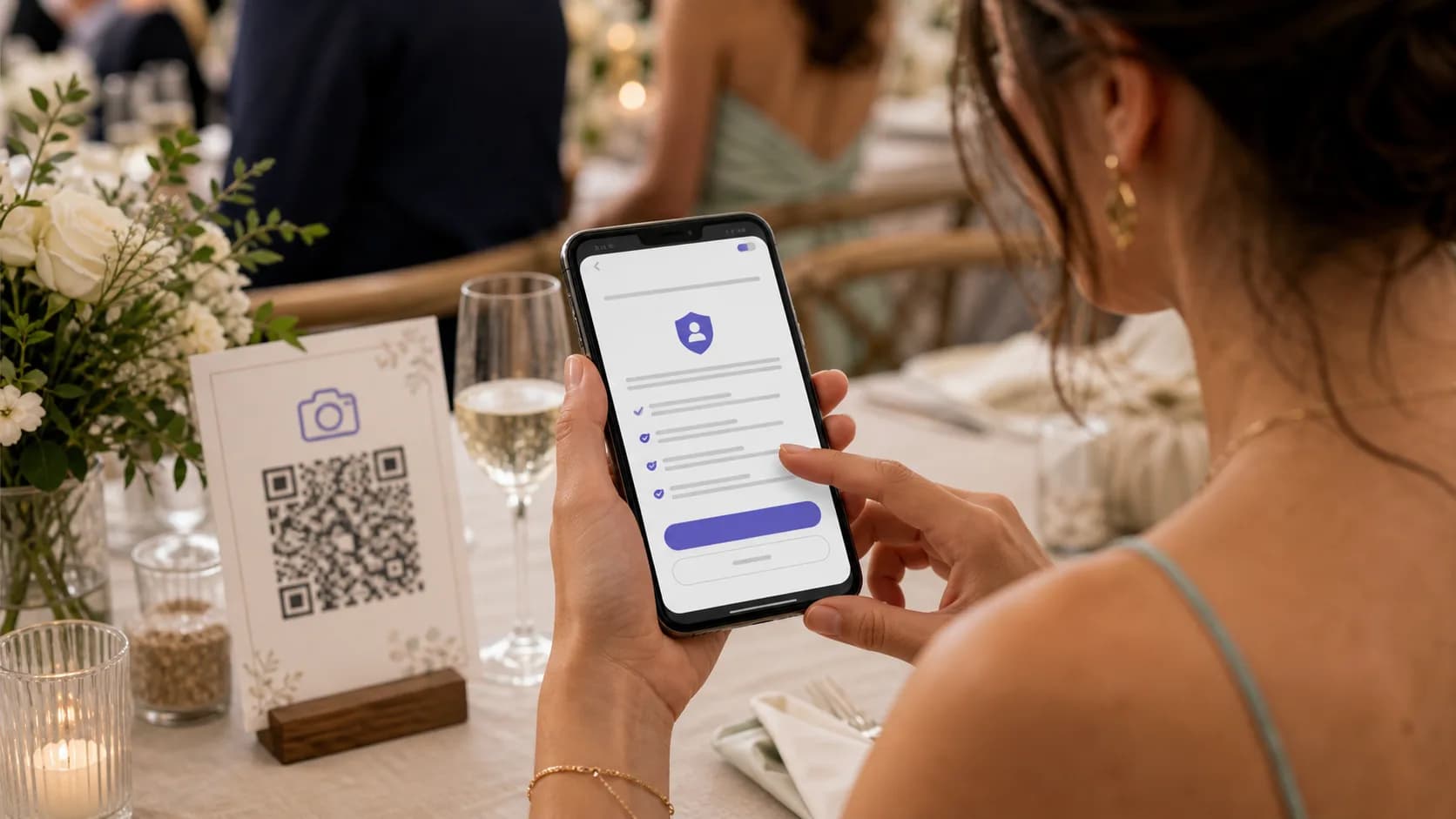 TillitPersonvern, sikkerhet og tillitForstå samtykke, lagring, oppbevaring, sletting og GDPR-grunnprinsipper.10 artikler
 LøsningerFeilsøkingLøs problemer med opplasting, QR-koder, lydopptak og tilgang til galleriet.6 artiklerDashbordDashbordfunksjonerFinn arrangementsinnstillinger, QR-verktøy, albumkontroller, livevegg, nedlastinger og innsikt.9 artiklerBedriftWhite-label og businessForstå bedriftsmerking, bruksgrenser, kundevendte kontroller og arbeidsflyter som krever tilgang.15 artikler
Kom i gang
- Opprett ditt første arrangement
- Test opplastingsflyten for gjestene før arrangementet
- Velg en arrangementstype for bryllup, fester eller bedriftsarrangementer
- Støttede enheter, nettlesere, land og skybilder
- Forstå gjestesiden, albumet, galleriet og liveveggen
- Når du bør opprette et arrangement og samle inn gjestemedier
QR-koder og deling
Gjesteopplastinger
- Slik laster gjestene opp bilder
- Slik laster gjestene opp videoer
- Slik spiller gjestene inn talemeldinger
- Trenger gjestene en konto?
- Legg til eksisterende, profesjonelle og skylagrede medier i et arrangement
- Velg opplastingstyper
- Filtyper og opplastingsgrenser
- Gjestetilgang: finn et arrangement, slett en opplasting eller fiks en nedlasting
- Få flere gjesteopplastinger før, under og etter et arrangement
Galleri og moderering
Nedlasting og deling
Konto, fakturering og planer
- Forstå planer, priser og arrangementsgrenser
- Administrer forhåndsbetalt bedriftsfakturering
- Endre eller oppgrader en arrangementsplan
- Velg privat- eller bedriftskonto i velkomstløpet
- Finn betalingsstatus, kvitteringer og faktura-PDF-er
- Administrer fakturaer og MVA-kvitteringer
- Betalingsmåter, valutaer, mislykkede betalinger og hva som skjer etter kjøpet
- Får du ikke logget inn? Tilbakestill passordet eller finn en e-post som mangler
- Refusjoner, avbestillinger, feil plan og dobbeltbetalinger
- Forny eller bytt en forhåndsbetalt bedriftsplan
- Lagringsgrenser, oppbevaring, forlengelser og utløp for arrangementer
- Oppdater fakturaadresse og MVA-nummer
Personvern, sikkerhet og tillit
- Er Gathmo privat?
- Oppbevaring og sletting av data
- Godta DPA-en for bedriftskunder
- Slett kontoen din eller eksporter kontodata
- Slett et arrangement og forstå hva som fjernes
- Slik fungerer samtykke for gjesteopplastinger
- Slik bruker, lisensierer og beskytter Gathmo arrangementsmedier
- Hold et arrangement privat etter at det er over
- Gå gjennom aktive økter og logg ut andre enheter
- Hvor arrangementsmediene lagres
Feilsøking
Dashbordfunksjoner
- Endre arrangementsnavn, dato, språk og lenke
- Endre moderering etter at arrangementet er opprettet
- Sett opp liveveggen
- Tilpass arrangementssiden, galleriet og merkevaren
- Naviger i arrangementsdashbordet
- Les nøkkeltall og aktivitet i arrangementsoversikten
- Oppdater profilen, språket og kontoopplysningene dine
- Bruk QR-skiltdesigneren
- Hvorfor en dashbordfunksjon er deaktivert i demomodus
White-label og business
- Legg til, verifiser eller fjern et eget domene
- Velg en bedriftsplan: Studio, Agency eller Enterprise
- Fullfør oppsettsveiviseren for white-label
- Last ned et QR-skilt med merkevare for et kundearrangement
- Forklar forskjellen på merking i Studio og Agency
- Eksporter analyse av kundeengasjement
- Lenk til Gathmo fra nettstedet ditt eller kundeportalen
- Administrer kundemerkevarer og arbeidsområder
- Administrer teammedlemmer og roller
- Partnerprogram, søknad, støtte og rabatter for organisasjoner
- Forhåndsvis gjestesiden med merkevaren før lansering
- Sett merkevarenavn, logo og farger
- Del en demolenke med din merkevare med en kunde
- Forstå grensene for bedriftsbruk
- Bruk salgspakken for forhandlere
Står du fortsatt fast?
Bruk hjelpesenteret først, og gå så videre til kundestøtten.
Svar innen én virkedag · Ta med lenken til arrangementet
Man–fre, 9:00–18:00 CET · WhatsApp ved hastesaker på eventdagen