En QR-kode for bilder som alle gjester klarer — uten app
Én kode, ett skann, og bildene fra alle i rommet samler seg i ett felles galleri — ingen app å laste ned, ingen gjestekonto, og ingen jakt på bilder en uke etterpå.
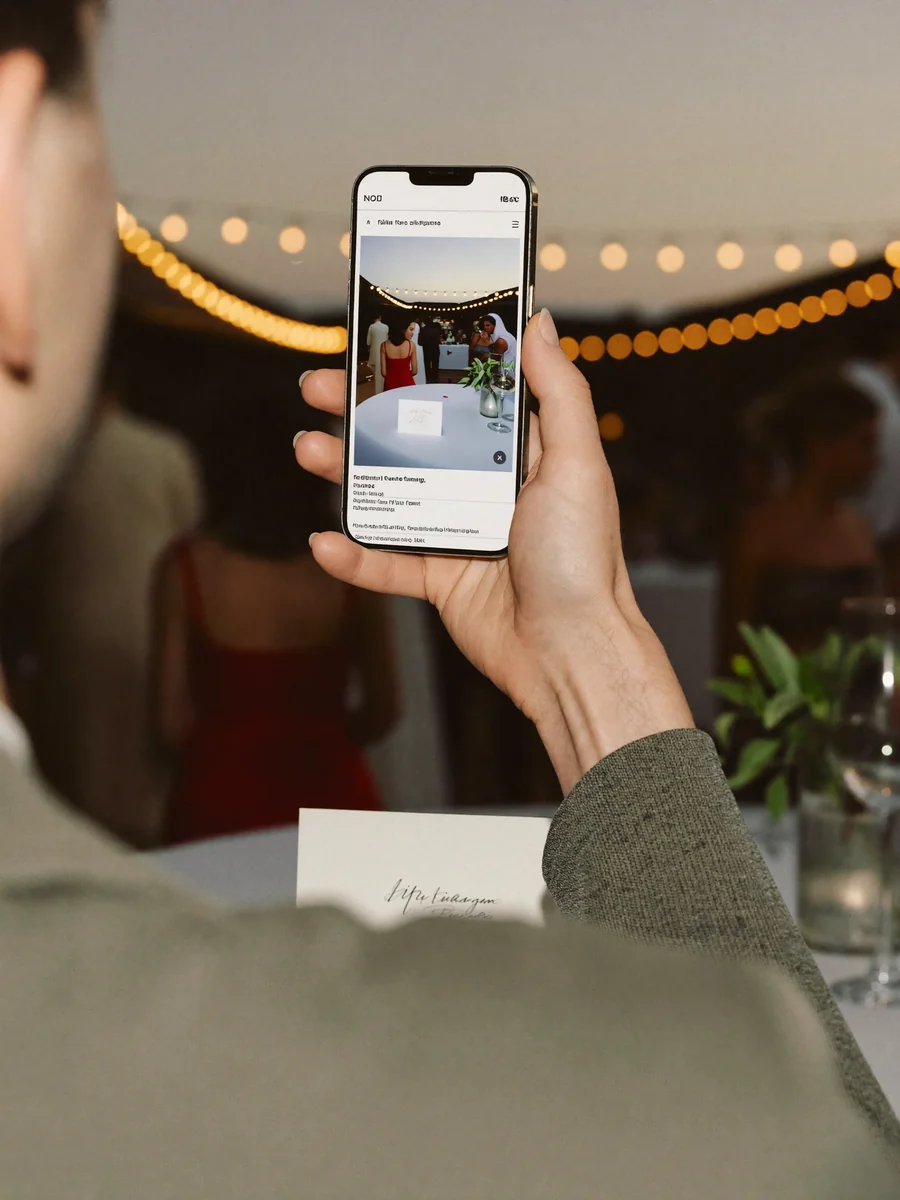


Én app for mye
Hvert ekstra steg koster gjester: nedlastingen, registreringen, tillatelsene. Når albumet er klart, ble halve rommet aldri med.
«En app? Telefonen min er full.»
«Hvilket passord trenger jeg til dette?»
«Jeg installerer den senere, lover.»
Skann QR-koden. Ferdig.
Kameraet er den eneste appen noen trenger — koden åpner albumet rett i nettleseren.
Skann, knips, del
Opprett arrangementet
Velg navn og uttrykk. Den private gjestelenken og QR-koden er klare på rundt to minutter.
Skriv ut eller vis koden
Sett QR-koden på bordkort, et velkomstskilt, navneskilt eller en skjerm — der et telefonkamera rekker den.
Samle inn, se gjennom, last ned
Opplastingene dukker opp i albumet etter hvert som de kommer. Godkjenn det som skal på skjermen, og last ned alt etterpå.
Slik skiller dette seg fra Google Photos, Dropbox og fotoapper
Du kan samle bilder med Google Photos eller Dropbox også — det er bare tungvint: kontoer, delte mapper, forvirrede gjester. En QR-kode gjør alt det om til ett skann.
| Google Photos / Dropbox | Fotoapper | Gathmo | |
|---|---|---|---|
| Gjestekonto | kreves | kreves | ingen |
| App å laste ned | — | kreves | ingen |
| Oppsett | fikling | installasjon | skann, ferdig |
| Hvor dataene ligger | amerikansk sky | varierer | EU |
Med Gathmo skanner gjestene en kode — det er hele bruksanvisningen. Ingen konto, ingen app, ingenting å forklare.
Gjestene deres får hele albumet — og kan laste det ned.
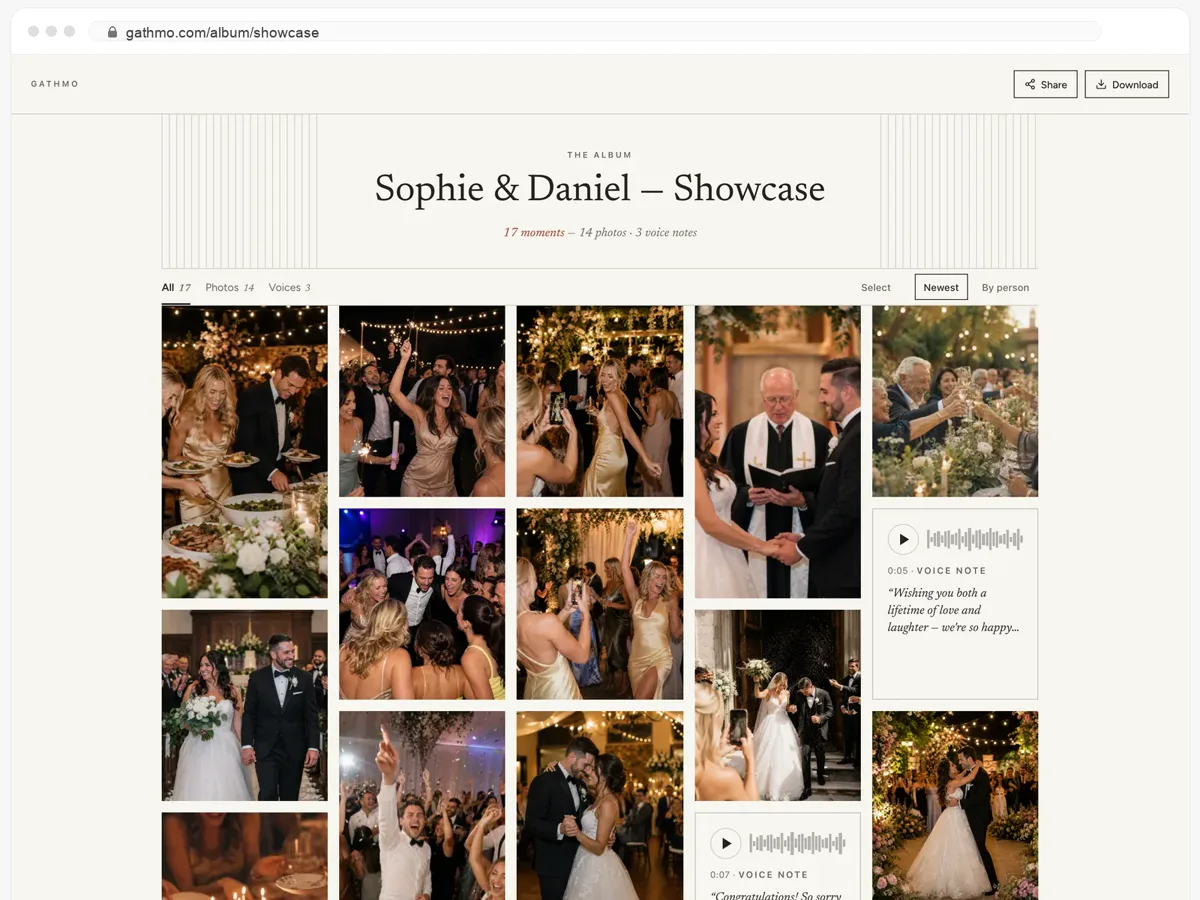
- Bilder, videoer og talemeldinger, alt på én side.
- Gjestene åpner lenken og laster ned det de vil ha.
- Åpent, eller bak et passord — dere bestemmer.
Hvorfor dele bilder med en QR-kode?
Gjestene deler med QR-kode, ikke med app
Koden åpner en opplastingsside i telefonens nettleser. Ingen nedlasting, ingen registrering, ingen passord å huske — og det er som regel det som avgjør om folk bidrar i det hele tatt.
Ett QR-album, ikke fem gruppechatter
Bilder, korte videoer og talemeldinger fra alle gjestene samles på samme sted, i opprinnelig oppløsning og ikke komprimert av en meldingsapp.
Du bestemmer hva som vises og hvor lenge
Se gjennom opplastingene før de når en direktevegg, sett lagringstiden, og last ned hele samlingen når arrangementet er over.
Dette sier arrangører og gjester
Å høre stemmen til bestemoren min fortelle hva hun ønsket for oss – den filen kommer jeg aldri til å slette.
Tanten min på 78 år brukte det uten å stille meg et eneste spørsmål.
På slutten av kvelden hadde vi hundrevis av bilder fra vinkler fotografen vår aldri kunne ha fanget.
Fra 49 USD. Betal én gang, per arrangement.
Ingen abonnement for arrangører. Gratis å starte, oppgrader bare når du trenger mer.
- 60 bilder, videoer og talemeldinger
- 5 GB lagring inkludert
- Ubegrenset antall gjester — ingen app nødvendig
- Album i 30 dager
- Video inntil 30 sek · tale 30 sek
- Ingen Gathmo-merking på mediene dine
- Ingen nedlasting i originalkvalitet
- Ubegrenset med bilder, video og lyd
- 50 GB lagring inkludert
- Last ned alle originaler (ZIP)
- Ingen Gathmo-merking på mediene dine
- Album i 90 dager
- Video inntil 5 min · tale Ubegrenset
- Modereringsverktøy for arrangøren
- Alt i Essential
- 100 GB lagring inkludert
- Live fotovegg i lokalet
- Album i 6 måneder
- Video inntil 10 min · tale Ubegrenset
- Prioritert support
- Alt i Celebrate
- 250 GB lagring inkludert
- Direktesending for dem som ikke kan komme
- Talemeldingene skrives ut som tekst for deg
- Egen lenke — gathmo.com/c/ditt-navn
- Album i 1 år
- Video inntil 15 min · tale Ubegrenset
QR-kode for bilder — vanlige spørsmål
Opprett et arrangement, last ned QR-koden eller det ferdige skiltet, og sett det der gjestene ser det. De skanner og laster opp — ingen app involvert. Oppsettet tar rundt to minutter.
Du kan opprette et arrangement og teste hele gjesteflyten på gratisplanen: 60 opplastinger, 30 dagers lagring, uten kort. Større arrangementer går over på en betalt plan — hva som inngår i dag, står på prissiden.
Nei. Telefonkameraet kjenner igjen koden og åpner opplastingssiden i nettleseren. Det er ingen nedlasting og ingen gjestekonto.
Der gjestene allerede ser: på bordkort, et velkomstskilt ved inngangen, baksiden av menyen, navneskilt, eller på en skjerm mellom bildene. Flere plasseringer gir flere opplastinger.
Ja. Den samme koden åpner én opplastingsside som tar imot bilder, korte videoer og talemeldinger, og alt havner i det samme albumet.
Bare de som har den private albumlenken din. Ingenting publiseres i noen offentlig strøm, og du bestemmer hvor lenge materialet oppbevares før det slettes.
Ja. Den åpner en helt vanlig nettside, så den virker i enhver moderne mobilnettleser i stedet for å være bundet til ett økosystem.
Ja. Du laster ned koden eller et ferdig skilt og skriver det ut hjemme eller hos et trykkeri — papir, bordkort eller klistremerker fungerer alt.
Hvert arrangement har sin egen kode og sitt eget album, så samlinger blandes aldri. Prisen er per arrangement, og gratisplanen lar deg teste flyten først.

Skriv ut én QR-kode, og slutt å jage bilder
Opprett et gratis arrangement, skriv ut koden, og gå gjennom gjesteflyten på din egen telefon før noen kommer.