Gjør gjestenes opplastinger til en del av kvelden
Gjestene skanner og laster opp. Du går gjennom. Godkjente bilder og videoer vises på skjermen i lokalet — uten at gjestene trenger noen app.



Fra gjestens telefon til skjermen i lokalet, i fire steg
Opplastingen og visningen er to atskilte flater. Gjestene bruker telefonen sin; lokalet åpner veggen i en nettleser på TV, projektor eller storskjerm. Gjennomgangen ligger mellom dem når du vil ha kontroll.
Se nye øyeblikk komme inn på veggen
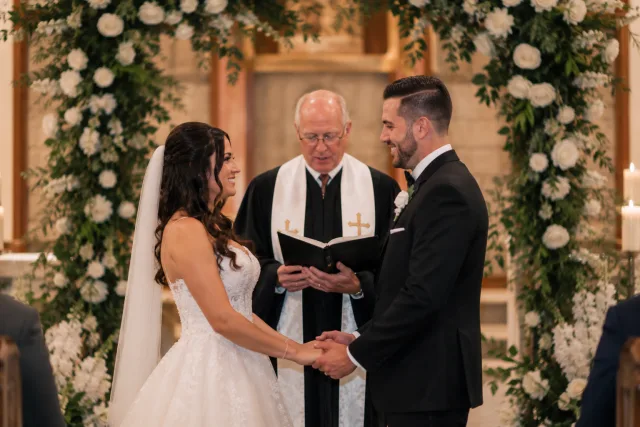
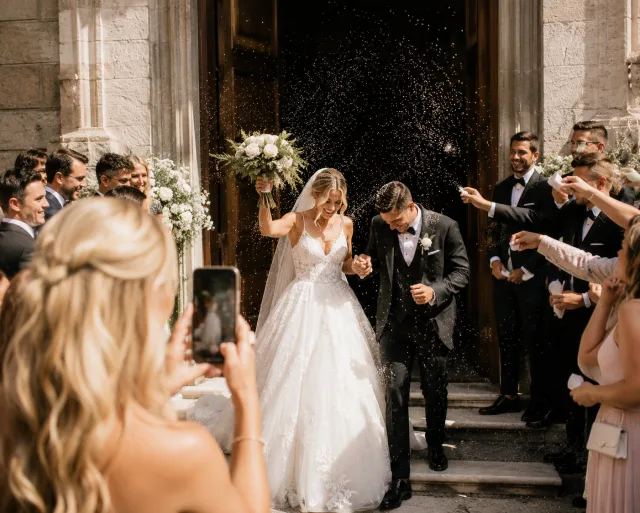
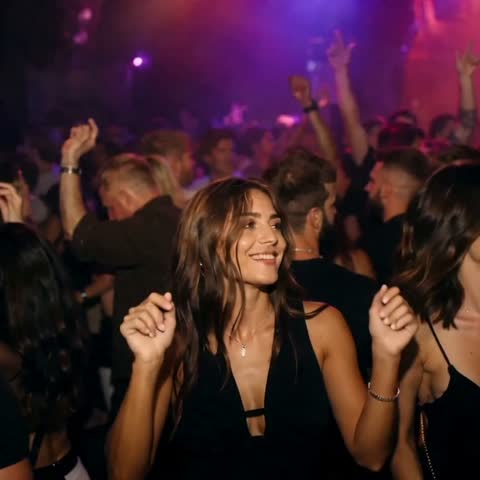
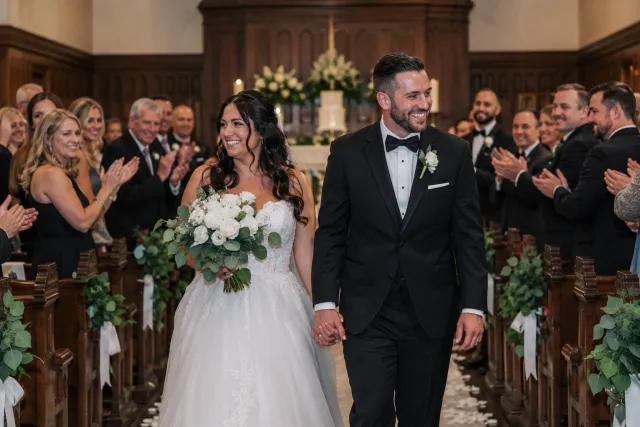
Dette er en produktdemonstrasjon med eksempelmateriale — ikke opptak fra et arrangement hos en Gathmo-kunde.























Laget for rommet
Visning i nettleseren
Åpne veggen på en laptop eller en smart-TV som støtter det, og koble deg videre til TV, projektor, LED-vegg eller husets skjerm.
Gjennomgang før visning
Se gjennom gjestenes opplastinger før de går inn i rotasjonen, eller legg om arbeidsflyten slik det passer arrangementet.
Bilder og video
Hold veggen i bevegelse med en blanding av inntrykk, i stedet for en stillbildeserie satt sammen på forhånd.
Slik går en direkte bildevegg
- 01
Opprett arrangementet
Velg navn og uttrykk. Den private gjestelenken og QR-koden er klare på rundt to minutter.
- 02
Gjestene skanner og deler
Ingen app å laste ned og ingen gjestekonto. De legger inn bilder, korte videoer og talemeldinger rett i nettleseren.
- 03
Samle alt på ett sted
Se gjennom opplastingene, vis de godkjente øyeblikkene på direkteveggen, og last ned hele samlingen.
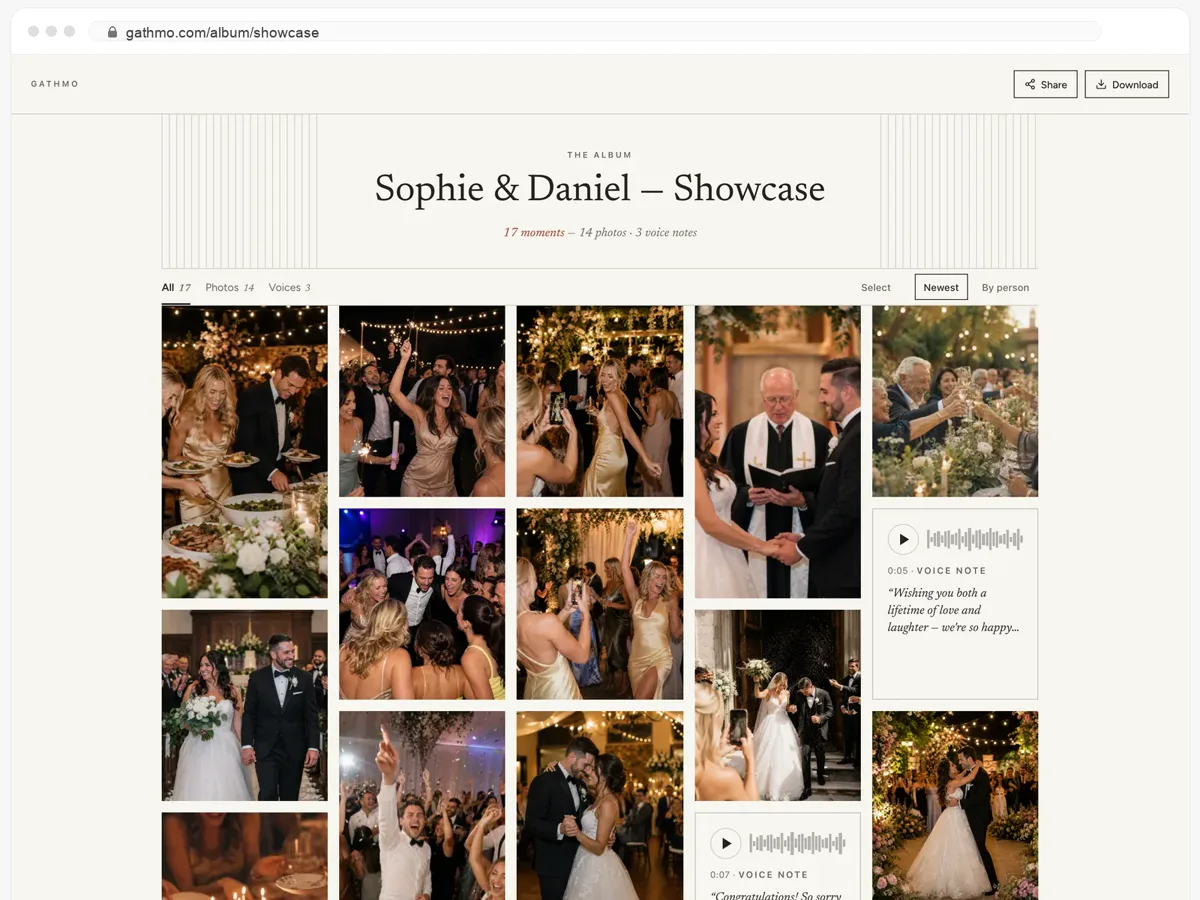
Gjestene deres får hele albumet — og kan laste det ned.
- Bilder, videoer og talemeldinger, alt på én side.
- Gjestene åpner lenken og laster ned det de vil ha.
- Åpent, eller bak et passord — dere bestemmer.
Fra 49 USD. Betal én gang, per arrangement.
Ingen abonnement for arrangører. Gratis å starte, oppgrader bare når du trenger mer.
- 60 bilder, videoer og talemeldinger
- 5 GB lagring inkludert
- Ubegrenset antall gjester — ingen app nødvendig
- Album i 30 dager
- Video inntil 30 sek · tale 30 sek
- Ingen Gathmo-merking på mediene dine
- Ingen nedlasting i originalkvalitet
- Ubegrenset med bilder, video og lyd
- 50 GB lagring inkludert
- Last ned alle originaler (ZIP)
- Ingen Gathmo-merking på mediene dine
- Album i 90 dager
- Video inntil 5 min · tale Ubegrenset
- Modereringsverktøy for arrangøren
- Alt i Essential
- 100 GB lagring inkludert
- Live fotovegg i lokalet
- Album i 6 måneder
- Video inntil 10 min · tale Ubegrenset
- Prioritert support
- Alt i Celebrate
- 250 GB lagring inkludert
- Direktesending for dem som ikke kan komme
- Talemeldingene skrives ut som tekst for deg
- Egen lenke — gathmo.com/c/ditt-navn
- Album i 1 år
- Video inntil 15 min · tale Ubegrenset
Spørsmål om direkte bildevegg
En laptop eller en enhet med egnet nettleser, pluss TV, projektor, LED-vegg eller husets skjerm. Sjekk lokalets HDMI, casting, oppløsning og internett før arrangementet.
Ja. Med gjennomgang slått på ser en arrangør over opplastingene før de settes inn i visningen.
Direkte bildevegg starter med Celebrate-planen. Gratisplanen er nyttig for å teste gjesteopplastinger; sammenlign hva som inngår i dag på prissiden før arrangementet.
Sett rommet inn i fortellingen
Opprett arrangementet, test veggen på den skjermen du faktisk skal bruke, og bekreft oppsettet i lokalet før gjestene kommer.