How to create a shared Google Photos album
It takes about a minute. Below are the steps, how to let other people add their own pictures, and what changes once you are collecting from a whole group rather than sharing your own.

What is a shared album in Google Photos?
A shared album is an album other people can open, and — if you allow it — add their own photos to. You create it, invite people or send a link, and everything in it lives in your Google Photos. Anyone with the link can look. Adding requires a Google Account, which is the difference that matters once you are collecting from guests rather than family.
Create a shared album in Google Photos
- 01
Open the Library
In Google Photos, go to the Library tab (called Collections in newer versions) and choose Albums, then New album.
- 02
Name it and add photos
Give the album a name you will still recognise in a year, then select the photos and videos you want in it. You can add more at any time.
- 03
Turn on sharing
Open the album, use the share option and switch on Share. This is what turns a private album into one other people can reach.
- 04
Invite people or copy the link
Either pick contacts directly or copy the link and send it however you like. A link works in any browser, on any device.
- 05
Let people contribute
In the album options, switch on Collaborate. Without it, everyone can look but nobody can add — and this is the setting people most often forget.
Sharing with people who are not on Google
One route works, the other does not exist. It is worth knowing which is which.
A link — viewing works for anyone
Send the album link and anyone can open it in a browser, no account needed. They can look through it and, depending on your settings, download from it.
Contributing still needs an account
To add photos to the album, a person needs a Google Account and has to join it. On a guest list where not everyone has one — or wants to sign in at a party — that is where the contributions stop.
Four things to know before you use it for an event
None of these matter for a family album. All of them matter when the photos are coming from thirty guests.
Contributors need a Google Account
Looking is open to anyone with the link; adding is not. At an event, the gap between those two is most of the people whose photos you actually wanted.
It uses your storage
Photos count against the Google account’s storage, which is shared across Drive, Gmail and Photos on the free tier. A wedding’s worth of uploads is exactly the kind of thing that fills it.
Quality depends on a setting
Depending on the upload-quality option in use, images can be re-encoded rather than kept as the original file. Worth checking before you assume you are keeping originals.
It is tied to your account
The album belongs to the account that made it. Handing the collection to someone else later means exporting and re-uploading, not transferring.
Shared album or a link anyone can add to?
For your own photos, a shared album is free, already on the phone and the right answer. For collecting other people’s, one row below decides it.
| Google Photos album | Gathmo | |
|---|---|---|
| Who can view | anyone with the link | anyone with the link |
| Who can add photos | Google Accounts only | anyone with the link |
| Whose storage it uses | yours | included in the plan |
| Image quality | depends on the setting | original resolution |
| Voice and video messages | no | yes |
Note that the first row is a tie, and it is the row most comparisons stop at. If all you need is for people to see the photos, Google Photos already does that and costs nothing.
Shared Google Photos albums — FAQ
Go to Library → Albums → New album, name it and add photos. Then open the album, switch on Share, and invite people or copy the link. To let others add their own pictures, switch on Collaborate.
No. A link lets anyone view the album, but adding photos requires a Google Account and joining the album. There is no setting that changes this.
Yes. Photos count against the account’s storage, which on the free tier is shared with Drive and Gmail. This is the main practical difference from Apple’s shared albums, which do not.
It depends on the upload-quality setting in use — images can be re-encoded rather than stored as the original file. Check the setting before assuming you still have the originals.
Yes. Turning off Collaborate in the album options leaves it viewable but closes it to new contributions, which is a reasonable thing to do once the event is over.
Open the album, switch on Share, and use the link option in the same panel — Google generates one you can copy. Anyone holding it can view the album without an account, so treat it as public. Switching sharing off again invalidates the link.
Gjestene deres får hele albumet — og kan laste det ned.
- Bilder, videoer og talemeldinger, alt på én side.
- Gjestene åpner lenken og laster ned det de vil ha.
- Åpent, eller bak et passord — dere bestemmer.
Fra 49 USD. Betal én gang, per arrangement.
Ingen abonnement for arrangører. Gratis å starte, oppgrader bare når du trenger mer.
- 60 bilder, videoer og talemeldinger
- 5 GB lagring inkludert
- Ubegrenset antall gjester — ingen app nødvendig
- Album i 30 dager
- Video inntil 30 sek · tale 30 sek
- Ingen Gathmo-merking på mediene dine
- Ingen nedlasting i originalkvalitet
- Ubegrenset med bilder, video og lyd
- 50 GB lagring inkludert
- Last ned alle originaler (ZIP)
- Ingen Gathmo-merking på mediene dine
- Album i 90 dager
- Video inntil 5 min · tale Ubegrenset
- Modereringsverktøy for arrangøren
- Alt i Essential
- 100 GB lagring inkludert
- Live fotovegg i lokalet
- Album i 6 måneder
- Video inntil 10 min · tale Ubegrenset
- Prioritert support
- Alt i Celebrate
- 250 GB lagring inkludert
- Direktesending for dem som ikke kan komme
- Talemeldingene skrives ut som tekst for deg
- Egen lenke — gathmo.com/c/ditt-navn
- Album i 1 år
- Video inntil 15 min · tale Ubegrenset
Collecting from a group, not just sharing your own?
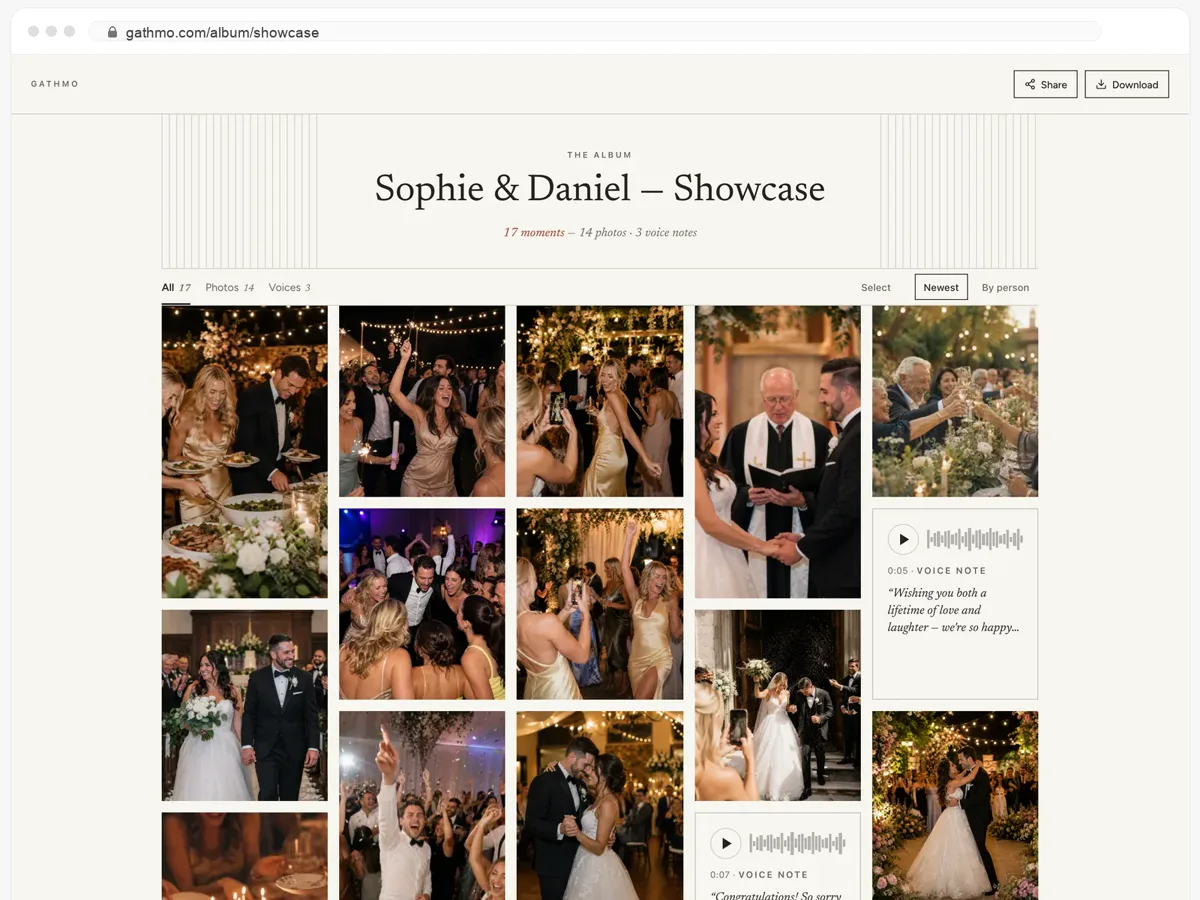
One link or QR code, and everyone adds from whatever phone they own — no account to create, nothing to install, and the originals stay original.