How to make a shared photo album: the three options, and their limits


There are three practical ways to make a shared photo album, and the right one depends less on features than on a single question: what do the other people have to own before they can add a photo?
Below is how each is set up, what each one publishes as its limits, and where each quietly fails.
Option 1: iCloud Shared Albums
On an iPhone or iPad, open Photos, tap the plus button, choose New Shared Album, name it and invite people. Subscribers can add their own photos if you leave "Subscribers Can Post" on.
Apple publishes the limits, which is unusual and useful (Apple Support, retrieved 2026-08-06).
| iCloud Shared Album limit | Value |
|---|---|
| Photos and videos per shared album | 5,000 |
| Per contributor, across all shared albums, per hour | 1,000 |
| Per contributor, across all shared albums, per day | 10,000 |
| Comments per photo or video | 200 |
The album is an Apple feature. Guests on Android can usually open a public link in a browser, but contributing is the Apple side of the fence. At a family event that is fine. At a wedding it means half the room cannot add anything.
Option 2: Google Photos shared albums
In Google Photos, create an album, open it, tap Share, and either invite people directly or copy a link. Turn on collaboration if you want others to add rather than only view.
Google's own sharing documentation states that "anyone with the link can view the photos and add to the album", and mentions a 20,000 photo limit in the context of Conversations (Google Photos Help, retrieved 2026-08-06).
Several widely-cited guides state that contributing to a Google Photos album requires a signed-in Google account, and that every album is capped at 20,000 items. Google's own page does not say either of those things in those terms. I am flagging the gap rather than picking a side: if account-free contribution matters to your event, test it with one non-Google guest before you rely on it.
Option 3: a link or QR album with no platform attached
The third route drops the platform requirement. Guests open a web page, pick photos, and upload. Nothing to install, no account, and it does not matter which phone they brought.
This is the category Gathmo is in, so treat what follows accordingly. Our free tier caps an album at 20 items, which is fine for a small gathering and not enough for an event; Essential at EUR 29 removes the item cap and keeps the album for 90 days. I mention the cap because "free" is the part people remember and the limit is the part they discover later.
Choosing between them
| If this is true | Use |
|---|---|
| Everyone involved is on iPhone | iCloud Shared Album |
| Everyone has a Google account already | Google Photos |
| Mixed phones, or guests you cannot brief | Link or QR album |
| You want it free and the album is small | iCloud or Google |
| You need the photos gathered on the night | Link or QR album |
For an ongoing family album, iCloud or Google is the sensible answer and costs nothing. The platform requirement only becomes a real problem when the contributors are people you cannot walk through a setup step -- which is exactly what a party or a wedding is.
Three things that catch people out
- Viewing and contributing are different permissions. A link that lets someone see the album often does not let them add to it, and that setting is easy to miss.
- Uploads usually count against the uploader's storage, not yours. A guest close to full will quietly fail rather than tell you.
- Compression is the default on most platforms. If you want originals, check before the event rather than after.
None of that argues for one option over another. It argues for testing with one real guest, on their phone, before the day -- which takes two minutes and is the only check that actually settles it.
Frequently asked
An iCloud Shared Album holds up to 5,000 photos and videos, and Apple also caps a single contributor at 1,000 items per hour and 10,000 per day across all shared albums (Apple Support, retrieved 2026-08-06). Google states a 20,000 photo limit in the context of Conversations; check your own account for album-level limits.
They can generally view a public shared link in a browser. Contributing is the part that stays on the Apple side, which is why a mixed-phone group tends to end up with photos in two places.
On iCloud, yes in practice. On Google Photos, the official sharing page says anyone with the link can view and add, while several guides say a signed-in account is required — test it rather than assume. A browser-based link album is the option that does not depend on the answer.
Generally the uploader's. That matters at an event, because a guest whose storage is full may fail silently rather than see a clear error.
Whichever option removes the most steps for the people who are not you. If everyone shares your platform, use it. If they do not, a link or QR album avoids the install-and-sign-in problem entirely.
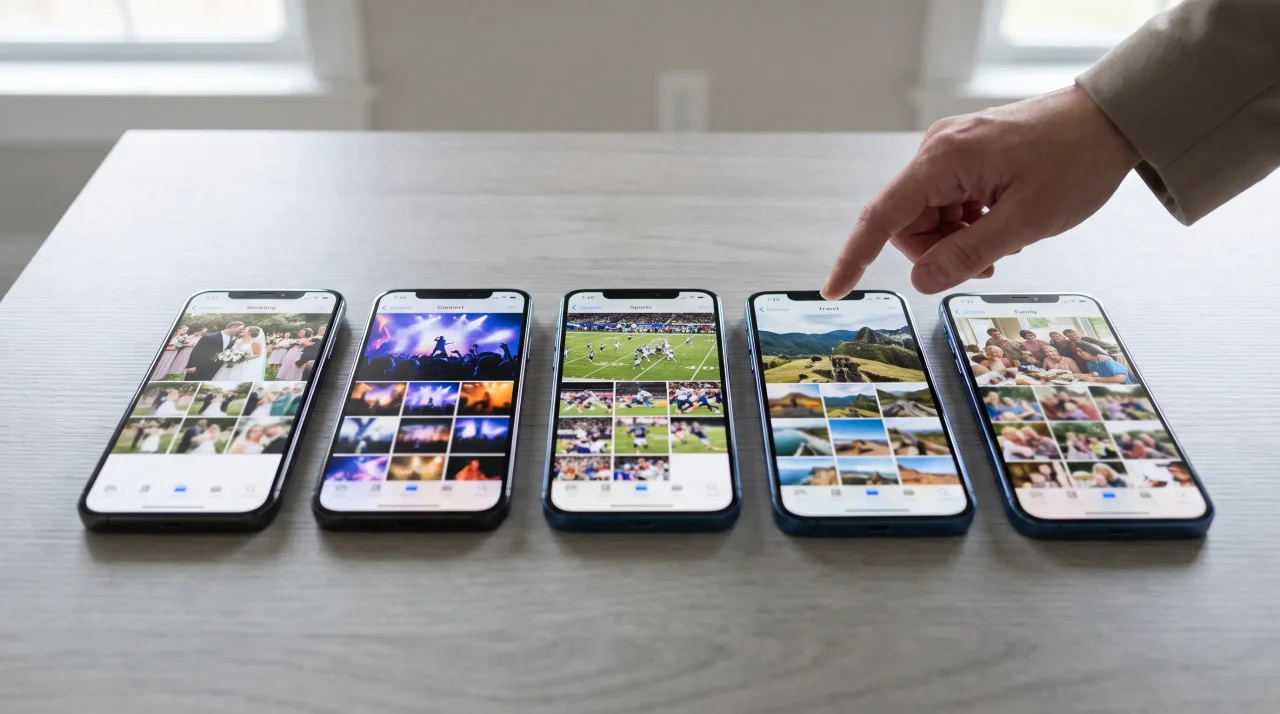 Ranking
Best event photo sharing apps of 2026
We compared the event photo sharing apps people actually use -- on guest friction, what they capture, where your data lives, and price. Our ranked best-of for 2026, weddings to corporate.
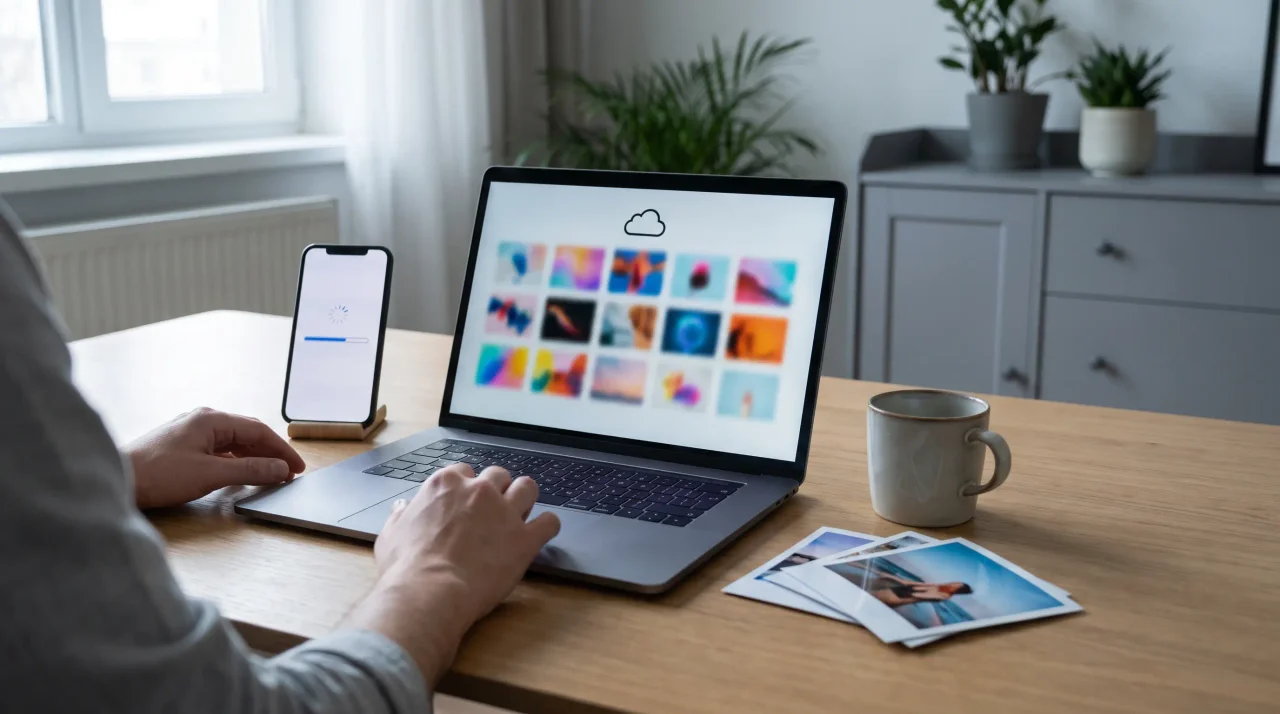 Guide
GuideWhy Google Photos and Google Drive aren't the best way to collect event photos
Google Photos and Drive are great for storing your own photos. For collecting them from guests at a live event, the account walls, silent compression and missing moderation cost you. Here is what to use instead.
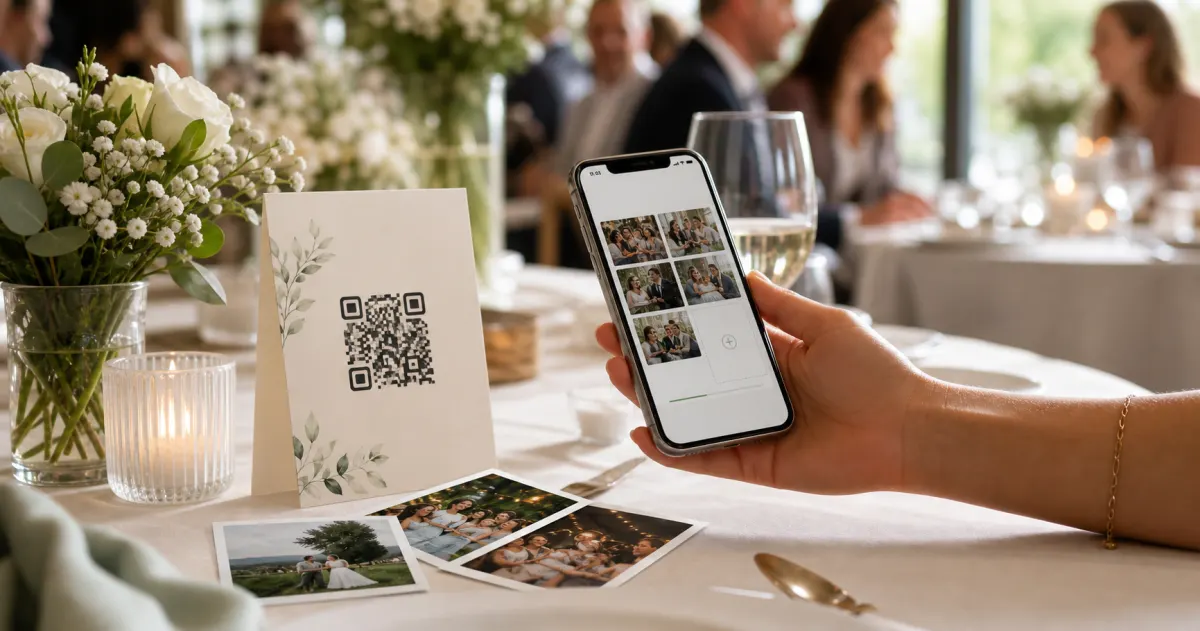 Guide
GuideHow to collect photos from your event guests (the easy way)
A printed QR code on the table collects more photos than any link in a group chat -- here is why, and how to set one up in two minutes.