Wedding Photo Scavenger Hunt: 40 Prompts

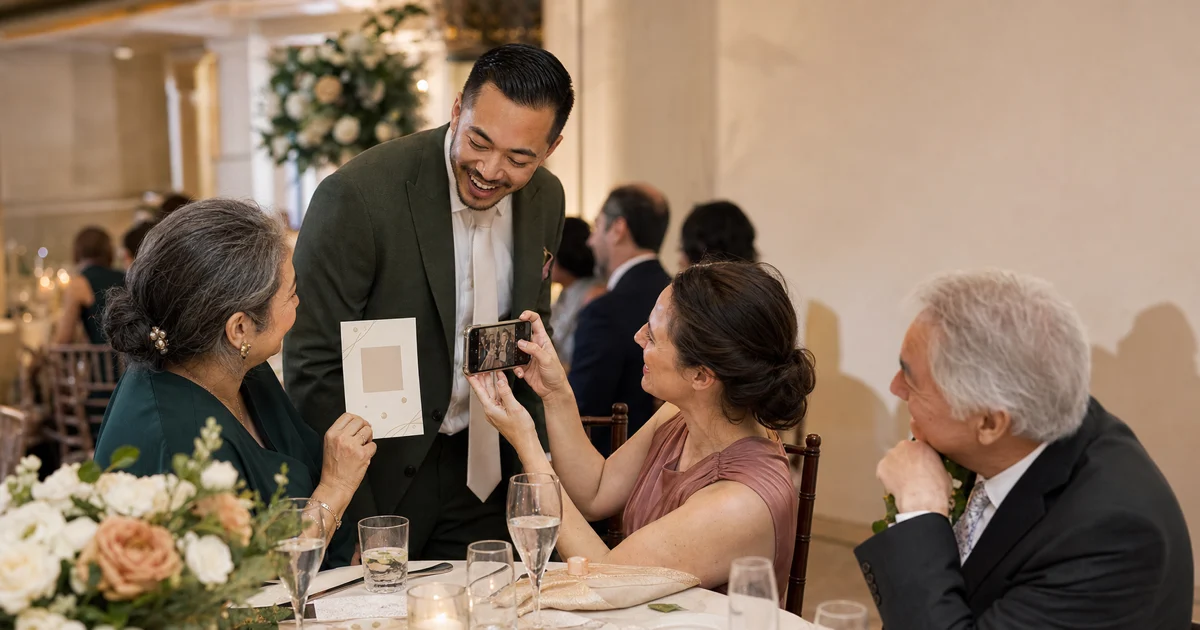
A wedding photo scavenger hunt works best when it follows the day instead of interrupting it. This version gives guests 40 optional prompts in five rounds, from arrival details to the final dance. It also covers low-movement choices, consent rules, and a QR workflow that begins with a real album.
Print the rounds below onto card, one round per table. Create your upload destination first, add your own QR code and a typed short link, then test a printed copy. If you still need to choose a collection method, start with the guide to collecting wedding guest photos.
- Use five rounds of eight prompts so the challenge follows the wedding timeline.
- Protect the ceremony, ask before portraits, and let every guest skip or swap a task.
- Print A6 or 5 by 7 inch cards, then add a real QR code and typed short link.
- Offer seated, no-phone, and non-participating roles.
What makes a wedding photo scavenger hunt work?
The best wedding photo scavenger hunt is quiet, optional, and easy to enter halfway through. Give each table one timeline round, not all 40 prompts at once. Let guests work as a small team. One person can spot moments, another can take the photo, and another can upload later.
The five-round structure solves a common planning problem. A single list sends everyone chasing the first kiss, the cake, and the same dance-floor pose. Timeline cards spread attention across details, relationships, reactions, and atmosphere. They also let the host stop the game during protected moments.
The useful rule: A wedding photo prompt should create a viewpoint, not a stunt. If it needs climbing, shouting, interrupting, touching, blocking, or persuading, replace it.
Use points only if your guests enjoy friendly competition. A simple shared goal works better for many groups: complete any four prompts on your card. There is no penalty for skipping a person-based prompt. The best result is a varied album, not a winning table.
How should you set it up before the wedding?
Set up the challenge in seven steps. The order matters because the real upload destination must exist before any code goes to print. It also gives the couple, photographer, celebrant, and venue a chance to protect moments or areas that should stay camera-free.
- Confirm the rules. Ask the venue, celebrant, and photographer about ceremony photography, flash, aisles, balconies, outdoor boundaries, and staff-only spaces.
- Name protected moments. Common choices include the processional, vows, private portraits, and any religious ritual. Guests can complete a detail prompt instead.
- Create one private album. Decide who can view, upload, moderate, download, and request removal.
- Generate the real QR code with the free wedding QR code generator. Add a typed short link beneath it for guests who cannot or do not want to scan.
- Assign rounds. Give each table one card. For ten tables, print two copies of each round.
- Proof the full route. Test the printed code, short link, privacy notice, upload screen, and confirmation message on more than one phone.
- Brief one helper. The helper can explain the game, assist with uploads, and remind guests that participation is optional.
A single MC mention is enough: "There are optional photo prompts on your tables. Join in if it sounds fun, and please ask before photographing anyone closely." Do not repeat the announcement during a speech, meal service, or quiet ceremony moment.
For a deeper print and placement plan, use the wedding QR code setup guide and wedding QR sign placement guide.
What are the 40 wedding photo scavenger hunt prompts?
These 40 prompts are grouped into five rounds of eight. Every round includes details, people, atmosphere, and at least one low-movement option. "Ask first" means the subject should actively agree before a close portrait or arranged group photo. A candid crowd scene still needs judgment and respect.
Round 1: Welcome and details
Use this round before the ceremony or at the start of the reception. All eight can be completed without photographing a face.
- The first detail that says "wedding." Find stationery, flowers, fabric, or a sign.
- Something chosen with care. Photograph a small design choice the couple may miss.
- A view from your seat. Keep it exactly as you saw the room.
- Two colours that belong together. Find them in the decor, outfits, or landscape.
- A reflection. Use glass, a mirror, polished metal, or water without blocking a walkway.
- Hands at work. Capture a staff member arranging a safe public detail, only with permission.
- The weather's part in the day. Show light, clouds, shade, umbrellas, or an indoor window.
- A detail for the future album. Choose one object that will explain the setting years later.
Round 2: People and connections
This round fits cocktail hour or early reception. Ask before close portraits, pairings, or any photo centred on one person.
- Two guests meeting for the first time. Ask before taking the photo.
- A friendship older than today. Let the pair choose their own pose.
- Someone helping someone else. Do not stage the help or make disability the subject.
- Three generations together. Only if everyone volunteers and guardians agree for children.
- A guest who made your table laugh. Ask for a portrait after the moment.
- A greeting from across the room. Capture the wave, smile, or open arms without obstructing anyone.
- Two outfits with a shared detail. Compliment first, then ask.
- Your table as it really feels. A seated group photo, a detail, or the empty place settings all count.
Round 3: Ceremony and cocktail hour
The ceremony is protected time. Complete prompts 17 to 20 only where guest photography is allowed. If it is not, use the listed after-ceremony alternative.
- The ceremony space before guests arrive. Alternative: the same view after the ceremony.
- A program or meaningful symbol. Photograph it from your seat, without moving it.
- A wide scene with phones down. Take it before or after the service, never during a phone-free request.
- The exit atmosphere. Petals, bubbles, bells, or applause only where the venue permits them.
- A tray or drink arriving. Keep staff faces out unless they agree. A non-alcoholic option counts.
- A small reunion. Ask before photographing the people involved.
- The couple seen through the crowd. Stay in your place and do not compete with the photographer.
- A quiet corner between moments. Show the light, chairs, garden, or room without sending anyone into a restricted area.
Round 4: Dinner and speeches
These prompts are designed for seated guests and natural pauses. Keep phones away while a speaker asks for attention, then photograph reactions after the key moment has passed.
- The table before the meal begins. Photograph the setting, menu, or centrepiece.
- A toast from your seat. Hands and glasses are enough; alcohol is not required.
- The reaction after a speech. Ask before a close portrait.
- A plate worth remembering. Take it before eating and stay out of the service path.
- Someone listening closely. Use a side view only if they are comfortable.
- A shared table story. Photograph the people after the story, with their agreement.
- The smallest beautiful detail nearby. No standing or movement required.
- What dinner sounded like. Translate the feeling into a photo: laughter, cutlery, clapping hands, or a calm table.
Round 5: Dance floor and final memories
This round should feel energetic without creating risky poses. No lifts, chairs, stairs, stages, roadways, or restricted areas are needed.
- The first brave dancer. Ask before making them the focus.
- Shoes in motion. Frame below the knee and keep a safe distance from the floor.
- A dance-floor friendship. Let the pair decide whether to pose or stay candid.
- The room after dark. Capture lights, candles, reflections, or the live band without flash.
- A guest taking a rest. Photograph the calm setting, not a tired person without consent.
- One last group still celebrating. Ask, keep feet on the floor, and leave aisles clear.
- A detail changed by the day. The cut cake, folded program, empty chair, or abandoned ribbon.
- How the wedding felt. Make one final image with no required subject or style.
Want a broader inspiration list without the game format? Use the wedding reception photo ideas. If you want a different reception activity, compare wedding photo booth alternatives.
How do you keep the game accessible and optional?
Accessibility starts with roles, not a special card. Every prompt can be completed by a team. A seated guest can spot moments, choose the next task, hold the card, describe a desired frame, or help select uploads. A guest without a smartphone can take part fully without borrowing one.
Use the phrase skip, swap, or help on every card:
- Skip: Ignore any prompt without explaining why.
- Swap: Replace a person-based prompt with a detail, light, colour, or atmosphere photo.
- Help: Be the spotter, caption writer, card keeper, or upload helper.
In 2026, GOV.UK's Accessible communication formats guidance recommends at least 12 point standard text and suggests considering 14 point where the audience includes people with sight loss. It also defines 16 point and above as large print. The supplied A6 cards use short prompt sets; the master sheets and 5 by 7 inch cards use larger copy where space allows.
Print cannot meet every access need. Make the prompt list available as selectable HTML, a phone-friendly text page, or a large-print sheet. Read a card aloud only after asking. Do not assume that a guest wants help because of age, disability, or device choice.
Children should never be a compulsory subject. Ask a parent or guardian before an arranged photo, and respect any no-photo instruction from the family or host. Do not use prompts such as "find the youngest guest," "kiss a stranger," or "photograph someone crying."
How do you get better guest photos in low light?
Better reception photos usually come from steadiness and timing, not complicated settings. Clean the lens, move closer without invading space, tap the intended face or detail, hold the phone still, and take a second frame. Available light often preserves the mood better than a sudden flash.
Apple's current Use iPhone camera tools to set up your shot guide explains that iPhone sets focus and exposure automatically and lets a user tap the intended focus area. Google's Take photos in low light or at night guide tells Pixel users to hold the device still for several seconds during low-light capture.
Use this five-second check:
- Lens: Wipe it with a clean microfiber cloth.
- Light: Face the available light instead of placing it directly behind the subject.
- Focus: Tap the most important face or detail.
- Steady: Hold with two hands or rest elbows on the table.
- Respect: Turn off flash whenever the couple, photographer, celebrant, or venue asks.
Avoid pinching into heavy digital zoom. Take a wider photo and crop later. On the dance floor, a little motion can feel lively. Sharpness is not the only measure of a valuable guest photo.
How does the QR workflow work without a fake event code?
The safe QR order is destination, notice, code, print, and test. This package deliberately stops before the code step. Its square placeholders cannot be scanned and do not link to a demonstration event. That prevents a beautiful card from sending guests to an invented, expired, or public destination.
- Create the final private event album.
- Write a short notice explaining what guests can upload, who can view it, and how to request removal.
- Generate the real event QR code and a short typed link.
- Place the code on the card with nothing overlapping it.
- Keep a clear margin around the code on all four sides.
- Print a proof and test both the code and the typed link.
- Test again at the venue before guests arrive.
DENSO WAVE's Point for determining the code area requires a blank quiet zone four modules wide on all sides. Its Point for setting the module size recommends printing modules as large as reasonably possible within the available area. Do not cover the symbol with flowers, initials, or a decorative frame.
In 2026, W3C's WCAG 2.2 requires at least 4.5:1 contrast for normal digital text and 3:1 for large digital text. WCAG applies to web content, not print certification. These assets still use those values as a conservative colour-contrast reference.
Identifiable wedding photos can be personal data. Under the GDPR, Article 4 defines information about an identifiable person as personal data and treats collection, storage, use, and disclosure as processing. Article 6 sets lawful-basis requirements where the regulation applies, while Article 17 lists circumstances in which erasure may be required.
Keep the album private by default. Tell guests the purpose. Provide a visible removal contact. Do not display every upload on a live wall without review. Recital 51 also clarifies that ordinary photographs are not automatically special-category biometric data; specific identification or authentication processing changes that analysis.
This is general information, not legal advice. EU hosts can use the GDPR guide for wedding hosts for a fuller planning checklist.
What can non-participating guests do instead?
The simplest alternative is to enjoy the wedding. No guest owes the couple a photo, pose, upload, account, explanation, or device lesson. The card says participation is optional because the social pressure of a table game can otherwise make a polite invitation feel compulsory.
Guests who want a lighter role can:
- point out a detail for someone else to photograph;
- choose between two frames;
- write a short caption;
- keep track of the completed prompts;
- upload a photo after the wedding;
- share a written memory instead;
- ask the helper to upload on their behalf;
- request that a photo be removed.
Do not create a prize that rewards photographing the most people. If you use a prize, draw randomly among participating tables or reward a category such as "best tiny detail." A non-intrusive prize should not push guests to cross a boundary.
Finish with a photo story, not a list of dares
A strong wedding photo scavenger hunt gives guests a fresh way to notice the day. It does not turn the reception into a contest. Choose the protected moments, assign the five rounds, print the right card size, and make skip, swap, or help the default.
Create the album before editing the card. Then add the real QR code, the typed short link, and the removal contact. If you want one private destination for the finished photos, you can create a Gathmo event album.
Disclosure: Gathmo created this guide and is the product behind the CTA. The prompts and SVG assets also work with another private upload service. Change the action line so it accurately describes the service your guests will use.
Sources
- DENSO WAVE, Point for determining the code area, retrieved 2026-07-29: https://www.qrcode.com/en/howto/code.html
- DENSO WAVE, Point for setting the module size, retrieved 2026-07-29: https://www.qrcode.com/en/howto/cell.html
- W3C, Web Content Accessibility Guidelines (WCAG) 2.2, retrieved 2026-07-29: https://www.w3.org/TR/WCAG22/
- GOV.UK, Accessible communication formats, retrieved 2026-07-29: https://www.gov.uk/government/publications/inclusive-communication/accessible-communication-formats
- EUR-Lex, Regulation (EU) 2016/679, retrieved 2026-07-29: https://eur-lex.europa.eu/eli/reg/2016/679/oj
- Apple Support, Use iPhone camera tools to set up your shot, retrieved 2026-07-29: https://support.apple.com/guide/iphone/set-up-your-shot-iph3dc593597/ios
- Apple Support, Change advanced camera settings on iPhone, retrieved 2026-07-29: https://support.apple.com/guide/iphone/change-advanced-camera-settings-iphb362b394e/ios
- Google Pixel Camera Help, Take photos in low light or at night, retrieved 2026-07-29: https://support.google.com/pixelcamera/answer/9708795?hl=en
A hunt is one way to give the reception a shape. If you are still designing the evening around it, 40 different wedding reception ideas that break the template is the wider list, and for a shorter guest list, 21 small wedding reception ideas that work under 50 guests is the version that fits the room.
Frequently asked
Use four prompts on a small A6 card or eight on a larger 5 by 7 inch card. This package has 40 prompts across five rounds. A table only needs its assigned round. Guests can complete any number, and a four-prompt half-round gives smaller groups an easy stopping point.
Start with detail prompts during arrival or at the reception entrance. Keep the ceremony protected unless the couple, venue, celebrant, and photographer allow guest photos. People prompts fit cocktail hour, seated prompts fit dinner, and movement prompts belong after the dance floor opens.
No. Every QR area is deliberately non-scannable. Create the real private album, generate its final code and short link, replace the SVG placeholder, export a new PDF, then test the printed card. This package never fabricates an event destination.
Do not photograph them as the subject. Make the opt-out visible, ask before close portraits or arranged groups, and let any person-based prompt become a detail or atmosphere prompt. Provide a removal contact for mistakes and keep public displays moderated.
Yes. Make each table a team. A guest can be the spotter, prompt chooser, caption writer, or card keeper. Offer larger print and a typed short link. A helper can upload later, and choosing not to participate is always a complete option.
A prize is optional. If your guests enjoy competition, reward a respectful category such as best unnoticed detail or draw randomly among participating tables. Avoid points for photographing strangers, children, emotional reactions, risky poses, restricted areas, or the highest number of uploads.
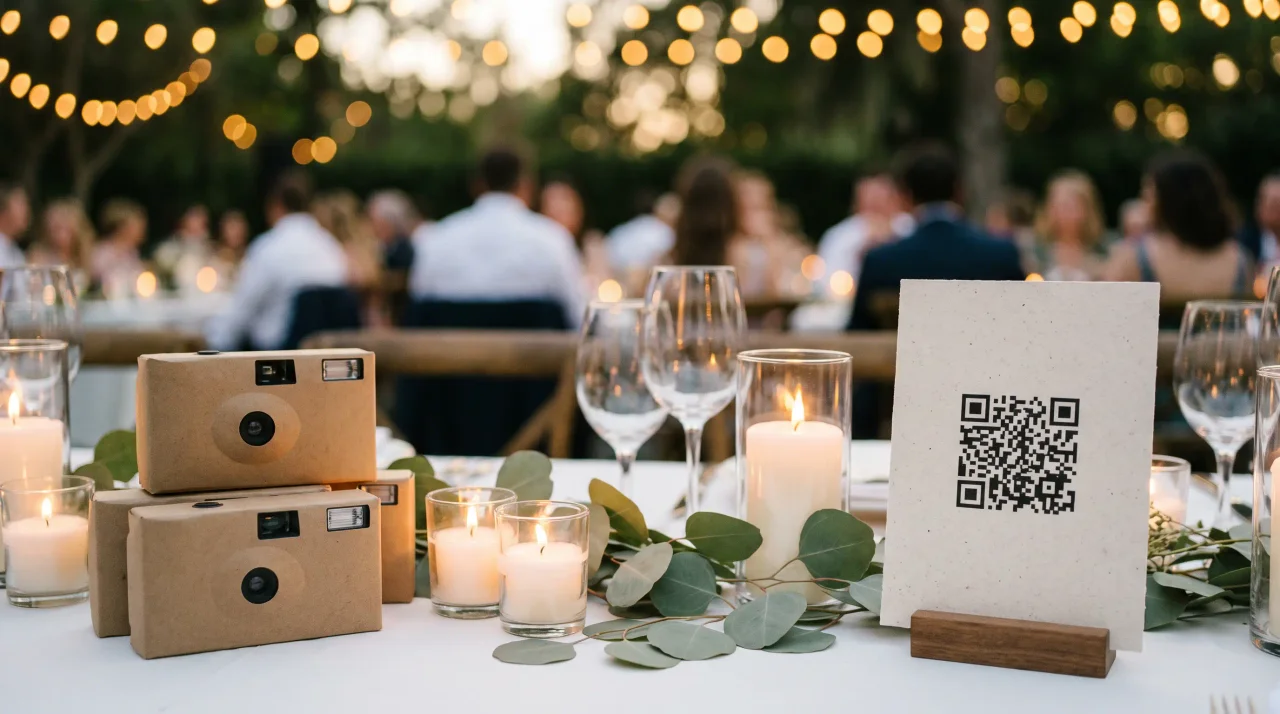 Comparison
Disposable cameras or a QR code at your wedding? The 2026 cost math
What it actually costs to finish a wedding disposable camera in 2026, using a published lab price list -- and where a QR code changes the maths.
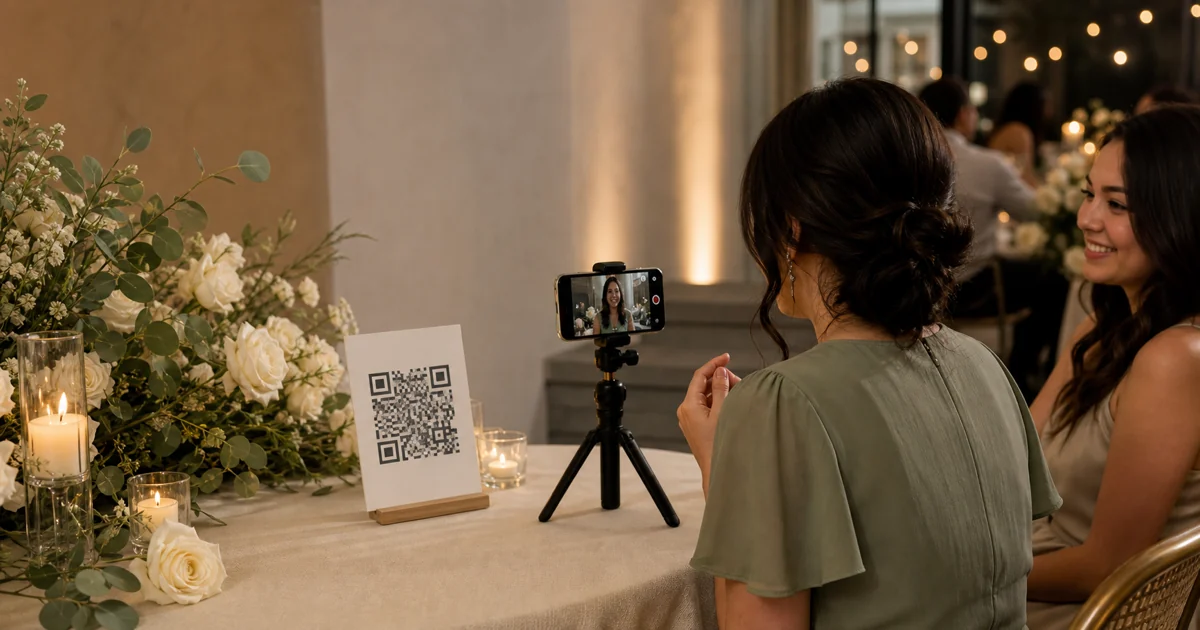 Guide
GuideVideo Guestbook for Weddings: How It Works, Costs, and the Best Setup
Compare video guestbook costs from €0 to €99+, see how wedding video messages work, and follow a practical 5-step setup for signs, prompts, and backups.
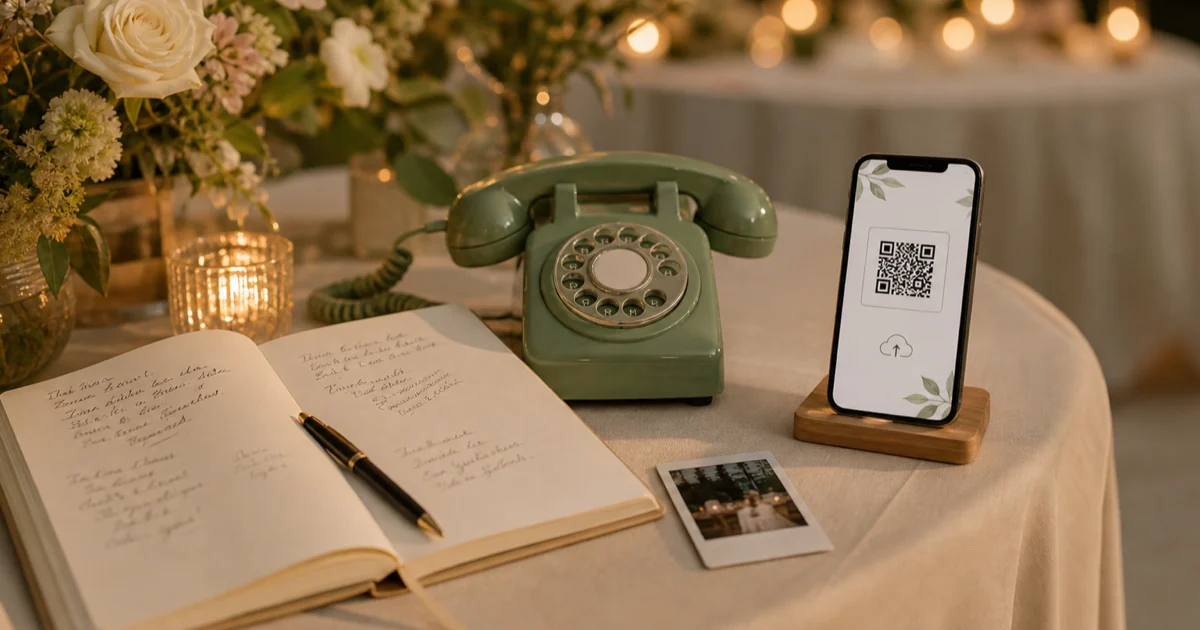 Guide
GuideWedding Guestbook Alternatives: 20 Digital, Audio, Video, and Traditional Ideas
Compare 20 wedding guestbook alternatives across digital, audio, video, photo, and traditional formats, with practical setup tips for choosing well today.