What to do with your wedding photos: the order that actually matters

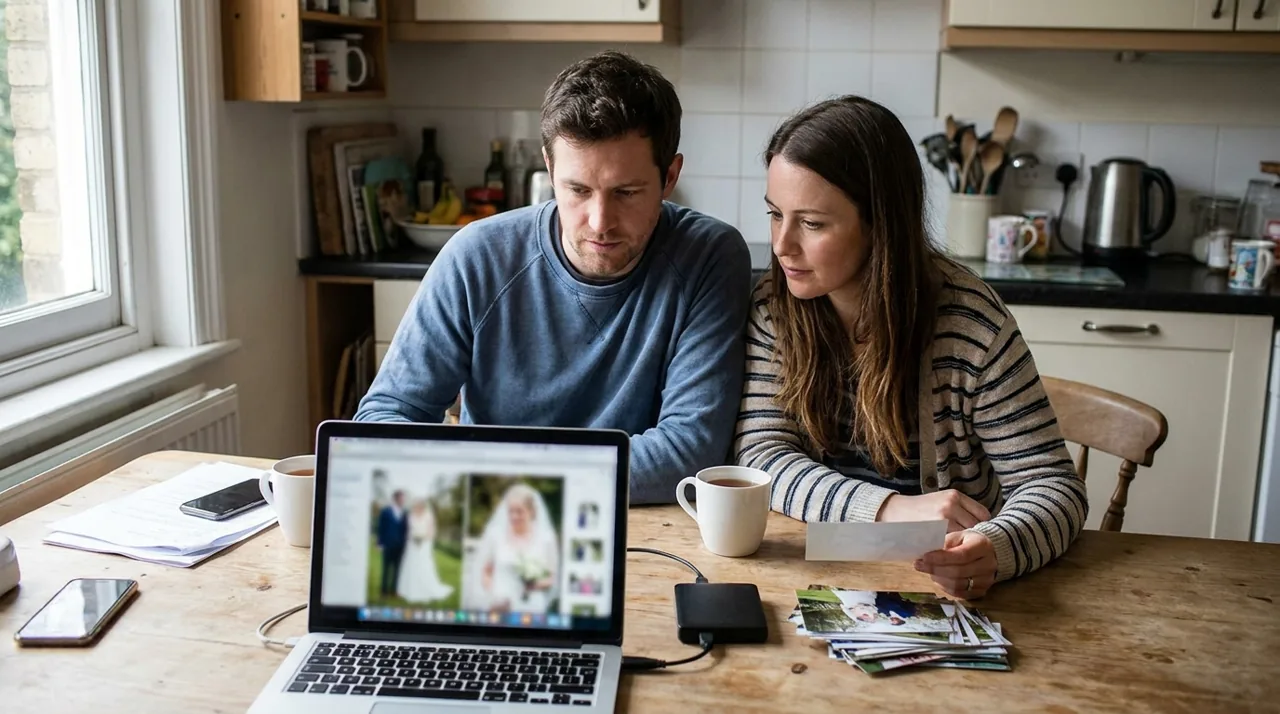
Four things, and the order matters more than any of them individually. Get the full-resolution files off the gallery before the link expires. Put them in three places, not one. Collect the guest photos you never received, while people can still find them. Then print far fewer than you think you want. Everything else — albums, wall art, canvases, gifts — can wait a year without any loss.
Almost every article on this question is written by a wedding photographer, and it answers a narrower question than the one you asked: what to do with the gallery your photographer delivered. That is useful, and it is roughly half the answer. The other half is the two or three hundred photographs taken that day that were never in the gallery to begin with, because the people holding the cameras were your guests.
First: get the files off the gallery
Your online gallery has an expiry date. Find it today, before you do anything else on this list. It is in the delivery email, or in the gallery footer, or in your contract, and it is the single date about your wedding photos that nobody reminds you about twice.
Download the full-resolution originals, not the web-sized versions the gallery shows by default. The preview files are compressed for fast loading and they will not print. If your photographer offers a download PIN or a "download all" archive, use it once and keep the archive intact rather than saving images one at a time.
Open five files from different parts of the day and look at the pixel dimensions. If they are around 1,000 to 2,000 pixels on the long edge, you have the web previews and not the originals. Ask before the gallery closes, not after.
Then: three copies, two kinds of storage, one somewhere else
This is the convention archivists and IT people both use, usually written as three-two-one. It is not a product recommendation and it costs almost nothing to follow.
| Copy | Where it lives | What it survives |
|---|---|---|
| 1 | Your computer | Everyday use |
| 2 | An external drive at home | A dead laptop |
| 3 | Cloud storage, or a drive at another address | Fire, flood, theft |
The failure everyone actually has is not dramatic. It is one copy, on one laptop, and the laptop is four years old. Two of the three copies above can be set up in an afternoon, and the third is a drive you hand to a parent.
Put the date in the folder name in a form that sorts — 2026-08-11 rather than 11 August — and keep the photographer archive as its own untouched folder. Edit copies, never the originals.
The half of your wedding nobody delivered to you
Your photographer was in one place at a time, and mostly where they were supposed to be: the ceremony, the portraits, the speeches, the first dance. Meanwhile a hundred and forty people were photographing the parts they could see and you could not — the table your grandmother was sitting at, the corridor where the best man rehearsed, the twenty minutes you spent in a side room and everybody else spent outside.
Those photographs exist. They are on individual phones, they are not backed up in any way that involves you, and their half-life is short. Phones fill up, get replaced, get dropped in things. Two years later a guest looks and genuinely cannot find them.
Every other item on this list will still be possible in five years. This one will not. If you do it in the fortnight after the wedding, while people are still thinking about it and their phones are still their phones, you get most of it. Six months later you get a fraction.
Ask in one message, to one place, with no account required at the other end. The thing that kills this is friction: a request that needs an app, a login, or a folder invitation gets read, meant well, and never acted on. A single link that opens straight to an upload screen gets used from the sofa.
Gathmo is my own product, so weigh the next paragraph accordingly. The point about friction applies to whatever you use, including a plain shared folder.
A QR code guest album is built for exactly this, and the same mechanic works for any group, not just a wedding, and it works after the fact as well as on the night — guests scan or tap a link, the upload page opens in the browser, and photos, video clips and voice notes land in one place. If you are reading this before the wedding rather than after, putting the code on the tables collects most of it in the moment instead. Our free tier caps an album at 20 items, which a wedding passes immediately, so see what each plan includes before you rely on it for the real thing.
Print fewer than you think
Couples routinely order an album of a hundred and twenty images and look at it twice. The photographs that get looked at are the ones on a wall, in a frame, in a room people walk through.
A workable rule: pick ten to twenty images, and only ones where you can name everybody in the frame. Print those properly. Leave the rest in the archive, where they are safe and where you can go back for them at any point. An album made a year later, from photographs you have actually lived with, is a better album than one ordered in the fortnight when you are still too close to the day to see it.
What to do with the eight hundred you will never open
Nothing. That is the honest answer, and it is worth saying because the alternative — culling, rating, tagging, organising — is a project people start in September and abandon in October.
Storage is cheap enough that keeping everything costs less than the evening you would spend deciding what to delete. The one exception worth the effort: pull out the frames with people who are old, or ill, or far away, and send those to them directly. That is a small task with a real deadline, and it is the only sorting job on this page that repays the time.
What you will need
- The gallery link and its expiry date
- An external drive, or cloud storage with room for the full-resolution set
- A guest list with a way to reach people — a group chat is fine
- About an hour, spread across two evenings
Find the expiry date, then download the originals
Open the delivery email and find the date the gallery closes. Download the full-resolution archive in one go rather than image by image, and check the pixel dimensions of a few files afterwards to confirm you have originals and not web previews. If anything is missing or looks compressed, ask while the gallery is still live — after it closes you are asking a favour rather than exercising a right.
Make the second and third copies the same evening
Copy the archive to an external drive. Then get a third copy somewhere that is not your home — cloud storage, or a second drive you hand to a parent or sibling. Do this in one sitting while the files are in front of you, because a plan to do it at the weekend is how most people end up with one copy for a decade.
Ask your guests within a fortnight
Send one message, to one destination, with no sign-up at the other end. Say what you want — photos and short clips from the parts of the day you missed — and say by when. A deadline of a week produces more than an open-ended request, because an open-ended request has no moment attached to it. Include the people who were only there for part of the day; they often have the frames nobody else does.
Choose ten to twenty, and print only those
Go through the full set once, quickly, and pull only the images where you can name everyone in the frame. Resist the urge to build the definitive selection on the first pass; you are too close to the day to judge it. Print the short list, hang some of it, and put the decision about an album off for a year.
Send individual photos to the people in them
The one piece of sorting worth doing. Pick out the frames of grandparents, of people who travelled a long way, of anyone whose health is uncertain, and send those photographs to those people directly rather than as a link to eight hundred files. It takes twenty minutes and it is the part of this list that people write back about.
Quick recap
- Gallery expiry date found and written down somewhere permanent
- Full-resolution originals downloaded, not web previews
- Pixel dimensions spot-checked on files from different parts of the day
- Copy two made on an external drive
- Copy three made somewhere that is not your home
- Photographer archive kept intact; edits made on copies
- Guests asked within two weeks, with a deadline and no sign-up
- Video clips requested as well as photos
- Ten to twenty images chosen and printed; album decision deferred
- Individual photos sent to the people in them
Frequently asked
It varies by photographer and by the platform they use, and it is always finite. The date is in your delivery email or your contract. Treat downloading the full-resolution originals as the first thing you do rather than something you will get to, because reactivating a closed gallery depends on your photographer still holding the files.
Three copies, on two different kinds of storage, with one of them somewhere other than your home. In practice: your computer, an external drive, and either cloud storage or a second drive kept at a relative’s house. This is a long-standing convention rather than a product recommendation.
Send one message with one link, set a deadline about a week out, and make sure nobody needs an account or an app at the other end. Ask within a fortnight — participation drops steeply after that, because phones fill up and get replaced. Ask for short video clips as well as photos.
There is no advantage to it. Print ten to twenty images now for frames and walls, and leave the album for a year, when you can judge the photographs rather than relive the day through them. The files are not going anywhere if you have backed them up.
Keep them and do nothing. Culling a large set is a project most people abandon halfway, and storage costs less than the evenings it would take. The one exception is worth doing: pull out the frames of specific people and send them directly.
Usually you hold a licence to use them rather than the copyright, which normally stays with the photographer. What you are permitted to do — print, share, post, submit to a publication — is set out in your contract, so read that section before you order anything. This is general information and not legal advice.
 Guide
GuideWedding Photo Scavenger Hunt: 40 Prompts
Forty wedding photo scavenger hunt prompts in five timeline-ready rounds, with consent rules, a QR setup order, and low-light photo tips.
 Comparison
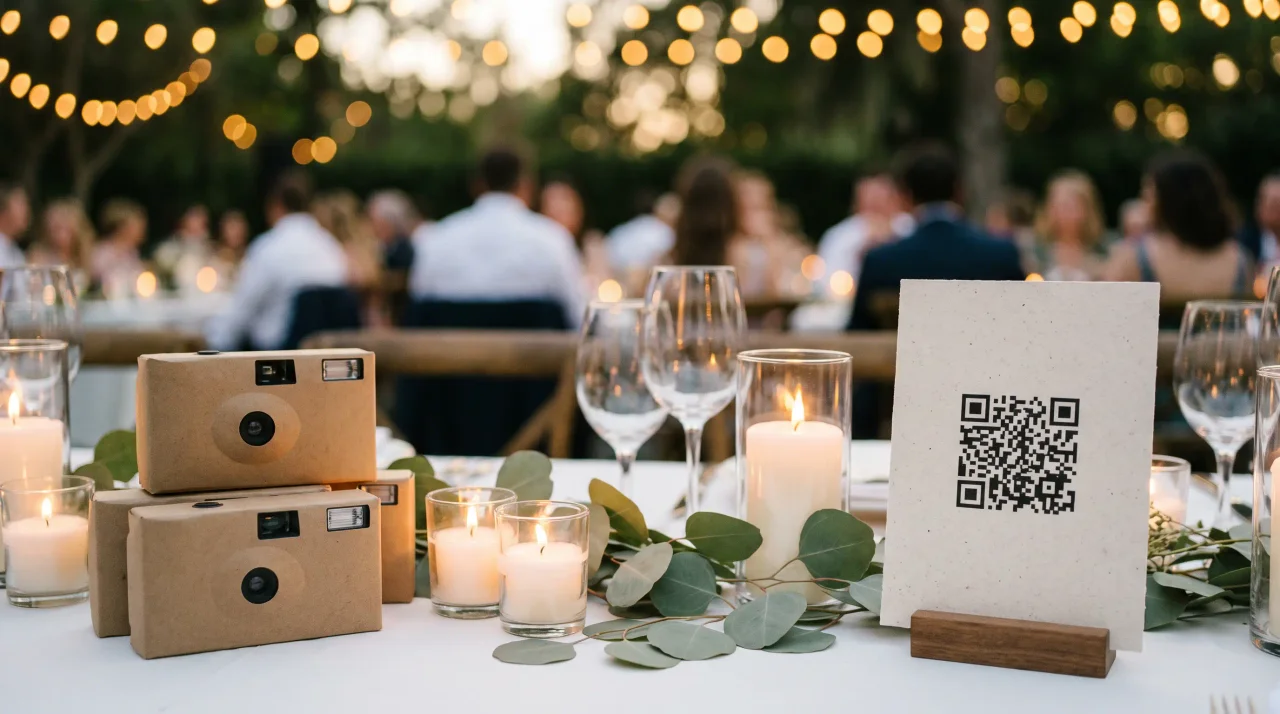
Disposable cameras or a QR code at your wedding? The 2026 cost math
What it actually costs to finish a wedding disposable camera in 2026, using a published lab price list -- and where a QR code changes the maths.
 Guide
GuideVideo Guestbook for Weddings: How It Works, Costs, and the Best Setup
Compare video guestbook costs from €0 to €99+, see how wedding video messages work, and follow a practical 5-step setup for signs, prompts, and backups.