Wedding Photo Booth Alternatives: 7 Fun Options

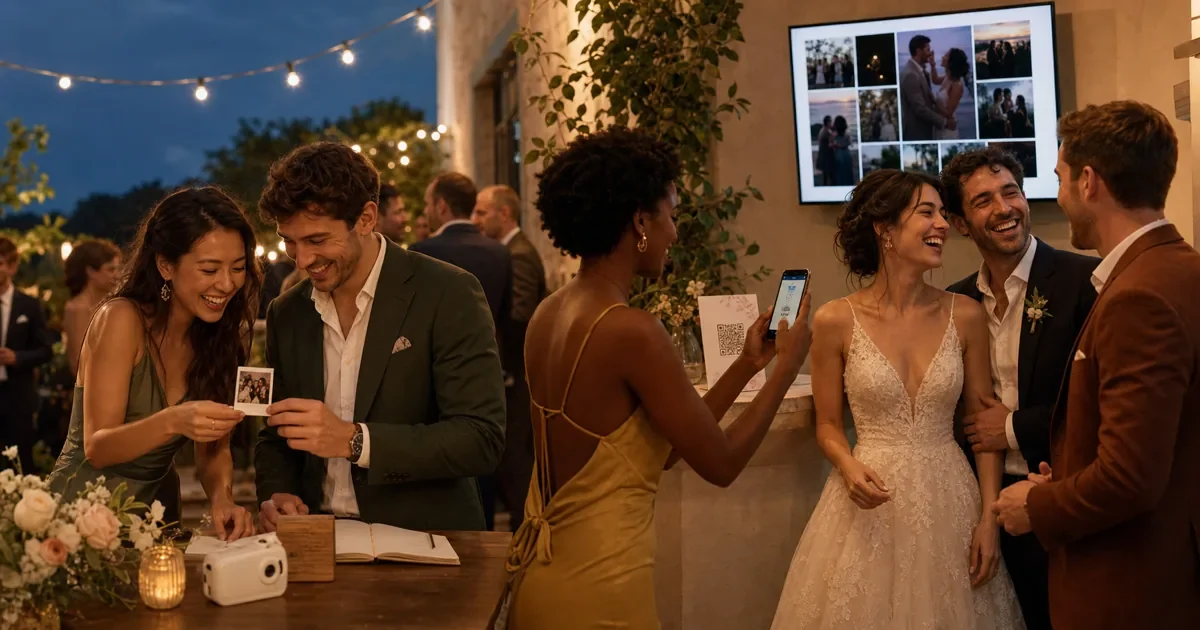
A photo booth is fun because it gives guests a clear invitation: step in, pose, and take something home. But it is only one way to create that moment. The best alternative depends on what you actually want: a reception activity, candid coverage, a physical keepsake, spoken messages, or a screen that brings the room together.
This guide compares seven wedding photo booth alternatives across six practical criteria. You will see the setup effort, guest action, accessibility, keepsake, moderation needs, and relative cost of each format. The goal is not to declare one universal winner. It is to help you choose the experience your guests can enjoy and you can manage.
Disclosure: Gathmo is our product. We use it as one example of a QR wedding album and live wall, but the framework below is designed to make the trade-offs visible.
- Compare the memory you want before comparing equipment.
- Physical formats create instant keepsakes but need supplies and oversight.
- Digital formats cover more locations, but public displays need moderation.
- The strongest plan pairs one participation layer with one preservation layer.
Which Wedding Photo Booth Alternative Fits Your Priorities?
This guide compares seven formats across six criteria. That structure matters because “fun” can mean a prop-filled pose, an instant print, a photo mission, or watching the dance floor appear on a screen. Start with the desired memory, then accept the logistics that come with it.
| Format | Best for | Setup effort | Guest action | Accessibility and fallback | Keepsake | Moderation | Cost band |
|---|---|---|---|---|---|---|---|
| DIY selfie corner | Posed group photos | Medium | Use a phone, timer, or remote | Clear visual setup; a helper can take the photo | Digital files on guest phones | Low unless photos are displayed | € |
| Instant-print guestbook | A tactile book with notes | Medium | Take, tape, and write | Shared camera may need instructions | Immediate physical print | Low | €€ |
| Disposable camera missions | Film surprise and table prompts | Low on the day; high after | Pick up, wind, flash, shoot | Simple controls, fixed shared device | Developed prints and scans | None during the event | €€ |
| QR guest album | Candids from across the venue | Low | Scan or open a link, then upload | Needs a smartphone or a helper; direct link works later | Downloadable digital archive | Host review is useful | € |
| Live photo wall | Reception energy and shared reactions | Medium | Upload from a phone | Same fallback as a QR album; screen needs a clear view | Digital album plus the live experience | High before public display | €€ |
| Roaming portrait photographer | Assisted portraits and on-site prints | Low for the couple | Pose when approached | Human assistance lowers device friction | Professional print or file | Vendor handles selection | €€€ |
| Voice or video guestbook | Personal messages beyond photos | Low to medium | Pick up a phone or record in a browser | Quiet space and written prompts help | Audio or video archive | Review before public playback | € to €€€ |
The cost bands are editorial categories, not price quotes. € means a light DIY or digital setup. €€ means equipment, consumables, or venue display work. €€€ means a staffed service or specialist vendor. Local prices and what a venue includes can move any option by a band.
For a longer list of prompts and moments to capture after you choose a format, use these wedding reception photo ideas.
Which Options Create the Best Physical Keepsake?
Instant cameras, disposable cameras, and roaming print photographers are the three strongest physical formats. In Fujifilm's “Product Specifications | instax mini 12”, each film pack contains 10 exposures, and a print develops in about 90 seconds. The charm is immediate, but every retake uses a limited sheet.
An instant-print guestbook works when the object matters as much as the photos. Put the camera, spare film, tape, pens, and one completed example page together. Assign one person to check supplies after dinner. Without that small bit of ownership, the station can become a camera beside an empty book.
Polaroid uses a different capacity. In Polaroid Support's “Polaroid Wedding Photo Tips”, current film packs contain eight photos. Polaroid also advises using enough light and ordering film early. Those details turn film quantity and venue lighting into planning decisions, not afterthoughts.
A roaming portrait photographer removes most guest-side equipment work. It is the best fit when you want a polished physical favor and a person guiding each group. Ask whether the booking includes digital copies, how many prints are available, and who receives the files afterward.
Best physical choice: Pick instant film for a handmade guestbook. Pick a roaming print service for a finished favor with less guest troubleshooting.
Which Alternatives Need the Least Setup?
Among the seven formats, a QR guest album and a simple selfie corner have the fewest moving parts. The album needs a tested upload link and visible signs. The selfie corner needs good light, a stable phone position, and a clear instruction. Neither requires a printer, film refills, or post-event development.
“Low setup” does not mean “no plan.” Test the QR link on two different phones. Place a short link under the code. Give guests a non-QR path, such as opening the same link from your wedding website or a message after the event. A relative can also upload on behalf of someone who does not use a smartphone.
A DIY selfie corner solves a different job. It creates a place to pose, but the images remain on guests' phones unless you add a collection step. Pair the backdrop with a QR upload sign if you want the couple to receive the photos. Keep the light and remote simple enough that one sentence explains them.
For print sizes, placement, and a day-of test, use the wedding QR code setup guide.
Lowest-lift choice: Use a QR album for collection. Add a small selfie corner only if the posed moment matters.
What Keeps the Whole Reception Involved?
A live photo wall turns one collection flow into a room-wide activity. LiveGallery's product page describes a browser-based display that works on a TV with a browser and lets guests scan, choose photos, and upload. The important operational difference is that a public screen needs a review step before private uploads become public entertainment.
The wall works best where guests can see it without leaving the party. A venue TV, projector, or laptop with HDMI may be enough. Test the display connection before guests arrive, disable sleep mode, and nominate a host or trusted friend to approve photos during the reception.
Prompts give the wall a reason to change. Ask for the funniest table selfie, a photo with someone new, or the best dance move. Keep the list short enough that it feels like an invitation, not homework. Then show approved results while the prompt is still fresh.
The wall is not the preservation system. It is the feedback loop. The private album, moderation settings, and final download are what turn that evening's display into a keepsake.
See the full wedding live photo slideshow setup before committing a venue screen.
Are Disposable Cameras Still Worth It?
A Kodak FunSaver has a fixed capacity of 27 exposures, according to Kodak Alaris's “Single Use Cameras”. That limit is not a defect if scarcity and surprise are the point. It is a poor fit only when you expect a few shared cameras to document every table, speech, and late-night moment.
Disposable cameras work best as a designed ritual. Give each camera a short mission card. Tell guests where to return it. Budget time after the wedding for development and scanning. Most importantly, accept that you will not review or moderate anything during the event.
The digital alternative is not automatically more fun. It is simply better at collection and immediate review. Film wins when the wait, the grain, and the physical object are part of the desired memory.
Many couples will prefer a hybrid: a few cameras for texture, plus a digital album for broad coverage. The detailed Gathmo versus disposable cameras comparison stays focused on that analog-versus-digital decision.
Best film choice: Use disposables for intentional missions, not as your only archive.
What If You Want Voices or Video Instead?
A physical audio phone can run for a full event without a venue connection. After the Tone's “What is an Audio Guestbook?” states that its phone has a 12-hour battery and needs no Wi-Fi, landline, or outlet. That makes placement and return logistics more important than technical setup on the day.
The phone itself is part of the attraction. Guests understand the handset, hear a greeting, and leave a message. FêteFone's official FAQ describes the same basic flow and says recordings can be transferred to an included USB drive. A quiet nook and a specific prompt help people say more than “congratulations.”
A browser-based voice or video guestbook removes the single-station queue. Guests record on their own phones, so several people can contribute at once or later. The trade-off is familiar: each guest needs a compatible device, while the host needs a clear privacy notice and a plan to review the archive.
Voice and video do not replace photos. They preserve tone, laughter, and stories that a still image cannot. Compare both formats in wedding voice messages versus a traditional guestbook.
Best message choice: Pick a physical phone for theater. Pick browser recording for distributed access.
How Should Cost, Moderation, and Privacy Change the Choice?
Three cost bands are enough for an honest first shortlist: light DIY or digital, equipment and consumables, and staffed service. Exact prices vary too much by country, date, venue, and package to make a universal number useful. Compare the complete workflow, including film, printing, display equipment, return shipping, and post-event scanning.
Moderation matters when a private action becomes a public display. A selfie corner or disposable camera needs no live review. A shared album may need host review before guests browse it. A live wall should have an approval queue, because one mistaken upload can appear in front of the room.
Wedding photos are personal data when people can be identified. GDPR Recital 51, quoted in EUR-Lex Case C-61/22, also clarifies that photographs are not automatically special-category biometric data. That changes when specific technical processing uniquely identifies or authenticates a person. Keep albums private by default, explain the purpose, and offer a removal route.
This is general information, not legal advice. EU hosts can use the GDPR guide for wedding photos for a fuller checklist.
Best operational choice: Pay for the part you cannot reliably manage yourselves, whether that is printing, staffing, display equipment, or moderation.
A Simple Two-Layer Wedding Photo Plan
Every strong setup needs two layers. The participation layer gives guests something enjoyable to do. The preservation layer ensures the couple actually receives and can keep the result. One format can handle both jobs, but naming them separately exposes gaps before the wedding.
Choose by profile:
- You want a handmade guestbook: Use instant film for participation and a digital album as the backup archive.
- You want the whole room reacting: Use a moderated live wall, with the same private album holding the originals.
- You want analog surprise: Use a few disposable cameras for missions and a digital link for unrestricted guest photos.
- You want almost no guest-side tech: Book a roaming portrait photographer and request both prints and digital files.
This two-layer model prevents a common mismatch. A beautiful backdrop creates participation but not collection. A private upload link creates collection but may need prompts or a screen to feel like entertainment.
Ready to use one upload flow as both the archive and the live display? Create your live Gathmo wedding album and photo wall.
The Best Choice Is the One Your Guests Can Finish
Wedding photo booth alternatives work when the action is obvious and the handoff is complete. Decide whether you want poses, candids, prints, film surprise, voices, or a live screen. Then check who sets it up, who helps guests, who moderates it, and how the final files reach you.
Choose one participation layer and one preservation layer. That can be as simple as a backdrop plus a private QR album, or as polished as a roaming printer plus a moderated live wall. The format is flexible. The completed memory is the point.
Source Notes
- Fujifilm, “Product Specifications | instax mini 12,” retrieved 2026-07-27, https://instax.com/mini_12/en/spec/
- Polaroid Support, “Polaroid Wedding Photo Tips,” retrieved 2026-07-27, https://support.polaroid.com/hc/en-us/articles/360001243007-Polaroid-Wedding-Photo-Tips
- Kodak Alaris, “Single Use Cameras,” retrieved 2026-07-27, https://www.kodakprofessional.com/photographers/film/single-use-cameras
- After the Tone Help Center, “What is an Audio Guestbook?,” retrieved 2026-07-27, https://help.afterthetone.co/en/articles/14488689-what-is-an-audio-guestbook
- FêteFone, “Frequently Asked Questions about the FêteFone Voicemail Guest Book,” retrieved 2026-07-27, https://www.fetefone.com/faq/
- EUR-Lex, “Case C-61/22,” retrieved 2026-07-27, https://eur-lex.europa.eu/legal-content/en/ALL/?uri=CELEX%3A62022CJ0061
- Gathmo, “Capture every moment from every guest,” retrieved 2026-07-27, https://gathmo.com/
Frequently asked
Use the € cost band first: a simple selfie corner using venue decor, or a QR album displayed on printed signs. Both avoid film and staffed-vendor costs. Price the complete setup, though. A live wall can move into €€ if you must rent a screen or projector.
Yes. A useful DIY station needs three parts: a clean background, flattering light, and a collection route. Guests can use their own phones, but add a QR link so the photos do not stay scattered. Test the timer or remote before the reception and assign one person to reset props.
Instant film and on-site print services create the clearest physical favor. Fujifilm instax mini packs contain 10 exposures, while current Polaroid packs contain eight. A roaming print photographer costs more but removes film loading, lighting, and guest troubleshooting from your wedding party's workload.
No. They are two connected surfaces. The album stores private guest uploads and the final archive. The wall displays selected photos on a venue screen. Use moderation between them, so a guest upload does not become public until a host approves it.
Offer at least one fallback. A helper can upload on their behalf, a roaming photographer can take the picture, or a shared instant camera can stay at the guestbook table. Keep the direct album link available after the wedding, because someone may prefer sending a photo from home.
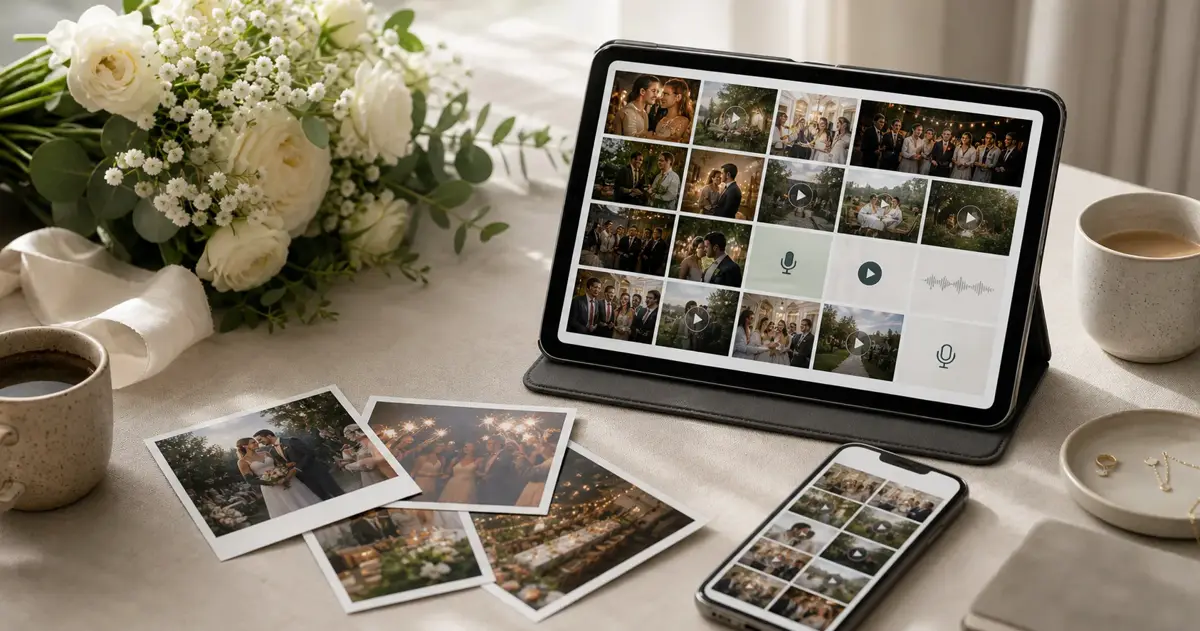 Comparison
Audio Guestbook Rental vs QR Audio Guestbook
Compare audio guestbook rental vs QR voice guestbooks: $299+ phones, $79 virtual options, guest friction, remote access, and which fits your 2026 event.
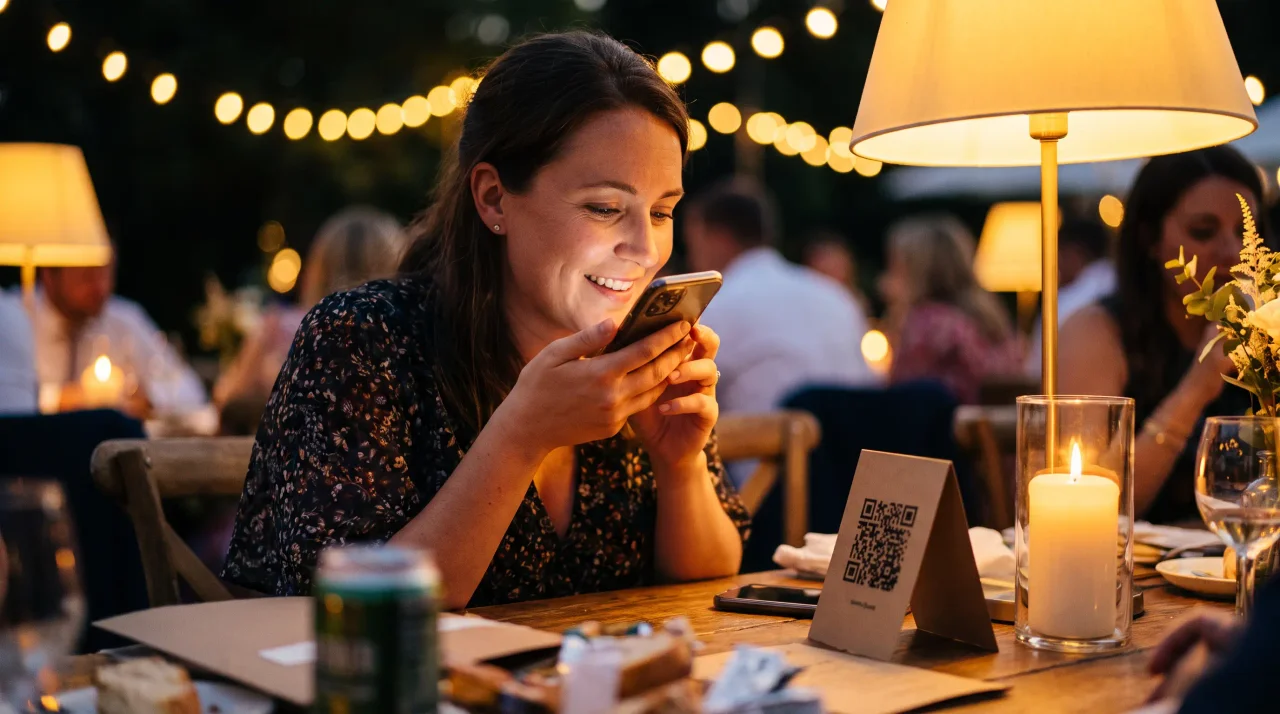 Guide
GuideDigital Voice Guestbook: How It Works Without a Phone Rental
Learn how to set up a digital voice guestbook without a phone rental: QR recording, no app, 91% smartphone ownership, prompts, signs, and download plans.
 Comparison
GuestCam vs Gathmo: which guest photo and voice app wins in 2026?
GuestCam and Gathmo both collect guest photos, video and voice from one QR code -- no app. The real differences are EU hosting, a video guestbook, Surprise Mode and pricing. An honest, disclosed head-to-head.