Guest uploads
File types and upload limits
Understand Gathmo photo, video, and voice upload formats, plan limits, browser support, and why an accepted file can still fail.

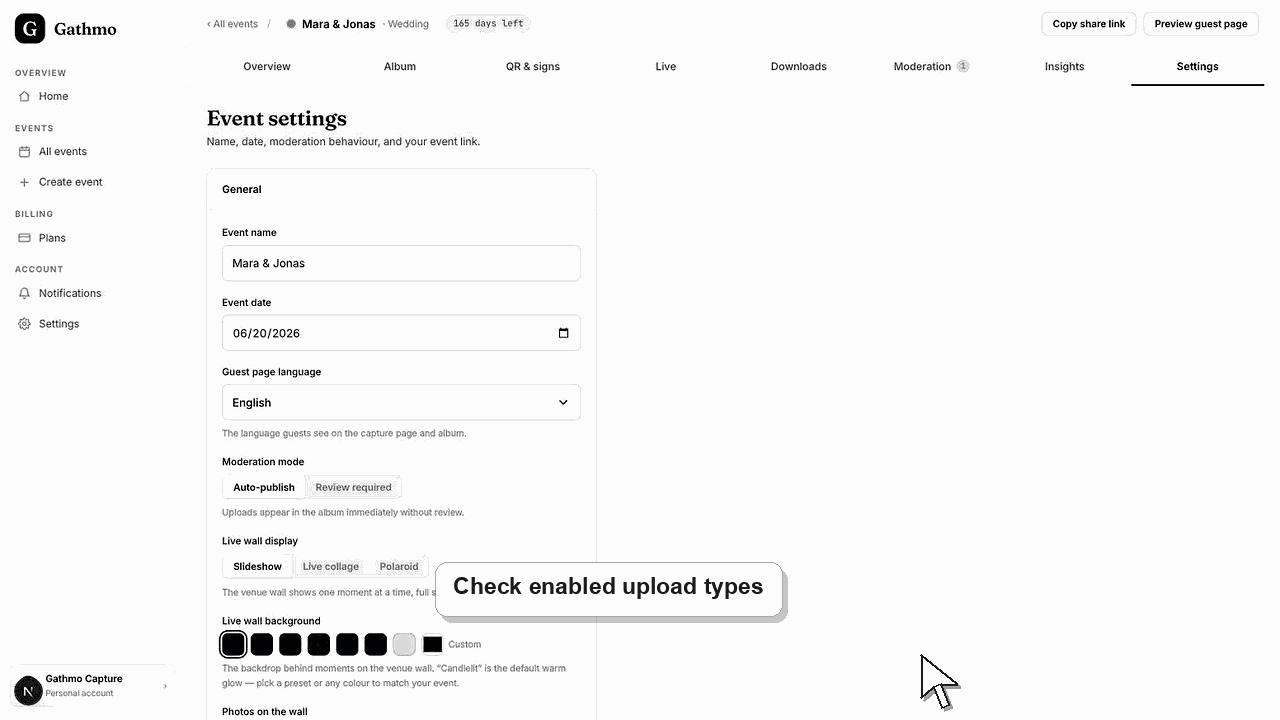
Gathmo accepts common photo, video, and audio formats. A file can still fail if it is too large, too long for the plan, unsupported by the browser, or blocked by the event settings.
Supported File Types
These are the file formats Gathmo currently accepts for each upload type.
| Media type | Accepted formats |
|---|---|
| Photos | JPEG, PNG, WebP, HEIC |
| Videos | MP4, MOV, WebM |
| Voice/audio | M4A/MP4 audio, WebM audio, OGG, WAV |
Hard Upload Size Caps
These are the maximum file sizes Gathmo accepts for each upload type.
| Media type | Maximum file size |
|---|---|
| Photo | 25 MB |
| Video | 500 MB |
| Voice message | 50 MB |
Plan And Duration Limits
Plan limits can affect total item count, video length, voice length, storage, retention, and downloads.
| Plan | Item cap | Video length | Voice length |
|---|---|---|---|
| Free | 20 items | 30 seconds | 30 seconds |
| Essential | Unlimited items | 5 minutes | Unlimited |
| Celebrate | Unlimited items | 10 minutes | Unlimited |
| Grand | Unlimited items | 15 minutes | Unlimited |
Before you start
- Confirm which upload types are enabled for the event.
- Check whether the guest is uploading a photo, video, or voice message.
- Ask whether the upload failed before or after the progress indicator.
- Open the correct Gathmo event, workspace, or account before making changes.
Steps
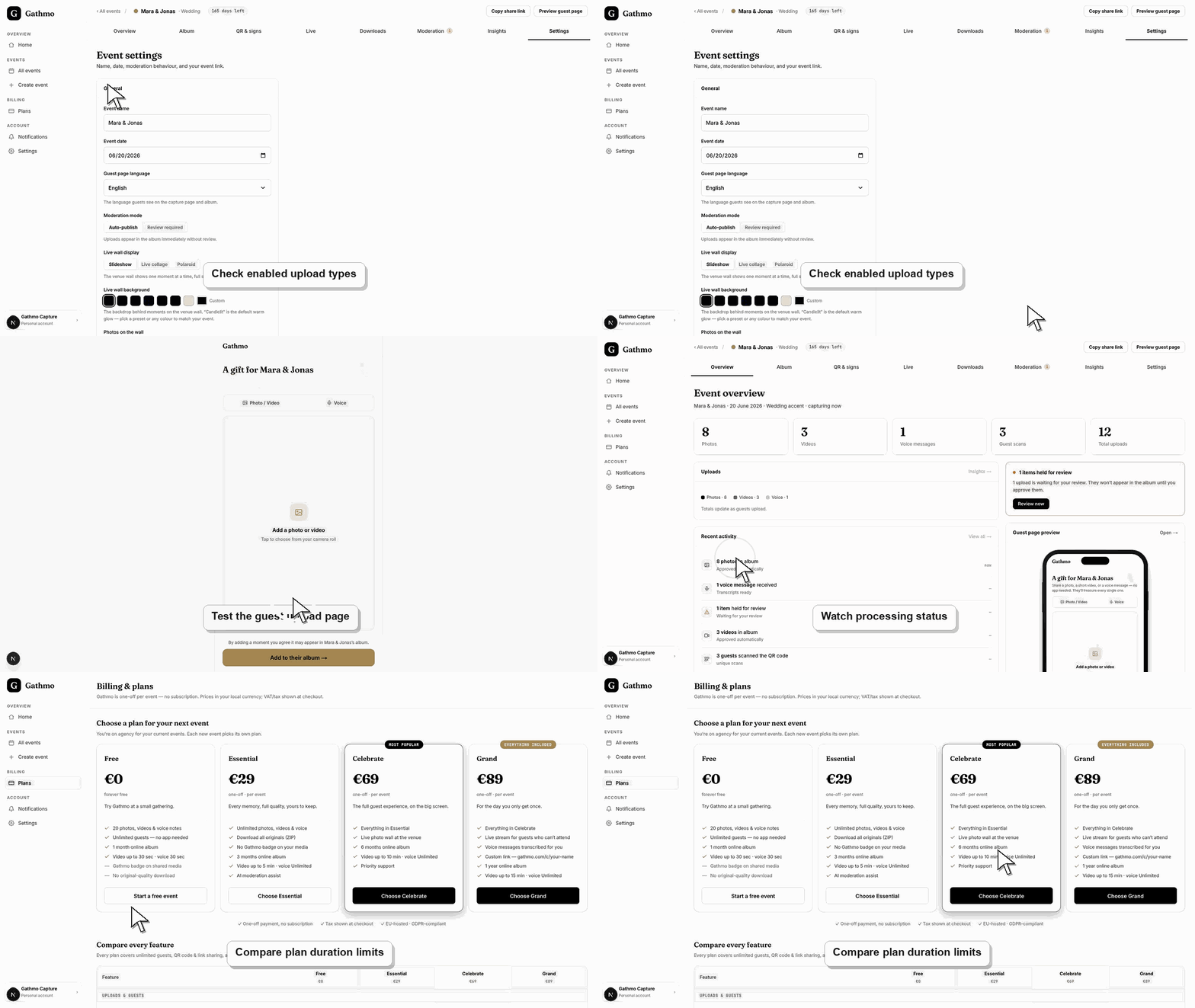
1. Confirm the media type is enabled
Open the event settings and confirm that the guest is allowed to upload that media type.
2. Check the file format
Ask the guest what file type they are uploading. If the phone created a less common format, ask them to try another file or export it as a common format.
3. Check the file size
Large videos are the most likely to hit the size cap. If a video is too large, ask the guest to upload a shorter clip.
4. Check duration limits
If the file is a video or voice message, compare its duration with the event plan and event settings.
Submit one test upload
Before the event, scan the QR code as a guest and submit a small sample file. This confirms permissions, network behavior, and the guest-facing instructions in the same flow guests will use.
What to do next
- Valid uploads appear in the dashboard after processing. Depending on moderation settings, they may appear in the album immediately or wait for review.
- Run one guest upload from an iPhone and one from Android if the event team has both available before the event.
- Review the uploaded test item in the dashboard so you know where the file appears and whether moderation is active.
- Add a short printed instruction near the QR code explaining the exact upload type guests should use.
Frequently asked questions
Does Gathmo accept iPhone photos?
Yes. JPEG, PNG, WebP, and HEIC are accepted photo formats.
Does Gathmo accept iPhone videos?
Yes. MP4 and MOV are accepted video formats when the file fits the event and plan limits.
Why did a video fail if the format is supported?
The video may be too large, too long, interrupted during upload, or blocked by the event settings.
Troubleshooting
Ask the guest to stay on Wi-Fi or a stable mobile connection and try again with a smaller file.
Check the file size, duration, plan limits, and event upload settings. A supported format can still be rejected by another limit.
Ask the guest to save or share the photo as JPEG, then try again.
Check the event upload settings in the dashboard, confirm the upload type is enabled, and reload the guest page. If the guest is using an old link, send the current event link again.
File type and limit claims can affect pricing, support, and customer expectations. Check the live event settings and plan limits when a file is rejected.
Keep going