Troubleshooting
Upload failed
Fix a failed Gathmo upload by checking connection, file size, file type, permissions, event settings, and whether the guest should retry.

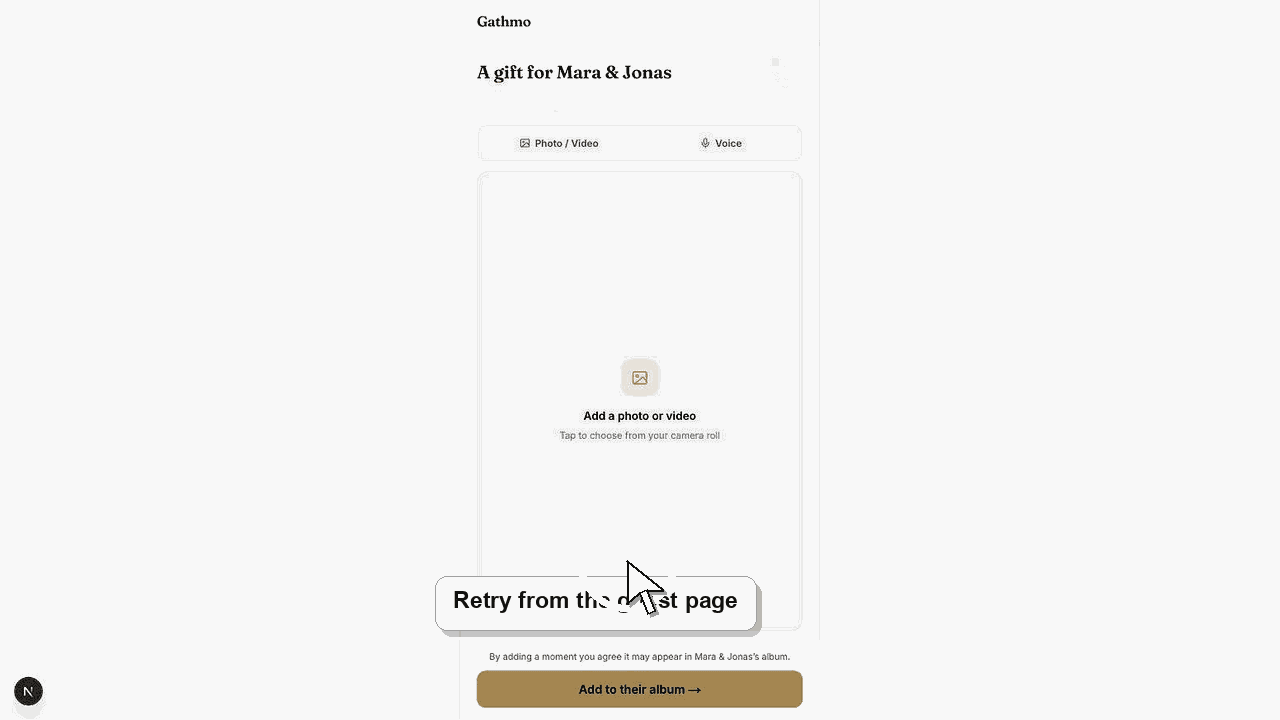
Most failed uploads are caused by connection loss, unsupported files, size or duration limits, or event settings. Retry once on a stable connection, then check the file and event settings.
Before you start
- Keep the browser tab open until the upload finishes.
- Use a stable Wi-Fi or mobile connection.
- Confirm whether the failed file is a photo, video, or voice message.
- Check whether other guests can upload successfully.
Steps
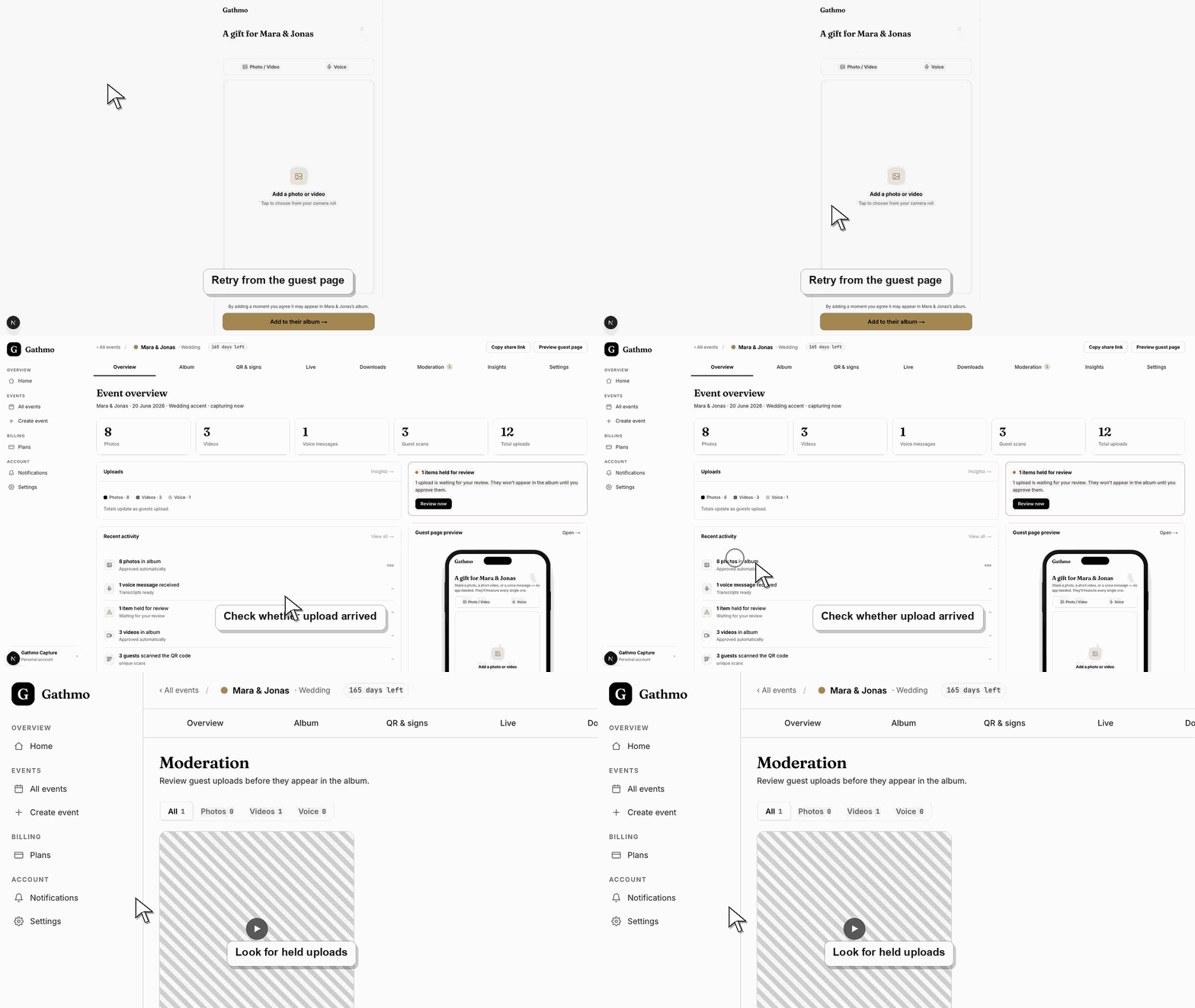
1. Retry on a stable connection
Ask the guest to stay on the upload page and try again. Large videos are more likely to fail on weak venue Wi-Fi.
2. Check whether the upload type is enabled
If photos work but videos or voice messages fail, open the event settings and confirm that the upload type is enabled.
3. Check the file type and size
Compare the file with the supported formats and size caps. Videos can fail if they are too large or too long for the event plan.
4. Try a smaller file
Ask the guest to upload a shorter video or a different photo. If a smaller file works, the first file likely hit a size, duration, or device issue.
5. Check the dashboard
If the guest saw a success message, the upload may be processing, pending moderation, hidden, or attached to another event. Check those states before asking the guest to upload again.
What to do next
- If the retry works, no further action is needed. If the retry fails again, collect the event name, file type, approximate file size, device, browser, and time of upload for support.
- Re-test the fixed flow from a guest phone, not only from the signed-in host dashboard.
- Capture the event name, browser, device, screenshot, and time if the issue needs support review.
- Send the related article to the event team so the same fix is used consistently during the event.
Frequently asked questions
Should guests refresh during upload?
No. Refreshing or closing the browser can interrupt the upload.
Can a failed upload be recovered?
Only if it reached Gathmo successfully. If the upload failed before completion, the guest usually needs to upload again.
Why does a smaller file work?
Smaller files are less likely to hit size, duration, network, or processing limits.
Troubleshooting
The file may have uploaded but failed validation or processing. Check the dashboard first, then retry with a smaller file.
Check video upload settings, video duration, file size, and plan limits.
Check whether the event is active, accepting uploads, and linked to the QR code guests are scanning.
Ask the guest to refresh the page, update browser permissions, or try another browser.
Do not ask guests to send private media through unrelated channels unless the host has a clear privacy process for receiving and deleting those files.
Keep going