Privacy, security, and trust
How Gathmo uses, licenses, and protects event media
You and your guests retain ownership of uploaded media. Gathmo receives only the limited license needed to store, process, display, secure, export, and delete…

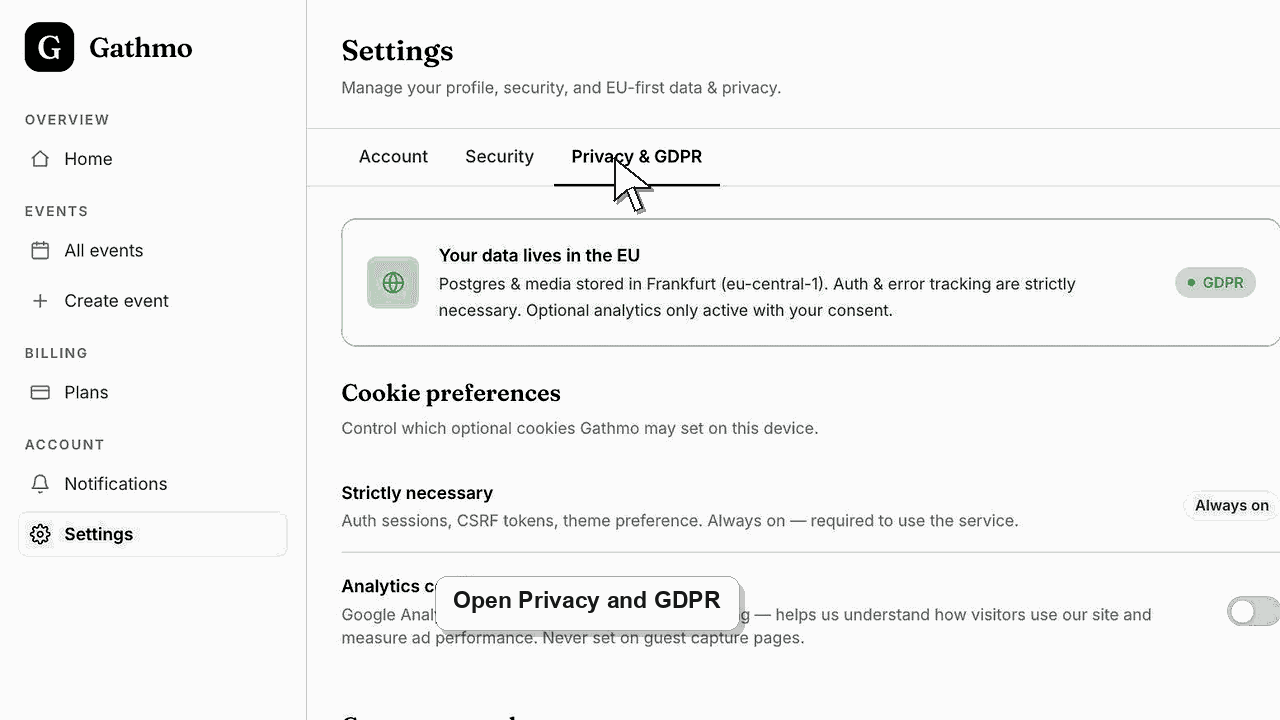
You and your guests retain ownership of the content uploaded to Gathmo. The upload grants Gathmo a limited license to store, process, moderate, display, deliver, export, and delete the content only as necessary to provide and protect the service; Gathmo does not sell personal data or claim ownership of event media.
What Gathmo may do with an upload
This operational license is not a transfer of copyright and is not permission for Gathmo to sell the media as stock content or use a private event photo in an advertising campaign unrelated to providing the service.
| Processing | Why it is needed |
|---|---|
| Store and deliver the file | Make the event album and downloads work. |
| Create technical versions or metadata | Display media efficiently and operate supported formats. |
| Scan or moderate content | Protect the service and apply event moderation settings. |
| Show it in the gallery or live wall | Follow the host's publication and display choices. |
| Export or delete it | Carry out host controls, retention, and verified rights requests. |
Before you start
- Read the current Terms of Service and Privacy Policy for the binding wording.
- Decide who is the host or organisation responsible for the event's purpose and audience.
- Give guests a clear notice before collecting or publicly displaying their media.
- Open the correct Gathmo event, workspace, or account before making changes.
Steps
1. Define the event's intended use
Decide whether contributions are for a private memory album, a live event display, internal company use, or external marketing. The host's use can require permissions beyond the license Gathmo needs to run the platform.
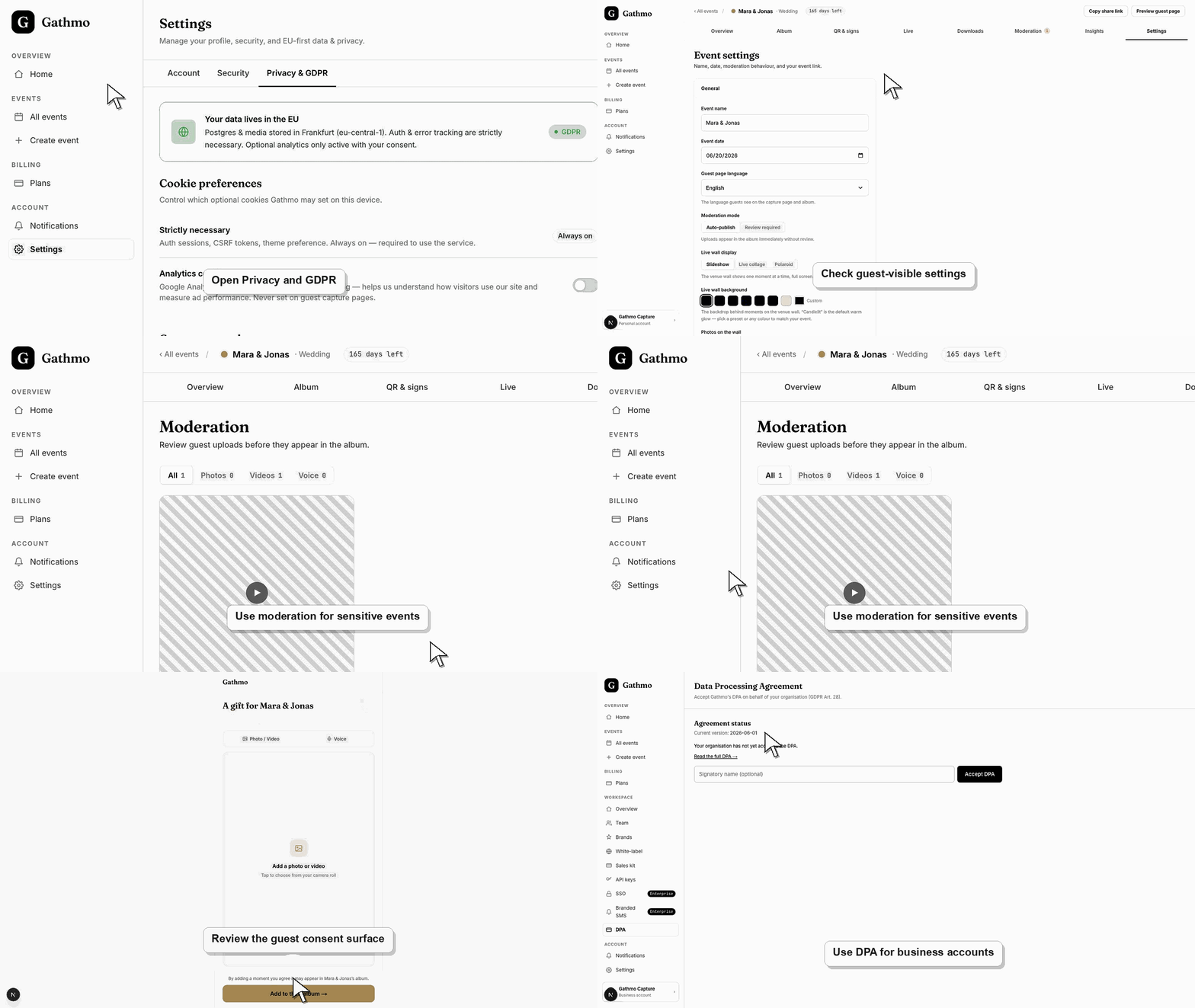
2. Configure access and moderation
Keep the album private when appropriate, require review for sensitive audiences, and limit the live wall to approved content. A technical ability to display an upload is not the same as a legal right to publish it broadly.
3. Inform contributors
Explain who operates the event, what media is requested, who can view it, how long it will remain available, and how a guest can request removal. Add separate marketing or publicity terms when that reuse is intended.
4. Review every public-facing use
Before using an upload on a website, advertisement, social network, press release, or client campaign, confirm the creator's rights and the depicted people's permissions. Do not rely solely on the fact that the file was uploaded to Gathmo.
5. Remove content when appropriate
Hosts can hide or delete individual uploads and delete an event. For a verified privacy or data-rights request, follow the support or privacy process rather than exposing the event to an unverified requester.
6. Export and secure authorized files
Once files are downloaded, the recipient controls those copies outside Gathmo. Store them securely, restrict access, and apply the organisation's lawful retention and deletion rules.
What to do next
- Gathmo processes media according to the service, event settings, and retention lifecycle.
- Hosts remain responsible for the audience and downstream use they choose.
- Guests can ask the host or Gathmo's privacy channel for appropriate removal handling.
- Review the event link, upload permissions, moderation state, and album visibility together because privacy depends on the full workflow.
Frequently asked questions
Does Gathmo own photos, videos, or voice messages?
No. Uploaders and rights holders retain ownership. Gathmo receives the limited service license described in the Terms.
Does Gathmo sell uploaded media or personal data?
Gathmo's published policy says it does not sell personal data, and its content license is limited to providing the service rather than selling private event media.
Can Gathmo use an event photo in its advertising?
Not merely because it was uploaded to an event. A separate lawful permission would be needed for unrelated promotional use.
Can the host use guest uploads for marketing?
Only when the host has the necessary copyright, privacy, publicity, and data-protection permissions for that use. The guest's platform upload is not automatically a broad advertising release.
Who can delete event media?
The host has dashboard controls for individual items and events. Gathmo also handles verified support and privacy requests according to the applicable process and law.
Troubleshooting
Hide it immediately while the request is reviewed, then delete it when required. Check whether downloaded or externally published copies also need action.
Pause the campaign until the organisation has a suitable license, privacy notice, and any required consent or release. A Gathmo upload alone does not grant those marketing rights.
Ask for the event name, approximate upload time, media type, and a safe description. Verify the requester without asking them to publish the media or private link publicly.
Identify the exact event, upload, and requested outcome first. Then hide, delete, export, or escalate from the dashboard instead of making broad changes without knowing which media is affected.
This article explains Gathmo's product role and published terms, not the host's complete legal basis for every event. Children, employees, schools, sensitive occasions, and commercial campaigns can require additional safeguards and jurisdiction-specific advice.
Keep going