Privacy, security, and trust
Is Gathmo private?
Understand how Gathmo private event galleries, guest links, upload controls, moderation, and retention settings affect privacy.

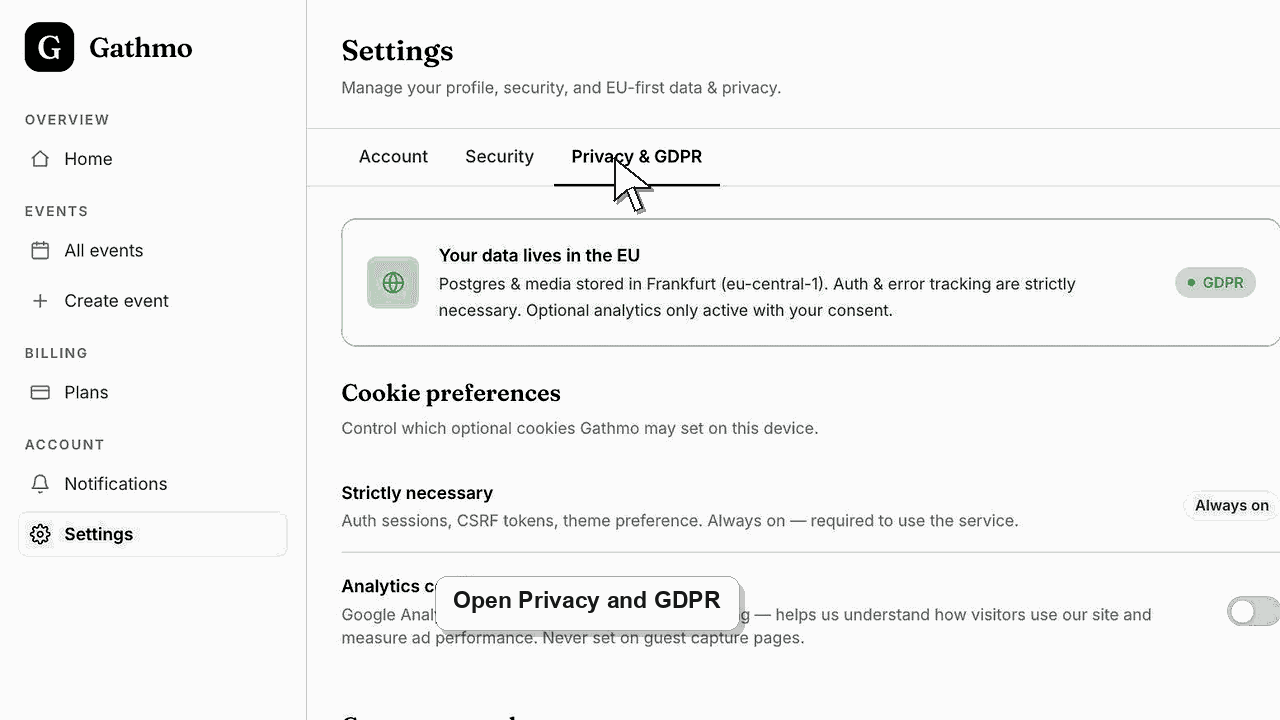
Gathmo event galleries are designed for private sharing. You control the event link, upload options, and moderation settings.
Before you start
- Know who should be able to upload and view the event media.
- Open the event settings, QR code, and gallery visibility controls.
- Decide whether moderation is required before uploads appear publicly.
- Open the correct Gathmo event, workspace, or account before making changes.
Steps
Treat the event link as private access
Only share the QR code or event link with people who should reach the guest flow. If the link is forwarded, more people may be able to upload or view the event page.
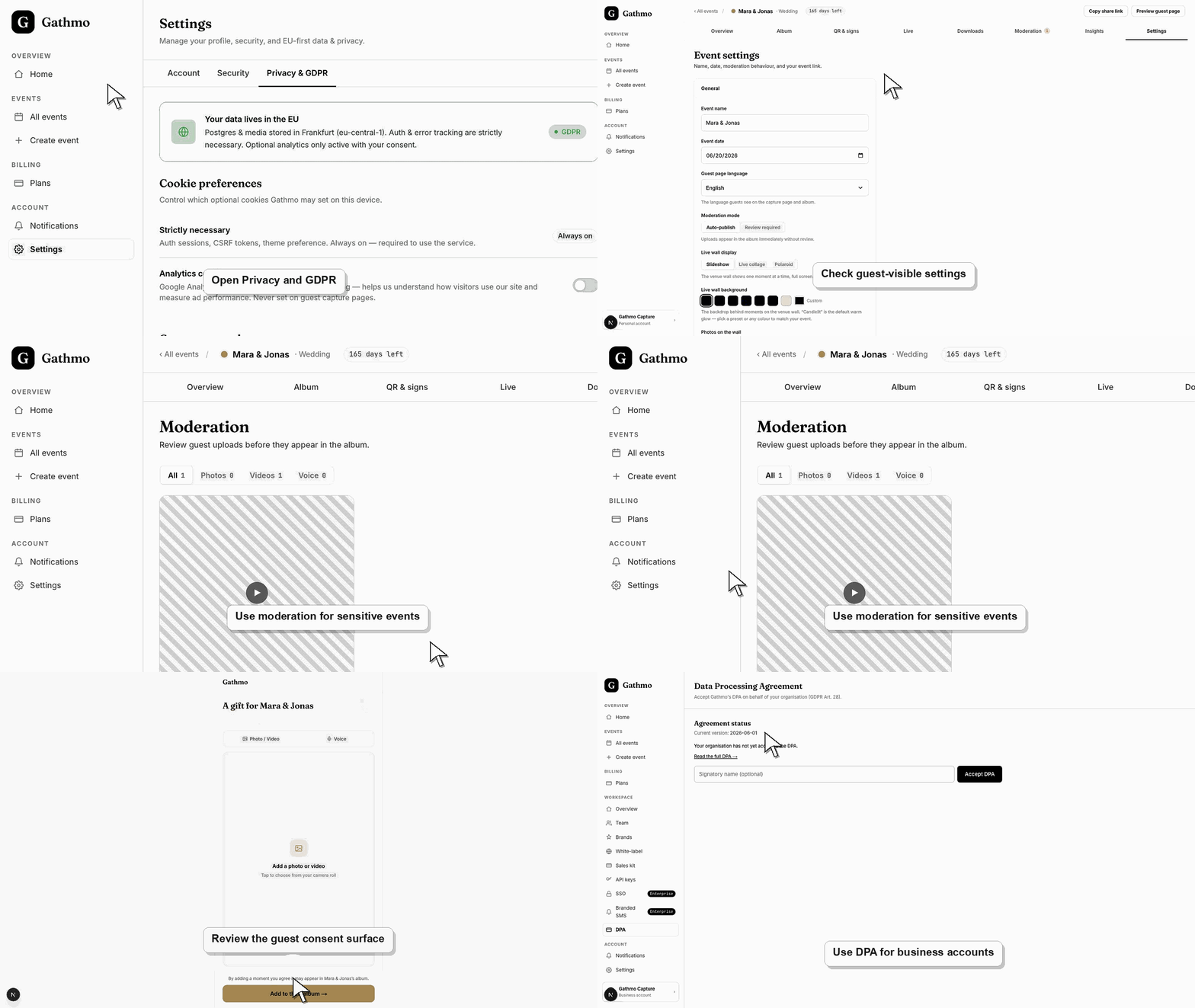
Review upload permissions
Check which upload types are enabled and whether guests can add photos, videos, or voice messages. Disable upload types that are not needed for the event.
Turn on moderation when needed
Use moderation when uploads should be reviewed before appearing in a gallery or live wall. This is especially useful for workplace events, children, public screens, or larger guest groups.
Check album and gallery visibility
Open the guest-facing gallery or album and confirm what viewers can see. Privacy depends on both the link access and the visibility settings after uploads are approved.
Plan retention and deletion
After the event, download files you need to keep and remove content that should no longer stay online. Use the deletion and retention articles for post-event cleanup.
What to do next
- Use moderation for privacy-sensitive events before the QR code is shared.
- Review retention and deletion before closing the event or removing media.
- Use the DPA article for business customers who need formal data-processing terms.
- Review the event link, upload permissions, moderation state, and album visibility together because privacy depends on the full workflow.
Frequently asked questions
Is a Gathmo event gallery public?
Gathmo event galleries are designed for private sharing. Treat the event link and QR code like private access details.
Who can access the event page?
People with the event link or QR code can reach the guest flow unless access settings are changed. Share it only with the intended group.
Does moderation make an event more private?
Moderation lets you review uploads before they appear in the shared gallery, but it does not replace careful link sharing and privacy settings.
Is this privacy article legal advice?
No. This is product guidance. For formal GDPR or event-specific legal obligations, review your situation with appropriate legal support.
Troubleshooting
Review event settings, stop sharing the old link publicly, and contact support if you need help limiting access or responding to unexpected uploads.
Hide the media from the public gallery first, then check album visibility, moderation state, and whether the guest is opening the intended event link.
Use the DPA and current legal documents for formal processor or procurement questions. Do not answer region, sub-processor, or contractual questions from memory.
Identify the exact event, upload, and requested outcome first. Then hide, delete, export, or escalate from the dashboard instead of making broad changes without knowing which media is affected.
Gathmo privacy depends on careful link sharing, upload controls, moderation, visibility, retention, and deletion. This article is product guidance, not legal advice.
Keep going