Privacy, security, and trust
Where event media is stored
Understand Gathmo event media storage at a product level and why exact data-residency and subprocessor claims need legal review.

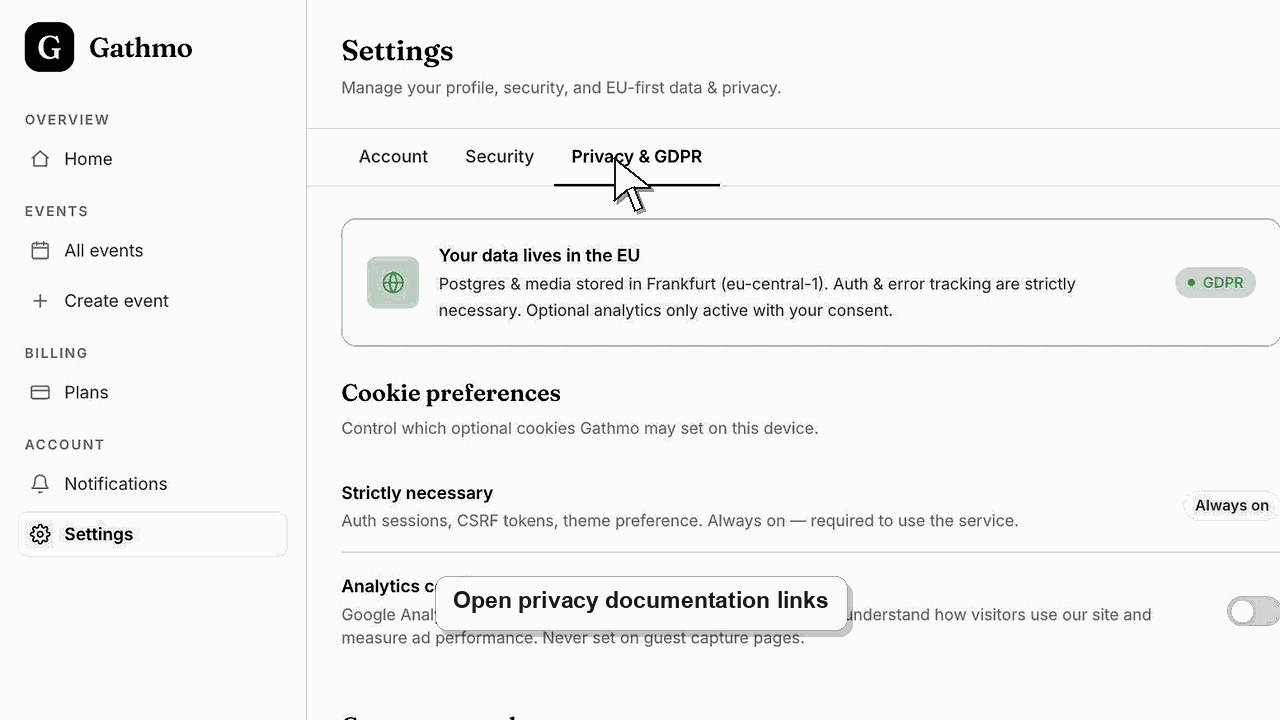
Your event photos, videos, and voice messages are stored in Gathmo's managed media storage and served back to your dashboard and album. You stay in control from the dashboard: you can export everything in original quality, hide or delete individual uploads, and delete the whole event at any time, without waiting for support. For exact hosting regions and the sub-processor list, use the Data Processing Agreement (DPA) and current privacy documentation rather than a general help page.
Before you start
- Decide what you need: a plain explanation of how your media is handled, or a formal answer for a contract or procurement review.
- Know your account type: personal hosts manage everything from the event dashboard; business customers also have a DPA.
- Have your event open if you want to export or delete media while you read.
- Open the correct Gathmo event, workspace, or account before making changes.
Steps
1. See what Gathmo keeps
For each event, Gathmo stores the uploaded media, basic upload details such as type, time, and moderation state, and a consent record for each guest. Guests upload without an account, so no guest name, email, or login is stored.
2. Control your media yourself
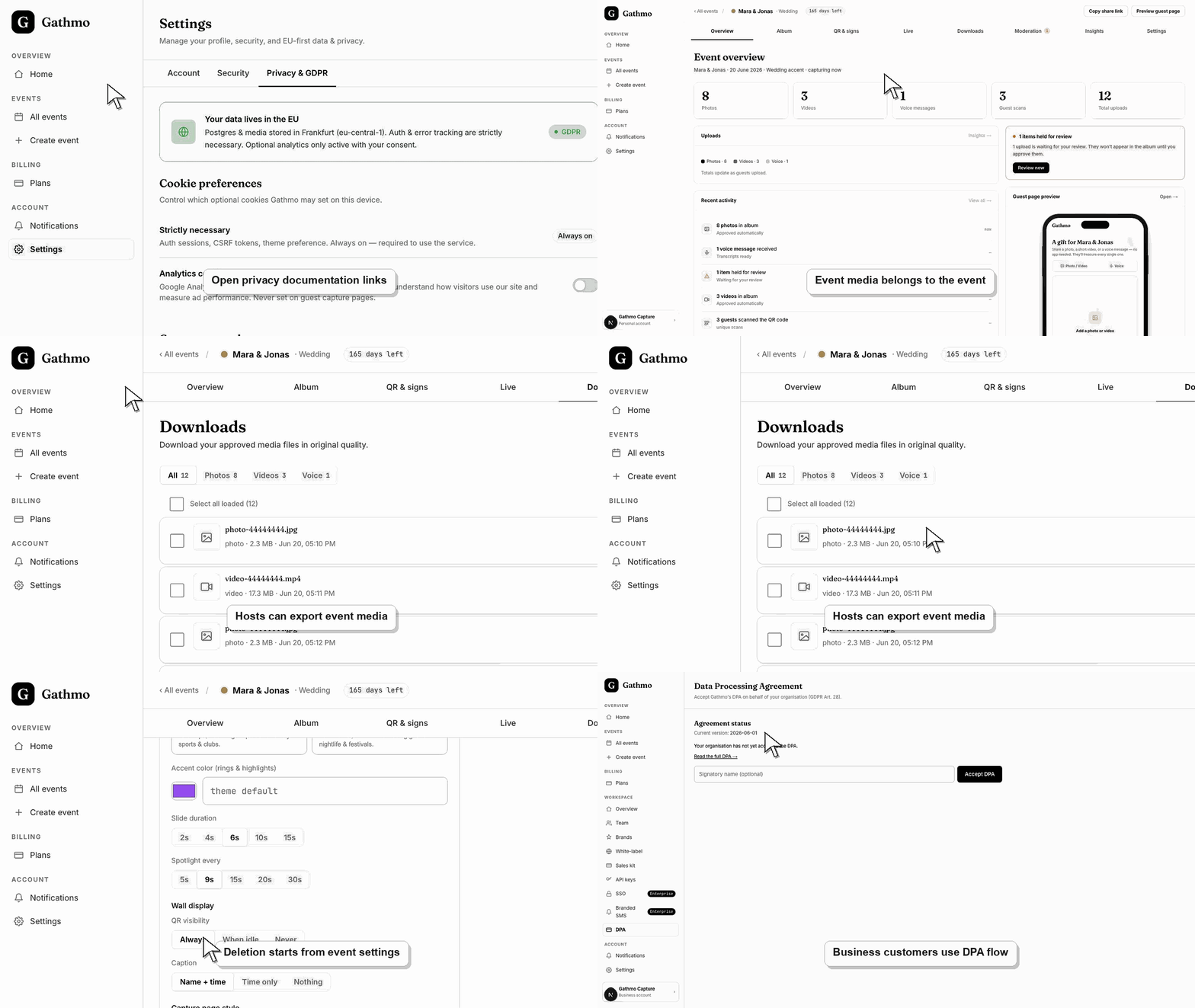
You do not have to wait for support to manage content. Use Downloads to export everything in original quality, Moderation and Album to hide media, and Settings to delete an event.
3. Keep your own backup
Download important media after the event. Online availability depends on your plan, so a local or cloud copy is the safest long-term record.
4. For regions and sub-processors, use the DPA
If you or a client needs the exact storage region or the list of infrastructure providers, review the Data Processing Agreement and privacy page, or contact support. General help pages do not carry the legally reviewed wording.
Check who can access the event
Review the event link, QR code placement, album visibility, and moderation setting together. Privacy depends on who can open the event and what they can see after uploading.
What to do next
- Your media stays available in the dashboard and album according to your plan's retention. Export anything you want to keep, then hide or delete uploads, or delete the whole event, whenever you choose.
- Review the event link, upload permissions, moderation state, and album visibility together because privacy depends on the full workflow.
- Download anything that must be kept before deleting, hiding, or closing access to event media.
- Use business privacy and DPA articles for workspace or procurement questions that go beyond a private host event.
Frequently asked questions
Can I get my event media off Gathmo entirely?
Yes. Open Downloads and export approved media as a ZIP in original quality, then delete the event from Settings if you no longer want it stored. Deleting an event removes its media, QR codes, and guest links.
Which country is my media stored in?
For a definitive answer to a residency question, use the DPA and privacy documentation or contact support. A general help page does not carry the reviewed wording a contract or procurement review needs, so we point you to the documented source instead.
Do business customers get a DPA?
Yes. Business customers have a DPA acceptance flow in the workspace. If you need a signed procurement answer or a sub-processor list, contact support so it comes from reviewed documentation.
Troubleshooting
Use only the currently approved legal wording. If the approved wording is not available in the live legal or DPA workflow, escalate the request rather than guessing.
Use the current legal documents and dashboard DPA workflow as the source of truth, then ask the product or legal owner to review the outdated copy.
Send them to the business DPA workflow and related DPA article, then collect any unanswered procurement questions for the privacy or legal owner.
Identify the exact event, upload, and requested outcome first. Then hide, delete, export, or escalate from the dashboard instead of making broad changes without knowing which media is affected.
Event media can include personal data. You control export, hiding, and deletion from your dashboard; for formal residency or sub-processor answers, rely on the DPA and privacy documentation rather than general guidance.
Keep going