White-label and business
Add, verify, or remove a custom domain
Add, verify, or remove a custom domain for Gathmo white-label workspaces, including DNS checks and launch-safe fallback steps.

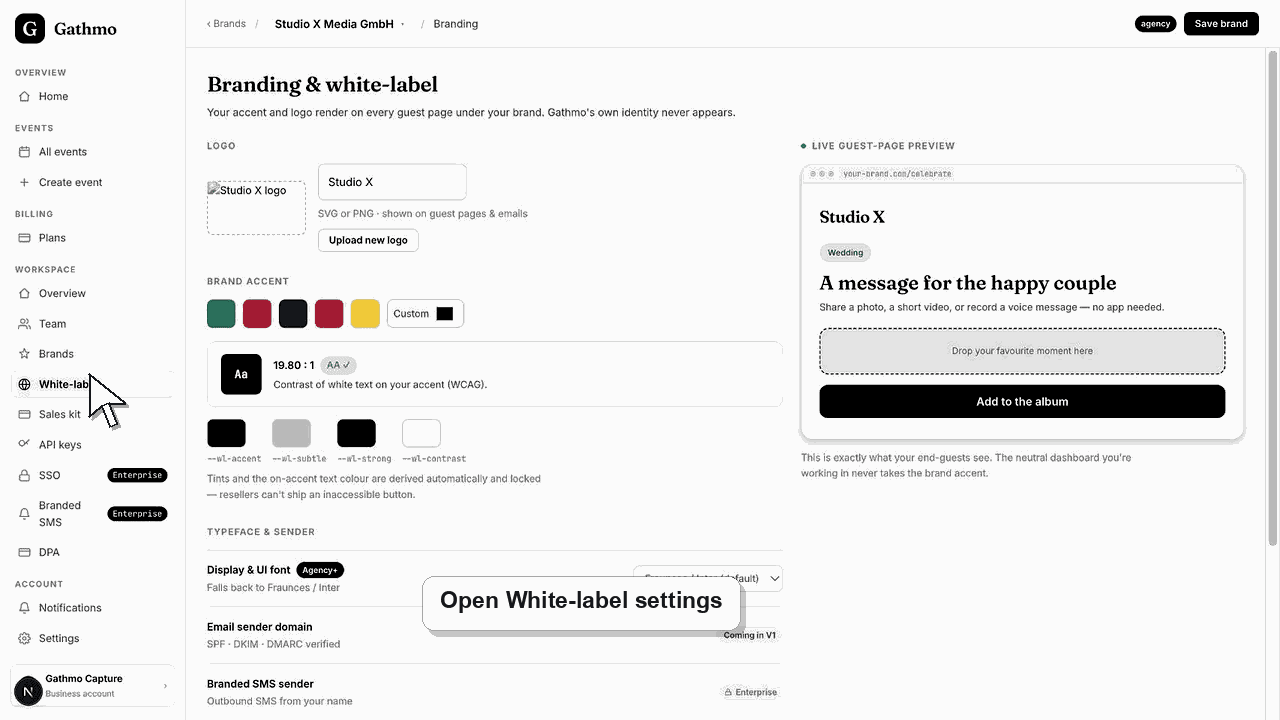
Add a custom domain when guests should see the event experience on your brand's hostname. Domain setup requires DNS changes and verification.
Before you start
- Use a business account with custom-domain entitlement.
- Choose the hostname, such as photos.yourbrand.com.
- Have access to DNS settings for that domain.
- Avoid changing DNS during a live event unless necessary.
Steps
1. Open the brand or domain settings
Open the white-label workspace and choose the brand that should use the custom domain.
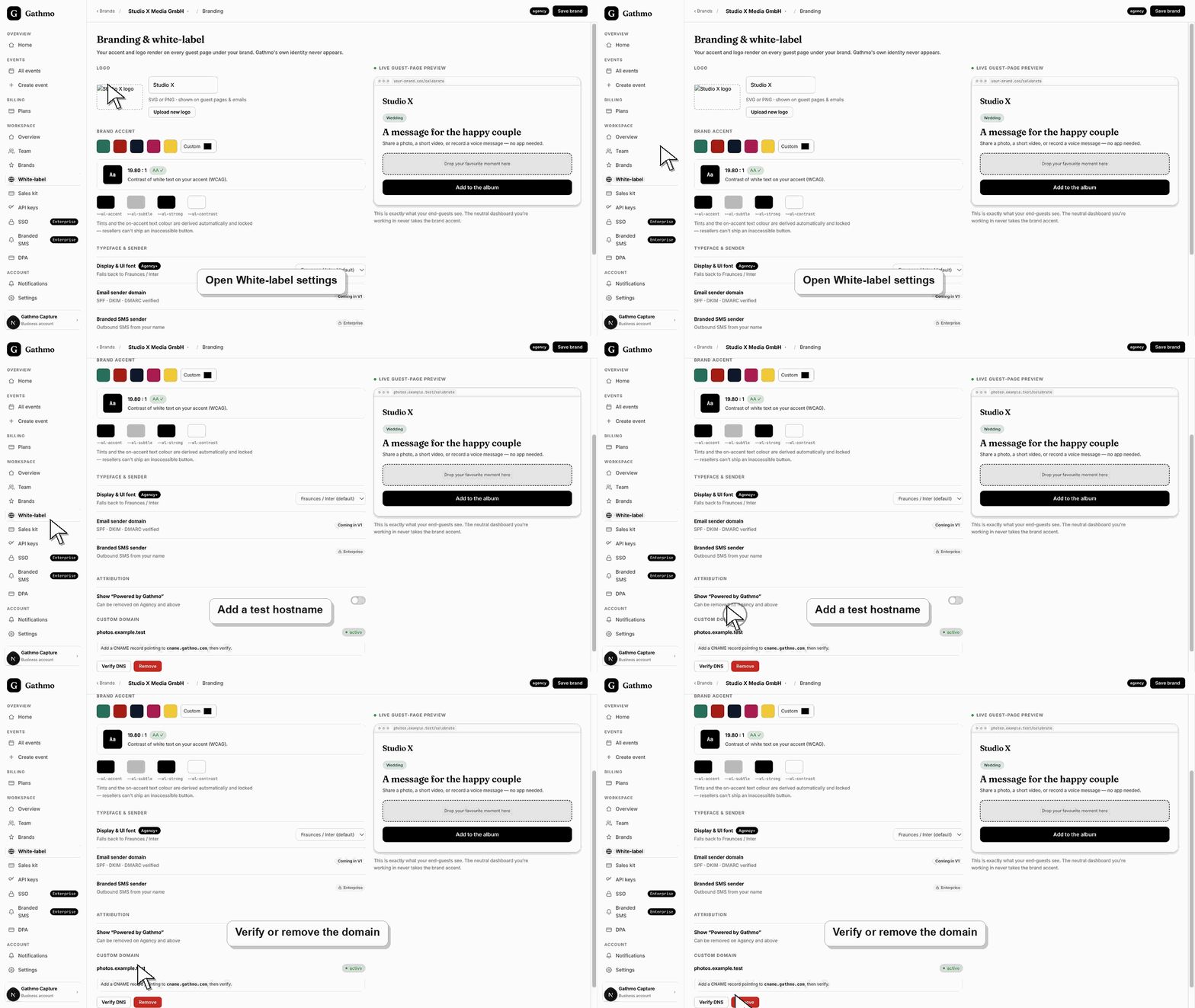
2. Add the hostname
Enter the exact hostname you want guests to use. Do not include a path after the domain.
3. Add the DNS record
Gathmo shows the DNS target, such as a CNAME target. Add the record at your DNS provider.
4. Verify the domain
Return to Gathmo and run verification. DNS changes can take time, so retry later if verification fails immediately.
5. Remove the domain when needed
Remove a custom domain only when you are sure no active event relies on it.
What to do next
- After verification succeeds, branded event pages can use the custom domain according to the workspace configuration.
- Preview the client-facing page after every brand, domain, workspace, or role change so the public experience matches the business setup.
- Document which team member owns the brand, domain, client workspace, and billing relationship before client events go live.
- Use the business billing and privacy articles when white-label work affects prepaid access, DPA expectations, or client data handling.
Frequently asked questions
Can I use the root domain?
Use the hostname supported by the current domain flow. Subdomains are usually safer for event media.
How long does verification take?
DNS changes can take time. Retry verification later if the DNS record was added recently.
Can one domain be used by multiple brands?
Do not assume that. Check the brand/domain configuration and current entitlement model.
Troubleshooting
Check hostname spelling, DNS record type, target value, and DNS propagation time.
Confirm the domain is attached to the right brand or workspace.
Coordinate with the domain owner or IT admin before changing the branded event setup.
Check that you changed the correct workspace or client brand, refresh the preview, and verify whether a custom domain or cache is showing an older public version.
Custom domains affect trust, DNS, SSL, and client-facing access. Use a hostname you control and avoid changing DNS during an active event.
Keep going