White-label and business
Explain Studio vs Agency branding
Compare Gathmo Studio and Agency branding so you know when residual attribution, team access, domains, and client brands apply.

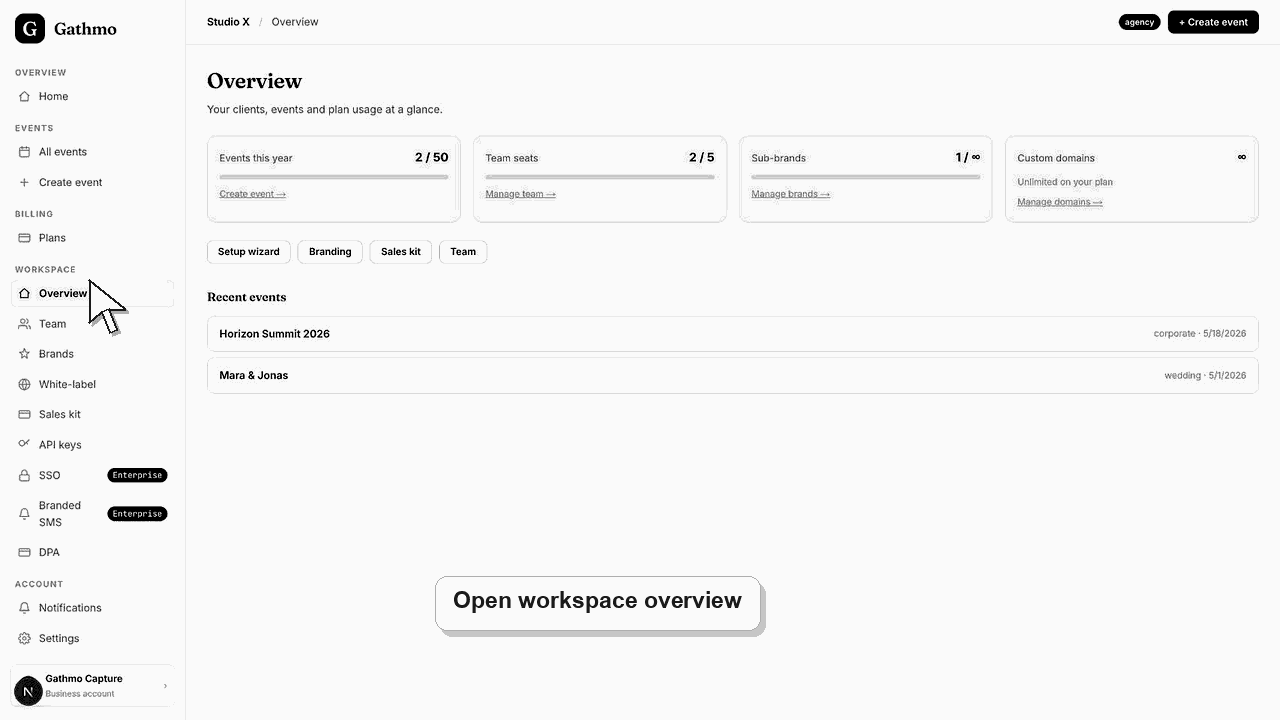
Studio is for a solo branded setup with limited workspace capacity and residual Gathmo attribution. Agency is for full de-branding, more seats, and multi-client white-label work.
Branding Difference
| Plan | Branding behavior | Good fit |
|---|---|---|
| Studio | Branded setup with a small "Made with Gathmo" line. | Solo studios testing a branded event-media add-on. |
| Agency | Full de-branding for client-facing work. | Studios, planners, venues, or agencies reselling under their brand. |
| Enterprise | Full de-branding plus Enterprise controls. | Larger teams that need SSO, branded SMS, or procurement support. |
Before you start
- Confirm whether you need one brand or several client brands.
- Check whether your clients must not see Gathmo attribution.
- Decide whether teammates need workspace access.
- Open the correct Gathmo event, workspace, or account before making changes.
Steps
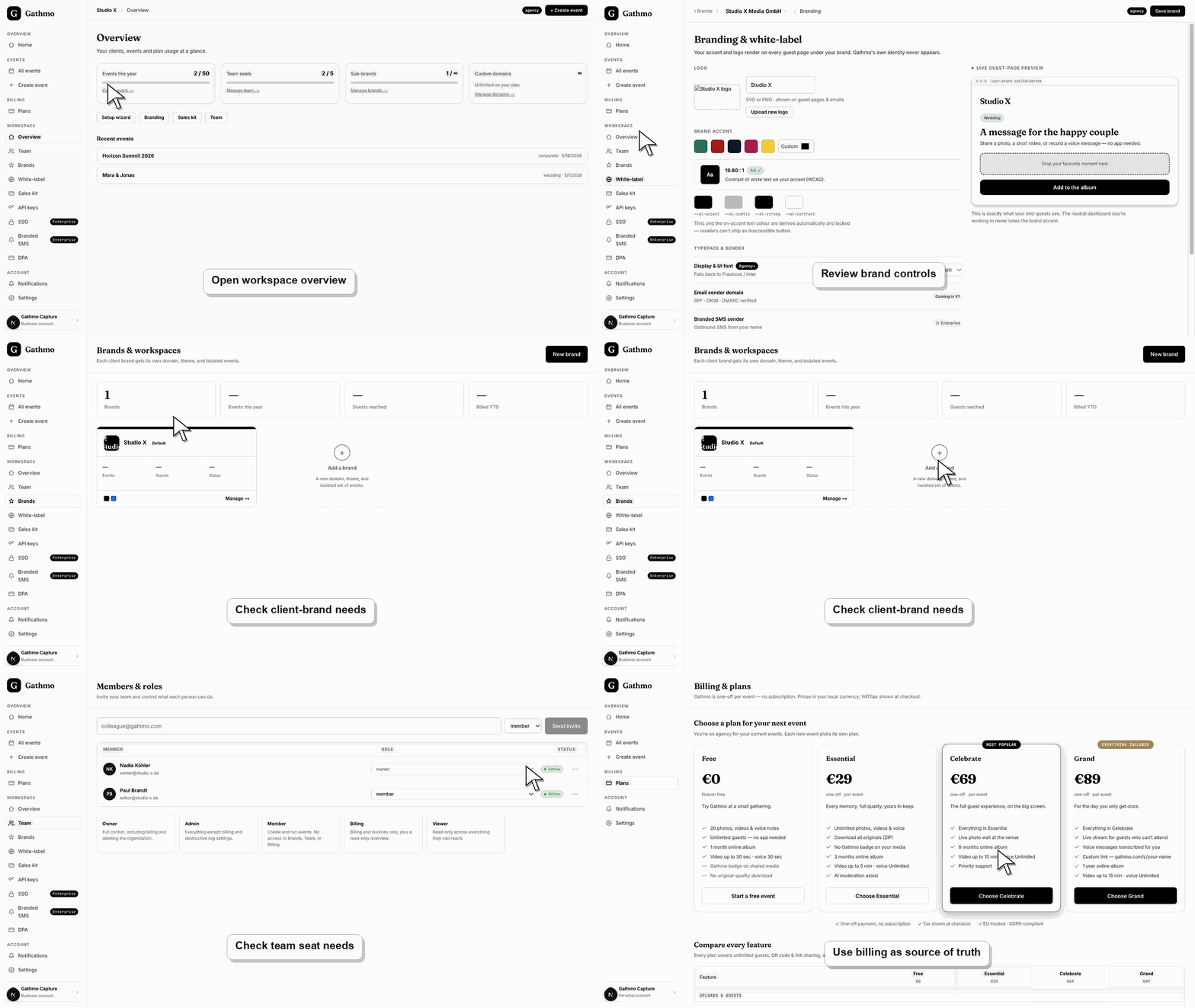
1. Decide whether residual attribution is acceptable
If a small Gathmo attribution line is acceptable, Studio can be enough. If clients must only see your brand, use Agency or Enterprise.
2. Check team needs
Studio is built around one seat. Agency adds team capacity. Enterprise supports larger teams.
3. Check client-brand needs
Use Agency or Enterprise when you manage multiple client brands or domains.
4. Check Enterprise requirements
If the buyer needs SSO, branded SMS, or more procurement controls, evaluate Enterprise instead of Studio or Agency.
Preview the client-facing brand
After changing branding or workspace settings, open the public or client-facing preview and confirm the name, logo, colors, and links match what the client should see.
What to do next
- After choosing the right business plan, complete the setup wizard, configure the brand, connect a domain if needed, and create the first branded event.
- Preview the client-facing page after every brand, domain, workspace, or role change so the public experience matches the business setup.
- Document which team member owns the brand, domain, client workspace, and billing relationship before client events go live.
- Use the business billing and privacy articles when white-label work affects prepaid access, DPA expectations, or client data handling.
Frequently asked questions
Is Studio fully white-label?
No. Studio has branded setup but can show a small Gathmo attribution line.
When should I choose Agency?
Choose Agency when client-facing work needs full de-branding, more seats, and multi-brand capacity.
Is Enterprise required for SSO?
Yes, SSO is an Enterprise capability in the current entitlement model.
Troubleshooting
Check whether the account is on Studio. Full de-branding is an Agency+ capability.
Check the plan's seat entitlement. Studio is solo.
Use the billing page as the source of truth for the account you are viewing. Plan names, limits, or overrides can differ from public examples.
Check that you changed the correct workspace or client brand, refresh the preview, and verify whether a custom domain or cache is showing an older public version.
Plan names, limits, and attribution behavior should match the live billing page for the account. If billing shows a different entitlement, use billing as the source of truth.
Keep going