White-label and business
Share a branded demo link with a client
Use the Gathmo Sales kit to copy a live, already-branded demo link and show prospects exactly what their guests will see. Available on Agency and Enterprise.

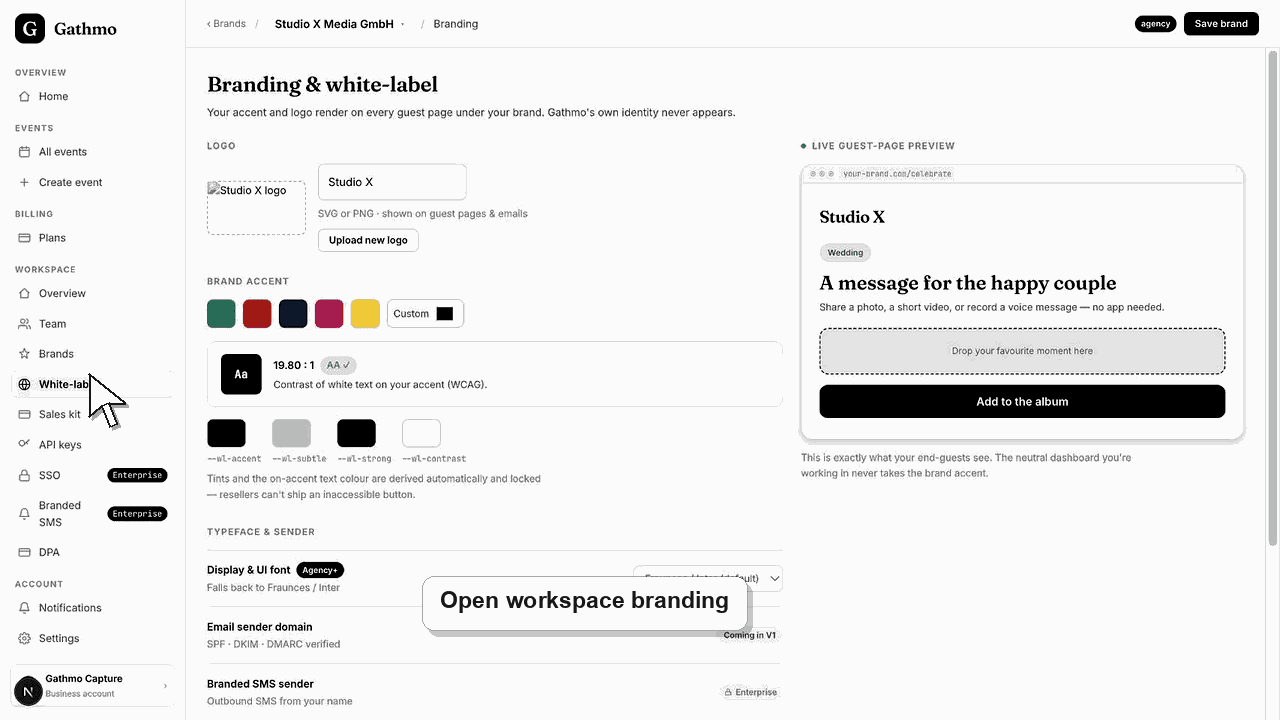
Open the Sales kit in your Gathmo workspace and copy the Shareable demo link. It is the live guest page of your first event, already carrying your brand name, logo, and accent — so a prospect sees exactly what their guests will see. The Sales kit unlocks on Agency and Enterprise.
Before you start
- Confirm your workspace is on the Agency or Enterprise plan.
- Make sure you have at least one event created — the link uses your first event.
- Set your brand name, logo, and accent so the guest page looks finished.
- Open the correct Gathmo event, workspace, or account before making changes.
Steps
1. Open the Sales kit
In the workspace sidebar, select Sales kit. On Agency and Enterprise you see the full kit; on Studio you see an upgrade card instead, because rebrandable one-pagers and shareable demo links are built for reselling under your own brand.
2. Find the Shareable demo link
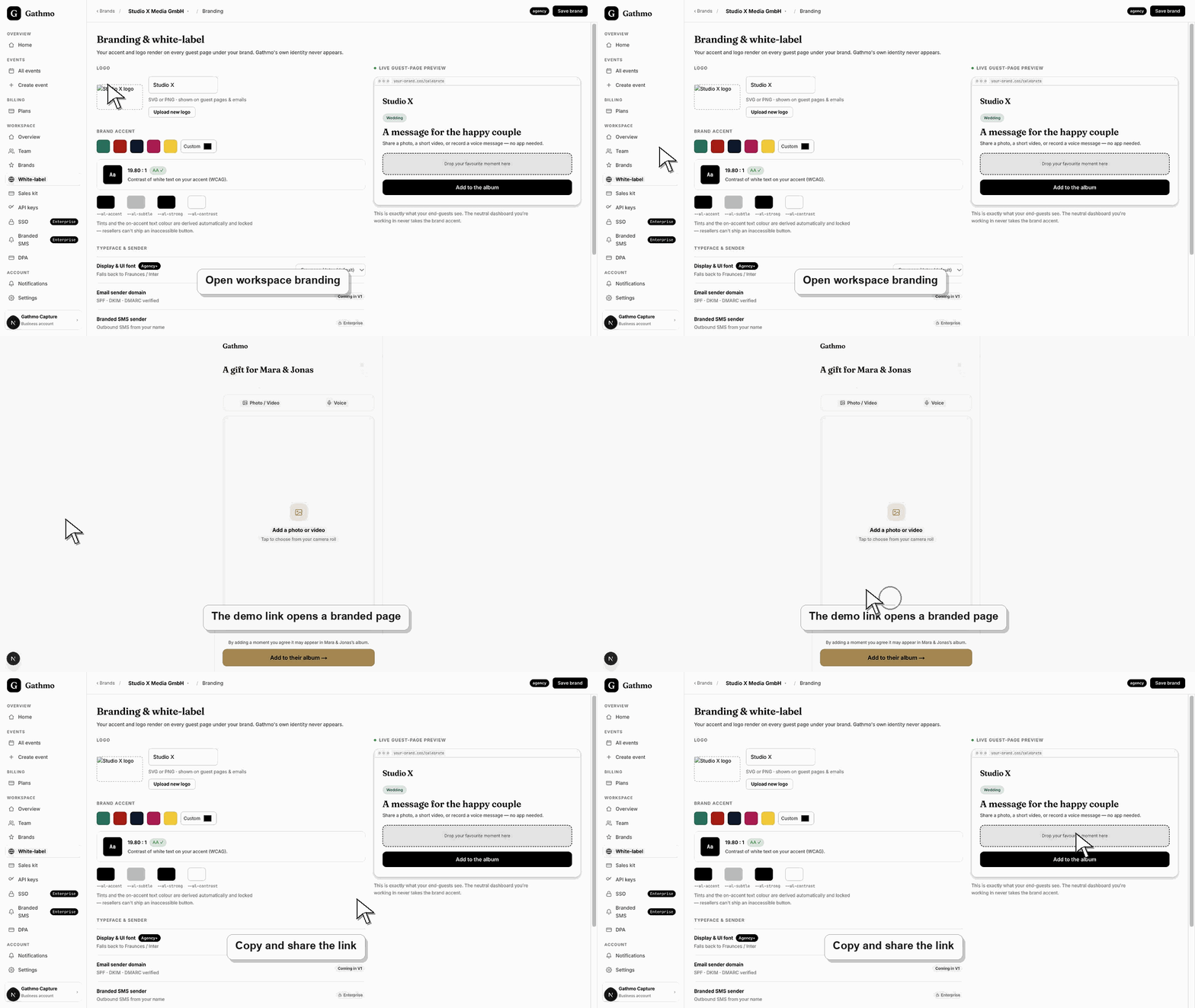
Scroll to the "Shareable demo link" section. Gathmo describes it as a live, already-branded guest page that shows prospects exactly what their guests will see. The link is the short URL of your first event, so it is a real page, not a mockup.
3. Preview the link yourself first
Select Open to load the guest page in a new tab. Check that your brand name, logo, and accent colour appear the way you want. Previewing before you send means the client's first impression is polished and unmistakably yours.
4. Copy the link
Select Copy link. The button confirms with "Copied" so you know the short URL is on your clipboard. Because it is a short, branded URL, it looks clean pasted into an email, a proposal, or a chat message.
5. Send it to your client
Paste the link into your outreach and invite the client to open it on their phone. They experience the scan-and-share guest journey end to end, under your brand, without needing a login or an account of their own.
What to do next
- Your client opens a working, branded guest page and sees the real experience their guests would get. Nothing they do affects your live event data. When they are convinced, you create their event in your workspace and hand over branded QR signs for the day itself.
- Preview the client-facing page after every brand, domain, workspace, or role change so the public experience matches the business setup.
- Document which team member owns the brand, domain, client workspace, and billing relationship before client events go live.
- Use the business billing and privacy articles when white-label work affects prepaid access, DPA expectations, or client data handling.
Frequently asked questions
Which plans include the shareable demo link?
The Sales kit, including the shareable demo link, is available on Agency and Enterprise. Studio accounts see an upgrade card in its place.
Is the demo link a fake or a real page?
It is a real, live guest page — the short URL of your first event — so the client interacts with the genuine Gathmo guest experience, presented under your brand.
Does the client see the Gathmo name?
No. The Sales kit and the guest page are branded with your studio's name, logo, and accent, which is the point of the white-label setup for resellers.
Can I reuse the same link for several prospects?
Yes. The Shareable demo link is a stable short URL, so you can send it to as many prospects as you like and update your brand at any time before sharing again.
Troubleshooting
Your workspace is on Studio, where the Sales kit is locked. Rebrandable one-pagers, shareable demo links, and the ROI calculator unlock on Agency and Enterprise. Upgrade from Billing to reveal the kit.
The link is drawn from your first event, so an empty workspace has nothing to share yet. Open the setup wizard, create one event, and the Shareable demo link section will generate a live URL.
Set your brand name, logo, and accent first, then reopen the link. The guest page inherits your active brand, so a missing logo or default accent usually means the brand has not been saved in your workspace yet.
The demo page reflects the event it points to. If your first event has no media yet, preview with one that shows content, or add sample media so a prospect sees a populated album rather than a blank gallery.
The demo link points at a real event in your workspace, so use an event that contains only sample or consented media when you share it widely. The Sales kit is a plan feature: it is available on Agency and Enterprise, and Studio accounts must upgrade to access it.
Keep going