Account, billing, and plans
Manage prepaid business billing
Understand prepaid Gathmo business billing for studios, agencies, venues, and repeated event teams, including 6- or 12-month terms.

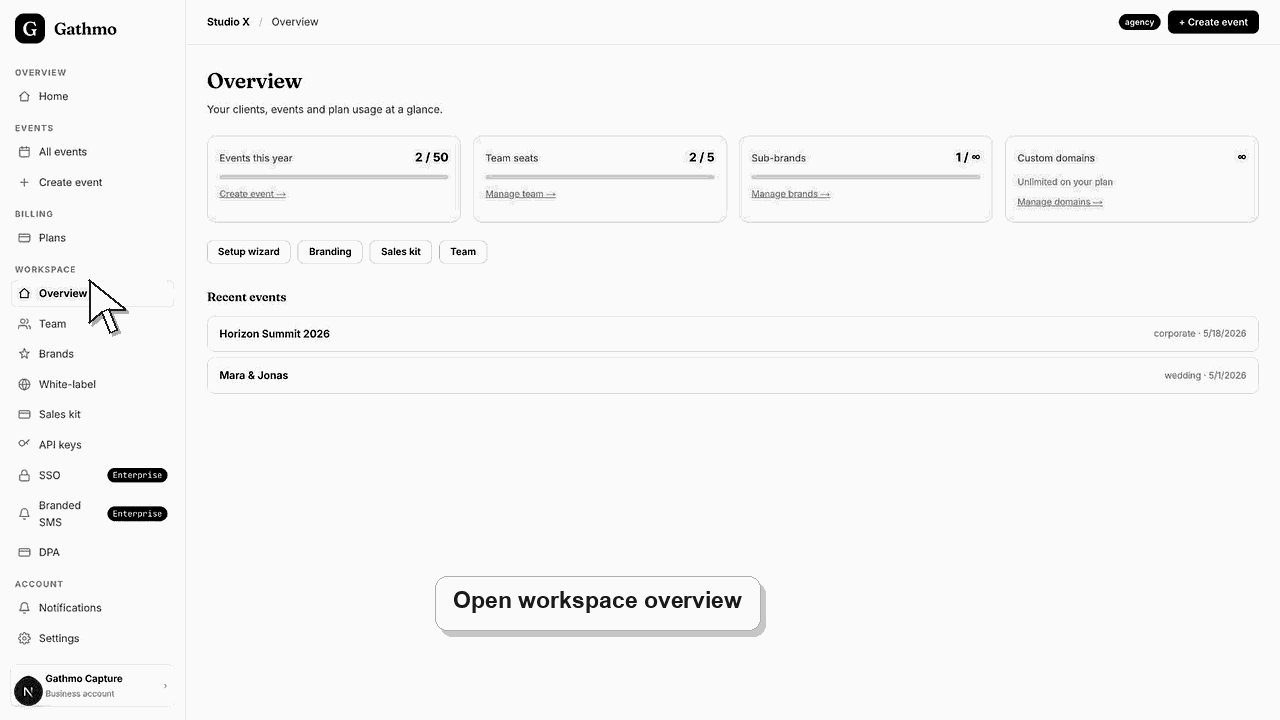
Gathmo business billing is prepaid. Business customers pay 6 or 12 months in advance, rather than using a casual month-to-month event host plan.
Before you start
- Confirm whether you are buying for one event or repeated business use.
- Know whether you need 6 months or 12 months of business access.
- Confirm who should receive invoices or billing receipts.
- Open the correct Gathmo event, workspace, or account before making changes.
Steps
Choose the business billing period
Business accounts should choose a 6-month or 12-month prepaid period based on expected event volume and operational planning.
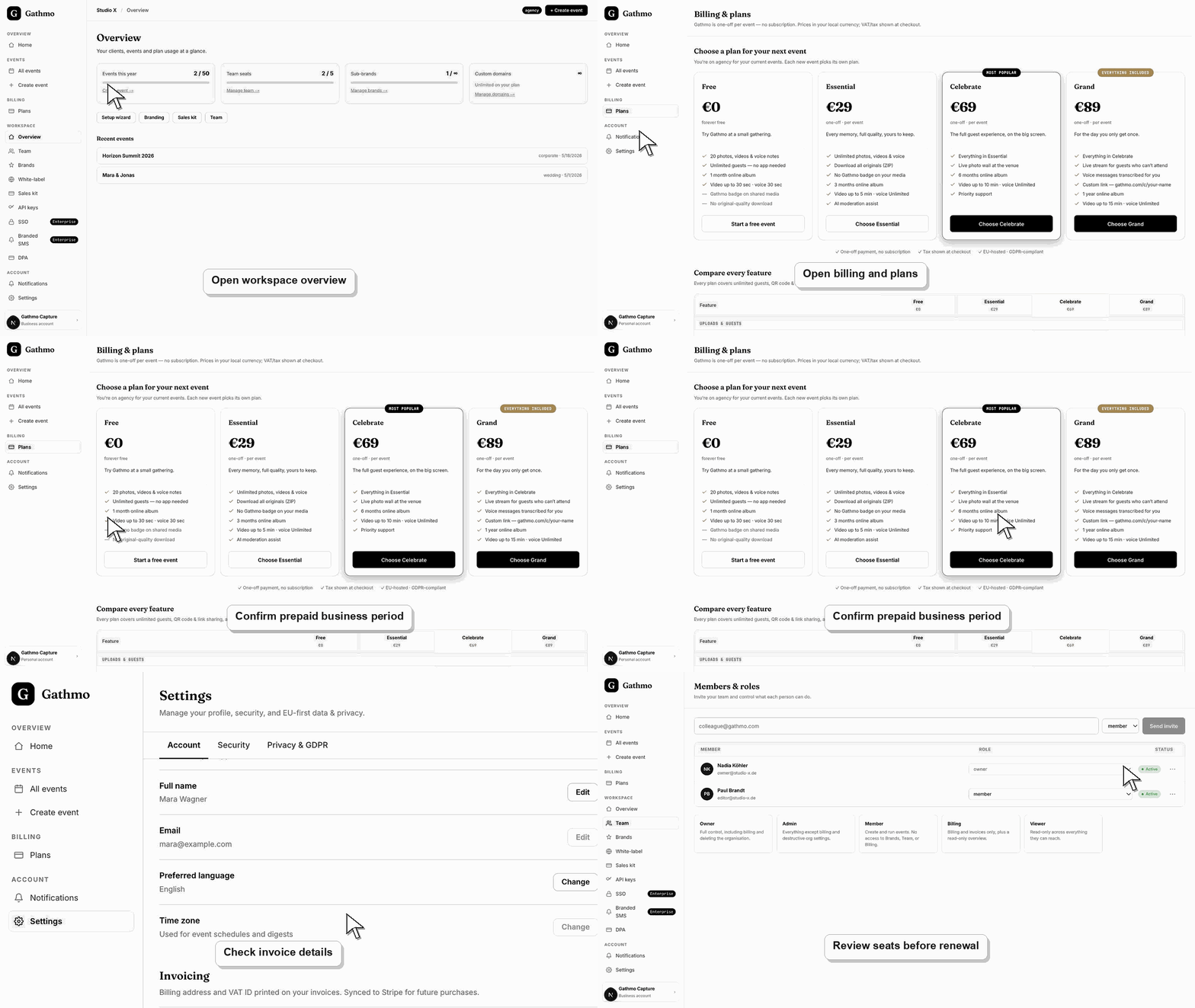
Confirm the business scope
Confirm whether the plan is for a studio, agency, venue, white-label workflow, or repeated internal events.
Keep billing contacts current
Make sure the finance or operations contact can receive invoices, payment updates, and renewal information.
Review renewal timing early
Review renewal timing before the prepaid period ends so event operations are not interrupted.
Confirm checkout or invoice state
Open the billing, checkout, or invoice page that applies to the event or workspace and confirm the current status before changing plans, sending receipts, or promising a feature to guests.
What to do next
- Use one-off event plans when you only need a single event.
- Use business billing when Gathmo is part of a repeated event operation.
- Keep invoice and VAT details up to date before renewal.
- Check the live dashboard or checkout page before making a billing decision, because plan state and tax can depend on account and currency.
Frequently asked questions
Can a Gathmo business plan be paid monthly?
Business billing is intended to be prepaid for 6 or 12 months. It is not the same as a one-off public event plan.
Who should use prepaid business billing?
Use prepaid business billing for studios, agencies, venues, or teams that run repeated events and need a business workflow.
Are business prices the same as public event prices?
No. Public event plans are one-off per event. Business plans cover repeated operational use and are handled separately.
When should I review renewal timing?
Review renewal timing before the prepaid period ends, especially if upcoming client events depend on continued business access.
Troubleshooting
Contact support with the account email and intended business use so billing can be reviewed.
Update the billing contact before the next invoice or renewal reminder is sent.
Use the live checkout, invoice, or dashboard billing page as the source of truth. Capture the account email, event name, currency, and visible billing state before contacting support.
Refresh the dashboard, confirm the payment belongs to the correct event or workspace, and check the receipt status. If it still looks wrong, contact support with the receipt and event name.
Billing pages may show account, tax, invoice, and payment details. Share screenshots only with people who are allowed to see that business or personal billing information.
Keep going