Account, billing, and plans
Recover your account and find missing Gathmo emails
Recover a Gathmo account, reset a password with the one-hour link, use Google sign-in correctly, and find missing onboarding, checkout, or transactional emails.

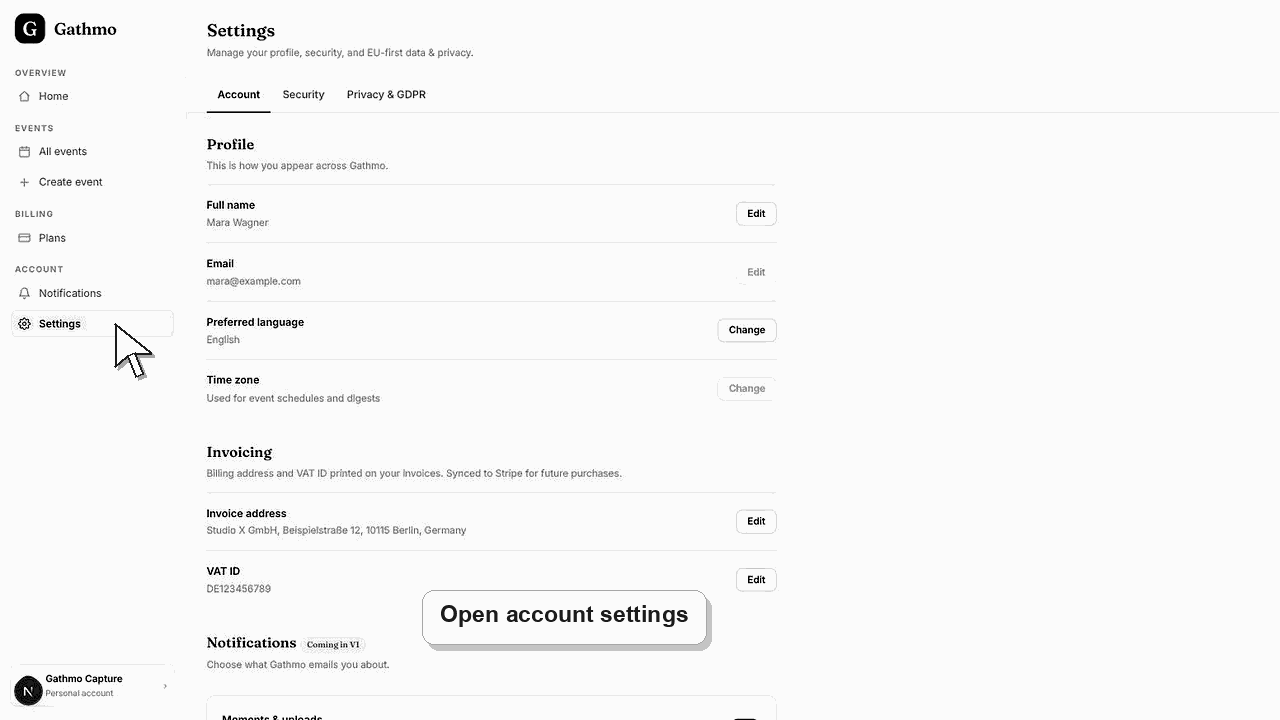
Use “Forgot password” for an email-and-password account; the reset link is single-use and expires after one hour. If the account was created with Google, sign in with Google instead because that account does not have a separate Gathmo password to reset.
Before you start
- Try the email address used at signup or checkout, including aliases and work addresses.
- Check spam, junk, promotions, quarantine, and mailbox rules.
- Make sure you are using the Gathmo dashboard sign-in page, not a guest event link.
- Open the correct Gathmo event, workspace, or account before making changes.
Steps
1. Identify the original sign-in method
If you selected “Continue with Google” during signup, use that same Google account. If you created a password, continue with the password recovery flow.
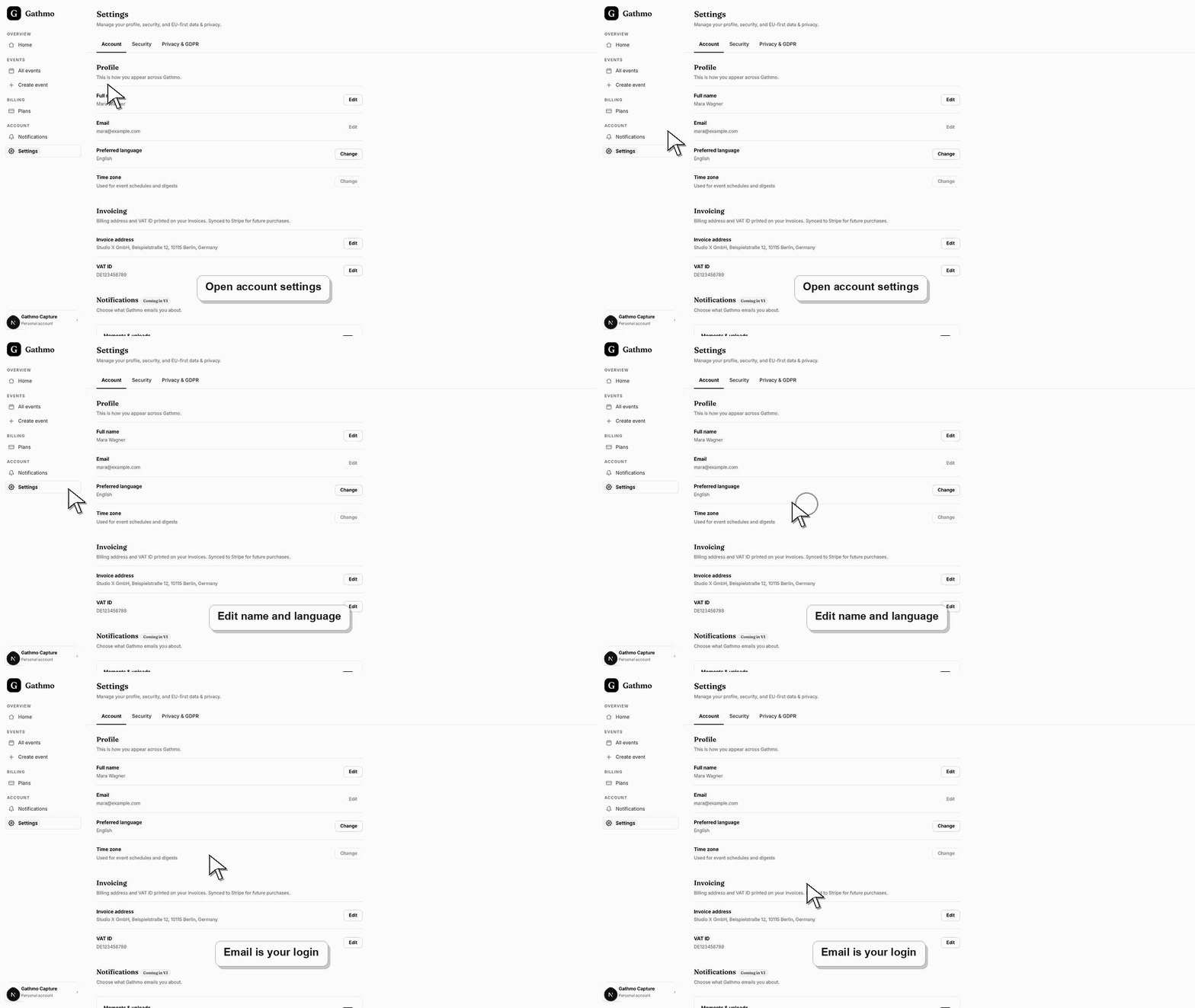
2. Request one password reset
Open Forgot password, enter the account email, and submit. Gathmo always shows the same confirmation response whether or not the address is registered, which prevents attackers from discovering accounts.
3. Check every mailbox folder
Search for Gathmo and inspect spam, promotions, company quarantine, blocked senders, and forwarding rules. Allow several minutes before making another request.
4. Open the newest link within one hour
Use only the most recent reset email. The link is single-use and expires after one hour; requesting a newer email can make an earlier link unsuitable for the current recovery attempt.
5. Set a new password and sign in
Choose a unique password, complete the reset, and return to the dashboard. Do not reuse the password from another service or share the reset URL.
6. Verify account and purchase records
After signing in, open profile and billing to confirm the email, event, payment status, and receipt. A missing onboarding email does not mean the account or purchase failed when the dashboard shows the record.
What to do next
- Update the profile email only through the supported account flow.
- Review active sessions and sign out devices you do not recognize.
- Contact support from the account email if recovery still fails.
- Check the live dashboard or checkout page before making a billing decision, because plan state and tax can depend on account and currency.
Frequently asked questions
How do I find my Gathmo login?
Try the email used for event setup or billing and the original sign-in method. Search your mailbox for Gathmo receipts or onboarding messages without sending confidential payment details to support.
How long does a password reset link last?
One hour. It is also single-use, so request a fresh link if it expired or was already completed.
Why does Forgot password not say whether my email exists?
That is intentional security behavior. Showing the same response for every address prevents account enumeration.
Why did I not receive an onboarding or purchase email?
Spam filtering, work-mail quarantine, an alias, a typo, or delivery delay can hide it. Check the dashboard for the durable account and billing record before retrying payment.
Can support tell me which email another person used?
No. Account details require verification. Contact support from an address connected to the account and provide non-sensitive event or order context.
Troubleshooting
Wait several minutes, search all folders, confirm the spelling, and avoid repeated requests. Rate limits allow only a small number of attempts; support will not disclose whether an unrelated address has an account.
Return to Forgot password and request one new link, then open the newest email within one hour. Do not reuse a link after the password has already changed.
Sign out of the unintended Google account or use a private browser window, then choose the Google identity originally used for Gathmo.
Use the live checkout, invoice, or dashboard billing page as the source of truth. Capture the account email, event name, currency, and visible billing state before contacting support.
Gathmo's uniform reset response and rate limits protect account existence from disclosure. Support should never ask for your password, reset token, full payment card number, or mailbox login.
Keep going