Account, billing, and plans
Storage limits, retention, extensions, and event expiry
Compare Gathmo storage and retention by event plan, including regional NGN limits, the 14-day deletion grace period, downloads, and extension options.

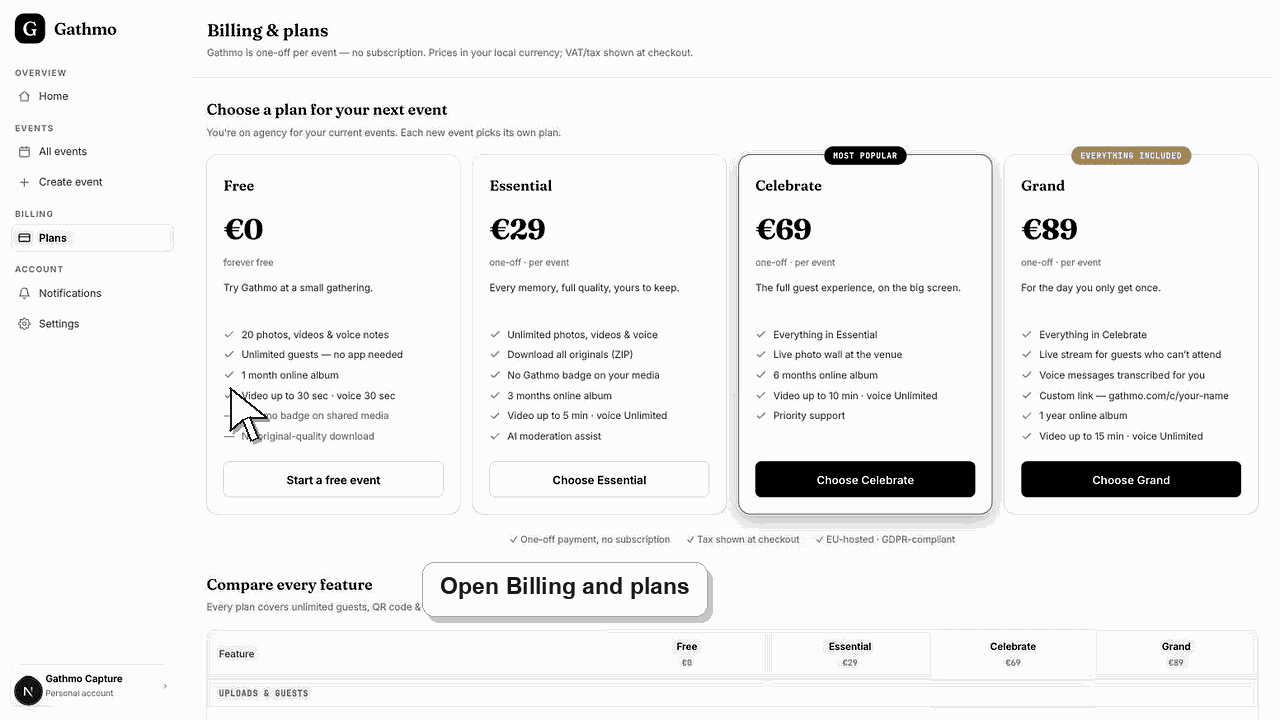
Every Gathmo event has both a storage allowance and an online retention window. Standard limits are Free 5 GB for 30 days, Essential 50 GB for 90 days, Celebrate 100 GB for 183 days, and Grand 250 GB for 365 days; NGN regional plans use lower storage allowances and 90-day paid retention, as shown in the live checkout.
Current per-event limits
Retention starts when the event service is activated: at creation for a free event and at paid activation for a paid event. The regular deadline is followed by a 14-day grace period before scheduled deletion.
| Plan | Standard storage | Standard retention | NGN storage and retention |
|---|---|---|---|
| Free | 5 GB | 30 days | 1 GB and 30 days |
| Essential | 50 GB | 90 days | 5 GB and 90 days |
| Celebrate | 100 GB | 183 days | 10 GB and 90 days |
| Grand | 250 GB | 365 days | 20 GB and 90 days |
Before you start
- Open the event and confirm its tier, billing currency, and displayed expiry date.
- Estimate large video usage as well as photo count.
- Decide where downloaded originals will be stored securely after Gathmo retention ends.
- Open the correct Gathmo event, workspace, or account before making changes.
Steps
1. Check the event's effective plan
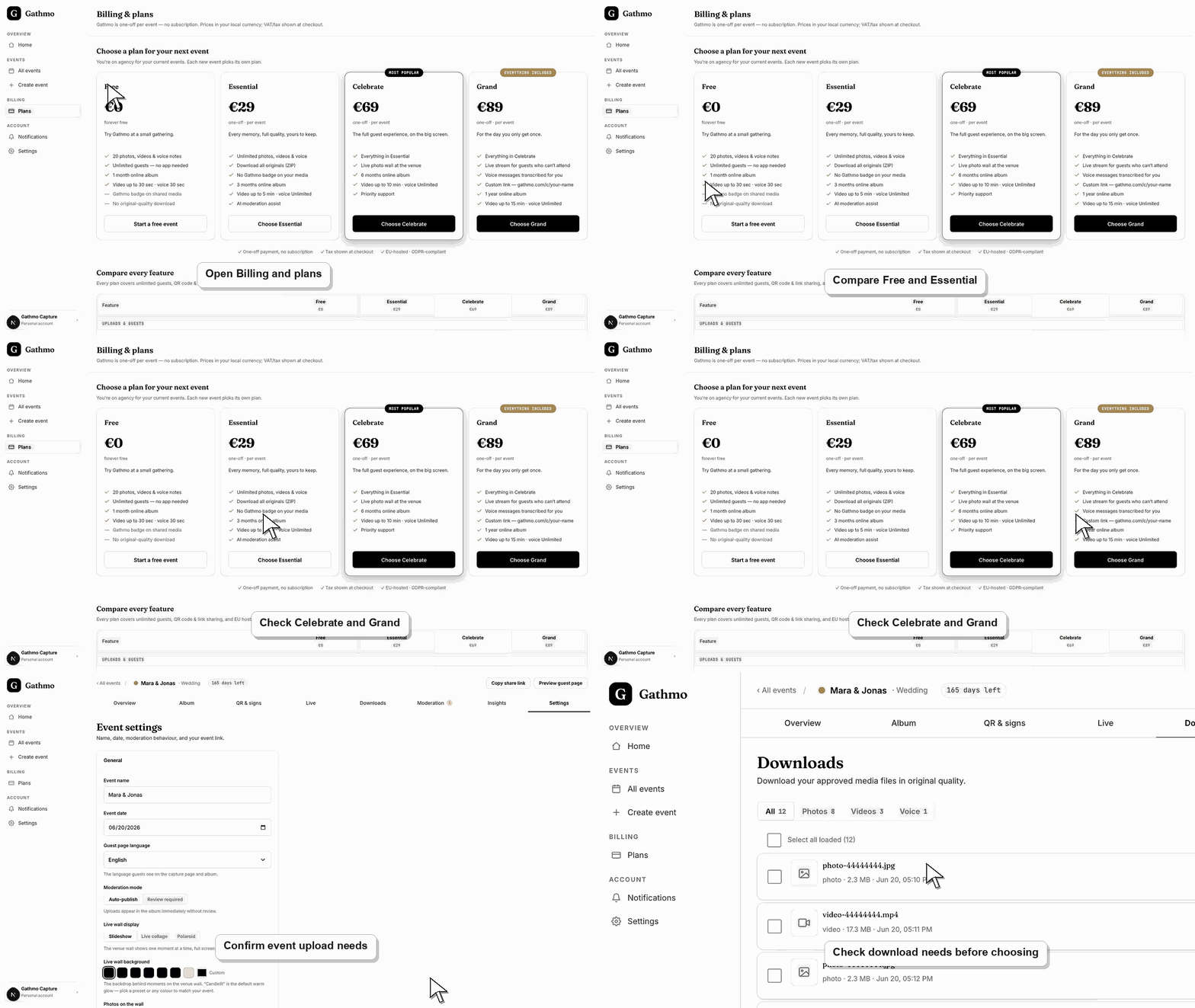
Open the event dashboard and billing area. Use the live plan and account currency as the source of truth because regional limits or a reseller configuration can override a general comparison table.
2. Review both item and storage limits
Paid personal plans allow unlimited item count, but “unlimited items” does not mean unlimited bytes. Long or high-resolution videos can reach the storage allowance before a large collection of photos does.
3. Note the retention deadline
Record the event's expiry date in the project calendar. Retention is finite on every per-event plan, and the scheduled event date is not necessarily the start of that period.
4. Download originals early
Review the final album and export files before the regular deadline. Paid plans include ZIP download; selected-file or individual download may also be available in the applicable dashboard flow.
5. Request an extension before deletion
If you need more online time, first check for an available plan upgrade or extension in the dashboard. If no self-serve option appears, contact support before the grace period ends with the event name, current plan, and requested date.
6. Treat the grace period as recovery time
Gathmo's 14-day grace period is designed to prevent immediate deletion after the regular retention deadline. It is not a promise of permanent storage; complete the export or approved extension before purge.
What to do next
- Keep a verified copy of the exported media outside Gathmo.
- Remove media you do not need instead of using the event as indefinite storage.
- Confirm an extension in the dashboard or in writing before relying on it.
- Check the live dashboard or checkout page before making a billing decision, because plan state and tax can depend on account and currency.
Frequently asked questions
How much storage do I get?
Standard per-event storage is 5 GB Free, 50 GB Essential, 100 GB Celebrate, and 250 GB Grand. NGN limits are 1 GB, 5 GB, 10 GB, and 20 GB respectively.
Can I extend my gallery or album?
An upgrade or support-approved extension may be possible before deletion, but it is not automatic. Check the dashboard and contact support early with the event details.
What happens when a business plan is canceled or ends?
The workspace loses future entitlement according to its prepaid term and plan state. Existing event media still follows each event's effective retention and deletion dates, so export client deliverables before the business term or event retention ends.
Does canceling delete content immediately?
Not merely because a future renewal stops. Content follows its effective event retention and deletion lifecycle unless the host deletes the event or another account action removes it sooner.
Is Gathmo a permanent backup?
No. Every event has finite retention. Download the originals and keep a separate secure archive if the memories or client deliverables must be preserved long term.
Troubleshooting
Unlimited item count and storage capacity are separate. Remove unnecessary large files, download the collection, or move to a plan or approved configuration with more storage.
Check when the event was created or paid, its currency, and any reseller-specific plan limits. Contact support with the event ID and receipt if the displayed plan does not match the purchase.
Download immediately and contact support before purge. Recovery after deletion is not guaranteed, and backups are not a customer-facing archive.
Use the live checkout, invoice, or dashboard billing page as the source of truth. Capture the account email, event name, currency, and visible billing state before contacting support.
Retention limits reduce indefinite storage of personal event media. Hosts remain responsible for exporting only what they should retain, storing it securely, and honoring deletion requests after files leave Gathmo.
Keep going