Why Google Photos and Google Drive aren't the best way to collect event photos

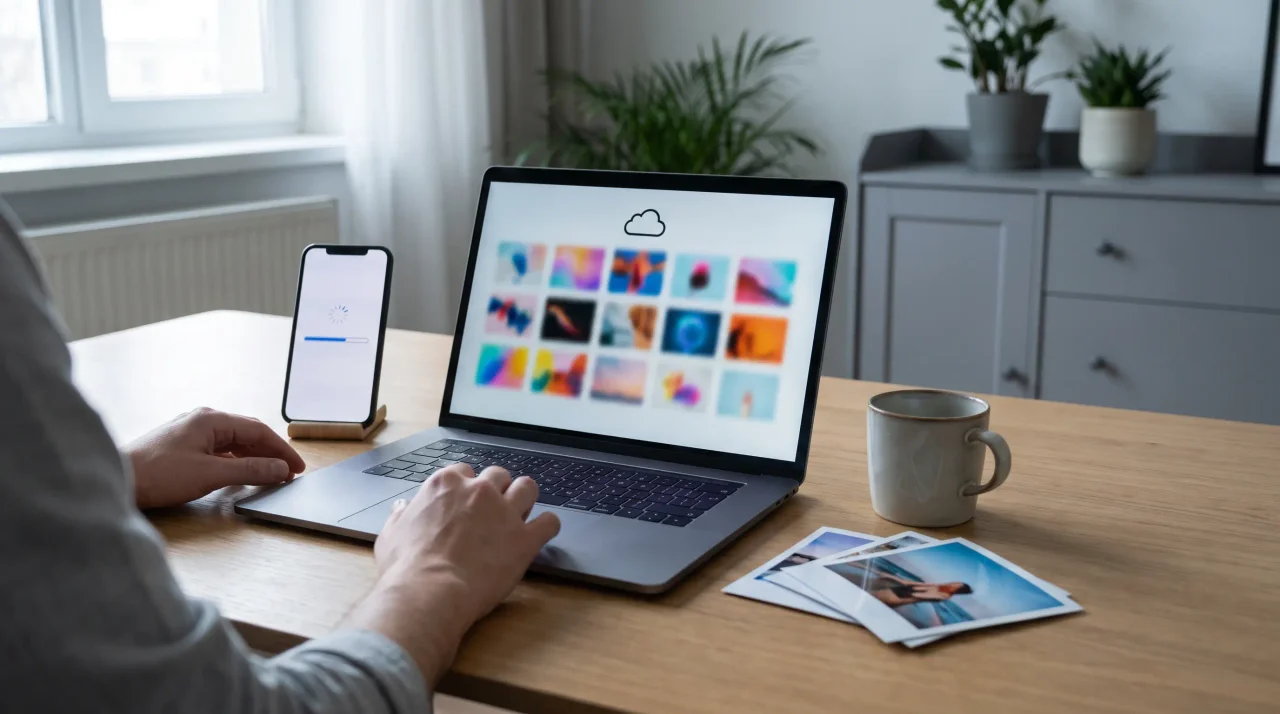
Google Photos and Google Drive are good for backing up your own photos and poor for collecting them from event guests. A guest must be signed into a Google account to contribute, every upload counts against a 15 GB allowance shared with Gmail and Drive, and storage saver can quietly degrade video. A no-account QR upload avoids all three.
Reaching for a Google Photos shared album or a Google Drive link is the natural reflex -- it is free, familiar, and you already have it. To be fair up front: for backing up your own photos and sharing the finished gallery with family afterwards, Google is genuinely good. The argument here is narrower and specific: as a way to collect photos from a roomful of guests at a live event, it quietly works against you. Here is exactly where -- with Google’s own documentation -- and what to use instead.
1. Guests need a Google account to contribute
Anyone can view a shared link, but to add photos as a collaborator, a guest has to be signed into a Google account. With a Google Drive folder set to "anyone with the link", guests who are not signed into the right account get bounced to a "request access" screen -- and that request lands in your inbox, which nobody is checking during a wedding or a party. Every guest who hits an account wall is a guest whose photos you never get.
2. The free 15 GB fills up -- and it is shared
Google ended free unlimited photo storage on 1 June 2021 (announced on Google’s own blog). Since then, every upload counts against your free 15 GB -- and that 15 GB is shared across Gmail, Google Drive and Google Photos, so your existing email and files are already eating into it. Worse, in a collaborative album, uploads can draw on each contributor’s own quota, which means a guest whose Google storage is already full can silently fail to upload without anyone noticing.
3. "Storage saver" can quietly degrade your video
To stretch that 15 GB, most people use Google’s "Storage saver" quality. Per Google’s own backup-quality documentation, that downscales video to 1080p and resizes photos above 16 megapixels -- and the compression is lossy and irreversible. A 4K wedding clip gets shrunk on the way in. "Original quality" avoids it, but then you burn through the 15 GB cap far faster. Either way, the default is working against the footage you most want to keep.
4. No moderation, and no live wall
A shared album or Drive folder publishes whatever a guest adds, instantly -- there is no way to approve uploads before they appear, which matters the moment you want to show photos on a screen at the event. And there is no live wall at all: none of the social proof that comes from guests watching their photos appear and wanting to join in.
5. It arrives as an unsorted dump with no branding
What you get back is a grid of grey folders and filenames like IMG_5842.jpg -- no event theme, no captions, no slideshow, no warmth. The photos are technically collected, but the result feels like a file server, not the album of your wedding or your kid’s first birthday.
6. For EU hosts, the GDPR posture is your problem
A personal Google account is not sold with a per-event Data Processing Agreement, and guests’ photos (and the faces in them, which are personal data) sit in the Google ecosystem with no event-scoped retention, no built-in consent capture, and no easy bulk-deletion-on-request flow. To be fair: Google does offer GDPR terms for its Workspace and Cloud business customers -- but a typical wedding host on a personal account gets none of that. If your guests are in the EU, a consumer Google account simply was not designed for compliant event data processing. An EU-hosted album with a DPA was.
Side by side
| Google Photos / Drive | A QR event album (Gathmo) | |
|---|---|---|
| Guest needs an account | Yes, to contribute | No -- scan and upload |
| Phone upload | Fragile in mobile browser | Built for phones in the browser |
| Storage cap | 15 GB shared with Gmail & Drive | Per-plan event storage |
| Video quality | "Storage saver" downscales to 1080p | Full-resolution originals |
| Moderation | None -- appears instantly | Approve before it shows |
| Live wall | No | Yes, multiple modes |
| EU hosting / DPA | Not on a personal account | EU-hosted; DPA on request |
| Branding & feel | Grey folder of filenames | Branded album + slideshow |
When Google IS the right tool
None of this means Google Photos is bad -- it means it is the wrong tool for one specific job. For backing up your own camera roll, for sharing the finished, curated gallery with family after the event, or for a tiny gathering where everyone is already in your Google contacts, a shared album is perfectly fine. The friction only bites when you are trying to collect, live, from a crowd of guests who are not all on Google.
For that job, use a no-app QR album: guests scan, upload in the browser, and everything lands in one private, moderated, full-resolution album you own. That is the whole idea behind QR-code photo collection -- see how Gathmo works and what each plan includes.
Frequently asked
Not to a shared album as contributors. Anyone with the link can view, but to add photos a guest must be signed into a Google account. With a Google Drive "anyone with the link" folder, guests not signed into the right account are sent to a "request access" screen, and that request lands in the host’s inbox. This account wall is the single biggest reason a Google shared album collects fewer photos than a no-app QR album, where guests just scan and upload.
Yes, on the default "Storage saver" setting. Per Google’s own documentation, Storage saver downscales video to 1080p and resizes photos larger than 16 megapixels, and that compression is lossy and irreversible. You can choose "Original quality" to avoid it, but originals count fully against your shared 15 GB storage, which fills up quickly with a wedding’s worth of media.
Yes. Since free unlimited storage ended on 1 June 2021, all uploads count against a free 15 GB allowance that is shared across Gmail, Google Drive and Google Photos -- so your existing emails and files already reduce it. In collaborative albums, uploads can also draw on each contributor’s own quota, meaning a guest with full Google storage may silently fail to upload.
A personal Google account is not designed for compliant event data processing: it comes with no per-event Data Processing Agreement, no event-scoped retention or consent capture, and no simple bulk-deletion flow, while photos of identifiable guests are personal data. Google does offer GDPR terms to its Workspace and Cloud business customers, but a typical host on a personal account gets none of that. For EU events, an EU-hosted album with a DPA -- such as Gathmo -- removes the burden; see our GDPR guide.
A no-app QR event album. Guests scan a printed code, the upload page opens in their browser with no account or login, and photos, video and voice notes land in one private album the host can moderate and download in full resolution. Unlike a Google shared album, it adds host approval, a live wall, EU hosting with a DPA, and a branded look. Compare the options in our best event photo apps roundup.
 Guide
GuideHow to collect photos from your event guests (the easy way)
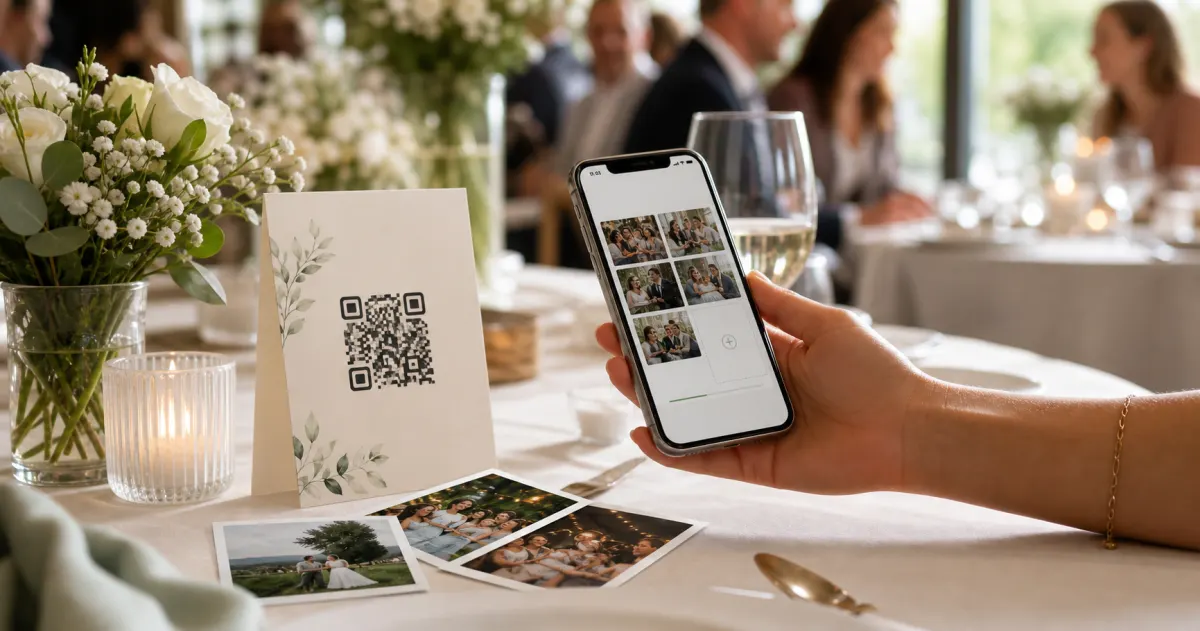
A printed QR code on the table collects more photos than any link in a group chat -- here is why, and how to set one up in two minutes.
 Guide
GuideCollecting guest photos in the EU without the GDPR headache
Consent, data residency, and erasure -- the three things that make event-media GDPR-compliant, and how to get them right by default.
 Guide
GuideInteractive Photo Booth: 7 Formats, Costs and Space Needs
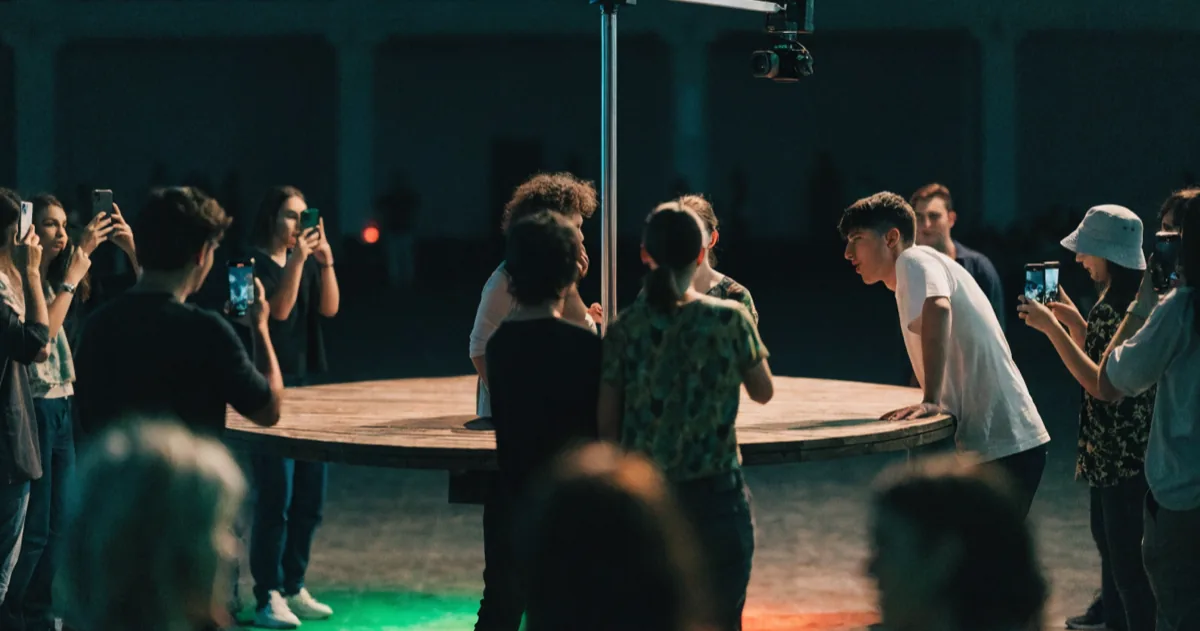
Seven interactive photo booth formats compared on cost, floor space, power, throughput and how guests actually get the photos — with sourced figures.