Start here
Getting started
Create your event, test the guest flow, and understand the basics.

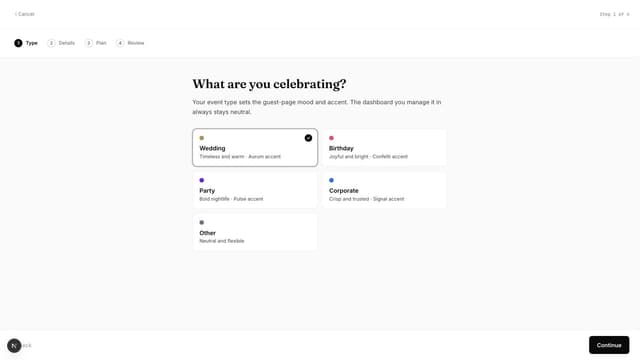
Create a Gathmo event, choose guest upload options, test the QR flow, and review plan and privacy settings before sharing with guests.
Written by Martin Freiwald · Updated 8. juli 2026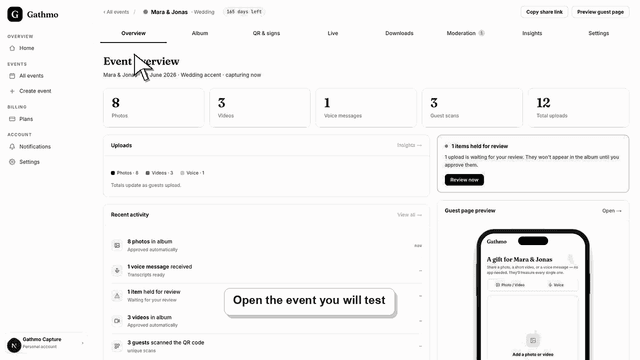
Test the Gathmo QR code, guest upload page, moderation, and dashboard before you print signs or invite event guests.
Written by Martin Freiwald · Updated 8. juli 2026Use Gathmo for weddings, birthdays, parties, corporate events, and other private occasions; the event type labels your setup but does not limit uploads.
Written by Martin Freiwald · Updated 13. juli 2026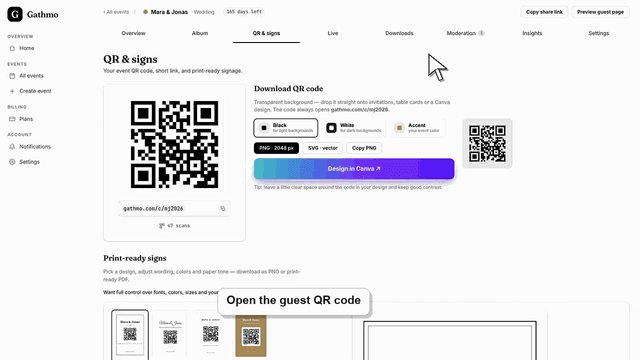
Gathmo works in modern phone and desktop browsers without a guest app. Learn about iPhone, Android, Mac, Windows, countries, currencies, and cloud photo…
Written by Martin Freiwald · Updated 13. juli 2026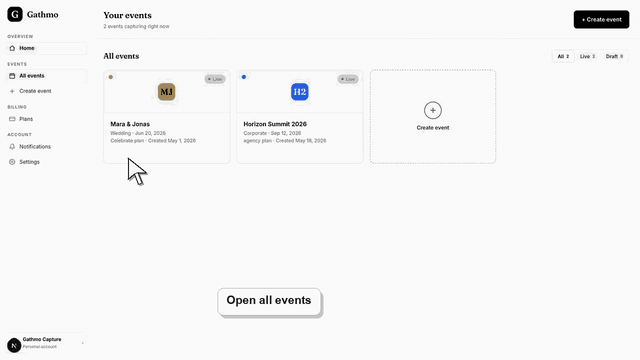
Learn how one Gathmo event connects its guest upload page, host-managed album, public gallery view, moderation queue, and optional live wall.
Written by Martin Freiwald · Updated 13. juli 2026Create a Gathmo event at any time, test with up to 20 items, unlock paid capacity 48 hours before the date, and keep collecting afterward.
Written by Martin Freiwald · Updated 13. juli 2026Related areas