Share
QR codes and sharing
Download, print, place, and troubleshoot event QR codes.
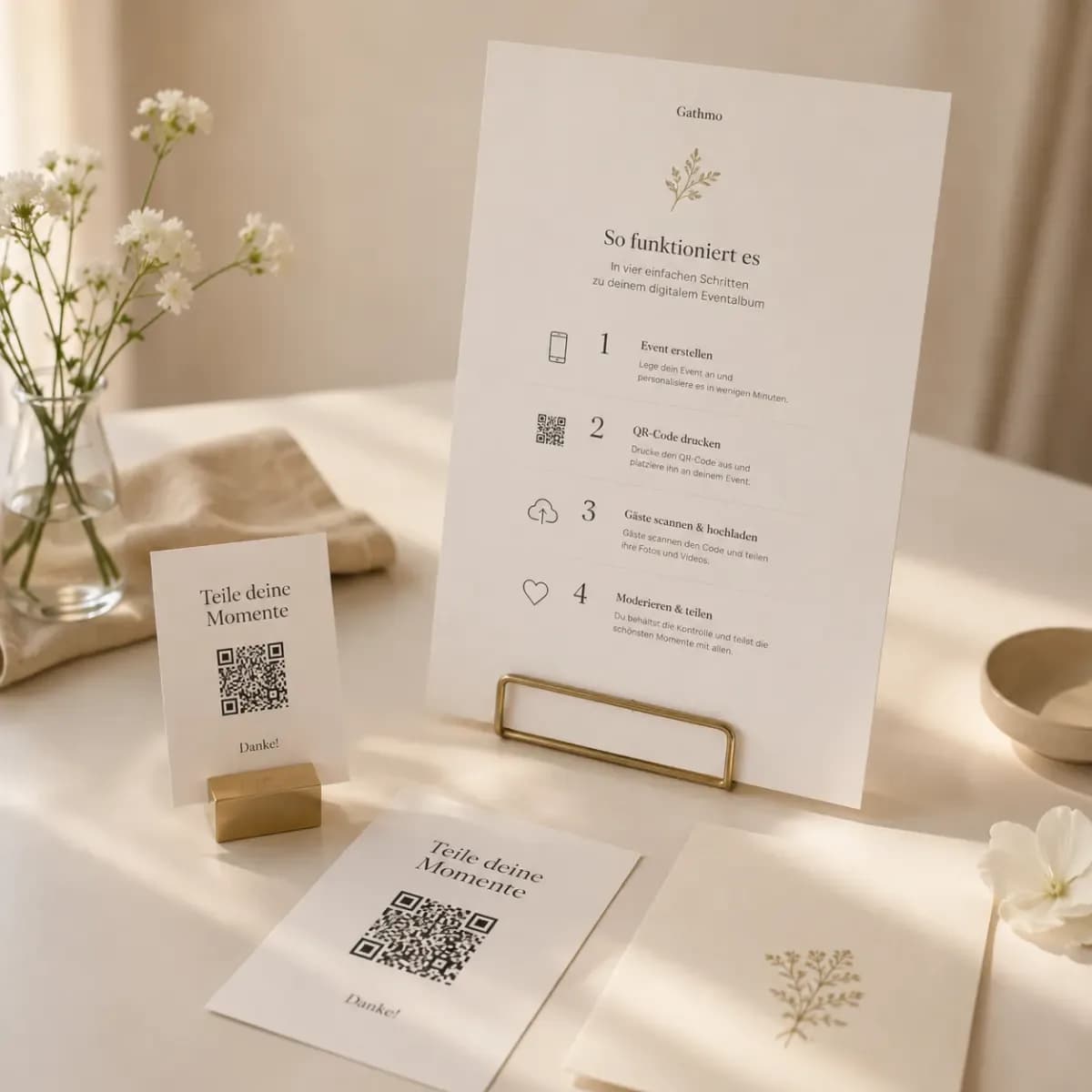
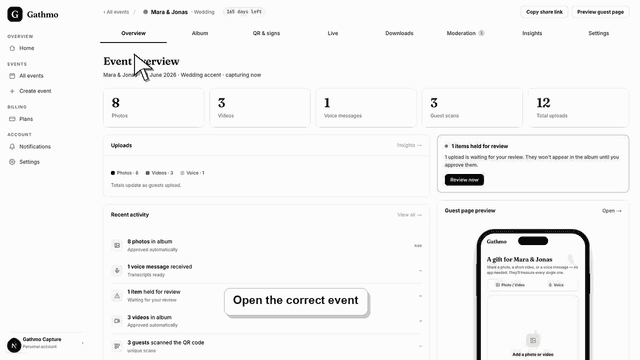
Find and download the Gathmo event QR code guests use to upload photos, videos, and voice messages, then test it before printing.
Written by Martin Freiwald · Updated 9. juli 2026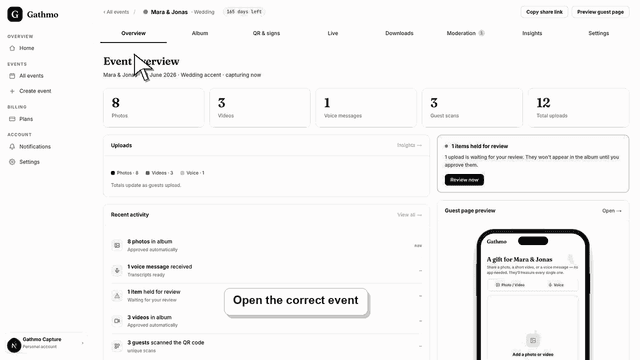
Copy and share the event link when guests should upload media from a message, email, or event page instead of a printed QR code.
Written by Martin Freiwald · Updated 8. juli 2026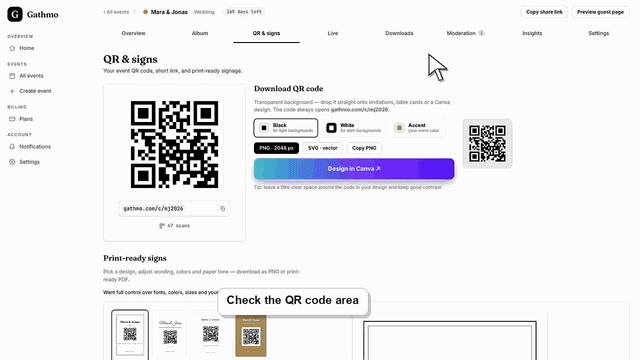
Fix Gathmo QR code scanning problems during an event, check print quality and lighting, and give guests a backup upload link.
Written by Martin Freiwald · Updated 8. juli 2026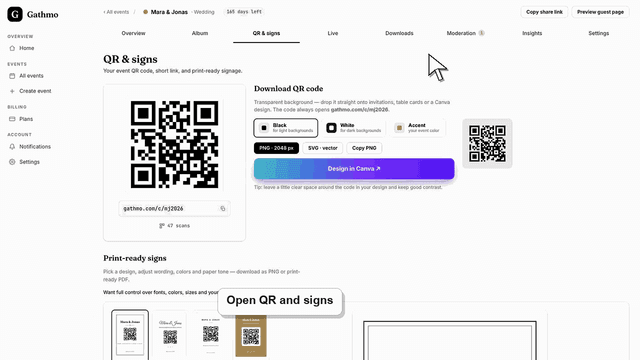
Add a Gathmo QR code to signs, invitations, and table cards with clear instructions, enough contrast, and a phone scan test.
Written by Martin Freiwald · Updated 8. juli 2026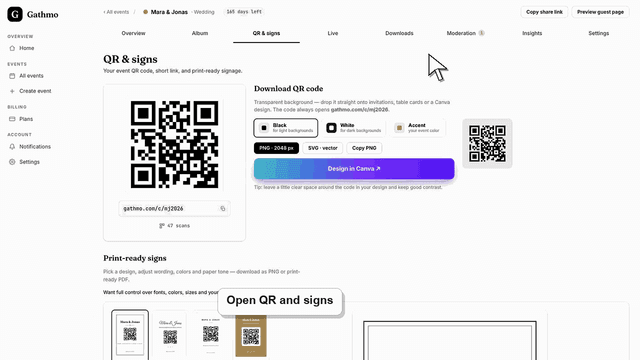
Download your Gathmo event QR code with a transparent background as a 2048 px PNG or vector SVG, in black, white, or your accent colour, ready for any design.
Written by Martin Freiwald · Updated 9. juli 2026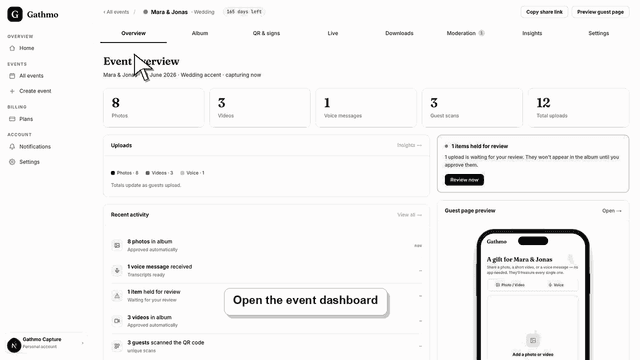
Invite guests with a Gathmo QR code, test the scan on a phone, and place clear instructions before printing or sharing event materials.
Written by Martin Freiwald · Updated 8. juli 2026Related areas