How to Run a Photo Mosaic Wall at a Party: The No-Hardware Version


You've seen the photo mosaic wall. A huge image — the host's face, a logo, a number — slowly fills in as guests' photos drop into place, each shot becoming one tiny tile in a bigger picture. It looks incredible on the night. It also usually arrives on a rented rig with a dedicated printer, a tech in a black T-shirt, and an invoice that makes your eyes water.
Here's the part nobody tells you: most of what makes a mosaic wall feel alive isn't the hardware. It's the live feed — photos appearing on the big screen seconds after your crew takes them, the whole room watching their night build itself in real time. And that part you can run yourself, from a link, on the TV you already have. A family reunion is the harder version of the same problem: capturing one when everyone has a different camera app.
This guide shows you how to get the energy of a photo mosaic wall at your party without renting a single thing — what the hardware version actually does, where a phone-and-QR setup matches it, where it honestly doesn't, and exactly how to set the live version up so it doesn't freeze at midnight. It's written for the person throwing the party, not a production company. If the night in question is New Year, NYE photo ideas for capturing the evening covers what to shoot as well as how to run it.
Set up the mosaic event on Gathmo
Create a Gathmo event from the dashboard and enable the photo mosaic feature. Upload the base image -- company logo, event logo, or a portrait of the guest of honour -- that the mosaic tiles will progressively fill in as guests upload photos.
Display the QR code and the mosaic in the same field of view
Place the QR code sign next to or below the screen showing the mosaic. When guests see their photo tile appear immediately after uploading, the visual feedback drives further uploads from everyone watching.
Seed the mosaic early with a few uploads
At the start of the event, ask three to five people to upload photos right away. A mosaic that is already 10-20 percent filled generates more participation than an empty one; early tiles create social proof that the experience is working.
Download the completed mosaic and all individual photos
After the event, the Gathmo dashboard provides the completed mosaic image alongside all individual uploaded photos. Share the completed mosaic as the event social post -- it is typically more shareable than a standard group photo.
Frequently asked
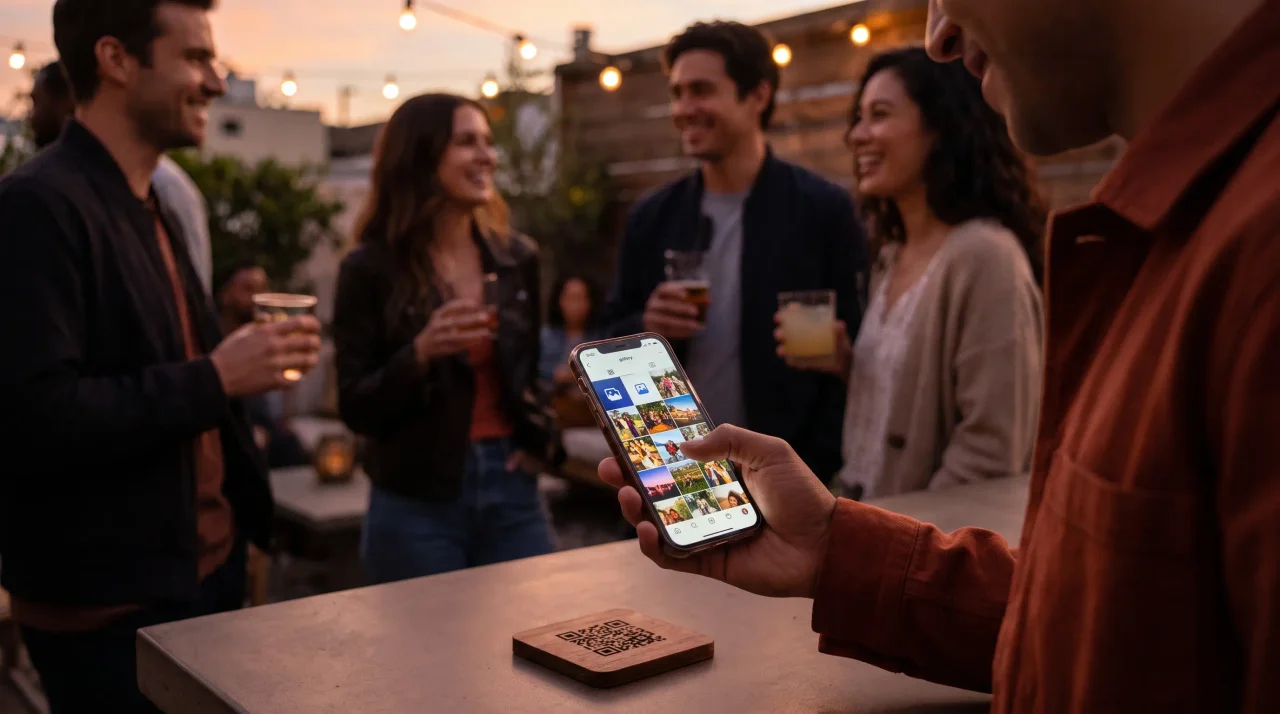
No. Guests scan the QR code or open the link in any phone browser and upload — no app, no account, no signup. Gathmo uses a short-lived, event-scoped guest token, so there's nothing for your crew to install or log into.
Anything that opens a web page: a smart TV browser, a laptop on HDMI, or a casting stick to the TV. The wall runs in the browser, so there's no dedicated mosaic rig to rent. Open the display view full-screen before guests arrive.
Not in the tiled-render sense. A Gathmo live wall is a real-time slideshow of your guests' photos on the big screen — the live energy of a mosaic wall without the rented hardware. If you specifically need a single tiled image of small photos, that's a separate, dedicated product you'd add on top.
The live slideshow starts at Celebrate (€69). Grand (€89) adds a live-stream broadcast and an unlimited guest count for bigger, more public nights. Free and Essential collect photos into an album but don't put the live feed on screen.
Yes. Use the manual review queue so uploads wait for your approval before they appear, instead of auto-publishing. Paid tiers also run AI visual moderation with a human review option as a backstop.
Same QR code. They tap the voice tab and record from their phone — the voicemail booth is on every tier (30s on Free up to 120s on Celebrate and 180s on Grand), with automatic transcripts on Grand. No microphone or handset to rent.
A photo mosaic wall requires 100 to 500 individual tile photos to form a recognisable image at viewing distance, depending on final size and resolution. For a real-time event mosaic where guest uploads fill tiles progressively, you need a steady stream throughout the event. Practical target: one upload per three to five guests attending. For a 200-person event, expect 40 to 70 uploads if QR cards are on every table and an MC mentions the wall. The mosaic rendering is handled by dedicated mosaic software — not by Gathmo, which manages the upload collection and album layer. Gathmo provides the QR upload mechanism and the full-resolution image archive; the mosaic tool assembles the tiles from the uploaded files.
 Guide
GuideGraduation Party Planning: The Complete Photo and Memory Capture Checklist
The cap is in the air, the gown is half off, and your whole crew is in the backyard at the same time for what might be the last time in a long while. That's a graduation party...
 Ranking
The Best Free Party Photo Apps That Don't Require Guest Signups (2026)
It's 1am. The room is loud, the night peaked twenty minutes ago, and you want a photo of all of it. So you point your crew at the app — and watch three of them bounce off a...
 Guide
GuideHow to Capture a Family Reunion in Photos (When Everyone Has a Different Camera App)
You get everyone in one place maybe once every few years. The cousins fly in. Someone drives six hours. The grandparents hold court at the head of the table, and for one...