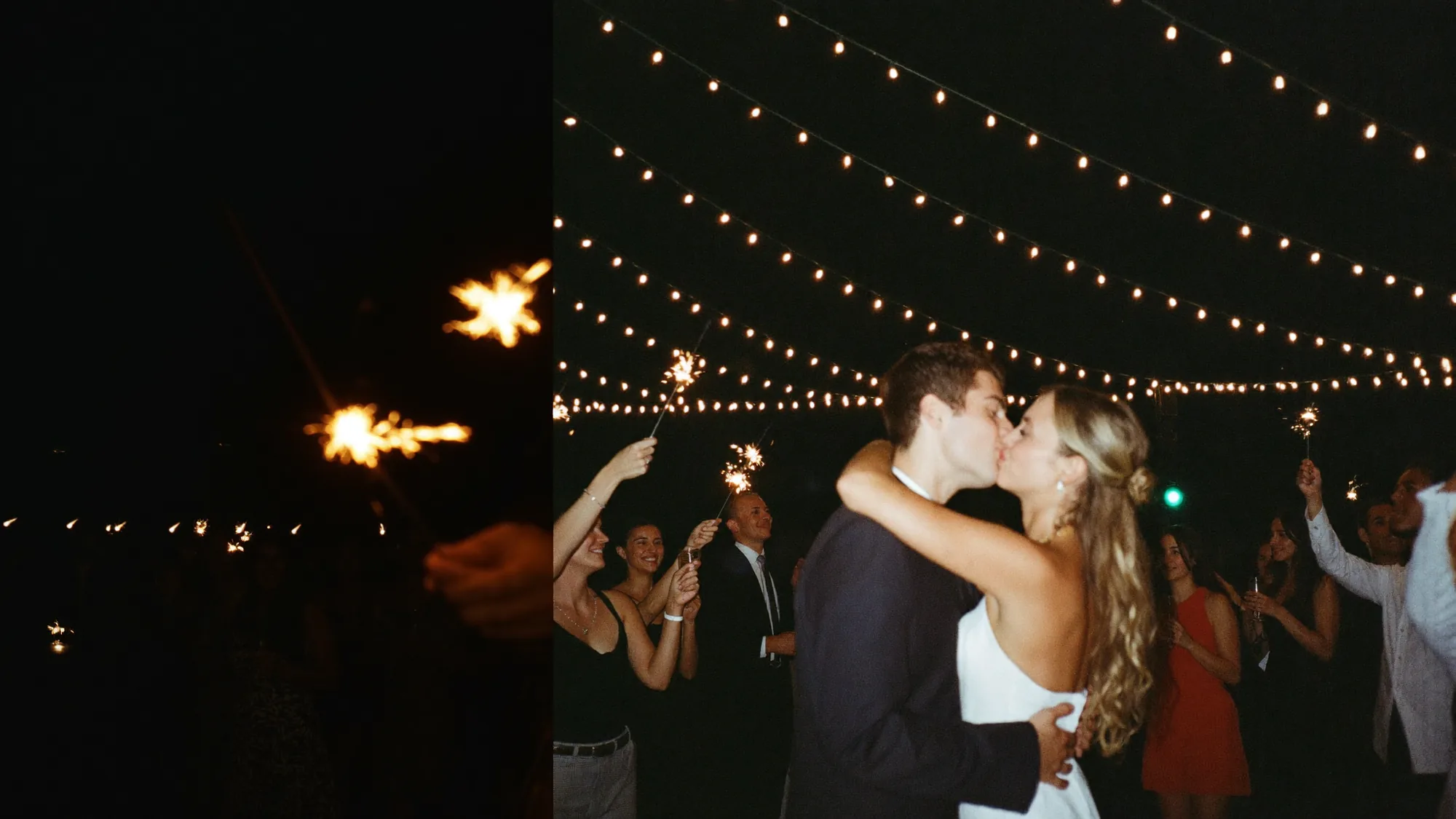
A QR code for wedding photos your guests will actually use
Put one code on the table cards and the welcome sign. Guests scan, upload, and every picture from the day lands in your private album instead of scattered across their camera rolls.
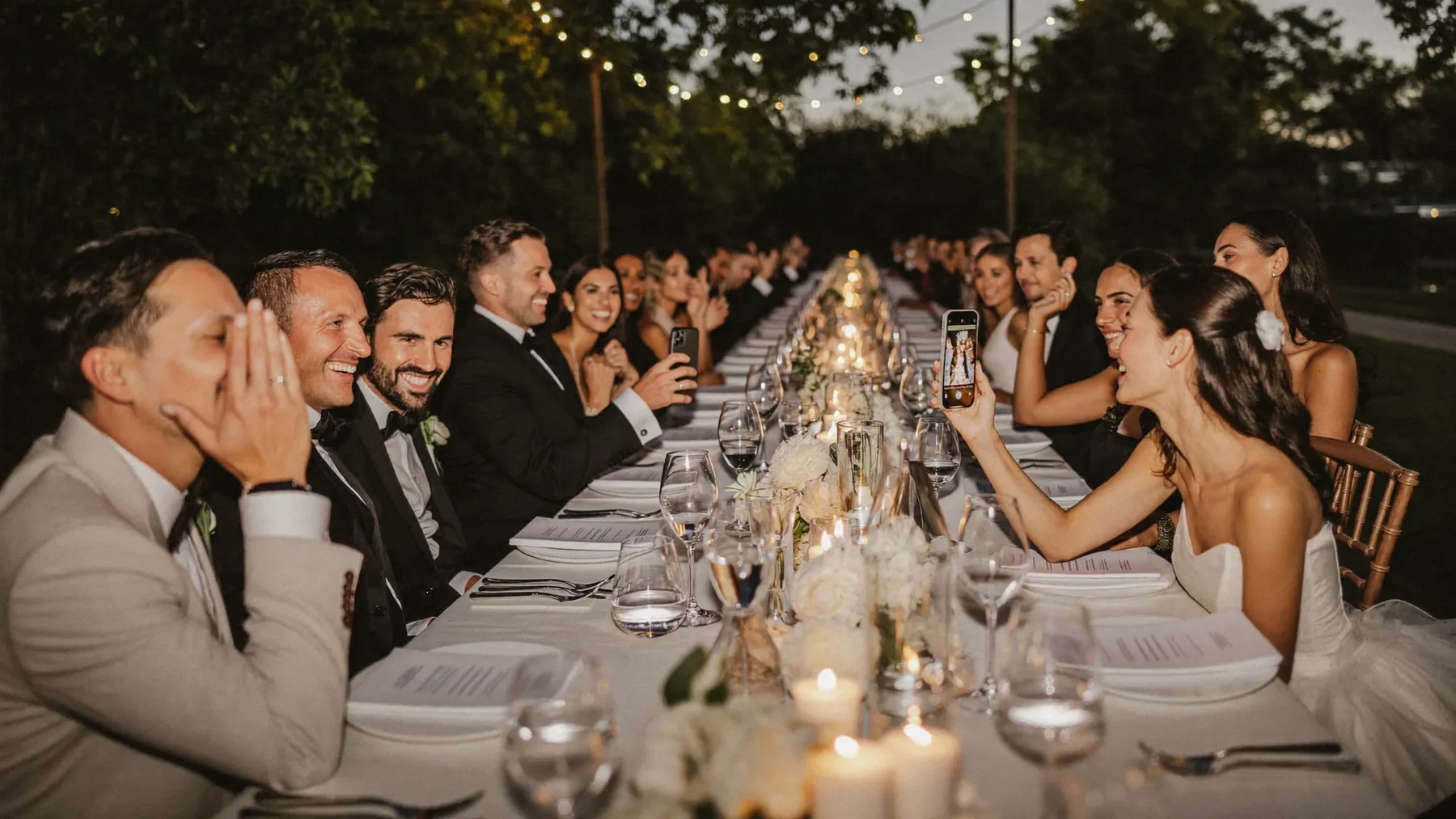


The best photos of your wedding are on phones you'll never see
Guests capture the day from forty angles — and almost all of it stays in their camera rolls, or arrives crushed in a group chat weeks later.


One QR code, every wedding photo
Guests scan, shoot, and every photo lands in your album — full resolution, the same evening.

From code to keepsake
Create the album
Choose the names, date, and look. Your private link and QR code are ready in about two minutes.
Print the QR codes for the wedding
Table cards, a welcome sign at the entrance, the back of the order of service, or the bar. Two or three placements beat one perfect sign.
Collect everything from the day
Photos appear as guests upload them. Show approved ones on a live wall during the reception, then download the whole album afterwards.
Your guests get the whole album — and can download it.
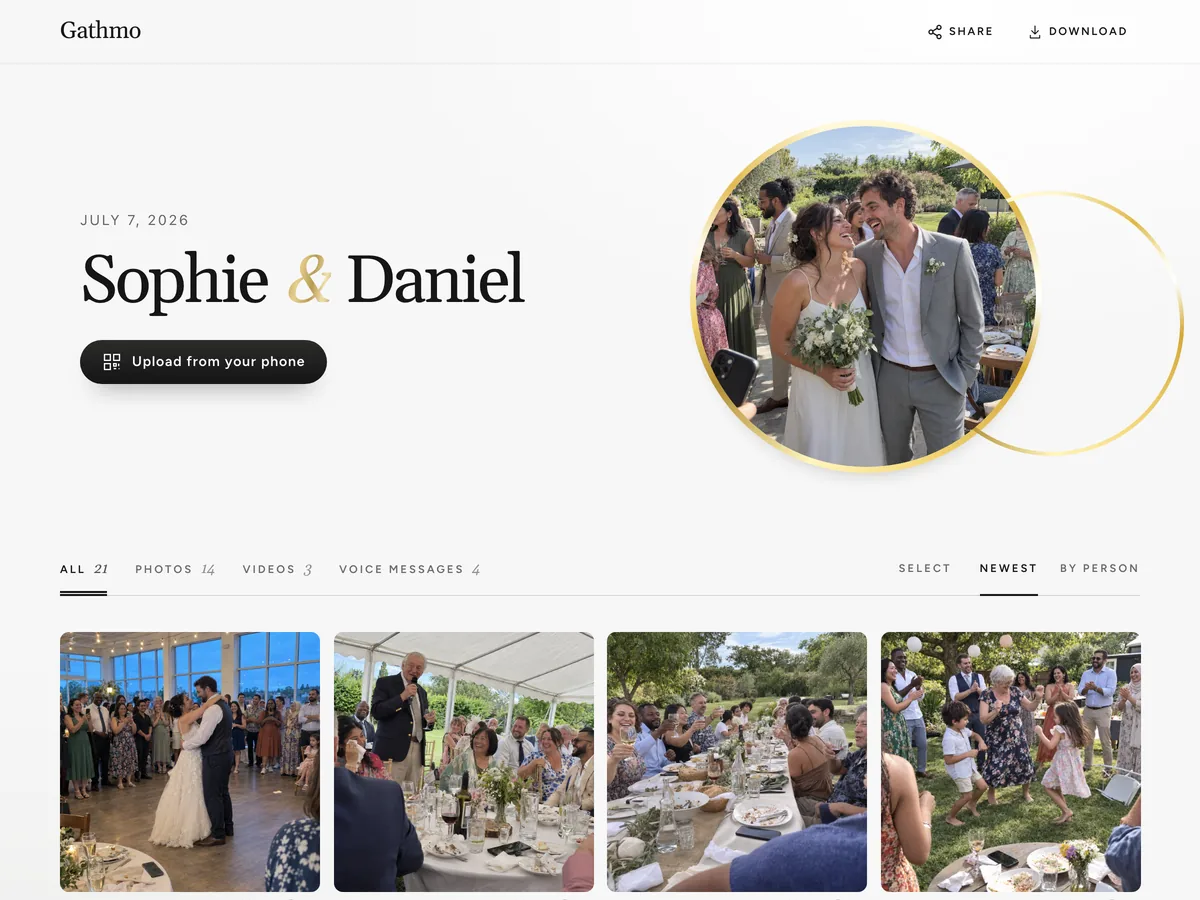
- Photos, videos and voice messages, all on one page.
- Guests open the link and download whatever they want.
- Public, or behind a password — you decide.
What makes the best wedding QR code for photos

It works without an app
Guests aged 8 to 80 will scan a code. Far fewer will install an app during a reception. The code opens an ordinary web page, so participation does not depend on anyone’s patience.

It collects more than pictures
The same code takes short videos and voice messages, so you keep the toast, the advice from your grandmother, and the noise of the dance floor — not just stills.

It keeps the photos private and full size
Uploads arrive at their original resolution in an album only your link opens, rather than compressed inside a group chat that empties out a month later.
Hosts and guests, in their own words
Hearing my grandmother’s voice saying what she wished for us — that’s the file I’ll never delete.
My 78-year-old aunt used it without asking me a single question.
By the end of the night we had hundreds of photos from angles our photographer never could have caught.
It became part of the entertainment, not just a way to collect files.
From $49. Pay once, per event.
No subscription for hosts. Free to start, upgrade only when you need more.
- 60 photos, videos & voice notes
- 5 GB storage included
- Unlimited guests — no app needed
- 30 days album
- Video up to 30 sec · voice 30 sec
- No Gathmo badge on your media
- No original-quality download
- Unlimited photos, videos & voice
- 50 GB storage included
- Download all originals (ZIP)
- No Gathmo badge on your media
- 90 days album
- Video up to 5 min · voice Unlimited
- Host moderation tools
- Everything in Essential
- 100 GB storage included
- Live photo wall at the venue
- 6 months album
- Video up to 10 min · voice Unlimited
- Priority support
- Everything in Celebrate
- 250 GB storage included
- Live stream for guests who can’t attend
- Voice messages transcribed for you
- Custom link — gathmo.com/c/your-name
- 1 year album
- Video up to 15 min · voice Unlimited
Wedding QR codes for photos: FAQ
Create your wedding album, and the QR code is generated with it — there is nothing to configure. Download the printable version for your table cards and signs, or use the free wedding QR code generator if you only need the code itself.
The one guests can use without thinking: it opens in the phone browser, needs no account, and accepts photos, video, and voice in a single upload page. A code that leads to an app store download loses most of the room.
Table cards reach everyone during dinner, a welcome sign catches guests on arrival, and one at the bar catches the rest. Spread two or three placements around rather than relying on a single sign.
No. The phone camera recognises the code and opens the upload page in the browser. There is no app and no guest sign-up.
Yes. The same wedding QR code accepts short videos and voice messages alongside photos, and all of it lands in the same album.
The free plan keeps media for 30 days so you can test the flow before the day; paid plans extend retention and storage. Download the full album at any point to keep your own copy — current limits are on the pricing page.
Yes. The album can run as a live photo wall on a screen or projector, so uploads appear for the whole room during the party.
Only people with your link. Nothing is published anywhere, and you can put the album behind a password.
Several do. Wedibox, WedUploader, Kululu, GuestCam and GUESTPIX all state that guests upload from a QR code or link in the phone browser without installing an app (their own sites, checked 16 October 2026). Gathmo works the same way and also takes voice messages in the same album. Read how to collect event photos without an app.