Downloading and sharing
Let guests download the album with a password
Turn on guest downloads in Gathmo and add an optional password so guests download every shared photo and video as one ZIP in original quality.

Turn on Guest downloads on the Album tab in Gathmo and, if you want, add a password. Guests then open the public album at gathmo.com/album/<code>, enter the password when prompted, and download every shared, approved photo and video as a single ZIP in original quality — no app and no account needed.
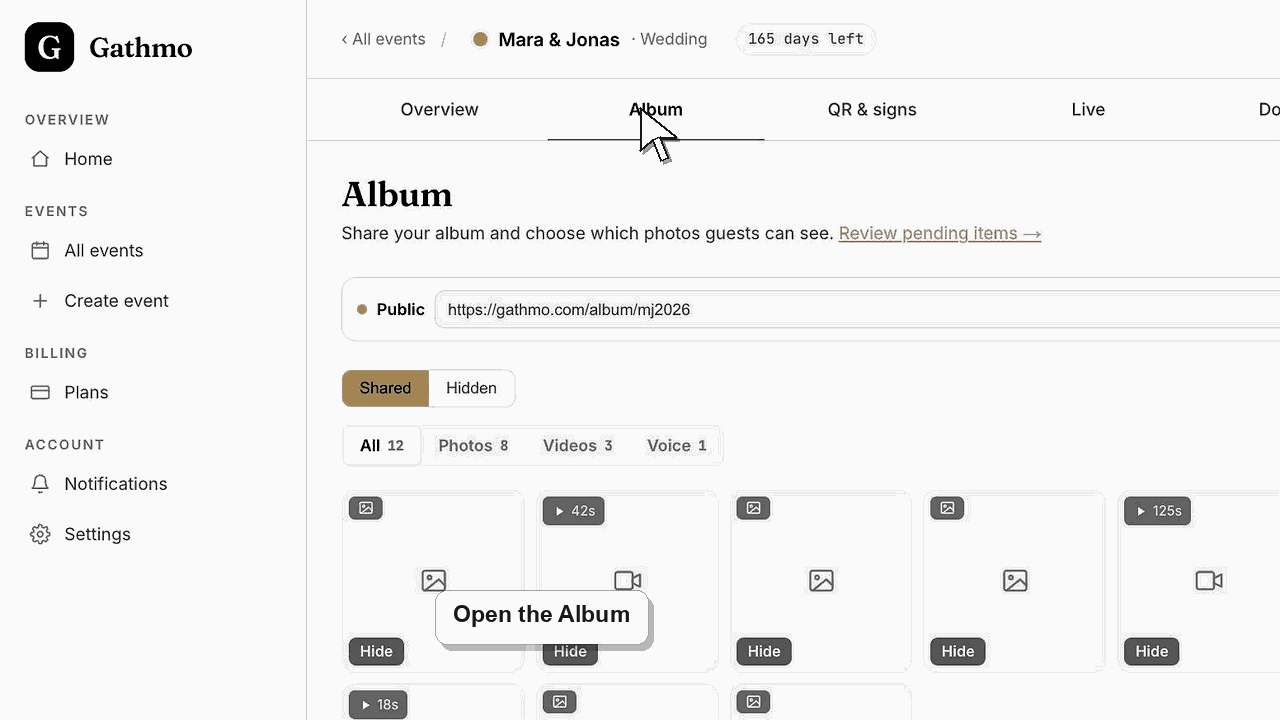
What each guest-downloads setting does
| Setting | What guests can do |
|---|---|
| Off | No Download button appears on the album |
| On, no password | Anyone with the link downloads the ZIP |
| On, with password | Guests must enter the password to download |
Before you start
- Approve the media you want to share, because only shared, approved items are included in the download.
- Turn Album public on, otherwise the link shows nothing and guests cannot download.
- Decide whether the download should be open to anyone with the link or locked behind a password.
- Open the correct Gathmo event, workspace, or account before making changes.
Steps
1. Open the Sharing panel in the Album tab
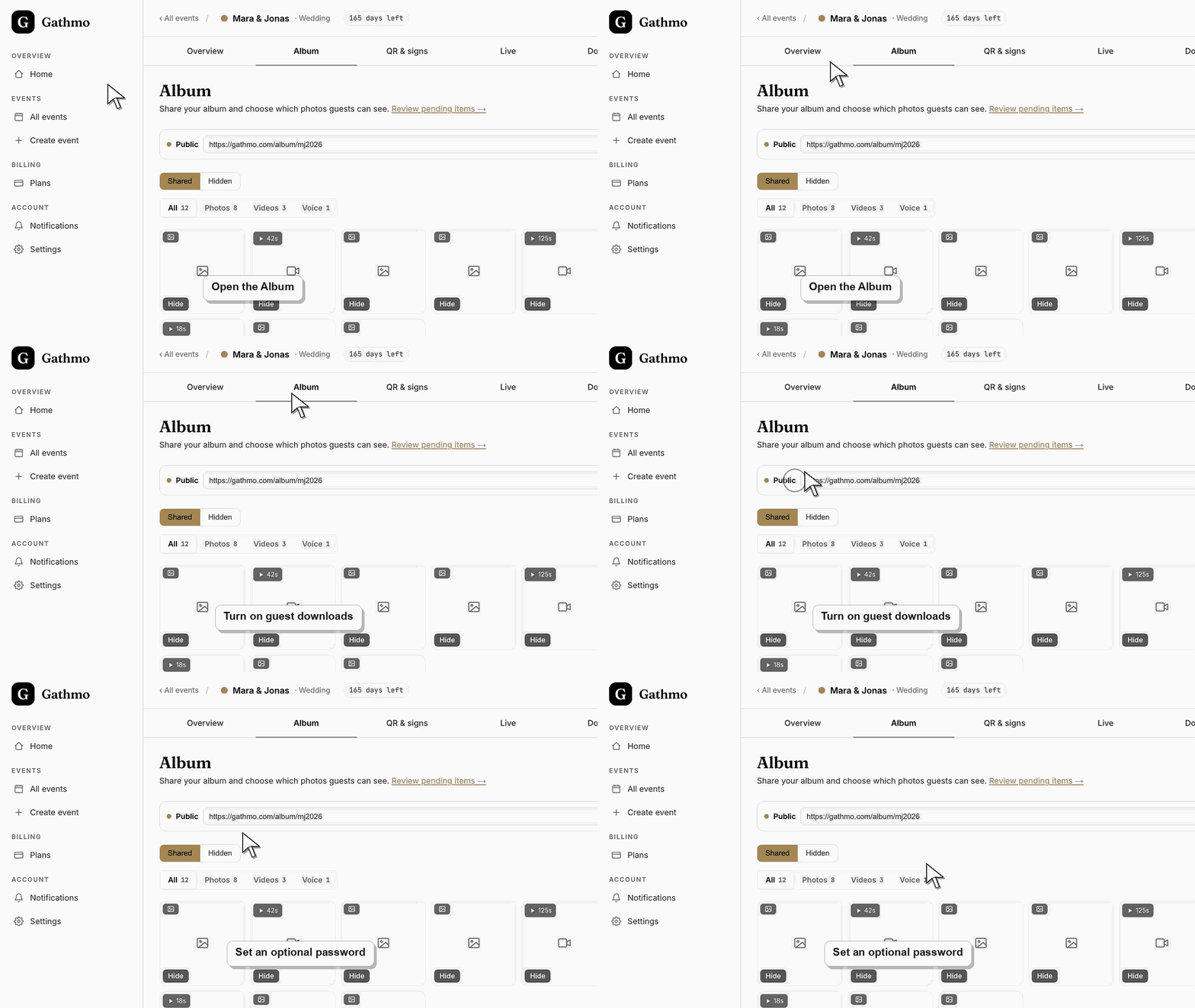
From the event dashboard, open the Album tab. In the toolbar, click the chip that shows Public or Private and the album code. The Sharing panel opens with two groups: Who can see it, with Album public and Album password, and Downloads, with Guest downloads and Download password.
2. Make the album public
Turn Album public on. While it is off, the album link shows nothing to guests, so a download is impossible. Public means anyone with the link can view the shared photos and videos you approved, unless you also set an Album password.
3. Turn on guest downloads
Switch Guest downloads on. This adds a Download button to the public album that packages every shared, approved photo and video into one ZIP file at original quality. Voice messages stay in the album for listening rather than in the bundle.
4. Add a download password
Turn Download password on, type a password and click Save. Guests then have to enter that exact password before the ZIP is prepared. You can come back any time to change the password, or turn Download password off to remove it.
5. Copy and share the album link
Use Copy link to grab the gathmo.com/album/<code> address — it uses the same short code as the guest upload link at /c/<code>. Send it to guests together with the password through your own channel, such as a message or an invitation.
6. Confirm the guest download experience
Open the album link yourself, click Download, and enter the password. Gathmo shows "Preparing…" while it builds the ZIP, then the download starts. A wrong password returns "Incorrect password", so guests can simply try again.
What to do next
- The ZIP contains only shared, approved media in original quality — hidden, rejected, and still-pending items are excluded. Changing the password or turning downloads off takes effect immediately, so a link you already shared reflects the new setting the next time a guest opens the album.
- Open the exported files before deleting or hiding event content so you know the download contains what you need.
- Store the export in a secure folder with a clear event name and date so it can be found after the online album window ends.
- Use the retention article if the event includes privacy-sensitive media or if a guest asks for removal after download.
Frequently asked questions
Is the download password required?
No, it is optional. With downloads on and no password, anyone who has the album link can download the ZIP. Add a password only when you want to keep the files to guests you trust.
What quality do guests receive?
Original quality. The ZIP holds the full-resolution files as guests uploaded them, not smaller compressed previews, so the couple or client keeps every original.
Can guests still download a single photo?
Yes. Guests can open any single photo or video full-size straight from the album. The Download button is what bundles everything shared into one ZIP for them.
Does the download password protect viewing as well?
No. The download password only locks the ZIP. To make guests enter a password before they see anything, turn on Album password under Who can see it. Guests type it once to open the album, and your live wall needs it too. You can use both passwords, or turn Album public off to hide the album completely.
Troubleshooting
Guest downloads is probably off, or the album is still private. In the Album tab, click the Public or Private chip, turn Album public on and switch Guest downloads on. The button then appears on the public album.
The password must match exactly, including capitalisation. Re-share it carefully, or open Change password to set a simpler value and send guests the new one. Removing the password lets anyone with the link download.
Only shared, approved media is bundled. Items still waiting in Moderation, or ones you hid in the Album tab, are left out. Approve the pending items and unhide anything you want guests to keep, then ask them to download again.
Large events take a few seconds to package. The button shows "Preparing…" while Gathmo assembles the ZIP, and the download begins as soon as the file is ready. Ask guests to wait rather than tapping repeatedly.
A password is a light gate, not encryption, so treat the album link and any password like a shared secret. For a sensitive event, keep Album public off until you are ready, then add an Album password and share the link and the password only with the people who should see the photos.
Keep going