After the event
Downloading and sharing
Export event media and share the final gallery privately.

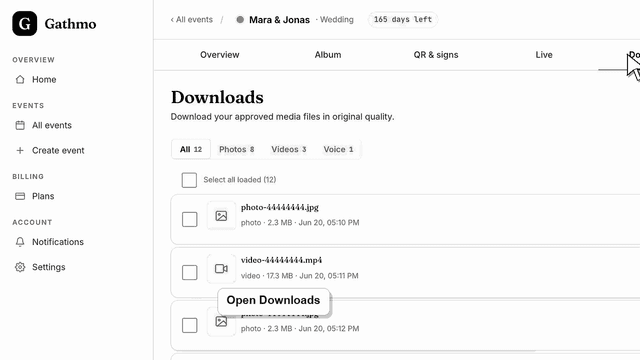
Download all Gathmo event media after the event, including photos, videos, and voice messages, and store exports securely.
Written by Martin Freiwald · Updated Jul 8, 2026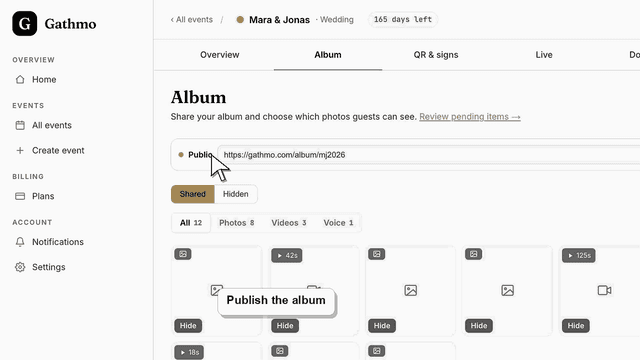
Publish your Gathmo album after the event so guests can view and download every approved photo and video in original quality from one shared link.
Written by Martin Freiwald · Updated Oct 8, 2026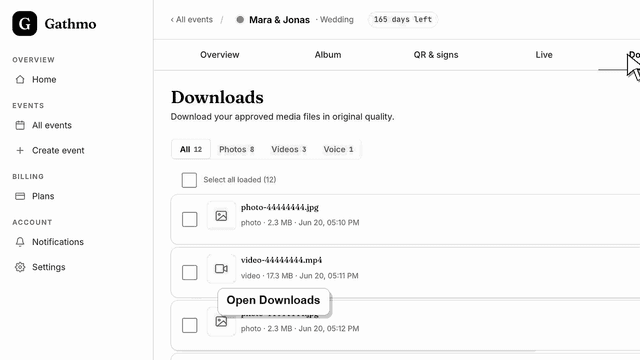
Download a Gathmo event ZIP or selected files, understand export behavior, and store guest media securely after it leaves the dashboard.
Written by Martin Freiwald · Updated Jul 8, 2026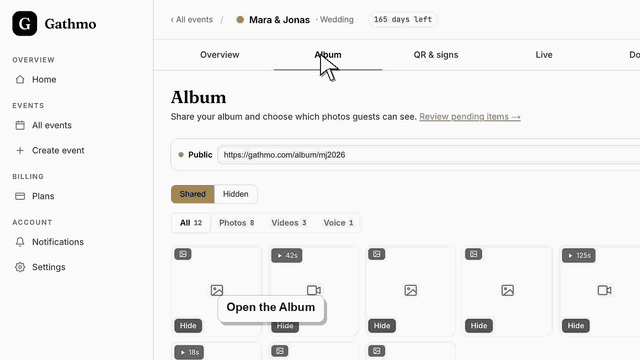
Turn on guest downloads in Gathmo and add an optional password so guests download every shared photo and video as one ZIP in original quality.
Written by Martin Freiwald · Updated Oct 8, 2026When the event is over, the album is the thing you keep. You can download everything at once, or select the files you want and take only those; either way the originals come down at the resolution they were uploaded in rather than a compressed copy.
Sharing the finished gallery is a separate decision from collecting it. You can send guests a link to the same album they contributed to, protect that link with a password, and keep the event private afterwards. The articles here cover the ZIP export, what a large download does on a slow connection, and how to hand the gallery over without making it public.
An album does not stay reachable forever. Every plan has a retention window, and the export is what turns a shared gallery into something you own regardless of it. Downloading once, soon after the event, while everyone is still uploading the last few pictures, is the habit worth having — a second export later costs nothing and covers whatever arrived late.
Related areas