Guests
Guest uploads
Help guests add photos, videos, and voice messages without an account.
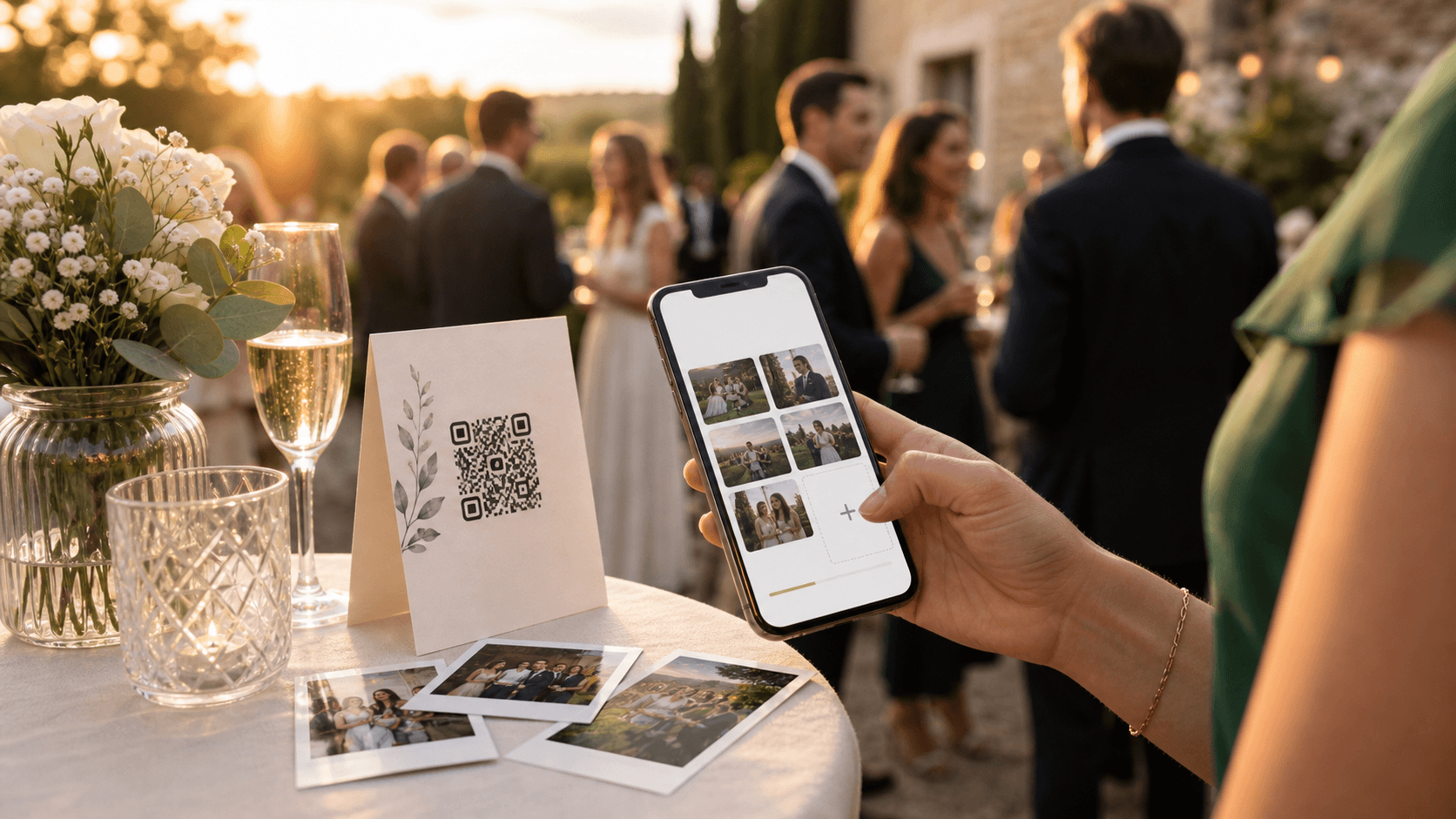
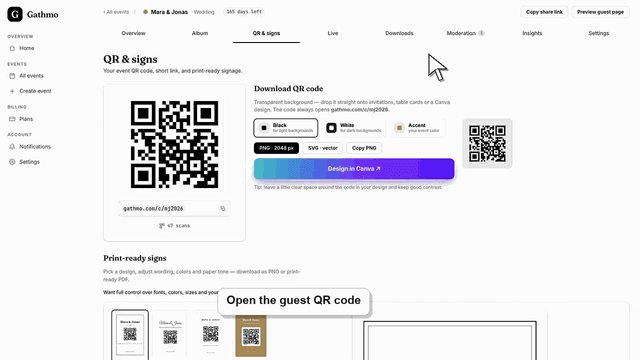
Show guests how to scan a Gathmo QR code, open the upload page, and add event photos from their phone without installing an app.
Written by Martin Freiwald · Updated Sep 2, 2026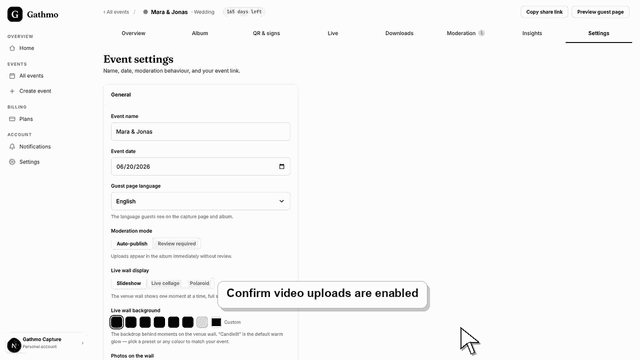
Show guests how to upload short Gathmo event videos from a phone browser, avoid failed uploads, and check plan video limits.
Written by Martin Freiwald · Updated Jul 8, 2026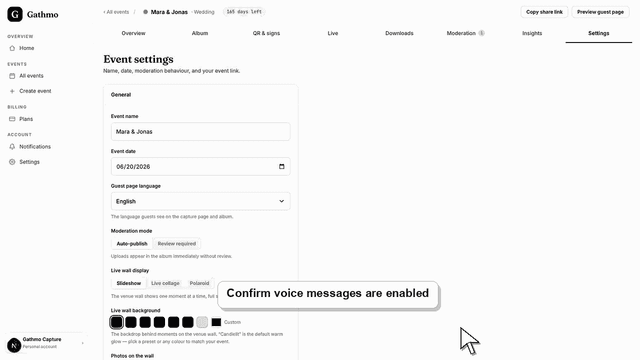
Help guests record Gathmo voice messages from their phone browser, check microphone access, and review audio uploads after the event.
Written by Martin Freiwald · Updated Jul 8, 2026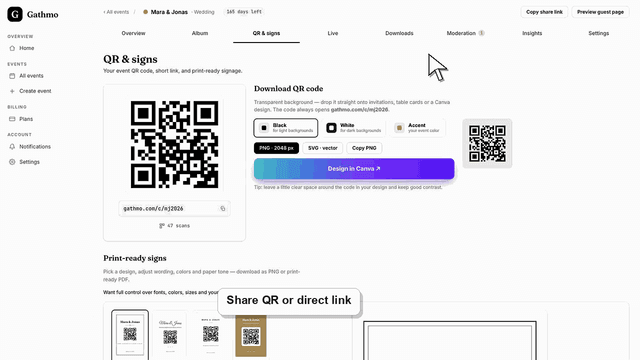
Explain that Gathmo guests can upload photos, videos, and voice messages from a browser without creating an account.
Written by Martin Freiwald · Updated Jul 8, 2026Upload professional photos and existing media through the Gathmo guest or host browser flow, including cloud-backed files, while preserving access and usage…
Written by Martin Freiwald · Updated Jul 13, 2026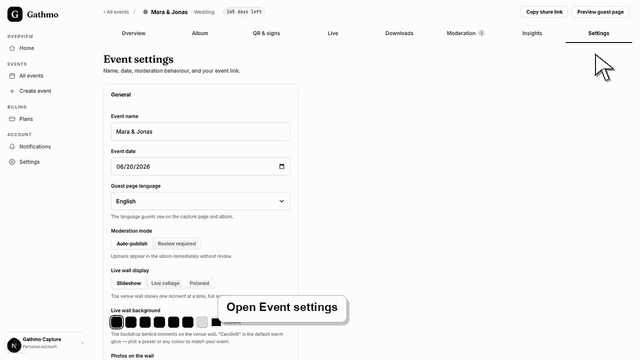
Choose whether Gathmo guests can upload photos, videos, voice messages, or a smaller media set, then test the guest flow.
Written by Martin Freiwald · Updated Jul 8, 2026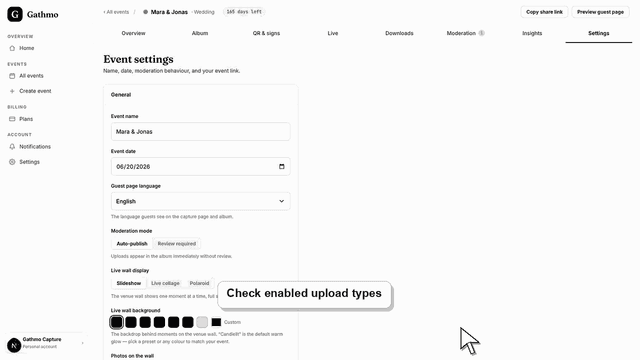
Understand Gathmo photo, video, and voice upload formats, plan limits, browser support, and why an accepted file can still fail.
Written by Martin Freiwald · Updated Jul 8, 2026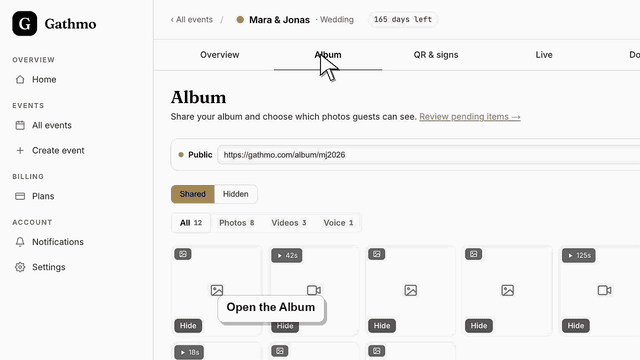
Guests need the host’s Gathmo QR code or link because there is no public event directory. Learn how to request deletion and fix an individual photo or video…
Written by Martin Freiwald · Updated Jul 13, 2026
Increase event photo, video, and voice-message contributions with tested QR placement, clear prompts, host seeding, live reminders, and a post-event follow-up.
Written by Martin Freiwald · Updated Jul 13, 2026Guests do not need an account, an app, or a password. They scan the code, pick the photos they already took from their own gallery, and send them. Most people arrive with a phone full of pictures from the last two hours, so choosing several at once is the normal path rather than the exception.
Videos and voice messages work the same way. A guest can leave a spoken message where they would otherwise have written a line in a book, and add their name at the end if they want the message attributed. The articles here cover file types, size limits, what a guest can delete afterwards, and how to get more people to upload at all.
How many guests upload has less to do with the product than with when they are asked. A sign on the table is read early, a mention during the speeches is remembered, and a link sent the next morning catches everyone who meant to and forgot. The section on increasing participation is about that timing rather than about settings.
Related areas