Review
Gallery and moderation
Manage uploads, review content, and show a live gallery during the event.

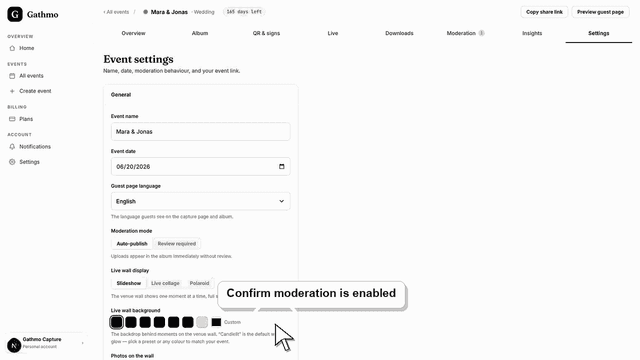
Use Gathmo moderation to review, approve, hide, or reject guest uploads before they appear in the shared gallery or live wall.
Written by Martin Freiwald · Updated Jul 8, 2026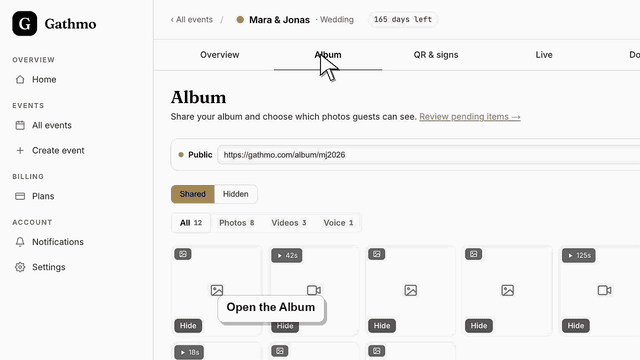
Hide or delete guest uploads in Gathmo when media should not appear in the gallery, then review privacy and download implications.
Written by Martin Freiwald · Updated Jul 8, 2026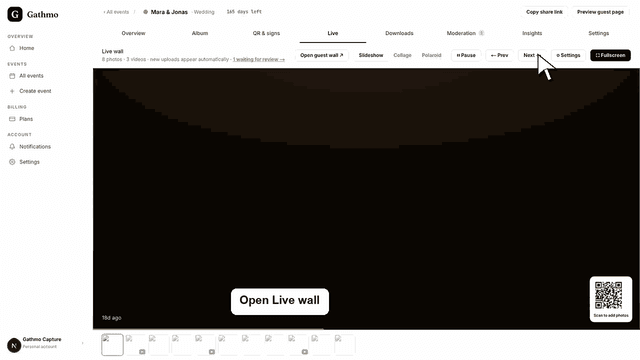
Use the Gathmo live gallery during an event, decide what appears publicly, and check moderation before showing uploads on a screen.
Written by Martin Freiwald · Updated Jul 8, 2026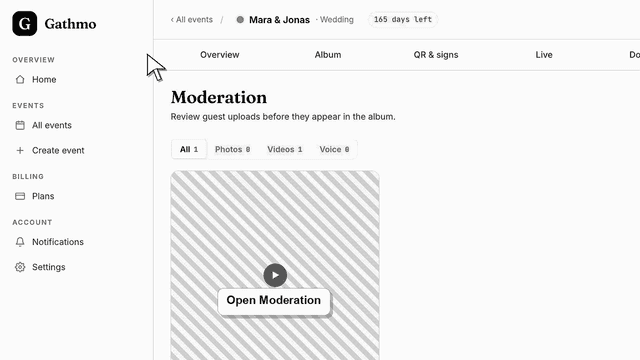
Approve, reject, or flag pending guest uploads in Gathmo Moderation, or use Approve all to publish the whole queue to your album at once.
Written by Martin Freiwald · Updated Jul 9, 2026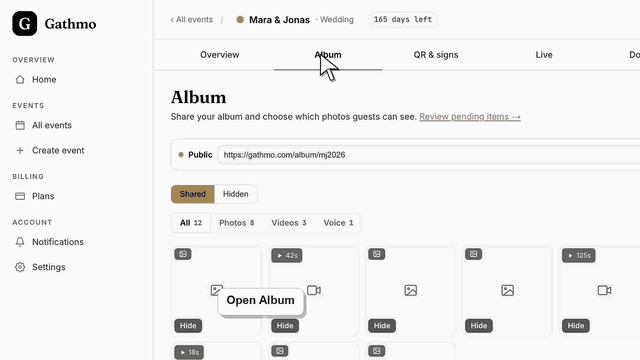
Publish or hide a Gathmo album after an event, check who can access it, and confirm privacy settings before sharing with guests.
Written by Martin Freiwald · Updated Oct 8, 2026Once guests start sending, this is where what they sent lives. You decide before the event whether uploads appear immediately or wait for you: with review switched on, nothing reaches the shared album until you approve it, and approving in bulk is one action rather than one per photo.
The same album can run on a screen during the evening. A live gallery updates as pictures arrive, which is worth setting up before the room fills rather than during it. The articles here cover approving and hiding uploads, publishing the album, and what guests see while a photo is still waiting for you.
Hiding an upload and deleting it are different things, and the difference matters when a guest asks. A hidden photo leaves the shared album but still exists for you; a deleted one is gone. If you are moderating during the event rather than after it, the bulk actions are the ones to learn — approving forty photos individually is how an evening gets away from you.
Related areas