Start here
Getting started
Create your event, test the guest flow, and understand the basics.

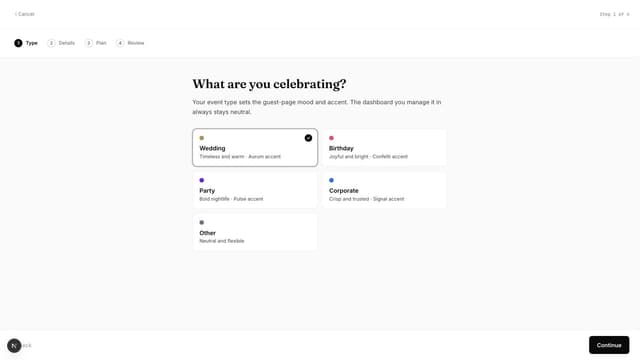
Create a Gathmo event in about 5 minutes: choose guest upload options, test the QR flow, and review plan and privacy settings before sharing with guests.
Written by Martin Freiwald · Updated Sep 3, 2026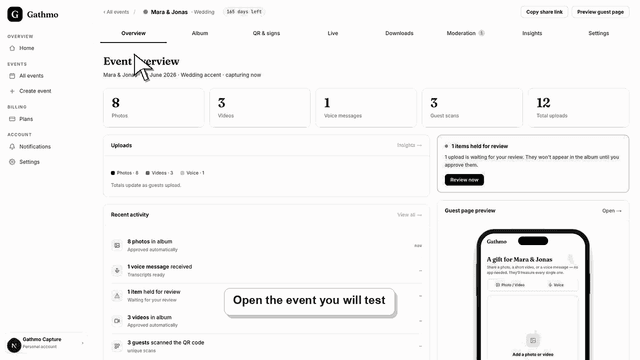
Test the Gathmo QR code, guest upload page, moderation, and dashboard before you print signs or invite event guests.
Written by Martin Freiwald · Updated Jul 8, 2026Use Gathmo for weddings, birthdays, parties, corporate events, and other private occasions; the event type labels your setup but does not limit uploads.
Written by Martin Freiwald · Updated Jul 13, 2026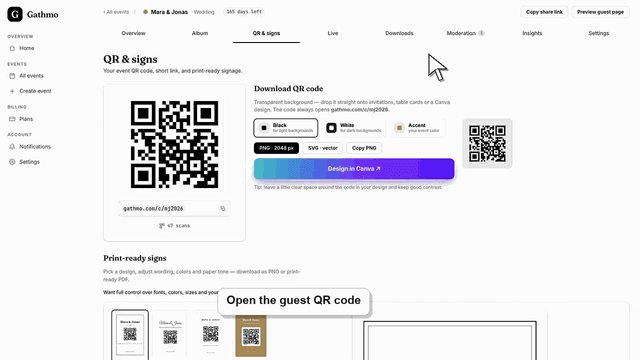
Gathmo works in modern phone and desktop browsers without a guest app. Learn about iPhone, Android, Mac, Windows, countries, currencies, and cloud photo…
Written by Martin Freiwald · Updated Jul 13, 2026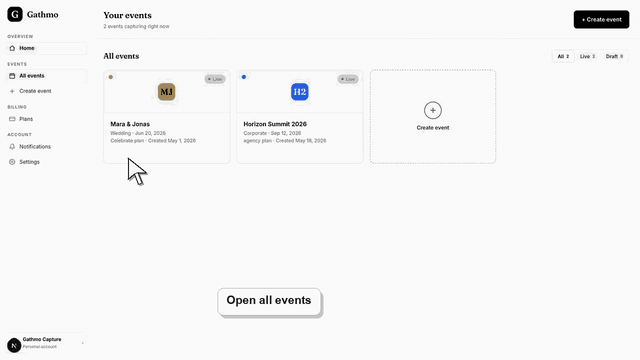
Learn how one Gathmo event connects its guest upload page, host-managed album, public gallery view, moderation queue, and optional live wall.
Written by Martin Freiwald · Updated Jul 13, 2026Create a Gathmo event at any time, test with up to 20 items, unlock paid capacity 48 hours before the date, and keep collecting afterward.
Written by Martin Freiwald · Updated Jul 13, 2026This is where a Gathmo event begins. Creating one takes a few minutes: you name the event, pick its type, choose whether uploads appear straight away or after you review them, and you get a link and a QR code back. Nothing else is required before guests can use it.
The one step worth not skipping is the test run. Open your own QR code on your phone, upload a photo as a guest would, and check that it lands where you expect. Five minutes here is what stands between a working sign on the table and a problem you only notice on the night.
Two decisions are worth making before you create anything: which event type fits, and whether uploads should wait for your approval. Neither is permanent — moderation can be switched after the event exists, and the name, date and language can all change later — but knowing what you picked saves a puzzled moment when the first photo does not appear where you expected.
Related areas